



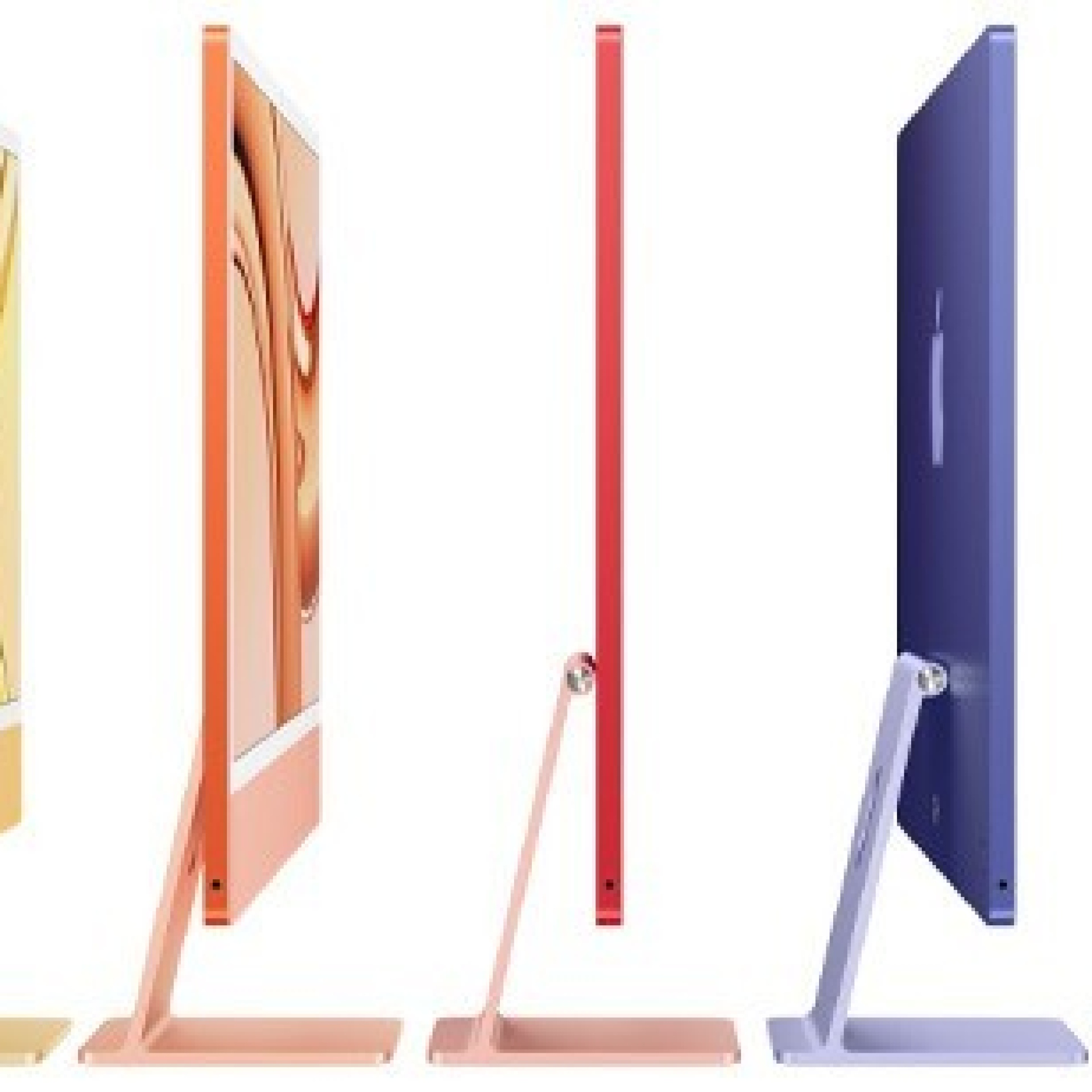
Refurbished iMacs
Find the Refurbished iMac you're looking for in the iServices Online Store. These are quality refurbished computers with a 3-year warranty.
Looking for a Refurbished iMac for your workspace? iServices has the solution! Find the iMac that suits your needs in the Online Store. Whether you're setting up a home office or an office for a student, our iMacs are prepared for the challenges of new users.
What is a Refurbished iMac?
A Refurbished iMac is a refurbished monitor that undergoes a series of tests at iServices. The goal is to assess whether this PC performs well and is of good quality to return to the market.
These tests attest to the quality of the hardware and software, also cleaning and repairing any component. After the Refurbished iMac goes through this process, it is put up for sale as new, and with a 3-year warranty.
Why buy a Refurbished iMac?
Buying a Refurbished iMac has many advantages. First of all, the 3-year warranty after the tests it undergoes at iServices. Everything is seen by us before it is put up for sale.
Refurbished iMacs are more affordable compared to new iMacs. However, they are still a quality solution. Another advantage is sustainability. It reduces electronic waste and also saves money and natural resources.
iServices Refurbished iMac Condition Line
- Refurbished Excellent Condition
The iMac with an Excellent Condition rating represents the highest level of quality. These are virtually new devices with no visible signs of use, offering customers a premium experience.
- Refurbished Very Good Condition
The Apple computer with a Very Good Condition rating is of excellent quality, with possible minor signs of minimal use. These devices offer reliable performance at a more affordable price.
- Refurbished Good Condition
The iMac with a Good Condition rating may show more visible signs of wear, but still offers solid performance and is an economical option for those looking for a computer that works well.
Refurbished iMac FAQs
How to choose a Refurbished iMac?
The origin of your Refurbished iMac is everything. At iServices we have trusted suppliers, and our technical team ensures that they assess the performance of the various components of our iMacs, as well as evaluate the performance in terms of software, so that no detail escapes.
In addition, from an aesthetic point of view, at iServices we always work with equipment with slight or non-existent signs of use, as we believe that in addition to the functioning of our Refurbished products, it is important that they also have a good presentation.
Which Refurbished iMac to choose?
Depending on the use you intend to give your new Refurbished iMac, you should always consider that the more recent, the more powerful the machine will be. So, if you intend to develop jobs that involve heavy multitasking and more complex programs, consider a model launched in recent years.
If the Apple iMac Refurbished is intended for more basic tasks such as word processing and other Office tools, an older model will be up to the challenge!
How to format an iMac?
If you need to format the iMac, you must pay attention to the following steps:
- 1. Start by creating a backup with all the data;
- 2. Disconnect the connection with all external storage devices and other peripherals;
Recovery mode
- 1. Restart the iMac and press and hold the "Command" (⌘) + "R" key immediately after the startup sound;
- 2. Continuing to press the same keys until the Apple logo or the startup options appear;
- 3. Choose one of the users with administrator permissions and enter the password.
Format disk and reinstall macOS
- 1. On the “macOS Utilities” screen, choose “Disk Utility” and then click “Continue”;
- 2. Select the startup disk in the left column;
- 3. Click "Erase" in the top toolbar;
- 4. On the chosen disk, select the format "APFS" or "Mac OS Extended (Journaled)", then click "Erase";<
- 5. Close the Disk Utility window and return to the "macOS Utilities" screen;<
- 6. Choose "Reinstall macOS" and click "Continue";
- 7. Follow the remaining instructions to finish reinstalling macOS;
After reinstalling macOS, follow the instructions that will appear on the screen. Finalize the configuration, which includes connecting to the internet and the Apple iD as well as restoring the backup made.
How much does a Refurbished iMac cost?
The price of a Refurbished iMac depends on several factors. The model - whether it is an iMac 24", iMac 27", iMac Pro or the iMac Retina de 21.5”. But also the year of launch, the specifications and also who sells it.
At iServices we have a wide range of Refurbished products at affordable prices. Explore our Online Store and compare prices and models of Apple iMac Refurbished in order to make the best possible deal.
Where to buy a Refurbished iMac?
At iServices you can buy your Refurbished iMac both in one of our physical stores and in the online store. Discover our offer that extends to more Apple products such as the Macbook, iPhone and the Apple Watch.
Can I return or exchange the Refurbished iMac I bought at iServices?
The customer may proceed with the exchange/return of the Apple iMac Refurbished, within 14 days after receiving the computer, provided that:
- - The equipment has not been used;
- - The computer maintains its original characteristics and labels intact;
- - The device is complete. All material (equipment purchased and accessories, such as, for example, the charger) that accompanies the order must be returned, with the invoice;
- - The equipment must not present any damage caused by misuse of the same and must be formatted with the original settings of the device (in unlock code and/or iCloud deactivated, in the case of Apple refurbished).
Equip your Refurbished iMac!