No store found
Try searching for a different store or check your spelling

Favourite Store
Select your favourite store
No store found
Try searching for a different store or check your spelling
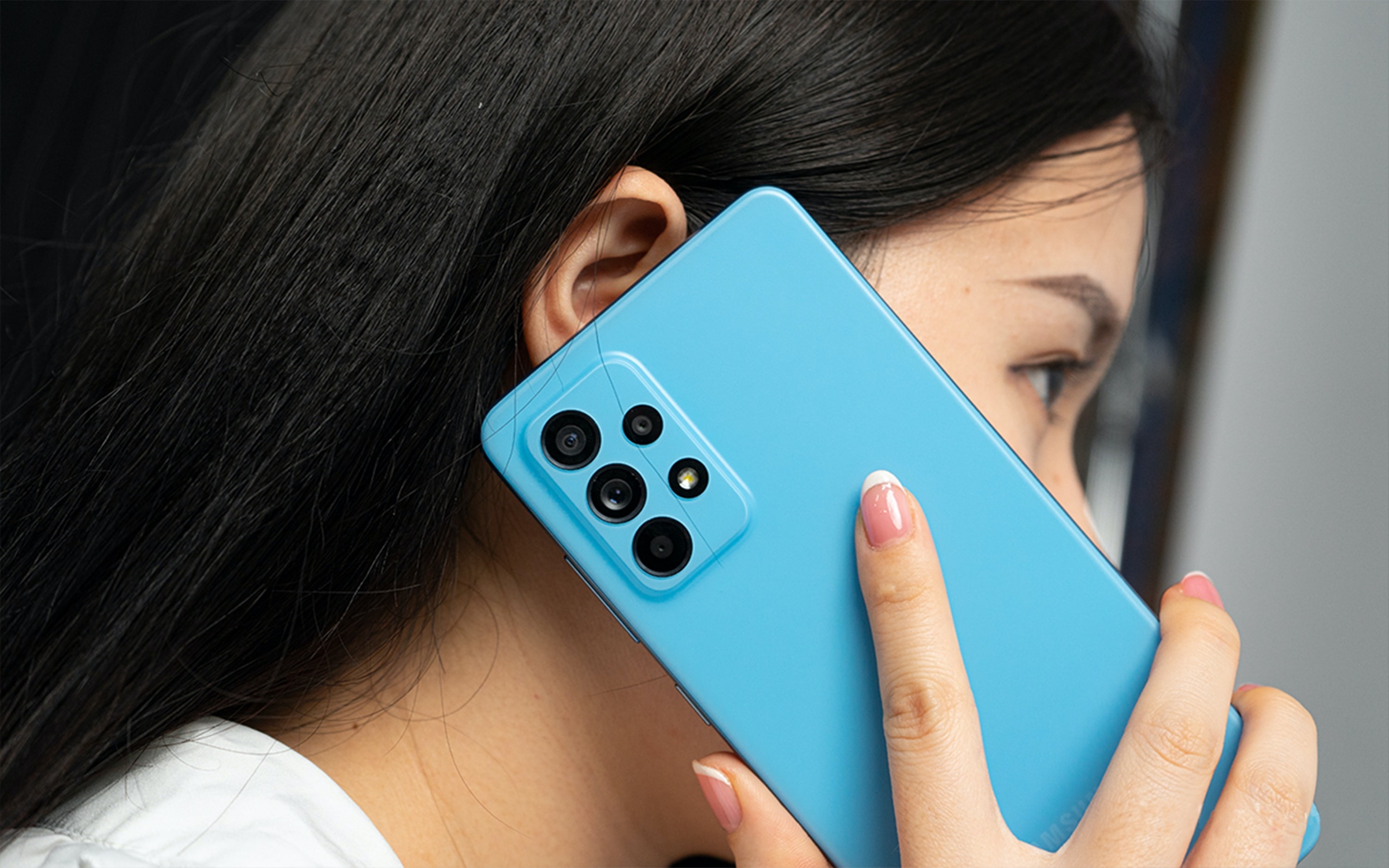
How to keep your Samsung battery longer (and what to do when you have battery problems)
Samsung battery is known for high quality and good performance. When well cared for, it can last longer and provide better performance from your equipment.
The latest generation lithium-ion (Li-ion) batteries, used throughout the Samsung Galaxy range, are characterized by their light weight, durability, ease of maintenance and high energy density. Of course, battery capacity and hours of use vary depending on device settings and usage patterns.
Despite being used by virtually every brand on the market, the truth is that lithium batteries deteriorate over time. Even when not in use, charging capacity decreases and the need for more charging cycles increases. So sooner or later, when your Samsung turns off more often than usual, it might be time to replace the battery.
First of all, follow our 5 tips to prolong the life of your Samsung battery:
How was that joke? The problem with my smartphone is not the battery, it's the memory. 20 minutes after being charged, have you forgotten it!?
If your Samsung battery doesn't work or is constantly losing autonomy, contact iServices. Our multi-brand certified technicians are ready to make the diagnosis on the spot and replace the battery if you wish. If you don't have the opportunity to go to one of the more than 30 stores in mainland Portugal and islands, or opt for the mobile phone collection and delivery service with its own couriers.

Looking for sports gadgets? Discover the best accessories from iServices that help improve your performance, monitor your health, and make your workouts more effective.

Is it worth buying the iPhone 13 in 2026? Full analysis for those looking for a reliable, affordable and guaranteed refurbished iPhone.
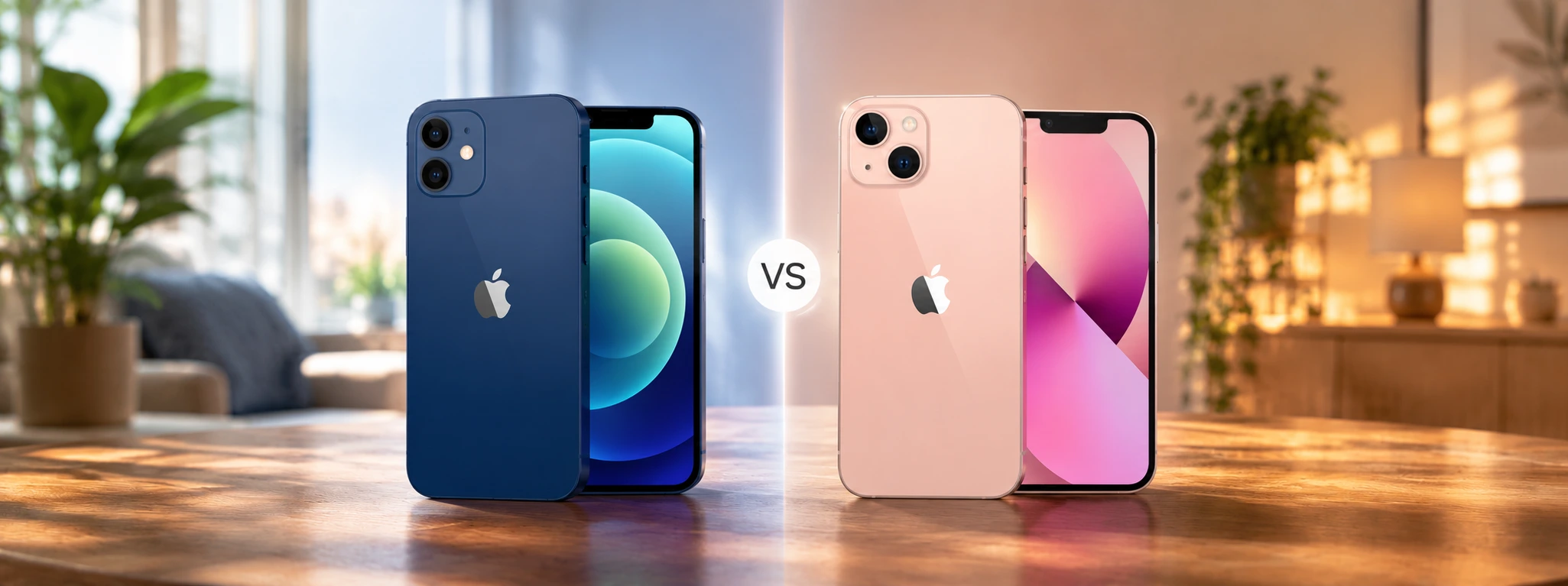
iPhone 12 or iPhone 13, check out the main differences between the two Apple models and discover with the help of iServices which one of the two is worth buying in 2026.