No store found
Try searching for a different store or check your spelling

Favourite Store
Select your favourite store
No store found
Try searching for a different store or check your spelling
Yesterday we announced that iOS 10.0 is coming soon but that doesn't make us start discarding the current version of iOS, 9.3.2. Do you know all the tricks that this version offers?
1 - Search within the applications; With the increase in the features of your iPhone, it can be difficult to locate the place where we can access or change some of them. Apple therefore decided to install a search engine that you can use within your settings.
2 - Shortcut to music; As soon as you connect your headphones to your iPhone, even if it is locked, a small shortcut appears on the right side of your iPhone that takes you directly to the music player you have defined.
3 - Select multiple images or documents at once; You no longer need to select image by image when you want to delete or move them, with this new feature you can simply slide your finger over all the files you want to select.
4 - Selfie and Screenshot Album; Your iPhone recognizes and separates photos from the rear camera, selfies taken with the front camera or even screenshots. All these photographs are organized in different albums.
5 - Battery optimization; There's no better way to save battery than to be aware of which applications are consuming more energy from the device. To access this information, just go to settings > battery > battery usage.
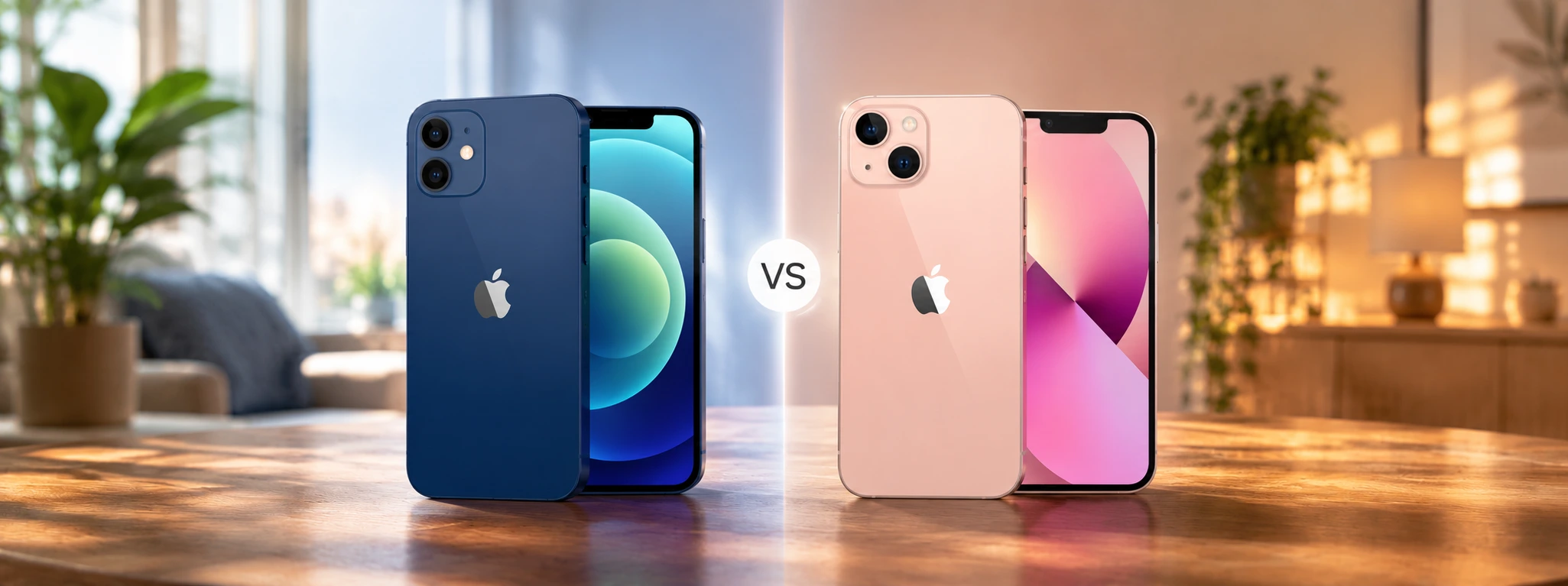
iPhone 12 or iPhone 13, check out the main differences between the two Apple models and discover with the help of iServices which one of the two is worth buying in 2026.

Meet the Smartband Sense+ from iServices, a smart bracelet with health monitoring, more than 100 sports modes and a battery life of up to 50 days.

Do you have a Samsung Smartphone? Protect it against drops and scratches with the Starter Kit from iServices: capa transparente, película de ecrã e lentes das câmaras.