No store found
Try searching for a different store or check your spelling

Favourite Store
Select your favourite store
No store found
Try searching for a different store or check your spelling
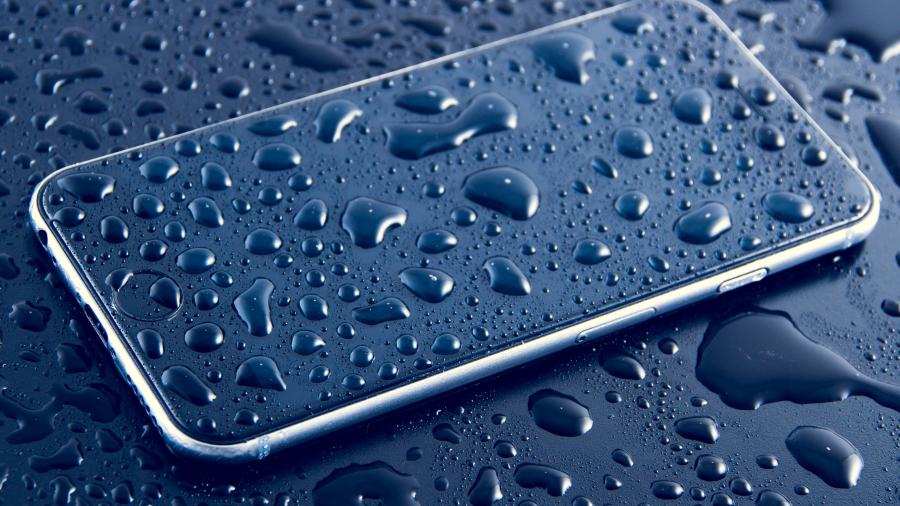
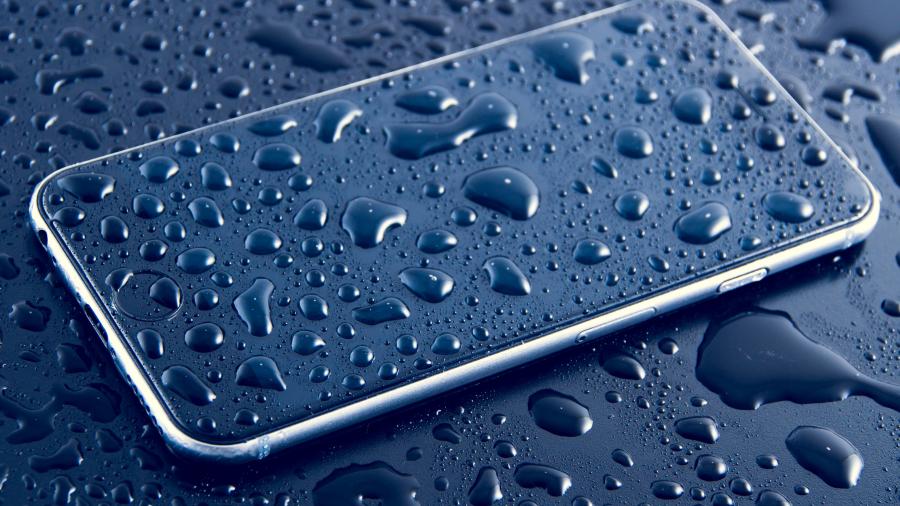 Electronic equipment is not the best friend of liquids, and they often end up dictating the end of the life of our devices, with irreparable damage. But if an unforeseen event happens and if our mobile phone or tablet comes into contact with liquids, what should we do? 1- Turn off the equipment if it is working . Even if your mobile phone continues to work, it is important that you turn it off, as when it has been in contact with liquids, a short circuit may occur. If you cannot turn it off by the conventional method, you can remove the battery from it if you have access to it. 2- Keep the equipment off. Do not try to turn on your phone after the damage to see if it is working or not. Turning on the equipment can further damage components or cause a short circuit that makes it impossible to repair. 3-Leave it in a dry place. Until you go to our store, leave your mobile phone in a dry place, do not try to dry it with dryers or other types of objects. Do not put it in contact with any substance as it may make your repair more difficult and will not bring significant benefits. 4- Go to a store iServices. This is the most important step and should be done as soon as possible. All our stores are equipped with specific machines to remove any trace of liquids, without damaging any component of the mobile phone or tablet. Cleanings may vary depending on the level of damage. If the equipment is not repaired after cleaning, this is completely free of charge.
Discover the 5 accessories that are essential for a summer festival. Power banks, smartwatches, phone cases and much more at iServices.
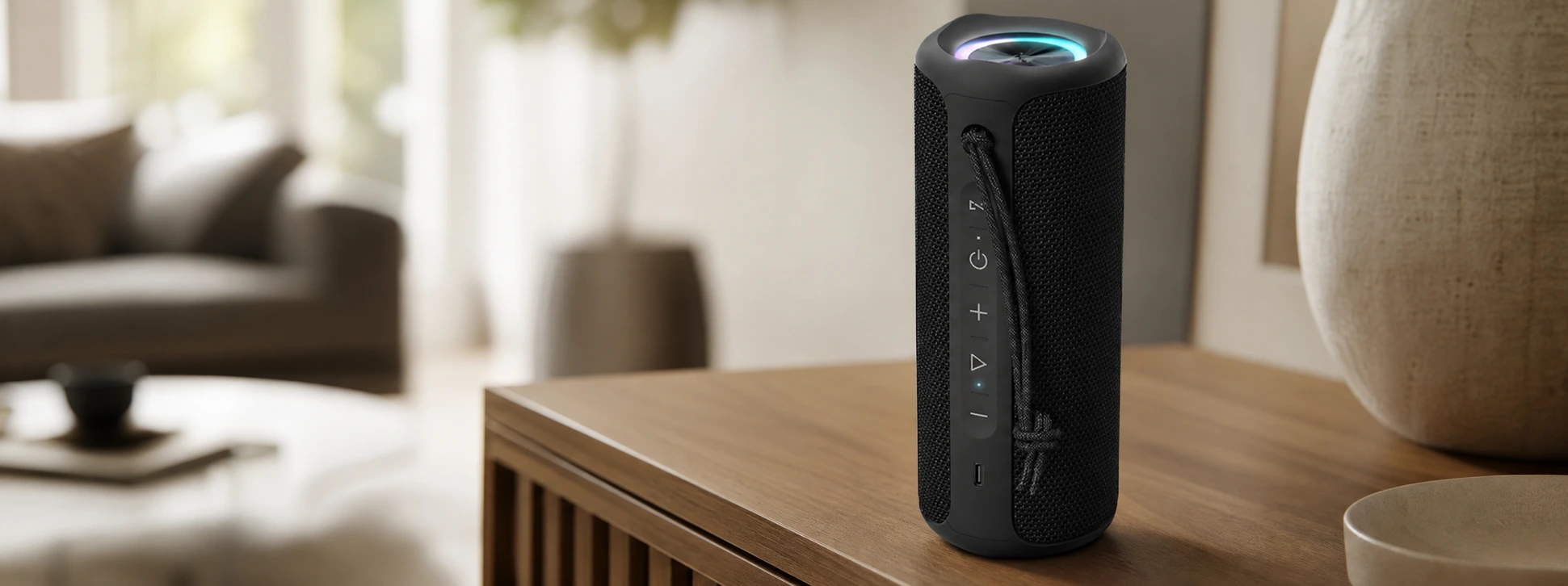
Discover the iServices SoundPulse Bluetooth speaker. Connect it via Bluetooth to 2 other speakers, featuring 20W power, RGB lighting, and a battery life of up to 12 hours.

Apple has unveiled iOS 27, a new Siri with artificial intelligence and many innovations during WWDC 2026. Discover everything coming to the iPhone, iPad and MacBook.