No store found
Try searching for a different store or check your spelling

Favourite Store
Select your favourite store
No store found
Try searching for a different store or check your spelling
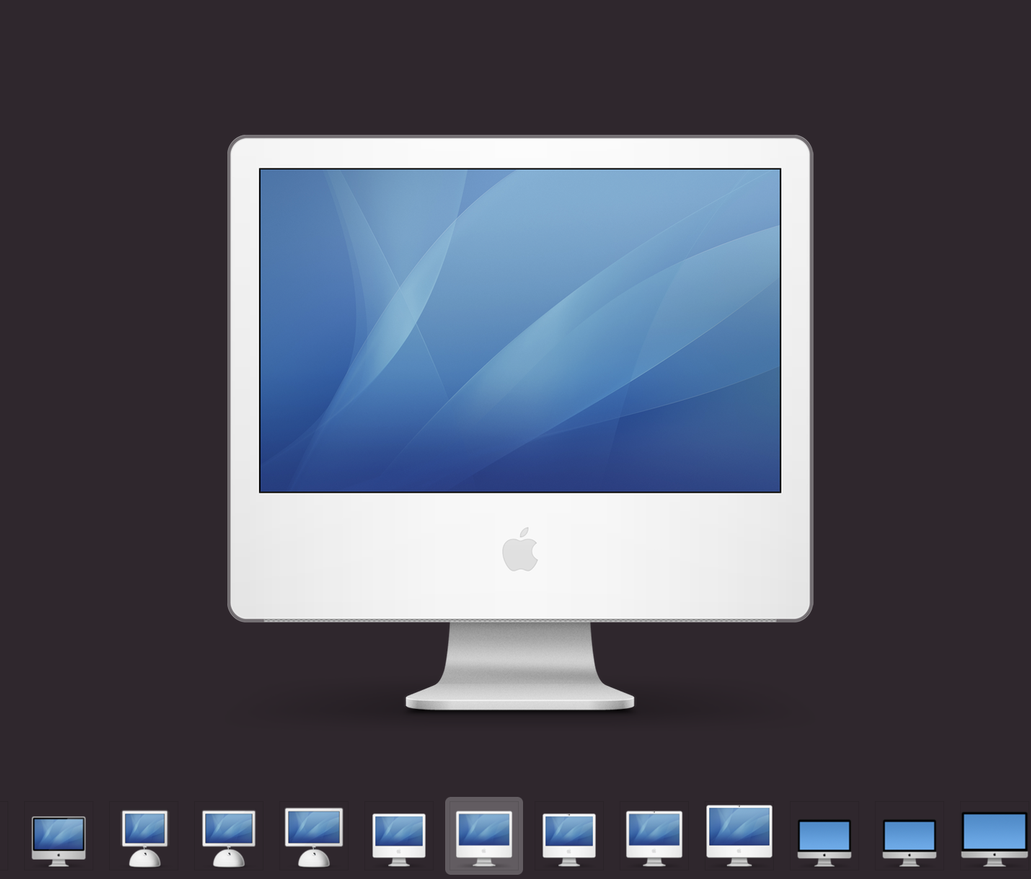
At iServices we are long-time Mac users, so we are always looking to learn something new about macOS. So you can imagine our joy when we discovered through a thread on Reddit a precious treasure that allows us to find the entire history of Apple icons!
In a system folder available on all Macs, the user can find icons for almost every machine Apple has produced since the year 2000. This includes iMacs, MacBooks, Mac Pros, Mac minis, and even Mac servers (anyone remember the eMac?). You'll also find lots of iPhones and even some iPod touches!
And there's more! It's not only Apple devices that are available in this folder. We also find icons that you may see or have seen when using your Mac over the years: the sync icon, the lock and unlock icon, the full and empty trash, etc.
So, what is the use of these icons?
These images remain available so that you can correctly identify the products they represent if your computer connects to them on a network share. If an old iMac communicates with a new Macbook, the user will see the icon appear on his machine with ease of identification. The same goes for iPhones, iPods and older AirPort devices.
And by the way, out of curiosity, according to another Reddit thread , older Windows machines also appear identified, yet Apple always assigns them the same icon. A rather hostile icon representing a beige CRT with an ominous blue desktop...
To find these icons on your Mac, click on your system hard drive (called Macintosh HD by default) and go to System > Library > CoreServices. Find and right-click on CoreTypes.bundle; select Show Content and click on Content > Resources . All icons will appear in this folder.
You already know: at iServices we are Mac specialists. If you need help to understand better how your computer works, visit one of our iServices shops. We have 35 shops, all over the country!

Discover the 5 accessories that are essential for a summer festival. Power banks, smartwatches, phone cases and much more at iServices.
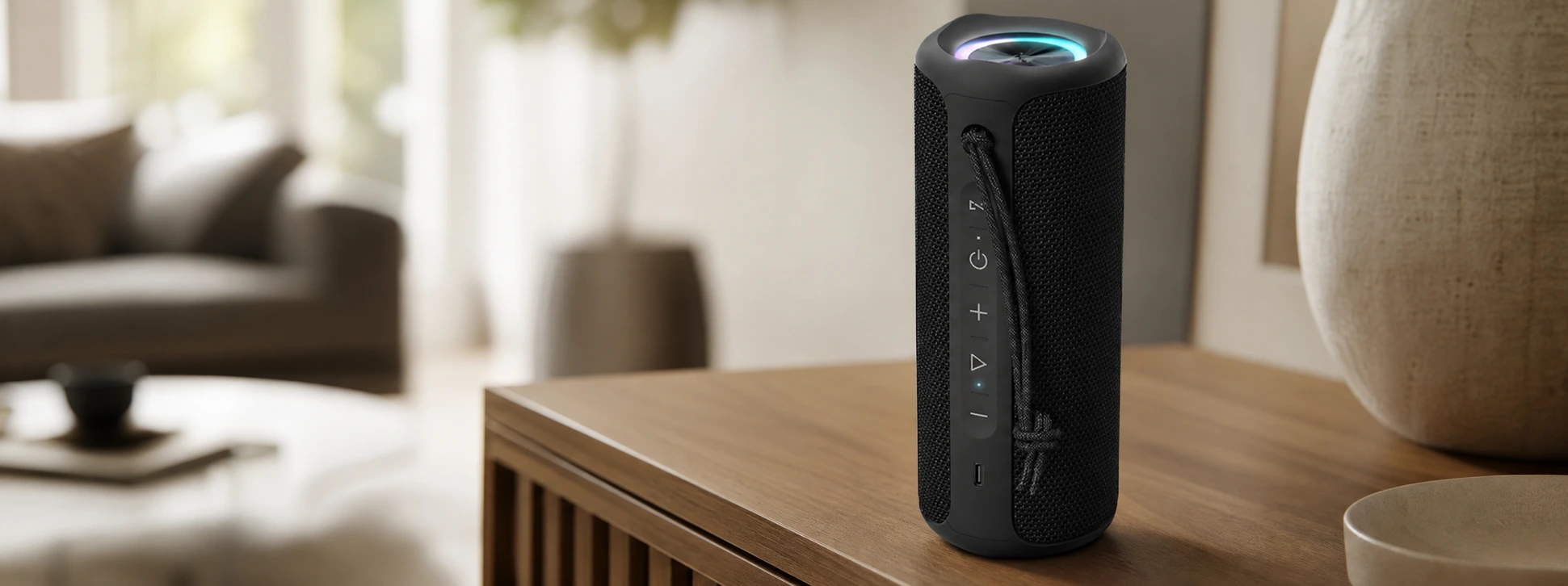
Discover the iServices SoundPulse Bluetooth speaker. Connect it via Bluetooth to 2 other speakers, featuring 20W power, RGB lighting, and a battery life of up to 12 hours.

Apple has unveiled iOS 27, a new Siri with artificial intelligence and many innovations during WWDC 2026. Discover everything coming to the iPhone, iPad and MacBook.