No store found
Try searching for a different store or check your spelling

Favourite Store
Select your favourite store
No store found
Try searching for a different store or check your spelling
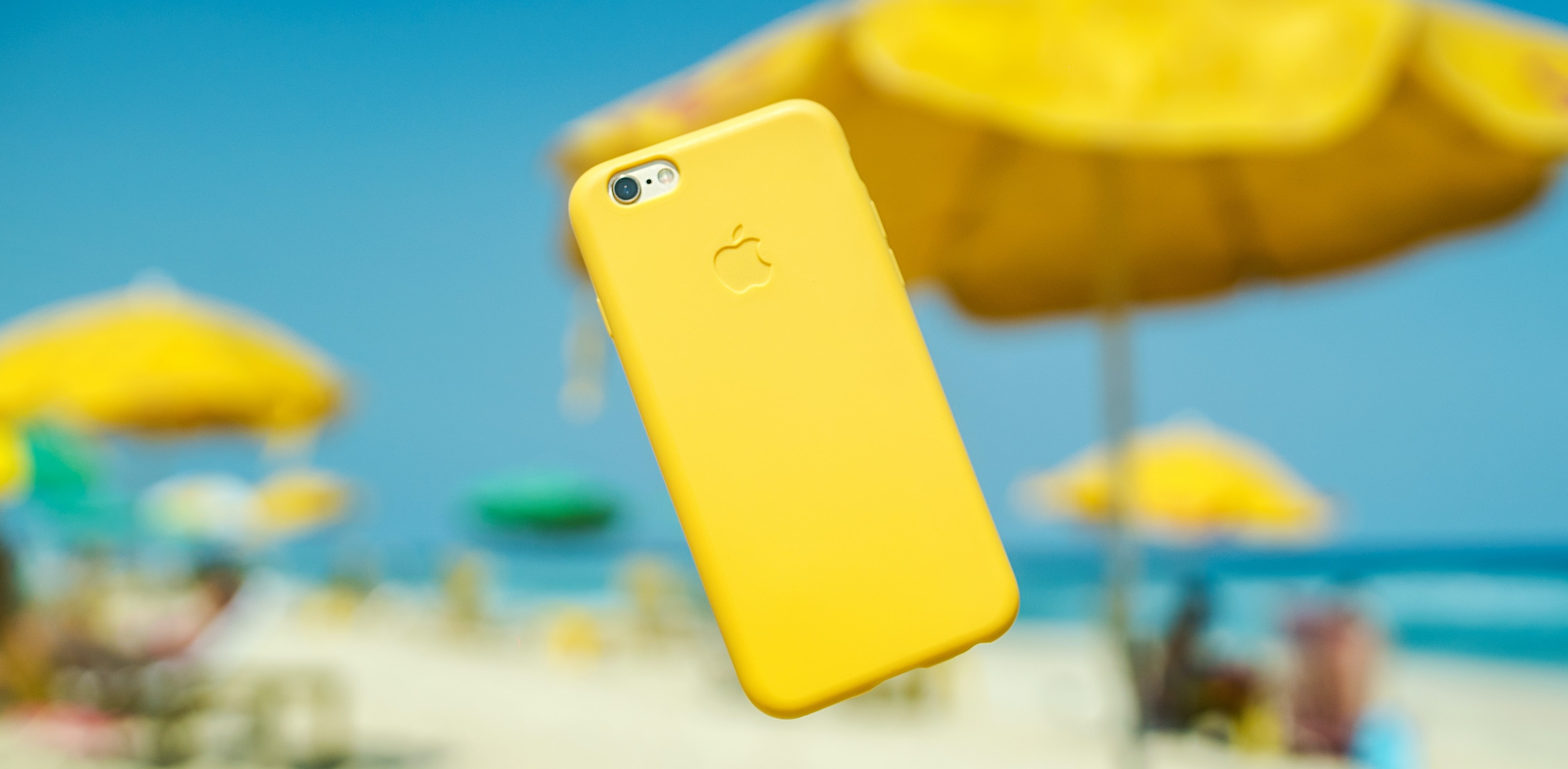
The month of August has arrived and with it the hottest days of the year. Going to the beach, swimming pool or on vacation, when we take the opportunity to go for a walk somewhere new, are areas that are very prone to exposing our smartphones to heat. All of this leads to an increased risk of our device overheating and, consequently, suffering some type of damage that could harm its performance.
These days, it's normal If we hold our smartphone and it's scalding, some even emit a notification warning us that the device is too hot. Although these devices are increasingly resistant to drops and water damage, temperature continues to be the smartphone industry's Achilles heel.
The components Your smartphone's internals can be damaged if temperatures are too high. One of the elements most affected by excess heat is the battery, which often starts to swell, which can lead not only to the need to change the battery, but also to the repair/replacement of other parts that can be damaged as a result, such as the screen, for example.
This is a common problem for any smartphone and, although not very common, it is still necessary to know how to react in a situation like this , especially in summer, when temperatures reach higher values. Therefore, throughout this post, we explain how you can avoid it and proceed to avoid damage caused by excess heat.
Avoid leaving your smartphone in the car. A car, especially when parked in the sun, works like a greenhouse. Heat comes in, but doesn't go out. Inside the vehicle, temperatures can reach values higher than those recorded on the street. We therefore recommend that if you go somewhere, even for a short time, you avoid leaving your smartphone in the car, even if it is in the glove compartment or in a place that is covered by the sun.
Constant use of your smartphone is one of the causes of the device heating up. Scrolling through social media, playing games, taking photos or watching videos can make the battery work harder. This will cause the battery to heat up which, together with external heat, will be one of the causes of damage caused by overheating of the equipment. Therefore, when our smartphone feels very hot, we must close all applications and leave the smartphone at rest and wait for the device's temperature to return to normal values.
On hotter days, we shouldn't carry our smartphone in our pocket if we want the device's temperature to maintain acceptable values. With heat, our body temperature also increases, so it is likely that the smartphone will overheat when in our pocket, especially if we are in the sun. A good way to preserve the temperature of your smartphone is to place it in a bag or backpack and, if possible, always keep it in the shade.
We must have pay attention to where we leave our smartphone. Having our device exposed directly to sunlight will certainly cause the smartphone's temperature to increase. A good way to avoid this situation, if it is not possible to keep your smartphone away from sunlight, is to turn off the equipment and try to use it only in the shade. Another way is to place something to cover the smartphone.
It is important that, as soon as we receive the alert notification for the device's temperature, we turn it off. This way the equipment will cool down more quickly, as there will be no other source of heat other than the ambient temperature. Removing the cover will also help your smartphone to cool down faster, as this accessory ends up acting as heat retention.
But not just the ambient temperature This could be the reason why your smartphone starts to heat up. Using a charger that is not suitable for your device or damaging the charger or cable may cause the temperature of your smartphone to increase. This can also cause serious damage to the equipment's battery, which can result in swelling. In this situation, the best thing to do is to remove the device from the charger and think about changing it.
Another way to prevent the smartphone from overheating and causing less pleasant consequences. is to use only the necessary features. In other words, turning off WiFi, mobile data, location, among others, when we don't need them, is beneficial for regulating the smartphone's temperature. The more features you have active, the greater the performance of the equipment, which translates into an increase in energy consumed by the battery and, consequently, an increase in the device's temperature.
We end this post with one last tip. This is aimed at those less fortunate than themselves who, or were not in time for this set of suggestions and who saw their smartphone damaged by the abnormal increase in the smartphone's temperature.
If your equipment has damage caused by overheating, visit one of the iServices stores! Our technicians will carry out a free diagnosis, analyzing which components are damaged and carrying out the necessary repairs, immediately.

Is it worth buying the iPhone 13 in 2026? Full analysis for those looking for a reliable, affordable and guaranteed refurbished iPhone.
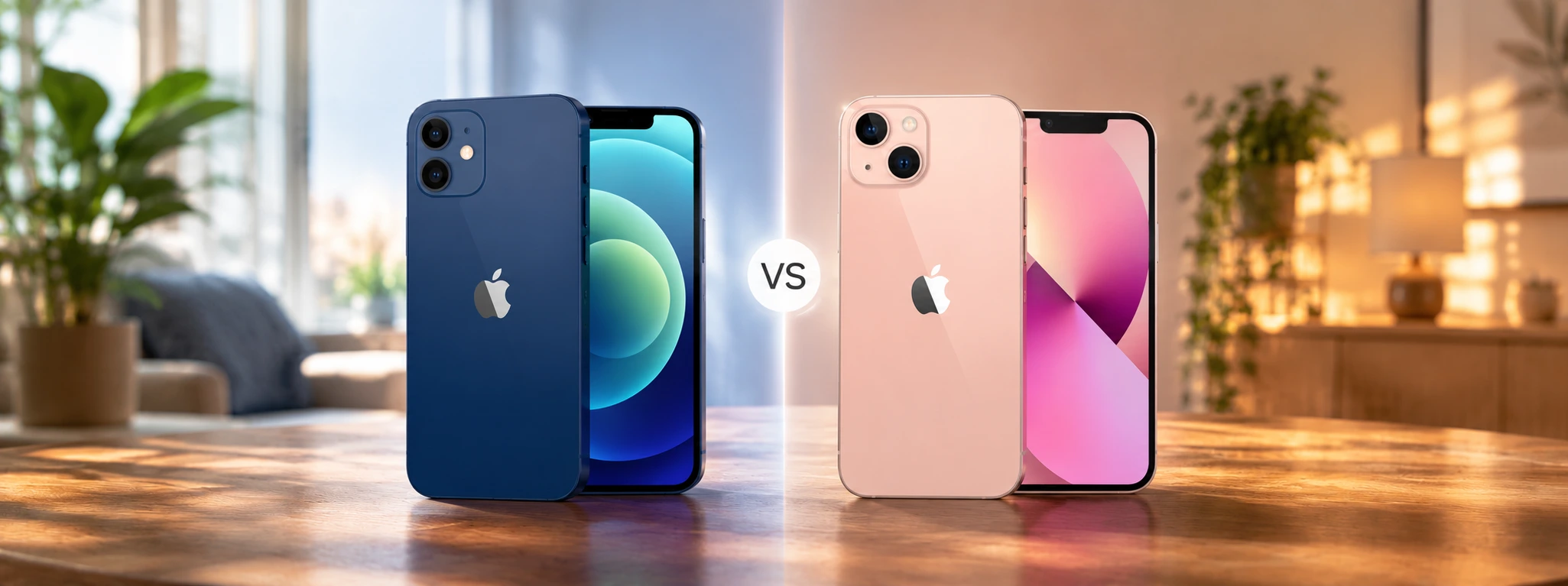
iPhone 12 or iPhone 13, check out the main differences between the two Apple models and discover with the help of iServices which one of the two is worth buying in 2026.

Meet the Smartband Sense+ from iServices, a smart bracelet with health monitoring, more than 100 sports modes and a battery life of up to 50 days.