


 Best Seller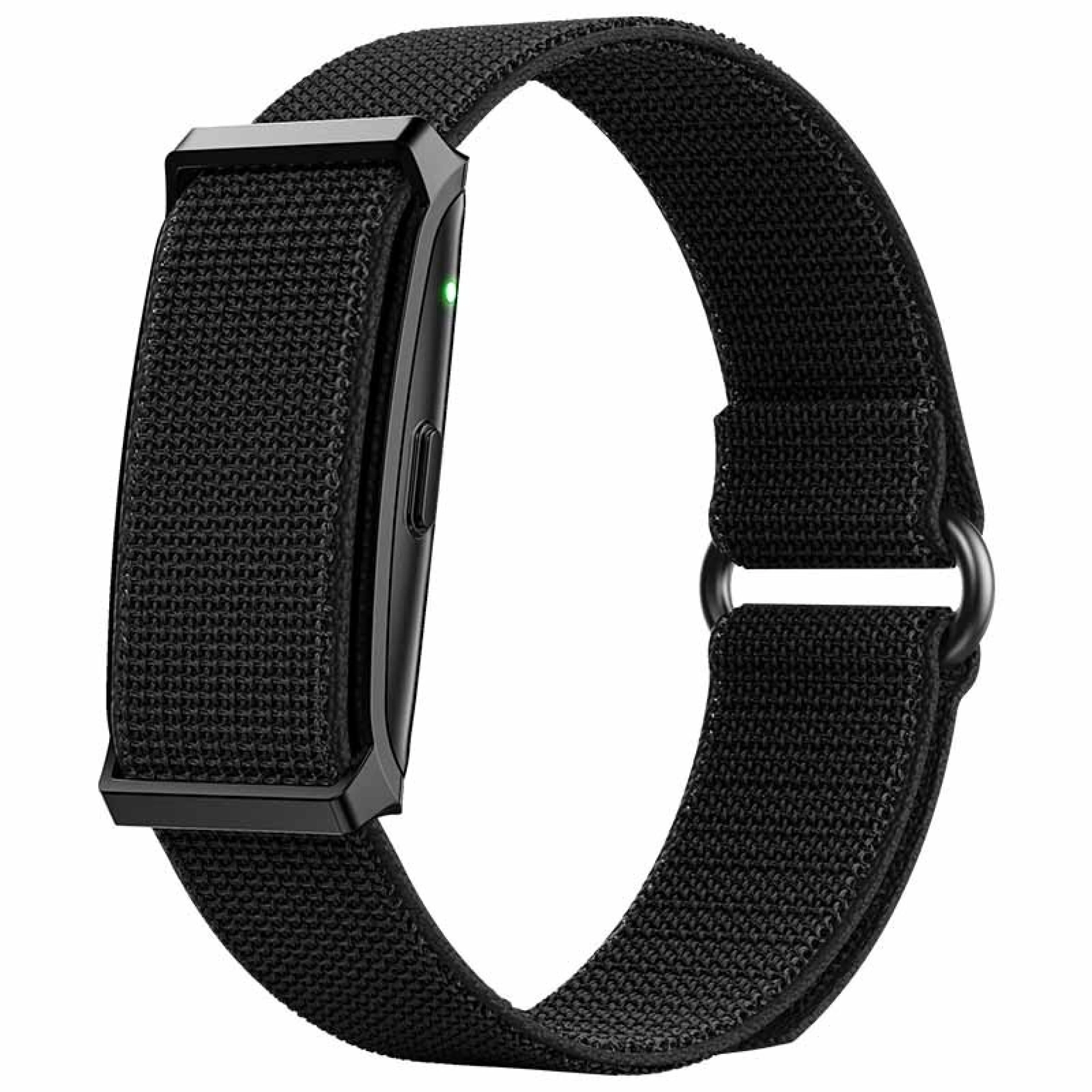

Favourite Store





€39.95
VAT included
Check store availability







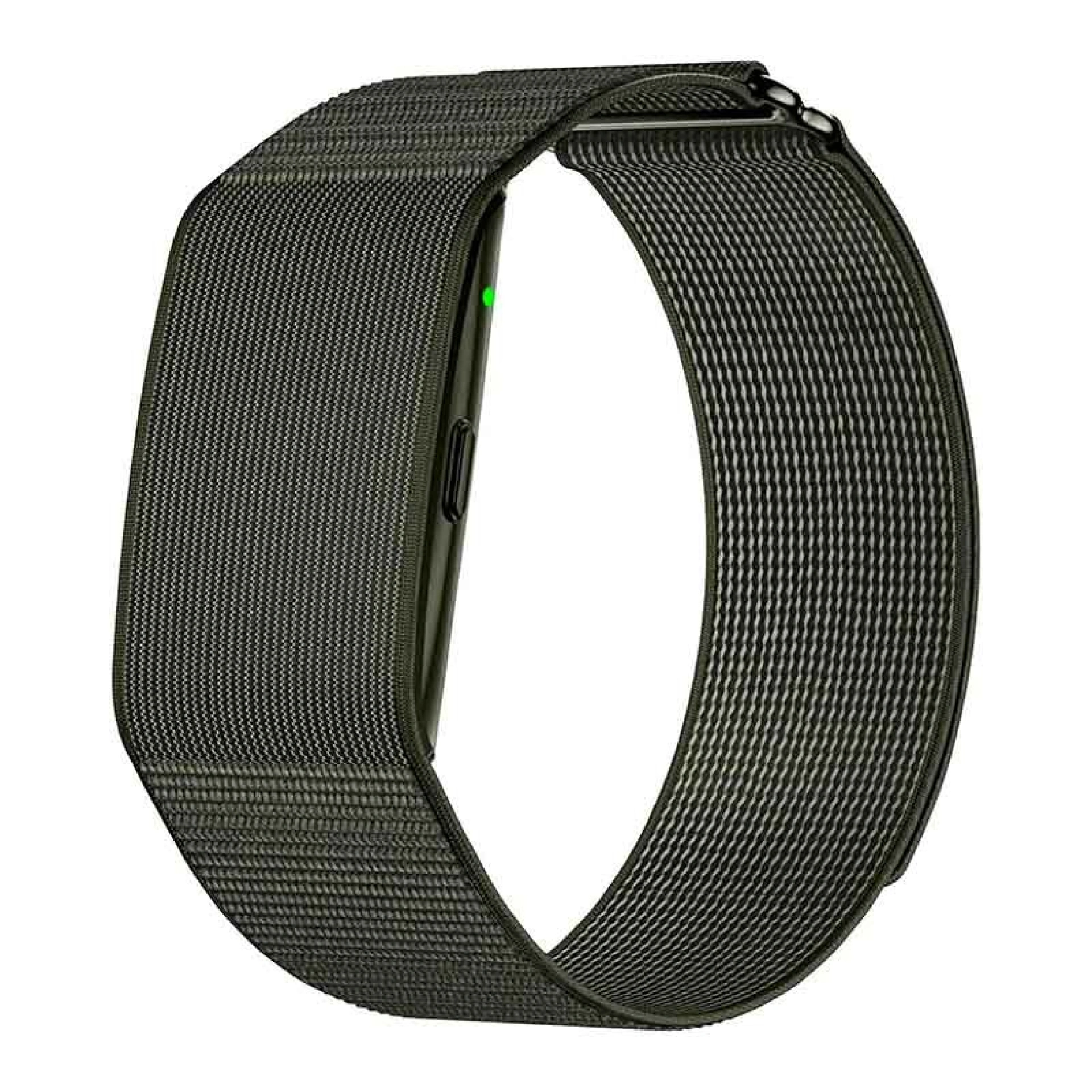
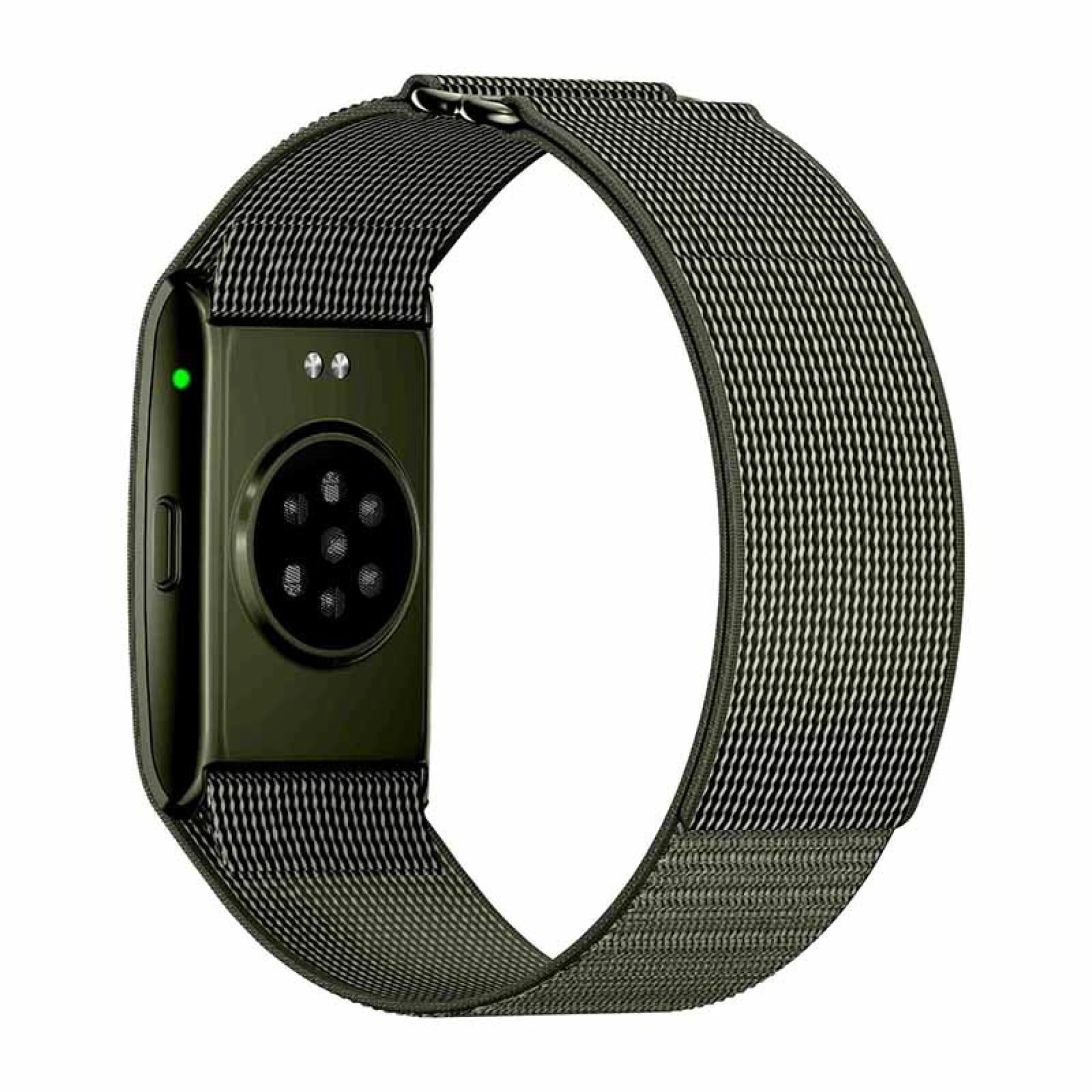
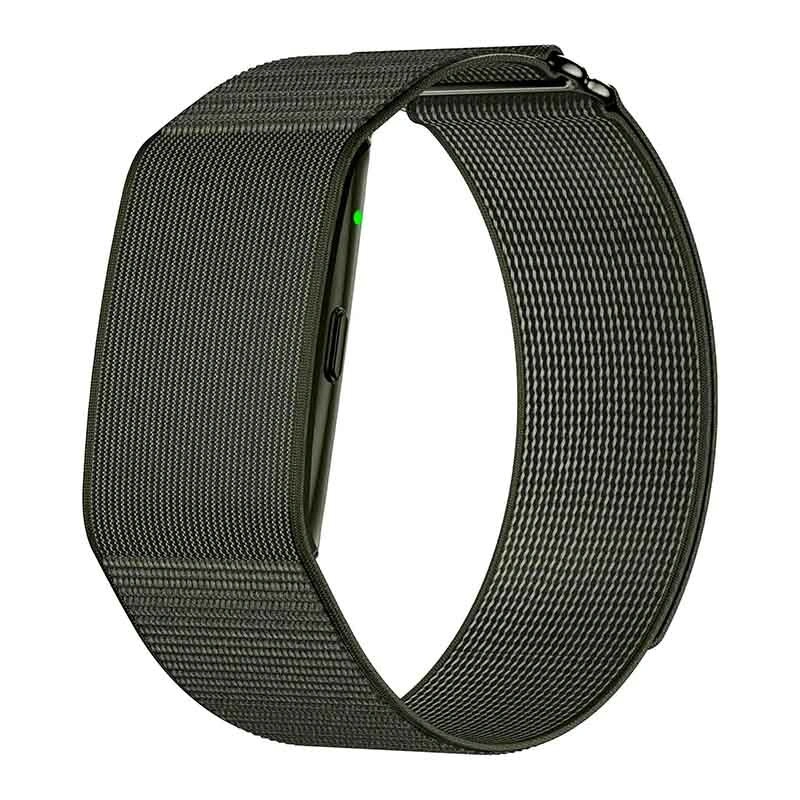
Introducing the Sense+ iS Smartband, the new companion for anyone who wants to adopt or already enjoys a healthier lifestyle connected to what truly matters. With a minimalist design and cutting-edge features, this smart bracelet from iServices was designed to monitor your health 24 hours a day, with long-lasting battery life.
Whether you want to track your vital signs or improve your sports performance, count on the precise help and durability of the Sense+ Smartband from iServices.
Best Seller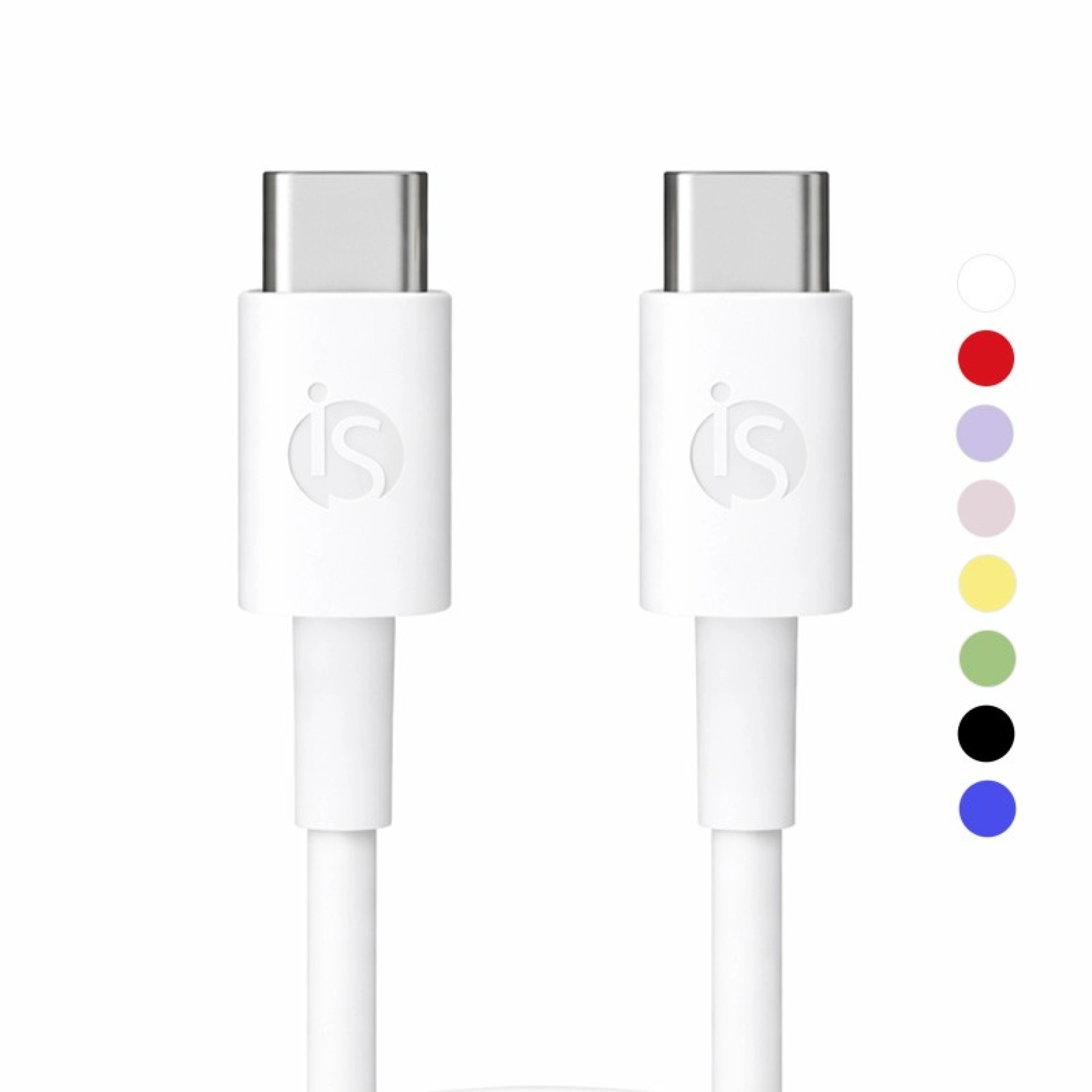 Best Seller
 Promotion
 36 Months
30-Day Returns
Changed your mind? Return your product hassle-free within 30 days.
Secure Payment
Use our secure checkout and purchase the products you need
Fast shipping across the whole country
Receive your product at home, without paying extra for it
Satisfied customers
Long-lasting Warranty
Free Delivery
💤 Sleep Tracking
Because rest is crucial, the Smartband Sense+ gives you access to a detailed analysis of all your sleep stages. It is the perfect way to identify patterns and improve the quality of your rest so that you enjoy more productive days.
🏃 Track Your Workouts
Stay focused on your goals with over 100 sports modes. Track and view your progress over time. With its built-in workout tracker, you can monitor steps, calories burned, and exercise duration, turning this smart wristband into your personal trainer on your wrist.
🔋 Unmatched Battery Life
Say goodbye to daily charging with the Smartband Sense+. Its 180 mAh battery provides up to 50 days of typical use. Charging is made simple using the included charger in the box, taking only about 1 hour and 30 minutes to reach a full charge.
🌊 IP68 Water Resistance
Featuring an IP68 certification, this Smartband guarantees resistance against water and dust, allowing you to train in the rain or wash your hands with total peace of mind.
📊 iS Health Ecosystem
Sync all your data seamlessly with your mobile phone and track the evolution of your health through intuitive charts and detailed reports.
⌚ Style and Comfort
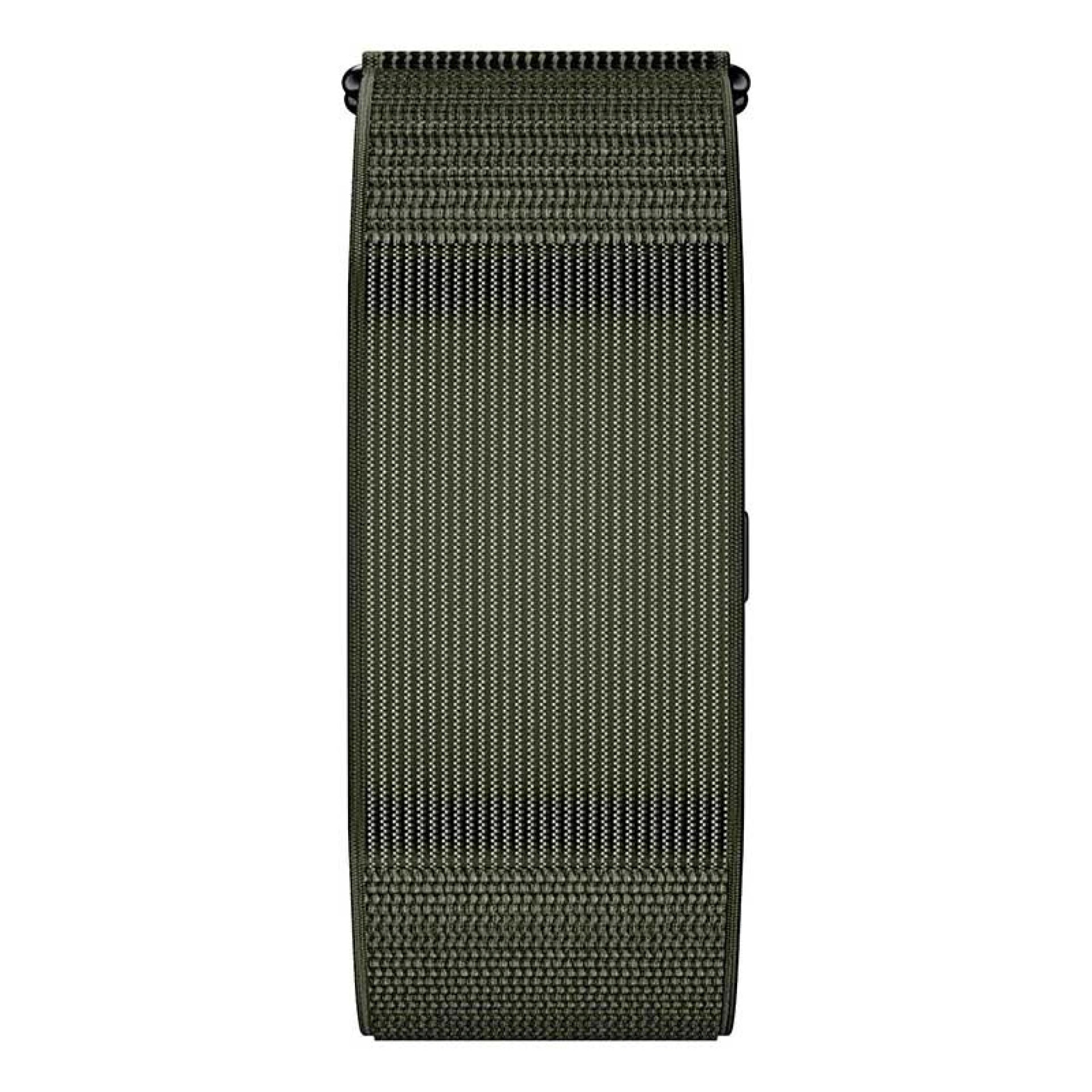
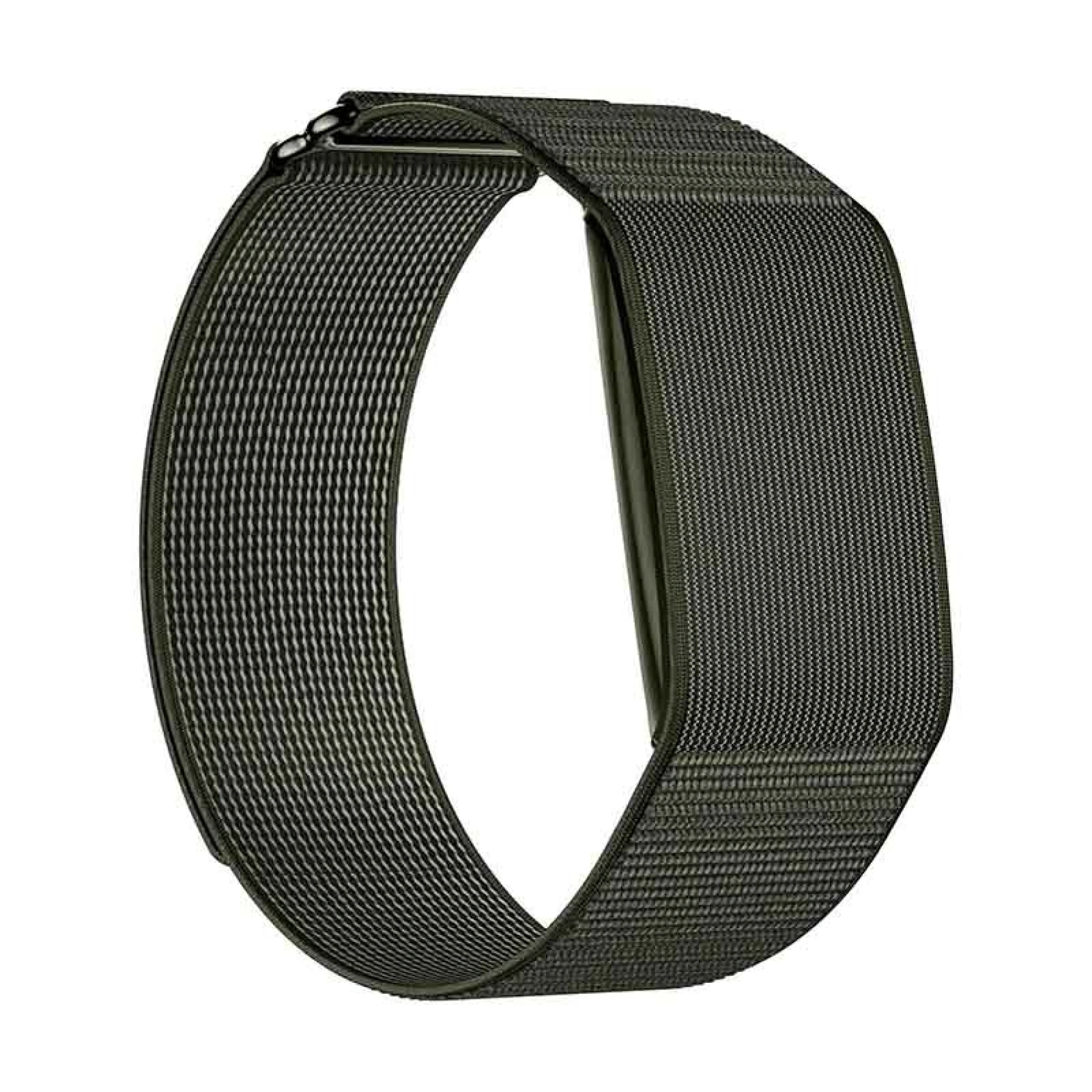
The Smartband Sense+ is available in two colors: grey and olive green, featuring a grey nylon strap that offers a modern and subtle touch to complement any outfit. This allows you to comfortably wear your Smartband at the gym or in the office.
📌 To view all the data collected by this smart wristband, you need to download the QWatch Pro app on your Smartphone.
The ideal accessory for fitness enthusiasts who like to track their walks, runs, and gym workouts.
Keep a close eye on your overall health by efficiently monitoring your daily activity levels.
Receive alerts and notifications directly on your wrist through the Smartband's built-in LED indicator, ensuring you never miss important information while keeping your smartphone in your pocket.
A smartwatch is essentially a mini-smartphone on your wrist offering a wide variety of standalone apps, whereas a smartband is primarily focused on fitness tracking and health performance. We also invite you to read our dedicated blog article answering all questions regarding the differences between these two gadgets:
Yes, the iS Smartband is fully compatible with both Android and iOS devices. Simply download the dedicated app to sync your data via Bluetooth.
The Sense+ Smartband features an IP68 certification, which guarantees robust resistance to both water and dust.
A complete charge for the Smartband Sense+ takes about 1.5 hours, providing up to 100 days of standby time or 50 days of active use.
Inside the product packaging, you will find the Smartband with its strap, alongside the charger and the instruction manual.
Charging the Smartband Sense+ is done using the magnetic cable included in the box. Simply connect it to a USB port or power adapter and wait until the battery is fully charged.
A smartband is a smart wristband designed to closely monitor your daily routine and activity. It allows you to track data such as step counts, sleep quality, and heart rate, while delivering phone notifications straight to your wrist.
A smartband helps you keep track of your daily physical activity and overall wellness. Beyond tracking various sport modes, it monitors sleep, heart rate, and other metrics, presenting precise insights on demand.
Setting up the iServices Smartband Sense+ is very simple and intuitive. Start by enabling Bluetooth on your smartphone, download the app, and pair the devices. In just a few moments, you can customize all settings to your liking and start tracking your data.
Smartband Sense+
Verde Azeitona
€39.95
Here we answer some of the most frequently asked questions from our customers

 Free delivery, expected tomorrow!


