





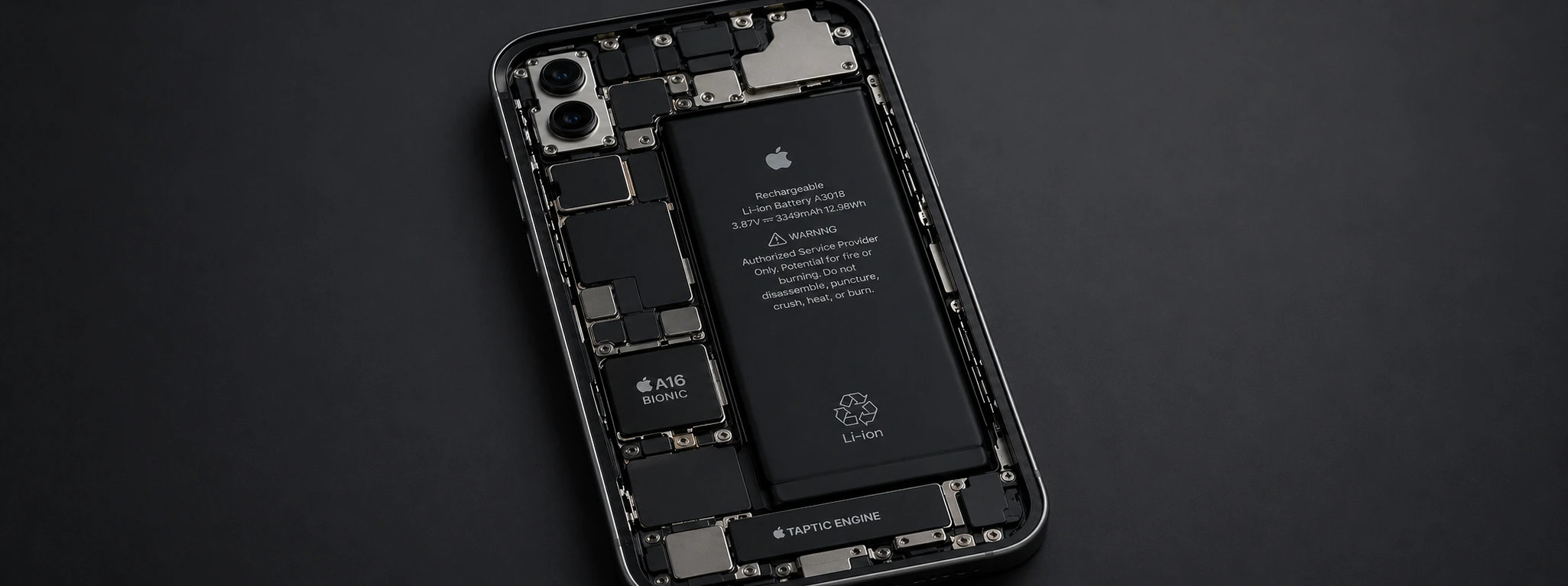




Swollen iPhone Battery: Dangers and Solutions
A swollen battery in the iPhone is a problem that can affect various models, from the iPhone X to the most recent iPhone 17 Pro Max. This phenomenon not only compromises the phone's performance but also poses a safety risk to the user. At iServices, specialists in phone repairs, we explain everything you need to know to identify the associated dangers and the best solutions for this problem.
With the advancement of technology, lithium-ion batteries, present in all iPhone models, are more efficient, but they also require specific care to prevent malfunctions. A swollen battery can cause damage to the screen, the phone's structure, and even lead to dangerous situations, such as leakage of toxic material or fire. Fast and adequate intervention is essential to guarantee the safety of your device and the user.
Causes of a Swollen iPhone Battery
Prolonged Overcharging
When the iPhone is charged for many hours consecutively, especially with non-certified chargers, the battery can wear out prematurely. This overcharging causes an internal chemical reaction that leads to the battery swelling.
Exposure to High Temperatures
Lithium-ion batteries are sensitive to heat. Exposing the iPhone to very warm environments, such as in the car in the sun or near heat sources, can lead to battery expansion and degradation of its integrity.
Manufacturing Defects or Aging
Although rare, some battery batches may have manufacturing defects that lead to premature swelling. Furthermore, over time, the natural wear and tear of the battery can lead to deformation, especially in devices that have been in use for several years.
Physical Damage to the Phone
Falls or hard impacts can internally damage the battery, which can cause swelling or even electrolyte leakage. In these cases, the problem can quickly worsen if not addressed.
Table of Solutions
| Cause | Recommended Solution | Complexity |
|---|---|---|
| Prolonged Overcharging | Use certified chargers and avoid prolonged overnight charging | Low |
| Exposure to High Temperatures | Keep the iPhone in cool places and avoid direct sunlight exposure | Low |
| Manufacturing Defects or Aging | Battery replacement by specialized technicians at iServices | Medium |
| Physical Damage to the Phone | Full diagnosis and replacement of the battery and damaged components | High |
Step-by-Step Solutions
Use Certified Chargers and Avoid Prolonged Charging
- 1. Always use Apple-certified chargers and cables to charge your iPhone.
- 2. Do not leave the phone connected to power overnight or for excessively long periods.
- 3. Disconnect the device from the charger as soon as it is 100% charged to preserve the battery.
Keep the iPhone in Cool Places
- 1. Avoid exposing the iPhone directly to the sun, especially in the car or near windows.
- 2. If you are in a warm environment, place the phone in a shaded and ventilated area.
- 3. Never use the phone while charging in places with high temperatures.
Battery Replacement by Specialized Technicians
- 1. Bring your iPhone to an iServices store for a professional diagnosis.
- 2. Our technicians will check the battery's condition and recommend replacement if necessary.
- 1. The replacement will be performed with original parts and warranty, ensuring maximum performance of your device.
Diagnosis and Replacement after Physical Damage
- 1. Present your iPhone at one of the iServices stores for a complete inspection.
- 2. The condition of the battery and other components such as the screen and structure will be assessed.
- 3. We will proceed with the replacement of damaged parts, guaranteeing the safety and functionality of the phone.
How do I know if my iPhone battery is swollen?
The most common signs of a swollen battery include a bulging or bubbling screen, excessive heating of the phone, and unexpected device shutdowns. If you notice any of these symptoms, you should seek immediate assistance.
Is it dangerous to continue using an iPhone with a swollen battery?
Yes, it is very dangerous. A swollen battery can cause damage to the screen, release toxic gases, or even cause a fire. We advise against using the phone and recommend seeking professional help as soon as possible.
Can I replace the swollen battery myself at home?
We advise against performing the replacement yourself, as lithium-ion batteries are sensitive and can be dangerous if mishandled. It is essential that the repair is carried out by qualified technicians, such as those at iServices.
How long does battery replacement take at iServices?
At iServices, we offer express services, and most battery replacements are carried out on the same day, depending on the model and part availability. Consult your nearest store to schedule the service.
Need Professional Help? iServices Is Here For You
If you suspect your iPhone's battery is swollen, do not compromise your safety or the integrity of your device. At iServices, we have an extensive network of stores across the country, where our specialized technicians perform accurate diagnoses and safe repairs. We offer warranty on all interventions, express services, and nationwide technical support, so you can use your iPhone with complete confidence again.
Visit one of our stores or consult our website to schedule your diagnosis. We are ready to help you keep your iPhone in perfect condition, with the quality and professionalism that only iServices can guarantee.
Recommended Products
View all
 36 Months


 36 Months

€19.95
36 Months


Other Articles
See more
Quando é que devo fazer a troca de bateria no iPhone?
Fica a saber quando deves trocar a bateria do iPhone e como a iServices pode ajudar. Substituição de bateria iPhone rápida e com garantia.
Como transferir o eSIM do Android para o iPhone?
A iServices tem o guia completo e atualizado de todos os passos que deves seguir para transferir o teu eSIM de um Smartphone Android para o iPhone.
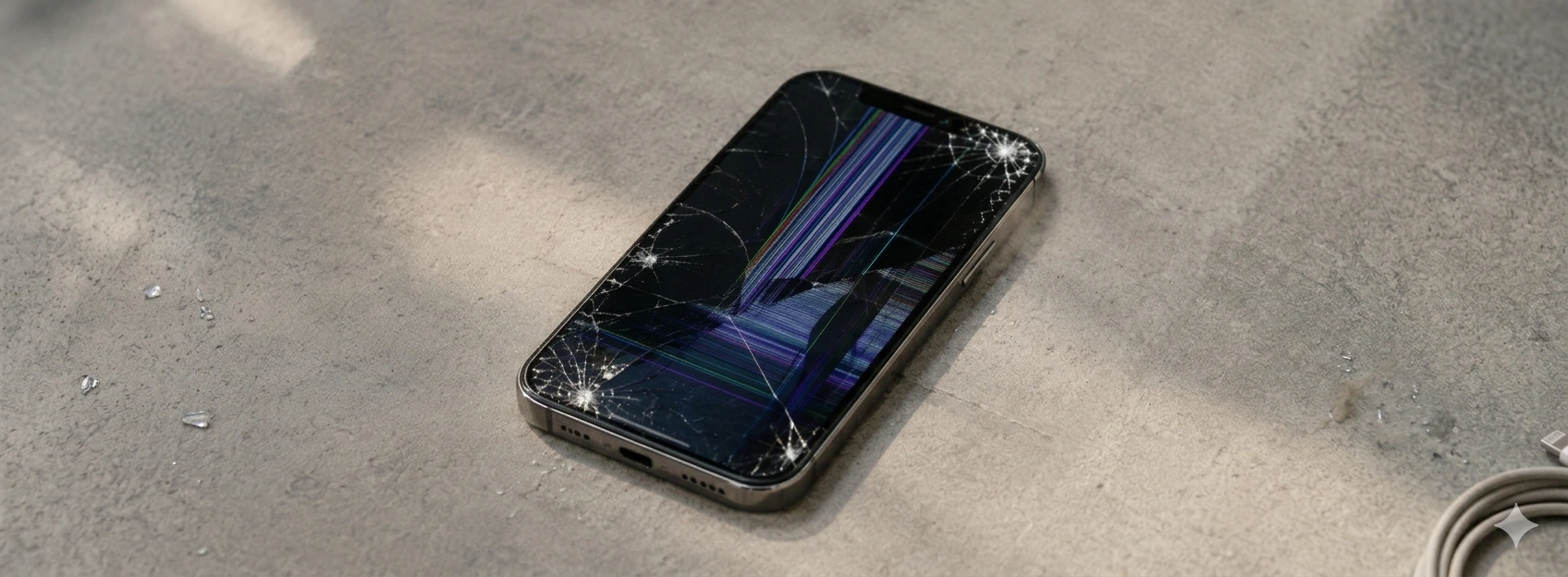
Green Lines on the iPhone Screen: Causes and Solutions
Learn how to fix green lines on the iPhone screen, from iPhone X to iPhone 17 Pro Max, with practical solutions and assistance from iServices.
