


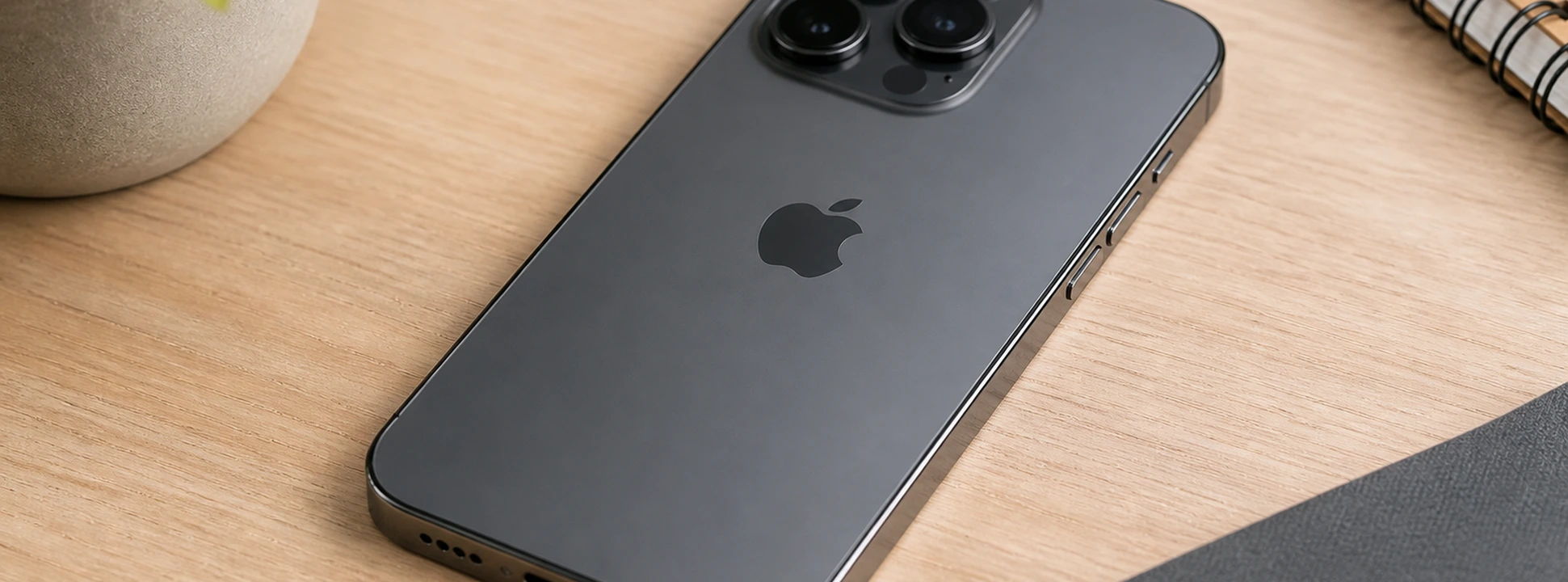




Complete Guide on How to Restart iPhone with Broken Buttons
Restarting your iPhone is a common solution to problems like freezes, slowdowns, or malfunctions. However, when the phone's physical buttons are damaged, this task becomes a challenge for many users. Whether it's an iPhone X, iPhone 11, iPhone 12, up to the latest models like the iPhone 17 Pro Max, knowing how to force a restart without using the buttons can be crucial to keeping your phone operational.
At iServices, specialists in mobile phone repairs with several stores spread across Europe, we understand the frustration this problem can cause. That's why, in this article, we have gathered the main causes for button failure and the most effective solutions to restart your iPhone without risks. If you prefer, you can always count on us for a professional diagnosis and quick repair.
How to Restart an iPhone with Damaged Buttons?
Buttons Damaged by Prolonged Use
Continuous daily use can lead to wear and tear on the volume, power, or home buttons, making them less responsive or even inactive.
Damage from Impact or Drop
Accidental drops can dislodge or break internal components of the buttons, affecting their function and preventing a normal phone restart.
Software Problems
In some cases, the operating system may have flaws that prevent the recognition of button commands, leading to strange or inoperable behavior.
Dust or Liquid Ingress
Accumulation of dirt or exposure to liquids can cause corrosion or blockages in the buttons, leading to erratic response or rendering them unusable.
Solutions Table
| Cause | Recommended Solution | Complexity |
|---|---|---|
| Damaged Buttons | Use AssistiveTouch to restart | Low |
| Impact Damage | Take to iServices for button repair | High |
| Software Problems | Force restart via software or update iOS | Medium |
| Dust or Liquid Ingress | Professional cleaning and possible repair | Medium/High |
Step-by-Step Solutions
Using AssistiveTouch to Restart (Damaged Buttons)
- 1. Go to Settings on your iPhone.
- 2. Select Accessibility and then Touch.
- 3. Activate AssistiveTouch.
- 4. In the floating menu that appears, tap Device.
- 5. Press and hold the lock icon in the AssistiveTouch menu until the option to turn off appears.
- 6. Turn off the iPhone and turn it back on normally.
Taking your iPhone to iServices for Button Repair (Impact Damage)
- 1. Visit one of the 76 iServices stores spread across Portugal.
- 2. Get a free diagnosis from our specialized technicians.
- 3. Receive a clear and transparent quote for button repair.
- 4. Enjoy the official warranty and express delivery so your iPhone gets back to working quickly.
Force Restart via Software or Update iOS (Software Problems)
- 1. Connect your iPhone to a computer with iTunes installed.
- 2. Put the device in recovery mode by following the specific instructions for your model (available on the Apple website).
- 3. Use iTunes to restore or update the operating system, which can resolve glitches that prevent button function.
- 4. Restart your iPhone after the process.
Professional Cleaning and Repair (Dust or Liquid Ingress)
- 1. Take your phone to an iServices store for an internal cleaning.
- 2. Our technicians will disassemble the device to remove residues that may be affecting the buttons.
- 3. If necessary, we will proceed with the replacement of damaged parts.
- 4. We guarantee specialized technical assistance and warranty on repairs.
How to restart an iPhone X without using the physical buttons?
You can use the AssistiveTouch feature to simulate the power button and turn off the iPhone. To turn it on, simply connect the iPhone to power or a computer. If the problem is severe, we advise visiting an iServices store for repair.
What to do if the power button doesn't work?
Activate AssistiveTouch to temporarily bypass the problem. For a definitive solution, iServices technicians can repair or replace the button, ensuring your iPhone works like new again.
Can I force restart an iPhone via software without the buttons?
Yes, by connecting the iPhone to a computer with iTunes, it's possible to put the device in recovery mode and restore the system, which can resolve software issues affecting the buttons.
How long does button repair take at an iServices store?
In most cases, the repair is done on the same day, thanks to our experience and parts stock. We offer express delivery and warranty so you can get your iPhone working quickly.
Need Professional Help? iServices Is Here for You
If your iPhone has damaged buttons and you can't restart it, don't hesitate to visit one of the iServices stores. With several technical assistance points in Europe, we offer fast, reliable, and guaranteed service. Our specialized technicians perform free diagnostics, effective repairs, and use original parts to ensure maximum quality.
Additionally, we provide express delivery so your phone can be operational as quickly as possible. For more information or to schedule a visit, consult our official website. At iServices, your satisfaction is our priority. Come with us to regain control of your iPhone today!

 Gratis levering, verwacht dinsdag!



 36 Months
 36 Months
 36 Months
Other Articles
See more
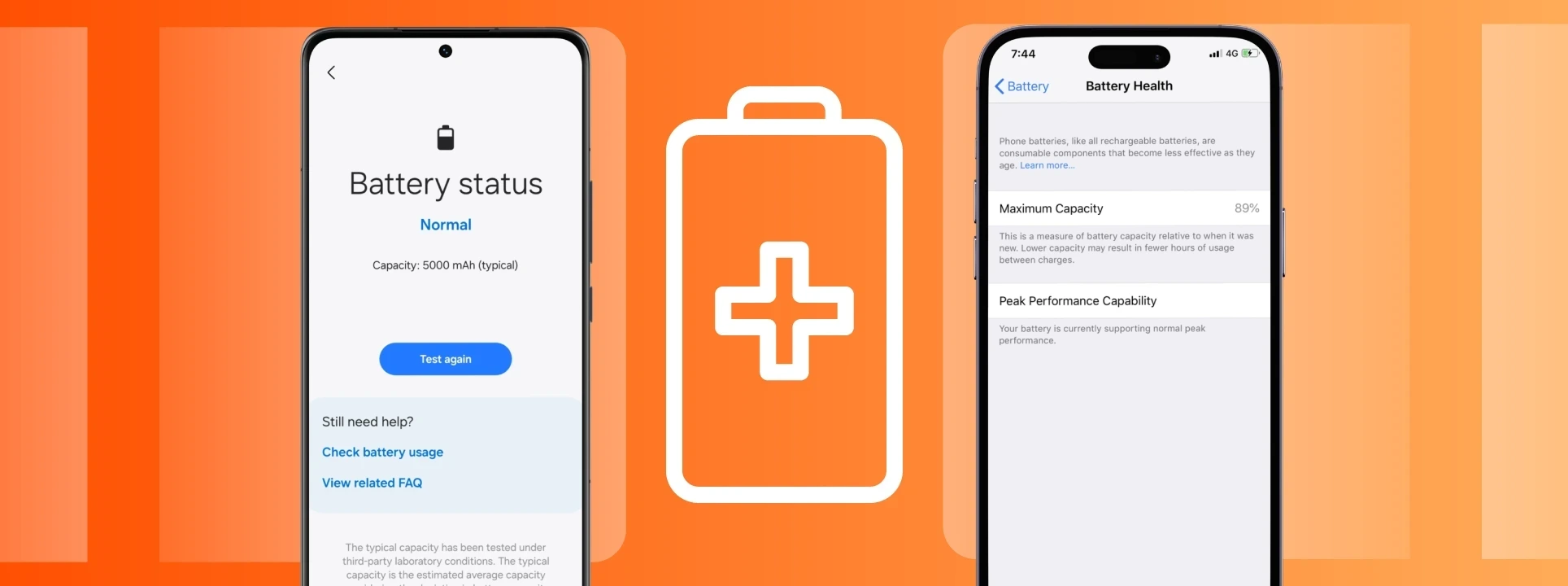
Sabes ver o estado da saúde da bateria do iPhone e Android?
Sabes como verificar o estado da bateria do iPhone ou do Android? No blog da iServices vais aprender como podes ver a saúde da bateria do teu telemóvel.
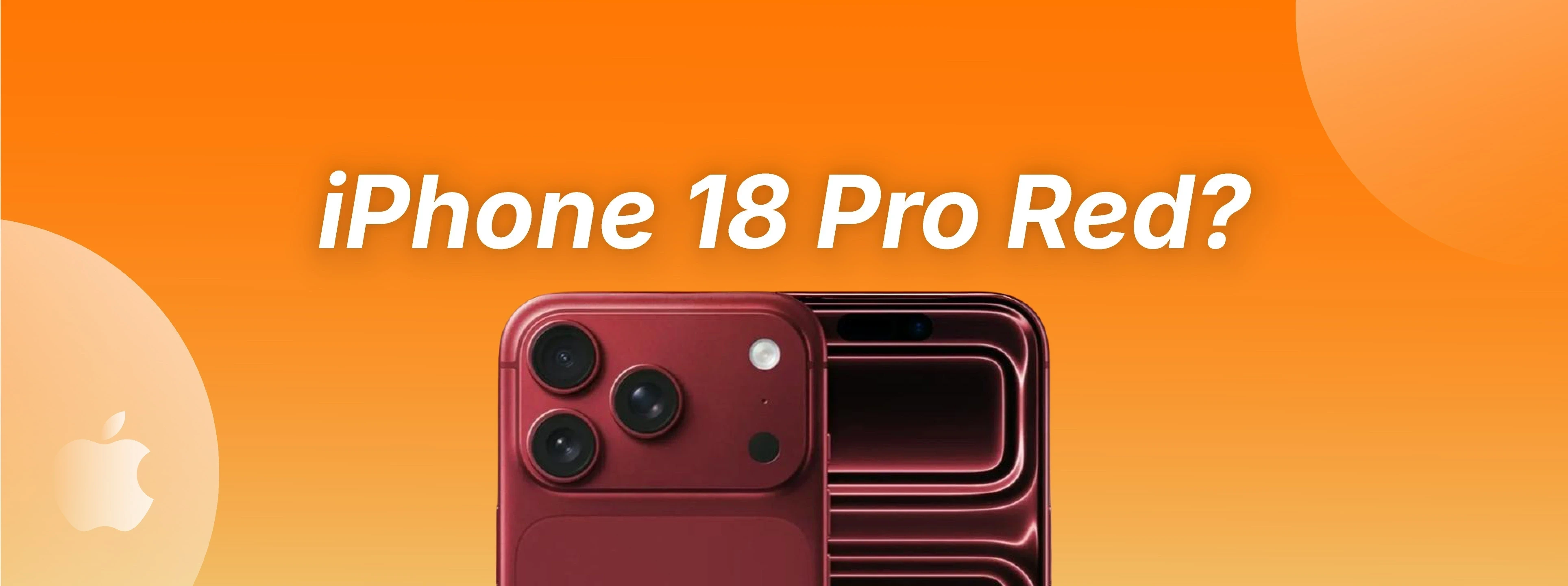
iPhone 18 Pro red? A new rumor could change everything.
iPhone 18 Pro red? According to a new rumor, Apple may be opting for a daring color. Discover what is already known and what could change.
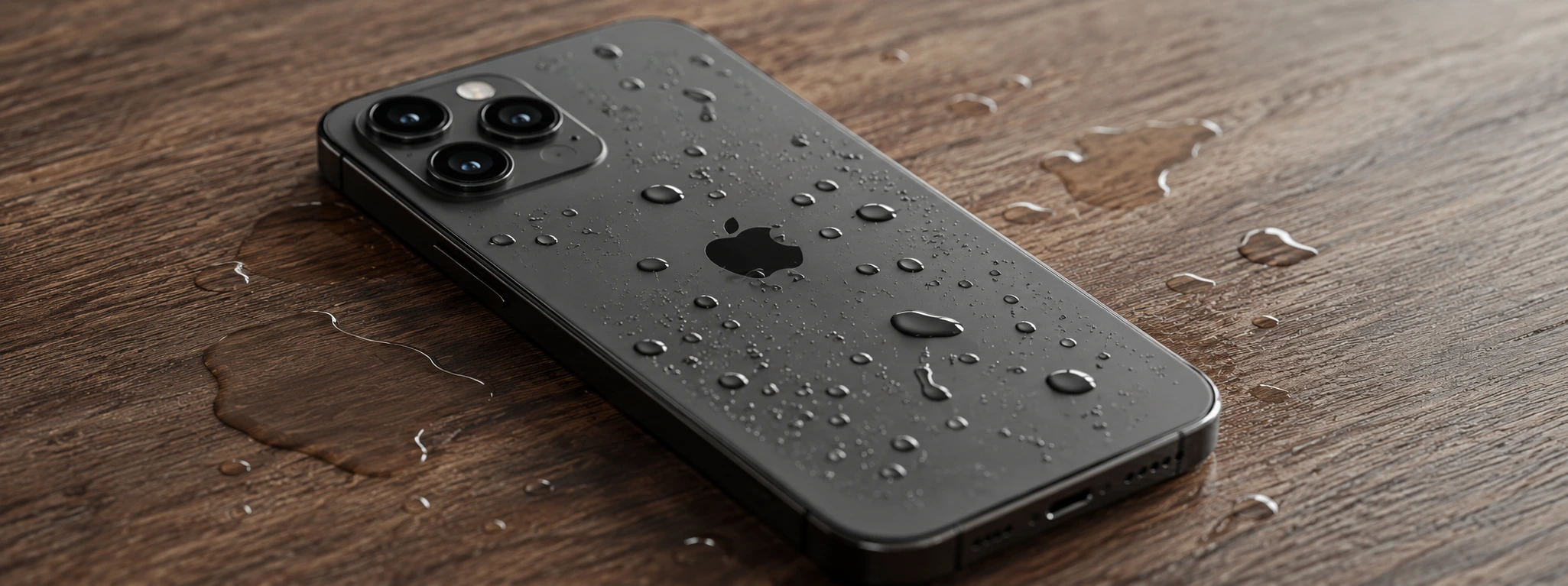
Complete Guide: How to Properly Dry a Wet iPhone
Discover how to properly dry a wet iPhone, from the iPhone X to the iPhone 17 Pro Max, with safe and effective solutions at iServices.
