


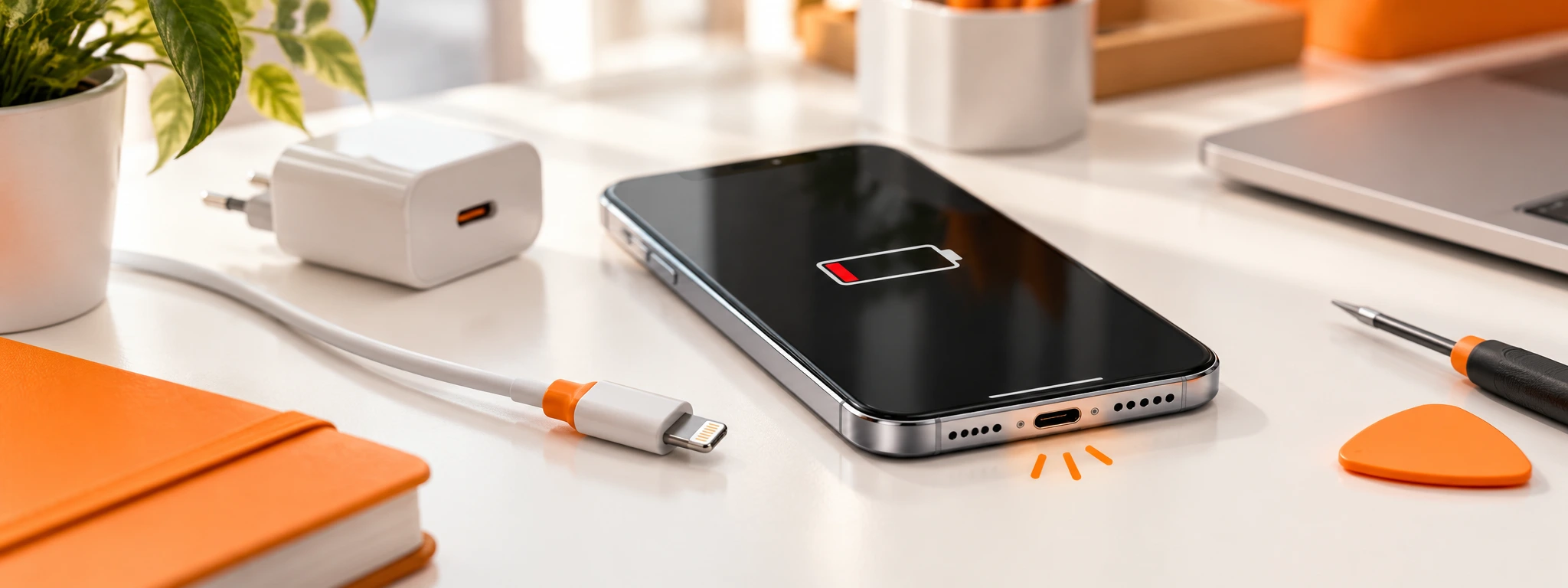




Device not charging? The problem may lie with the cable, battery or charging port.
Plug in your charger and nothing happens? Before you think about replacing your smartphone or computer, it is worth understanding why the device is not charging.
The problem could lie with the cable, which may be damaged, a worn-out battery, or even the charging port. Discover with the help of iServices how to check and identify this.
Start with the charging cable
Kinked, worn, or damaged cables are among the simplest causes of charging problems. Try using a different cable that is compatible with your device. If the device starts charging normally, then you have found the problem and the solution.
Charger having issues?
If replacing the cable does not solve the problem, it is worth testing a different compatible adapter. It is essential to confirm this and also look at the correct power rating. An incompatible charger may charge too slowly or simply not provide power.
At iServices you will find a wide range of chargers for smartphones, computers, tablets, and other compatible equipment.
Check the charging port
Dust, lint, and small particles can accumulate in the charging input and prevent the cable from making proper contact. If you often have to move the cable to get the device to charge or if it does not fit properly, the charging port may be damaged.
Do not clean this input with metal objects. If you suspect there is a defect, a technical assessment is certainly a safe choice.
And what if the problem lies with the battery?
A deteriorated battery can be the cause of the problem. It is important to pay attention to signs such as reduced battery life, unexpected shutdowns, or excessive heating. In these cases, replacing the cable or the charger may not be enough.
Computer without a charger? iServices has a universal solution
If the problem lies with the laptop charger, iServices has the Universal Laptop Adapter. With power up to 65 W, GaN technology, and 9 interchangeable plugs compatible with equipment from various brands.
This is a simple, practical, and economical option for those who want to replace the charger without having to search for a specific adapter.
Still not charging? iServices can help!
If you have tested everything, from alternative cables to chargers, and the problem persists, the cause of the problem may lie with the battery, the connection port, or another internal component.
iServices has several stores spread across the country where you can get a free diagnosis and receive a no-obligation quote for a repair of your device. Most of our repairs are carried out quickly and all have a warranty of 2 years or more. Before replacing your device, discover if a repair could be the most effective solution so that your device charges normally again.
 36 Months
€338.87
 Free delivery, expected the day after tomorrow!

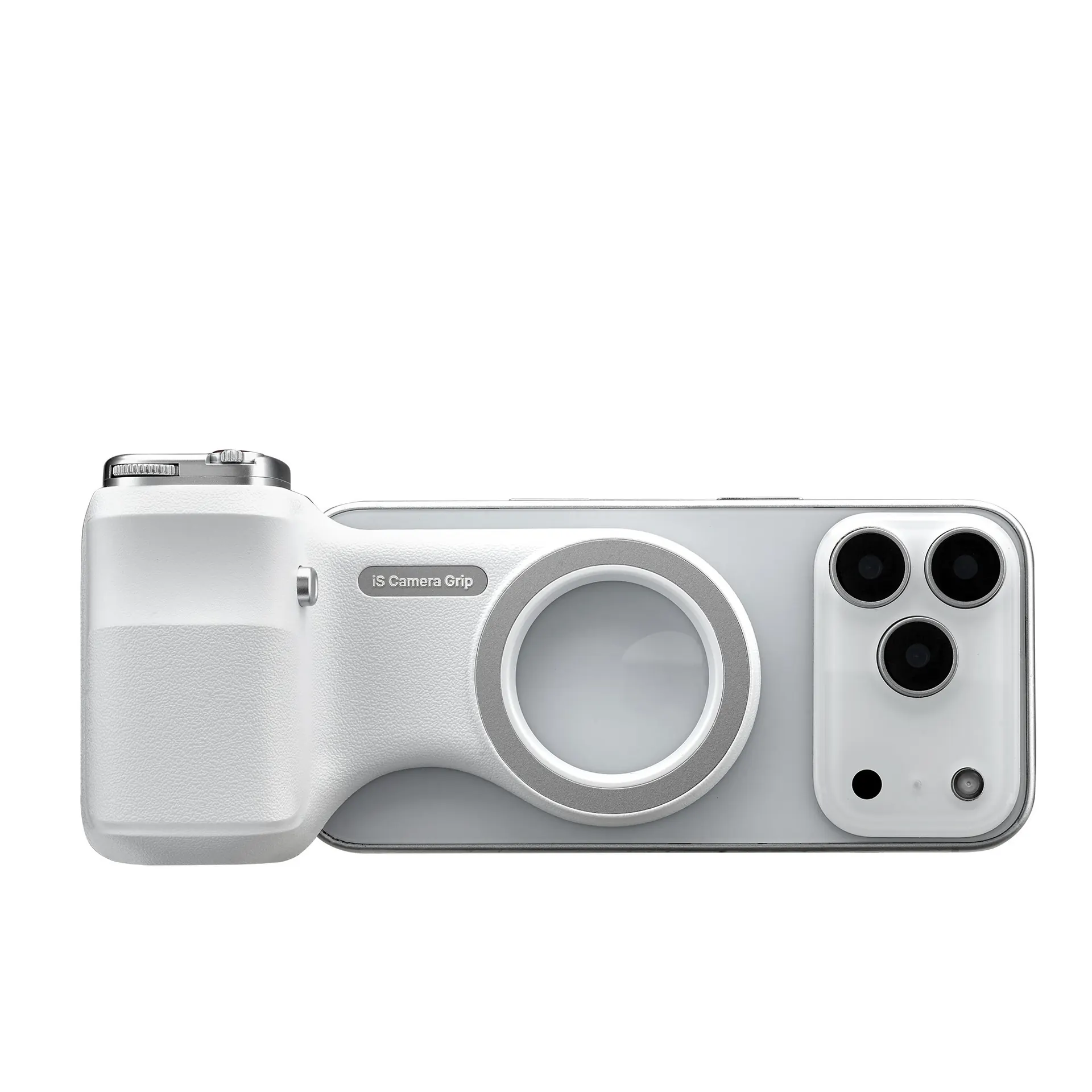
€39.95
- Free delivery, expected the day after tomorrow!



€49.95
- Free delivery, expected the day after tomorrow!
36 Months 36 Months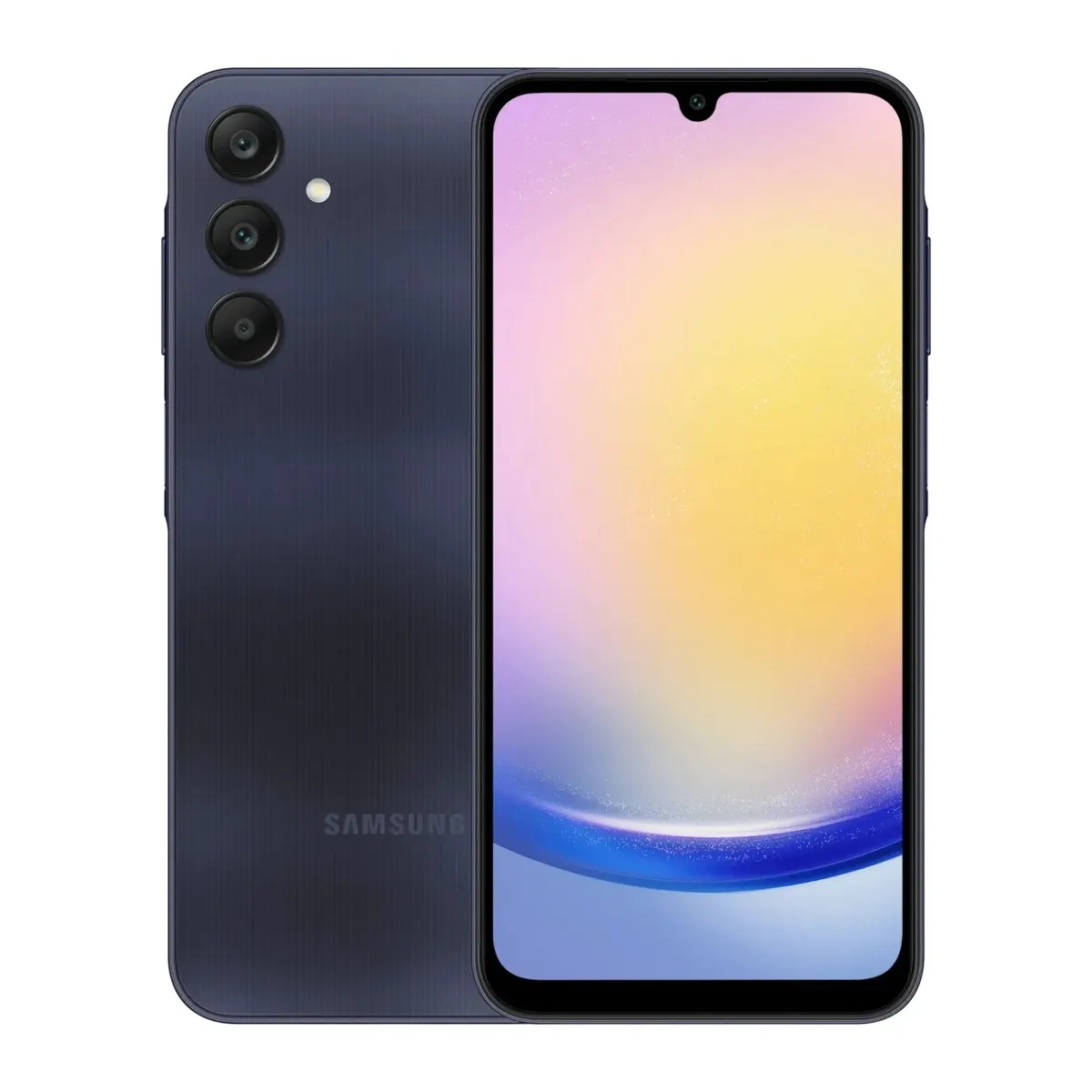
€226.33
- Free delivery, expected the day after tomorrow!

€34.95
- Free delivery, expected the day after tomorrow!
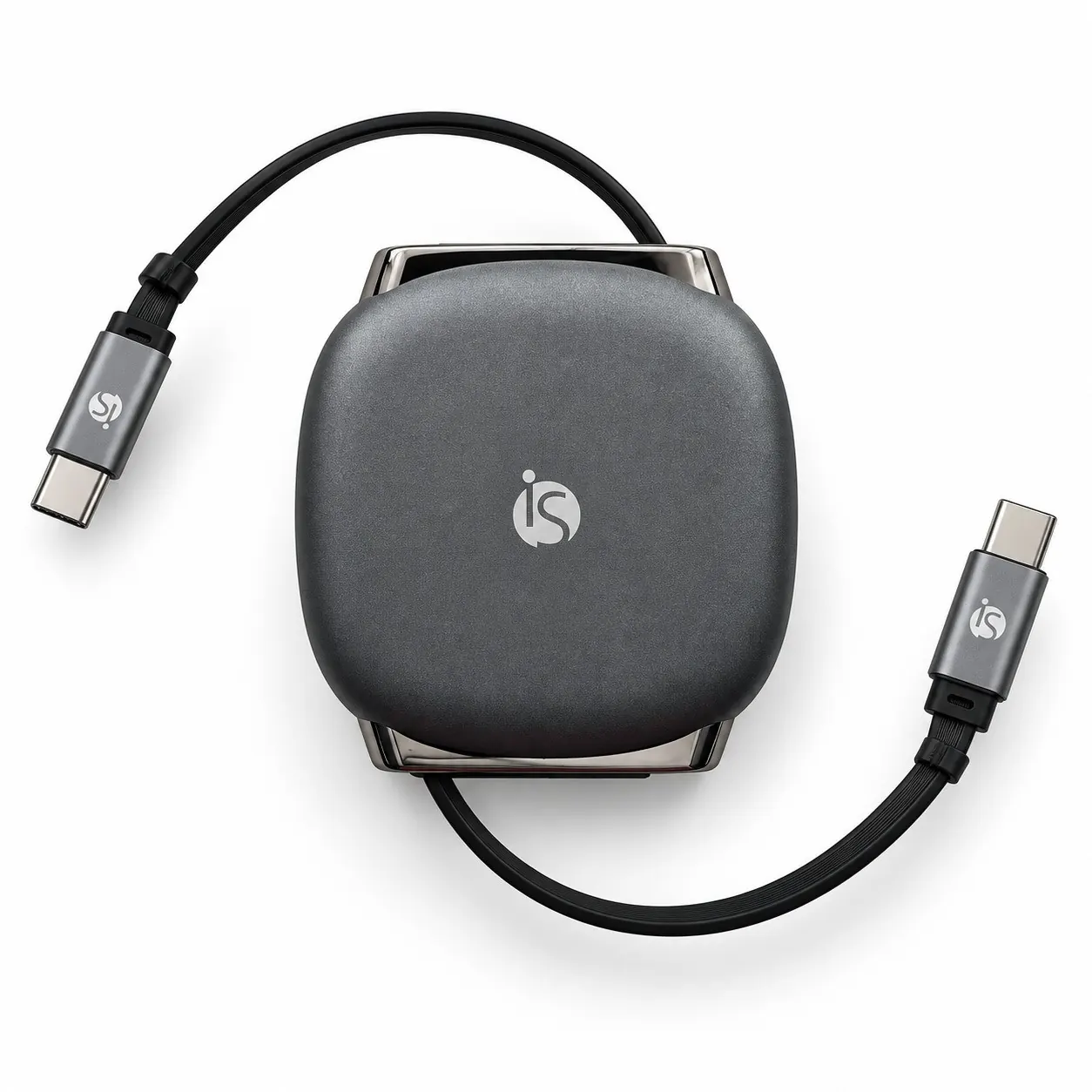
€19.95
- Free delivery, expected the day after tomorrow!
Other Articles
See more
Know how to take care of the sound of your smartphone
Your smartphone's sound components deserve all your care, especially in these summer months. Know everything!

Quando é que devo fazer a troca de bateria no iPhone?
Fica a saber quando deves trocar a bateria do iPhone e como a iServices pode ajudar. Substituição de bateria iPhone rápida e com garantia.
5 signs that your Smartphone needs a repair
Is your smartphone slow, does it get hot, or does the battery not last long? Discover 5 signs that your device may need a repair and when you should do this.