





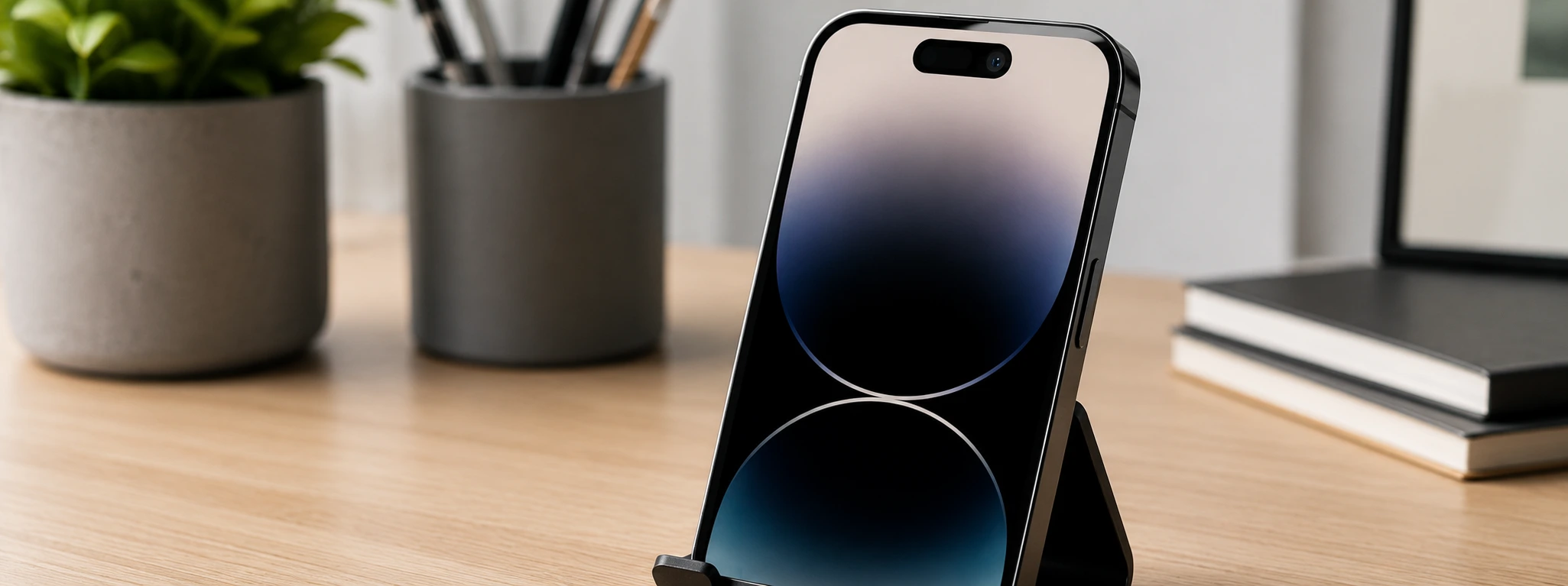




Dark iPhone Front Camera Photos: Causes and Solutions
If your photos taken with the iPhone front camera are dark, this issue could be affecting the quality of your selfies and video calls. From the iPhone X to the latest iPhone 17 Pro Max, several users have reported difficulties regarding brightness and clarity. At iServices, we understand the importance of a camera that works perfectly to capture your best moments.
In this article, we explore the main causes of dark iPhone front camera photos and provide practical, detailed solutions to resolve this quickly and effectively. If the fix is more complex, find out when it is recommended to visit our expert technicians for mobile repairs.
Causes of Dark Photos on the iPhone Front Camera
Obstruction of the Screen or Dirty Lenses
One of the most common causes is dirt, fingerprints, or residue on the camera lens. Even a small layer of dust can significantly reduce light intake, resulting in dark or blurry images.
Incorrect Camera Settings
Improper settings in the Camera app, such as exposure levels, active filters, or incorrect manual brightness adjustments, can result in low-light photos. Additionally, Night Mode or HDR might be active and influencing the image capture.
Software Issues or Incomplete Updates
iOS bugs or failures during an update can cause the front camera to malfunction. Temporary glitches may prevent the camera from adjusting brightness parameters correctly.
Front Camera Hardware Defect
In some cases, the problem is related to a physical defect in the front camera module, such as damage from drops, moisture, or natural wear and tear. This can lead to insufficient light capture and dark images.
Solutions Table
| Cause | Recommended Solution | Complexity |
|---|---|---|
| Screen obstruction or dirty lenses | Carefully clean the front camera lens | Low |
| Incorrect camera settings | Adjust settings and restart the Camera app | Low |
| Software issues or incomplete updates | Update iOS or restart the phone | Medium |
| Hardware defect in the front camera | Diagnosis and module replacement at iServices | High |
Step-by-Step Solutions
Carefully Clean the Front Camera Lens
- Use a clean, dry microfiber cloth.
- Gently wipe the lens to remove smudges, dust, or fingerprints.
- Avoid harsh chemicals.
- Test the camera to see if brightness has improved.
Why are my iPhone front camera photos dark even in well-lit environments?
This could be due to a dirty lens, incorrect camera settings, or software glitches. We recommend cleaning the lens and checking the settings, as well as ensuring iOS is updated. If the problem persists, it may be a hardware defect.
How can I improve selfie quality on my iPhone?
Besides cleaning the lens and adjusting settings, try using modes like HDR or Portrait mode. Using a frontal light source also helps achieve clearer, higher-quality images.
What should I do if my iPhone front camera won't open or closes automatically?
This is often related to software failures. Restart your phone and update iOS to the latest version. If it still doesn't work, we advise visiting an iServices store for a diagnosis.
Does replacing the front camera module affect the iPhone warranty?
At iServices, we ensure all replacements are made with high-quality parts and service warranty. Our team's intervention does not invalidate the official warranty when performed by certified technicians like ours.
Need Professional Help? iServices is Here for You
If dark photos on your iPhone front camera persist, iServices has the answer. Through our physical stores, we offer quick diagnostic services and specialized repairs. Trust our certified technicians for rigorous evaluations with high-quality parts. Visit your nearest iServices store or iservices.pt for more information.
Recommended Products
View all
 36 Months
 36 Months

€19.95
36 Months




Other Articles
See more
iPhone does not recognize SIM card: causes and solutions
Find out what to do when your iPhone doesn't recognize the SIM card. Effective solutions for all iPhone models. Diagnosis at iServices.
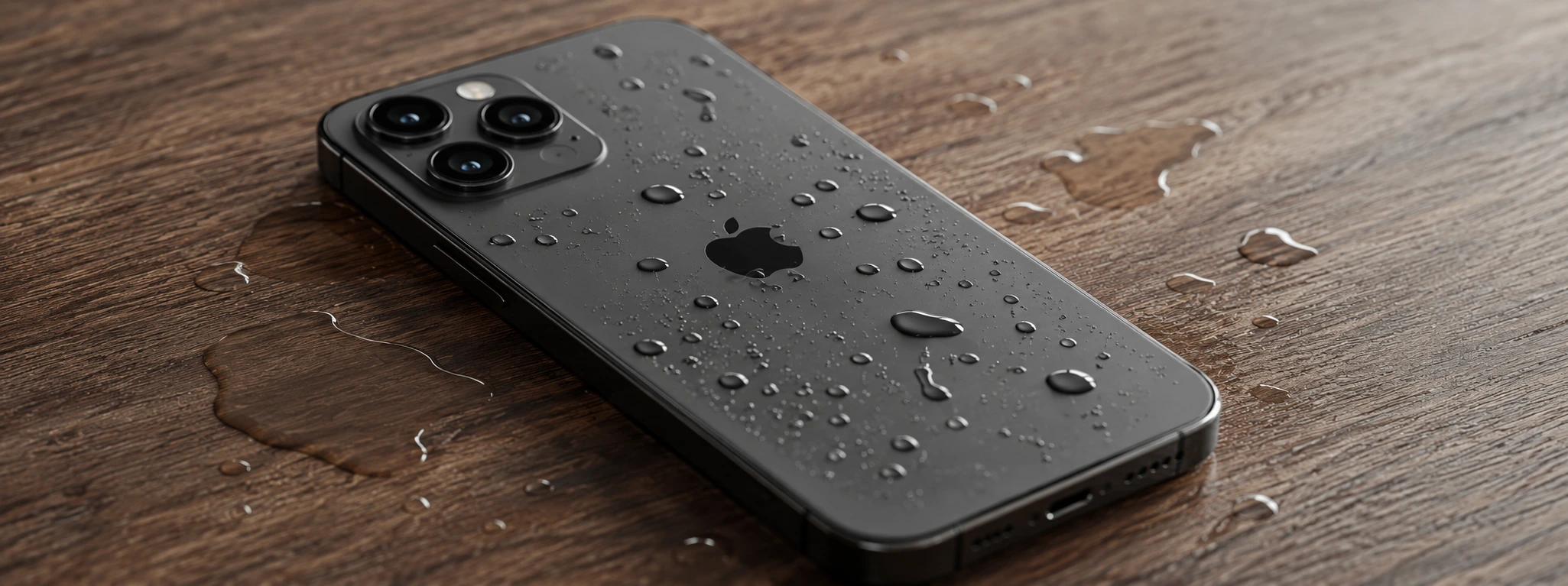
iPhone with Humidity in the Cameras: Causes and Solutions
Learn how to solve the humidity problem in iPhone cameras with effective solutions and specialized iServices assistance.

Os 5 melhores acessórios para o iPhone
Conhece o guia completo da iServices para os melhores acessórios para iPhone. São produtos que potenciam as capacidades do teu Smartphone Apple.
