






iPhone mobile data not working: How to fix it
If your iPhone's mobile data is not working, you may be facing a frustrating situation that limits your internet access when you are not connected to Wi-Fi networks. This problem can affect any model, from the iPhone X to the latest iPhone 17 Pro Max, and can be due to various causes, from incorrect settings to more complex technical failures.
At iServices, we understand the importance of keeping your iPhone fully operational, especially when you rely on mobile data to browse, use apps, or communicate. In this article, we will explain the main causes of this problem and provide practical solutions so you can return to enjoying your phone's connectivity without difficulties.
Causes of iPhone mobile data not working
Incorrect mobile data settings
One of the most common causes is the accidental deactivation of mobile data in the iPhone's settings. It may also happen that Airplane Mode is turned on, or that there are restrictions applied that block access to the mobile network.
SIM card issues
The SIM card may be poorly inserted, damaged, or defective, preventing the correct connection to the network. Furthermore, there may be issues with the data plan contracted with the operator, such as blocks or insufficient balance.
iPhone software failures
Errors in the iOS operating system, especially after updates, can cause glitches in mobile data management. Corrupted settings or temporary bugs may also be responsible for the connection interruption.
Hardware issues
In more serious cases, the problem may be related to the iPhone's hardware, such as a damaged mobile network antenna or faulty internal components, which requires specialized technical intervention.
Solution Table
| Cause | Recommended Solution | Complexity |
|---|---|---|
| Incorrect settings | Check and activate mobile data and Airplane Mode | Low |
| SIM card issues | Reinstall SIM or contact operator | Low to Medium |
| Software failures | Restart iPhone or reset network settings | Medium |
| Hardware issues | Diagnosis and repair at an iServices store | High |
Step-by-Step Solutions
Check and activate mobile data and Airplane Mode
- Go to Settings on your iPhone.
- Tap Mobile Data and ensure the option is turned on.
- Go back to the main menu and check if Airplane Mode is turned off.
- If it is on, turn it off to allow signal reception.
Reinstalling the SIM card or contacting the operator
- Turn off the iPhone.
- Use the tool to open the SIM card tray.
- Remove the SIM card carefully and reinsert it, ensuring it is properly placed.
- Turn on the iPhone and check if mobile data is working.
- If the problem persists, contact your operator to confirm the status of your data plan.
Restarting the iPhone or resetting network settings
- Restart the iPhone by holding down the side button until the power-off slider appears.
- Turn the device off and on again.
- If the problem continues, go to Settings > General > Transfer or Reset iPhone > Reset > Reset Network Settings.
- Confirm the reset and wait for the iPhone to restart.
- Test mobile data again.
Diagnosis and repair at an iServices store
- If the solutions above do not resolve the issue, there may be a hardware problem.
- Visit one of the iServices stores for a professional diagnosis.
- Our specialized technicians will perform a full evaluation and proceed with the necessary repair.
- We guarantee quality technical assistance, express delivery, and a warranty on all services.
Why does my iPhone's mobile data stop working suddenly?
Mobile data may stop working due to incorrect settings, temporary software failures, issues with the SIM card, or restrictions imposed by the operator. In some cases, hardware damage may also be the cause.
How can I know if the problem is with the SIM card or the iPhone?
You can test the SIM card in another phone to check if mobile data works. If everything is fine on the other device, the problem is likely with the iPhone; otherwise, the card or the data plan may be having issues.
Is it safe to reset network settings to solve the problem?
Yes, resetting network settings only erases configurations related to Wi-Fi networks, VPN, and mobile data, without affecting your personal data. This action can fix errors that prevent connecting to mobile data.
How long does a hardware repair related to mobile data take at iServices?
At iServices, we offer express delivery, and in many cases, the repair is done on the same day, depending on part availability and the complexity of the problem. We guarantee the best technical assistance across the country.
Need Professional Help? iServices Is Here for You
If, despite all attempts, your iPhone's mobile data still does not work, do not hesitate to seek professional help. At iServices, we have a vast network of stores ready to help you diagnose and resolve your phone's problem.
Our specialized technicians are equipped to handle any model, from the iPhone X to the iPhone 16 Pro Max, ensuring a fast, safe service with a warranty. Additionally, we offer express delivery and technical assistance throughout the country, so you can return to enjoying your iPhone's connectivity as quickly as possible.
Visit the iServices website to locate the nearest store or schedule your visit. At iServices, we are always ready to help and ensure that your phone works perfectly.

 Gratis levering, verwacht dinsdag!



 36 Months
 36 Months
 36 Months
Other Articles
See more
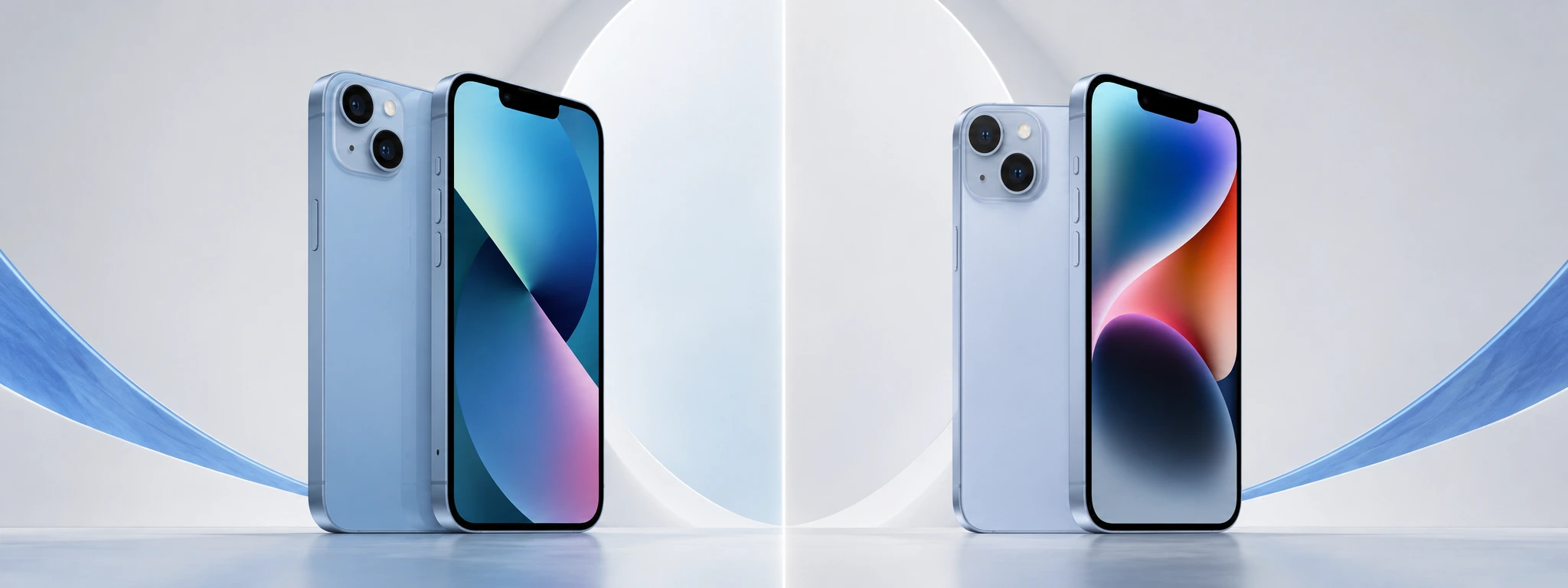
iPhone 13 vs iPhone 14: What is the best buy in 2026?
Compare the iPhone 13 and the iPhone 14 and discover the most important differences in cameras, battery, and performance to make your best iPhone purchase in 2026.
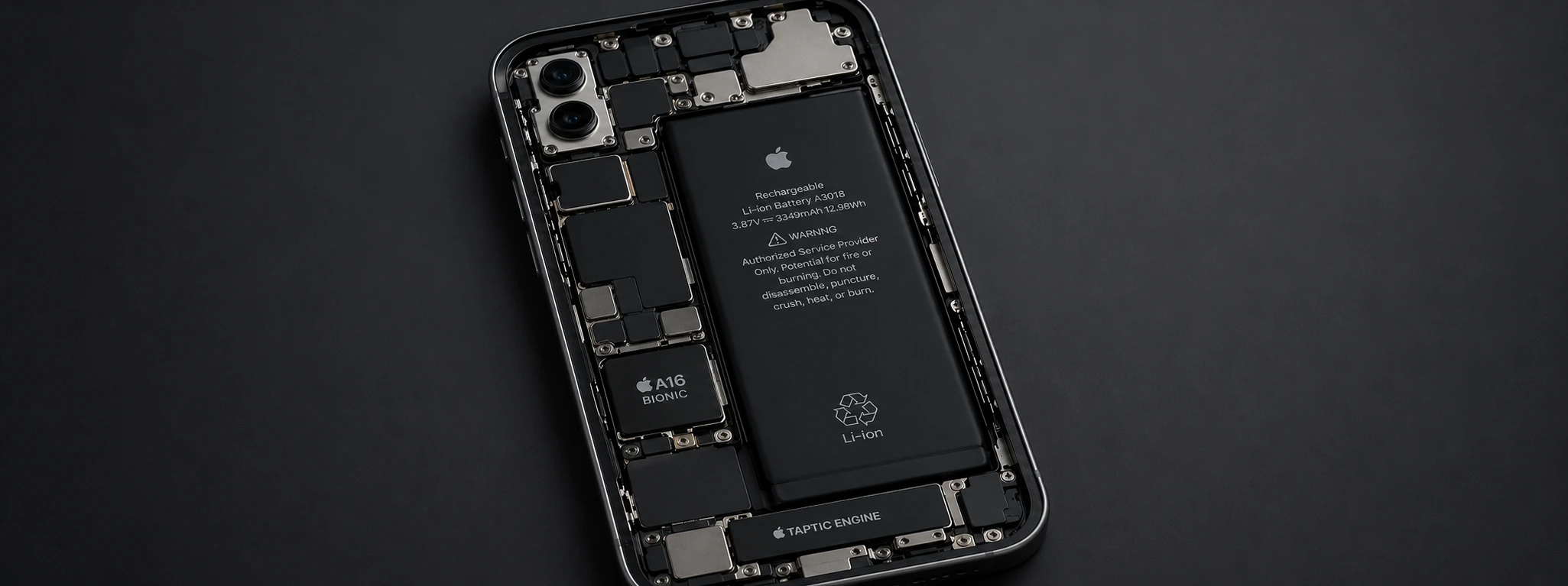
iPhone battery drains in the cold: causes and solutions
Is your iPhone battery draining due to the cold? Discover the causes, effective solutions, and how iServices can help extend your iPhone's battery life at low temperatures.
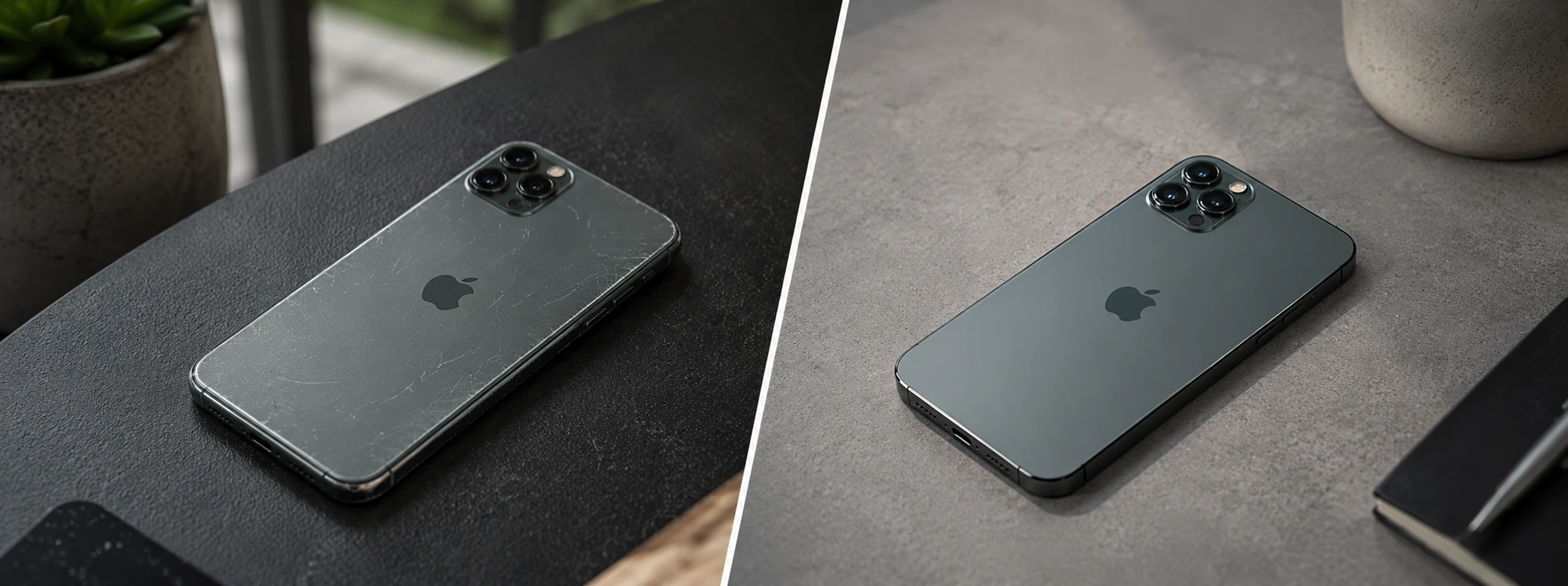
iPhone Refurbished vs. Used, what is the best option in 2026?
Refurbished iPhone vs. second-hand iPhone: discover the most important differences, the risks, the warranty, and which offers the best value for money in 2026.
