


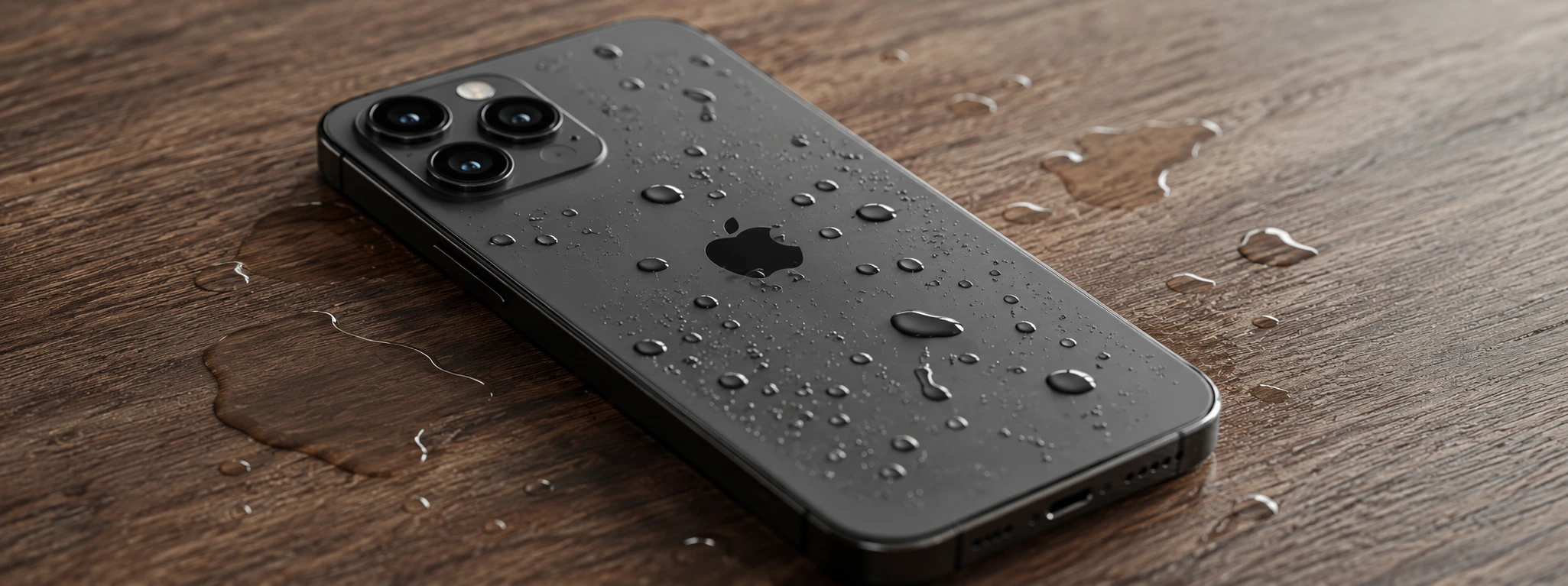




iPhone screen with water spots: causes, solutions
The iPhone screen is one of its most delicate and essential parts for the daily operation of the device. However, it is common for many users, from the iPhone X to the latest iPhone 17 Pro Max, to face the problem of water spots on the screen. These spots can arise for several reasons, affecting not only the aesthetics but also the phone's functionality.
At iServices, we understand the importance of keeping your iPhone in perfect condition, and that is why we have gathered in this article the most common causes of water spots on the screen, as well as practical solutions and technical advice. If your iPhone presents this problem, continue reading to learn how to proceed and when you should seek our specialized service.
What leaves water on the iPhone screen?
Moisture Entry into the Screen
One of the most frequent causes for the appearance of water spots on the iPhone screen is the infiltration of moisture. Even with the water-resistant design present in recent models, prolonged exposure to humid environments or direct contact with liquids can allow water to enter the inside of the screen.
Internal Condensation
Sudden changes in temperature, such as entering a warm environment after being in a cold place, can cause condensation inside the phone screen. This condensation manifests as small damp spots or fog that impair visibility.
Damage to the Screen Seal
If your iPhone has suffered a drop or impact, it is possible that the screen seal has been compromised. This facilitates the entry of water and other liquids, causing spots and, potentially, greater damage to internal components.
Use of Non-Original Chargers or Accessories
The use of chargers or accessories that are not certified by Apple can sometimes cause problems with screen operation. Although it is not the main cause of water spots, these accessories can interfere with the moisture detection system, worsening the problem.
Table of Solutions
Step-by-Step Solutions
Professional Drying and Screen Cleaning
- Turn off the iPhone immediately to avoid short circuits.
- Do not try to open the phone on your own.
- Take the device to an iServices store so that our technicians can perform proper drying using appropriate equipment.
- We perform an internal screen cleaning to remove moisture residues.
- We test the screen's operation before returning the phone.
Leaving the Phone in a Dry Environment
- Turn off the iPhone.
- Place it in a dry and ventilated place, away from direct heat sources.
- Avoid using hair dryers or microwaves, as they may damage the device.
- Wait at least 24 to 48 hours for the condensation to dissipate.
- Turn on the phone and check if the spots have disappeared.
Replacement of the Seal or Complete Screen
- Schedule an evaluation at an iServices store.
- Our technicians will perform a detailed inspection to identify damage to the seal or the screen itself.
- If necessary, we will proceed with the replacement of the seal or the complete screen with original parts.
- After the repair, we perform rigorous tests to ensure full functionality.
- We offer a warranty on the repair performed.
Using Certified Accessories
- Check if the accessories you use are certified by Apple.
- Replace non-original chargers and cables with official versions or those with MFi certification.
- Avoid charging the phone in humid environments or with damaged accessories.
- If you have any questions, consult iServices technicians for advice.
Specialized Diagnosis and Repair after Impacts
- Take the iPhone to an iServices store immediately after drops or impacts.
- Our technicians perform a complete diagnosis to assess internal and external damage.
- We present a clear quote for the necessary repair.
- We proceed with the repair using original parts and specialized tools.
- We guarantee the quality of the service and post-repair support.
How can I avoid water spots on my iPhone screen?
To minimize the risk, avoid exposing the phone to very humid environments or direct water. Use water-resistant protective cases, always keep the screen seal intact, and avoid sudden changes in temperature. In addition, use certified accessories and keep the device clean and dry.
What to do if my iPhone gets water spots on the screen after a drop?
In case of a drop, it is essential to turn off the phone and seek specialized technical assistance immediately. Do not try to open the device by yourself, as you may worsen the problem. At iServices, we perform a complete diagnosis and advise on the best solution to restore your iPhone.
How long does it take to repair a screen with water spots?
The repair time varies depending on the cause and complexity of the problem. In simple cases, such as drying and cleaning, it may take just a few hours. For replacement of the seal or the complete screen, the process may take longer, depending on the availability of parts. At iServices, we offer express delivery for greater convenience.
Does Apple's warranty cover damage caused by water on the screen?
Apple's standard warranty does not cover damage caused by liquids, including water spots on the screen. However, if you have contracted AppleCare+, you may benefit from repairs at reduced costs. To ensure a safe and certified repair, iServices offers professional technical assistance and a warranty on its repairs.
Need Professional Help? iServices Is Here for You
If your iPhone screen has water spots and you don't know how to solve it, do not hesitate to visit one of our stores. At iServices, we have a specialized technical team, ready to diagnose and repair your phone with speed and quality.
We offer a warranty on all repairs, express deliveries so you can return to using your iPhone as quickly as possible, and technical assistance across the country. Visit our website to find the nearest store or to schedule a service. Trust iServices to keep your iPhone in perfect condition, with the quality and safety that only experts can guarantee.

 Gratis levering, verwacht dinsdag!



 36 Months
 36 Months
 36 Months
Other Articles
See more
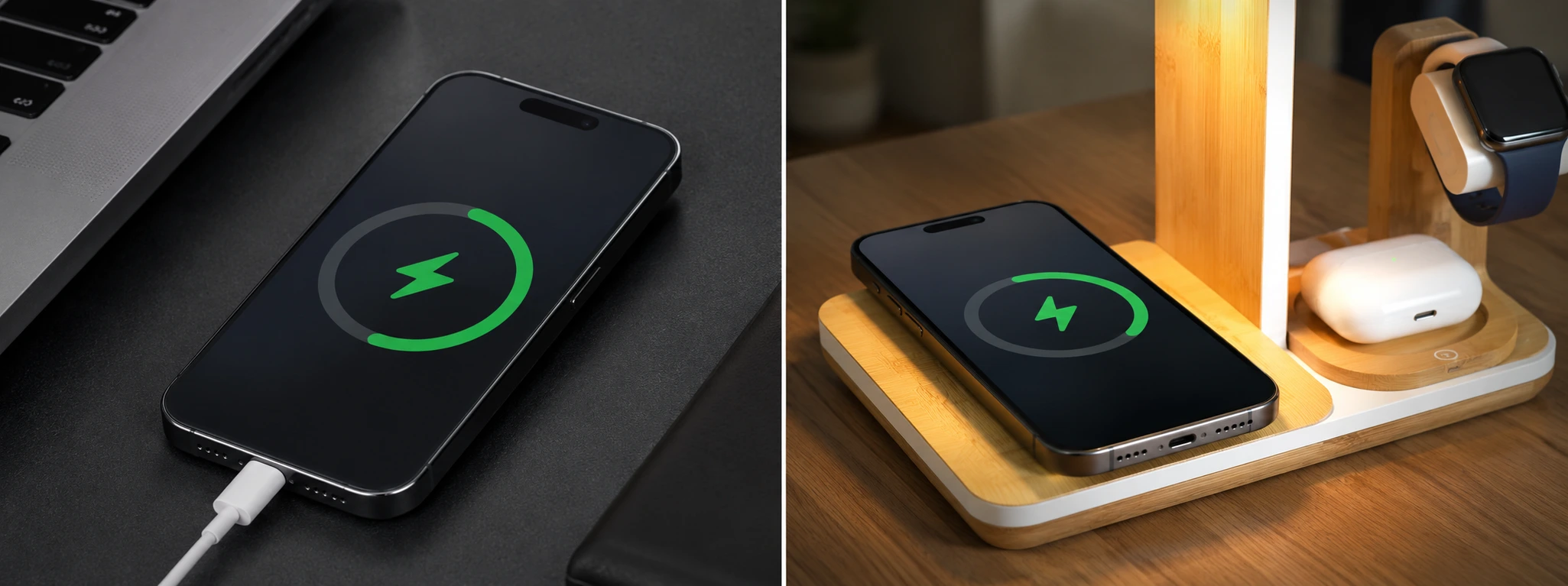
The iPhone only charges when it is turned off: causes and solutions
Does your iPhone only charge when it is turned off? Discover the causes and solutions for this common problem on iPhone models from the iPhone X to the iPhone 17 Pro Max at iServices.
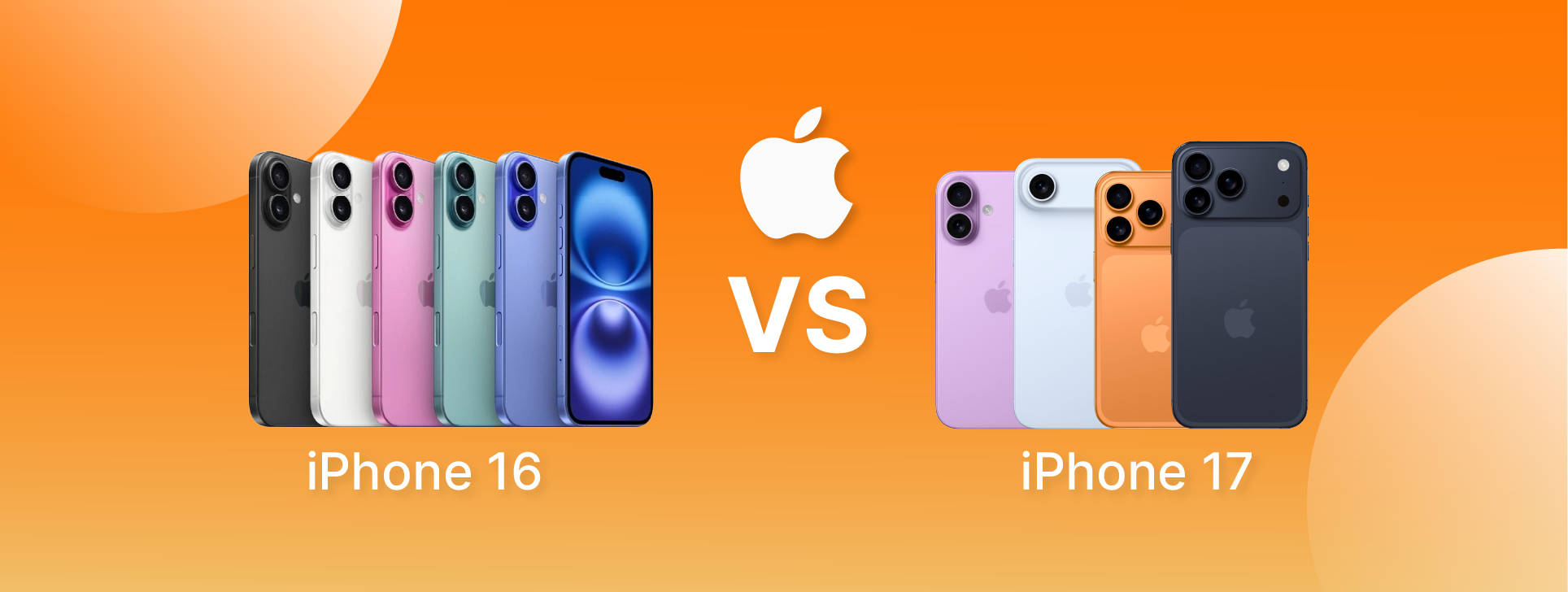
iPhone 17 vs iPhone 16: AS principais diferenças
Serão as novidades do iPhone 17 suficientes para justificar uma atualização em relação ao iPhone 16? Na iServices mostramos as principais diferenças.
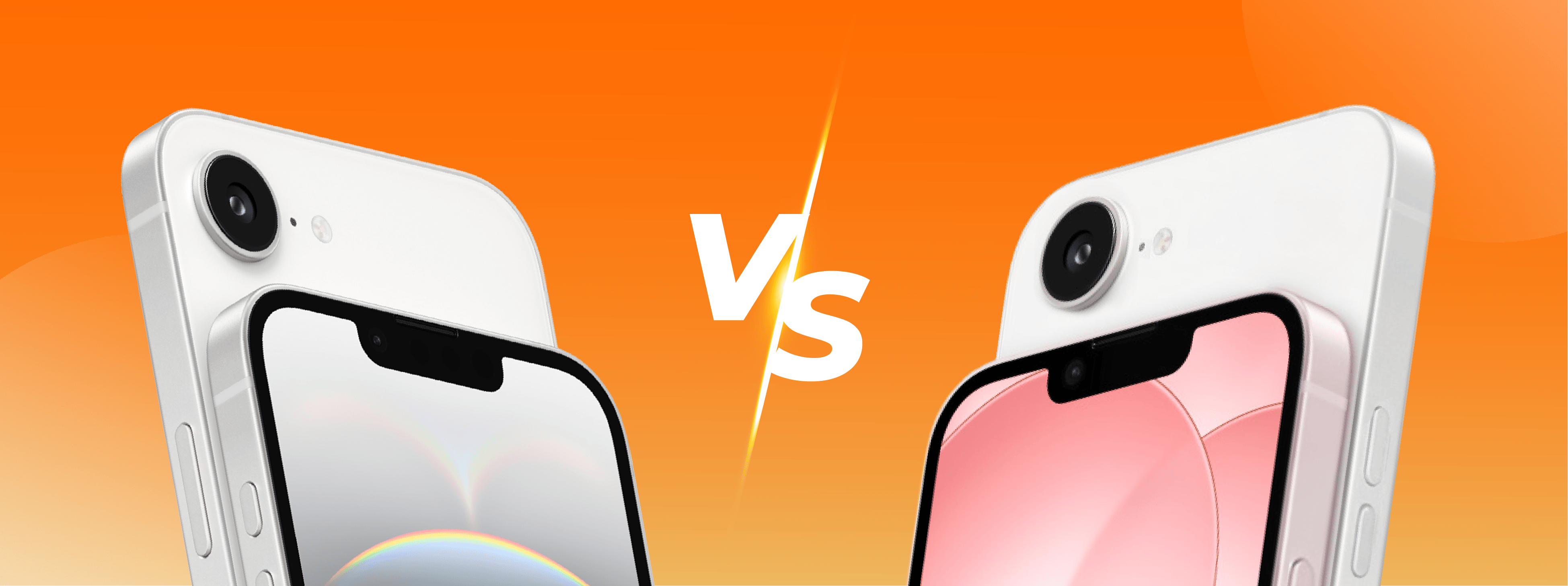
iPhone 16e vs iPhone 17e, which is the best?
iPhone 16e or iPhone 17e, see the differences in design, screen, camera, battery, performance, and which model is worth buying in 2026.
