










Slow smartphone? 10 reasons and how to solve this
Have you ever had moments where apps take a very long time to open, a keyboard that reacts slowly, or you try to take a photo and your phone just can't keep up, right? And the question that probably crossed your mind was: why is my smartphone so slow?
Over time, it is normal for a smartphone to lose some of its speed. However, that doesn't mean you need to buy a new smartphone. From a lack of storage space to battery problems, there are several reasons why a smartphone becomes slow.
Why does a smartphone get slow? 10 reasons
Storage almost full
We begin with the fact that one of the most common causes of a slow phone is a lack of storage space. Photos, videos, apps, documents, and even files can take up a large part of a smartphone's internal memory.
When storage nears its limit, the operating system has less space available to perform temporary tasks, install updates, or manage apps.
What can you do?
First, check how much space you have left. Delete apps you no longer use, take advantage of the option to transfer photos and videos to the cloud or another device, and remove unnecessary files. Sometimes a few minutes of cleaning up are crucial for an improvement in performance. Sometimes a few minutes of cleaning up are enough to notice an improvement in performance.
Too many open apps
Switching between Instagram, WhatsApp, YouTube, maps, and various other apps, and doing so quickly, is very common. The problem arises when multiple applications use the phone's resources simultaneously.
Depending on the RAM and the processor, this behavior causes slowness. The solution is to close the apps you are not using, which helps to free up resources.
Outdated operating system
Constantly ignoring or postponing that notification to update the operating system may not be the best idea.
Updates for iOS and Android don't just exist to add features; many of these updates include bug fixes, security improvements, and performance optimizations. Always ensure your smartphone is up to date and make backups.
Apps need to be updated too
The operating system is not the only software that should always be up to date. Old apps can sometimes show compatibility problems, errors, or lower performance.
In this case, you should open the App Store or Google Play Store and check if there are pending updates. If you sometimes have an app that closes unexpectedly or reacts very slowly, this may mean you need to install the latest version.
Rarely restarting the smartphone
When was the last time you completely turned off your smartphone? If you had to think for a few seconds, this tip is for you.
Restarting the phone may seem like too simple and obvious a solution, but it helps to terminate processes that have frozen, free up temporary memory, and correct small system errors.
Deteriorated battery
The battery can affect the entire user experience of a smartphone. Lithium-ion batteries deteriorate over time, but also naturally through charging cycles.
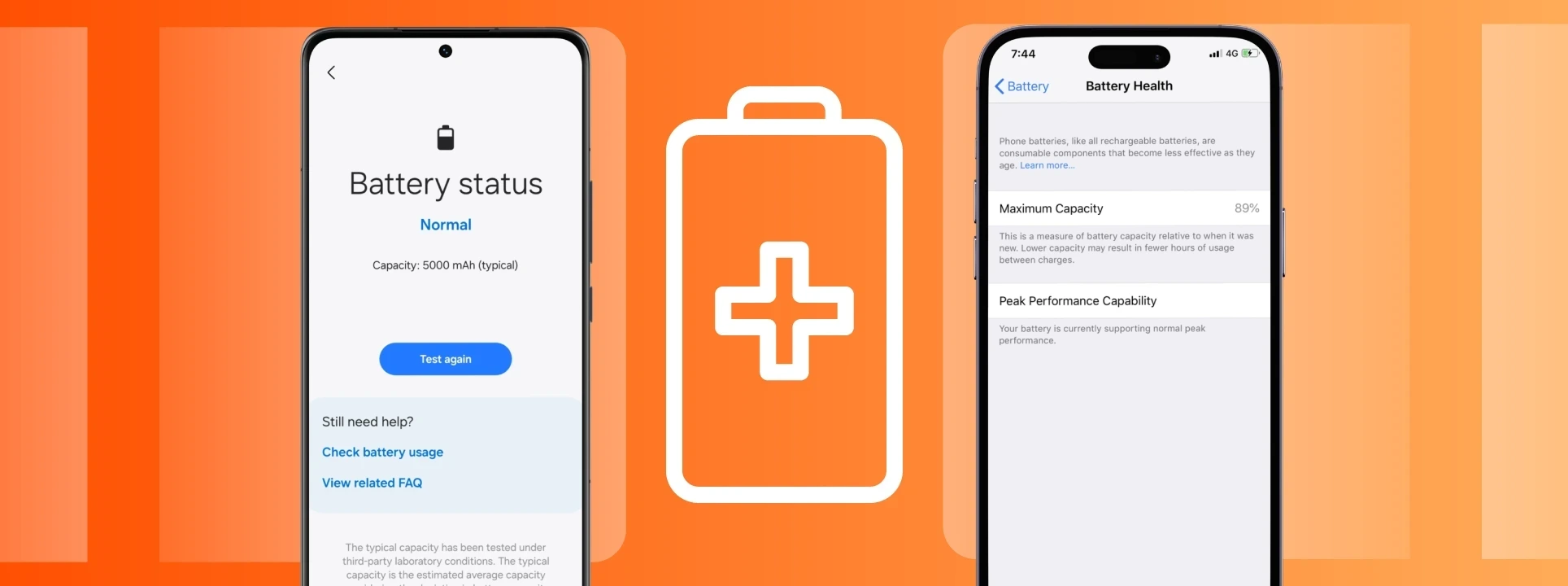
When a battery shows a significant degree of wear, problems can occur, including shorter battery life, unexpected resets, or even changes in the smartphone's performance. On an iPhone, for example, you can check the battery health in the device's settings.
Smartphone getting too hot
Have you noticed that the phone slows down when it gets very hot? That's no coincidence, because when the temperature rises, the smartphone tends to temporarily reduce its performance to protect the internal components.
This situation is common when you are gaming or recording videos for a long time, where there is intensive use of GPS or direct exposure to the sun. If you experience such situations, iServices suggests that you stop the most demanding tasks to let the device cool down naturally.
Apps have become too demanding
With the evolution of apps, while the smartphone hardware remains the same, an app that worked perfectly three or four years ago might contain demanding features today. This is one of the reasons why older smartphones start to become slower, even if they are still in good condition. If you feel that a specific app is causing problems, try updating it, reinstalling it, and as a last resort, look for a lighter alternative.
Hardware problems
If you have freed up space, installed all updates, restarted the system, and even checked the status of the apps, but the smartphone is still slow, the problem may lie in the hardware.
A worn-out battery, problems with the internal memory, damage from a fall or liquids, and other defective components can affect the functioning of the smartphone.
In these cases, we recommend a technical analysis at an iServices store, which can help determine where the problem really lies. At iServices you will find a dedicated and experienced team for phone repairs, it is ready within minutes and with a warranty of 2 years or more.
Recommended Products
View all
 36 Months
 36 Months

€19.95
36 Months


Other Articles
See more
6 alternatives to Spotify to listen to your music
Spotify is the leading music streaming app, but there are good alternatives. See our list to listen to music, but also Podcasts.
What is the eSIM? All answers and clarifications
Do you know what an eSIM is? Learn about this technology on our blog
Sabes ver o estado da saúde da bateria do iPhone e Android?
Sabes como verificar o estado da bateria do iPhone ou do Android? No blog da iServices vais aprender como podes ver a saúde da bateria do teu telemóvel.