


 36 Months

Favourite Store

Filters
(7 Results)Stock
Condition
RAM
Storage
Processor
Price
Launch Year
Color
Screen Type
Screen Size
Processor
Bluetooth
Audio
Graphics Card
Camera
Headphone Jack
Inputs/Outputs
Thunderbolt
Memory Card Slot
HDMI Input
Warranty

 36 Months
-
36 Months
-
36 Months
-
36 Months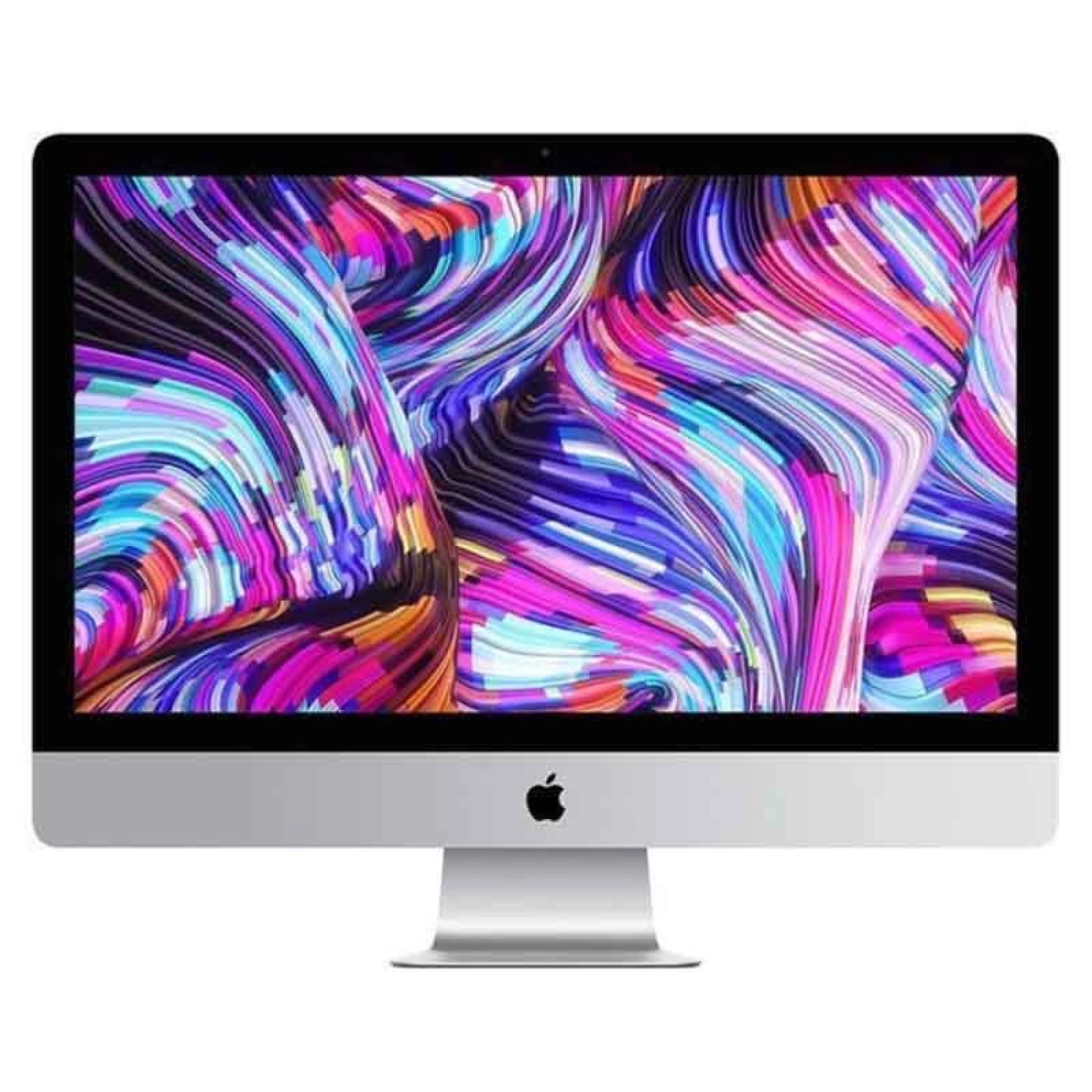
-
36 Months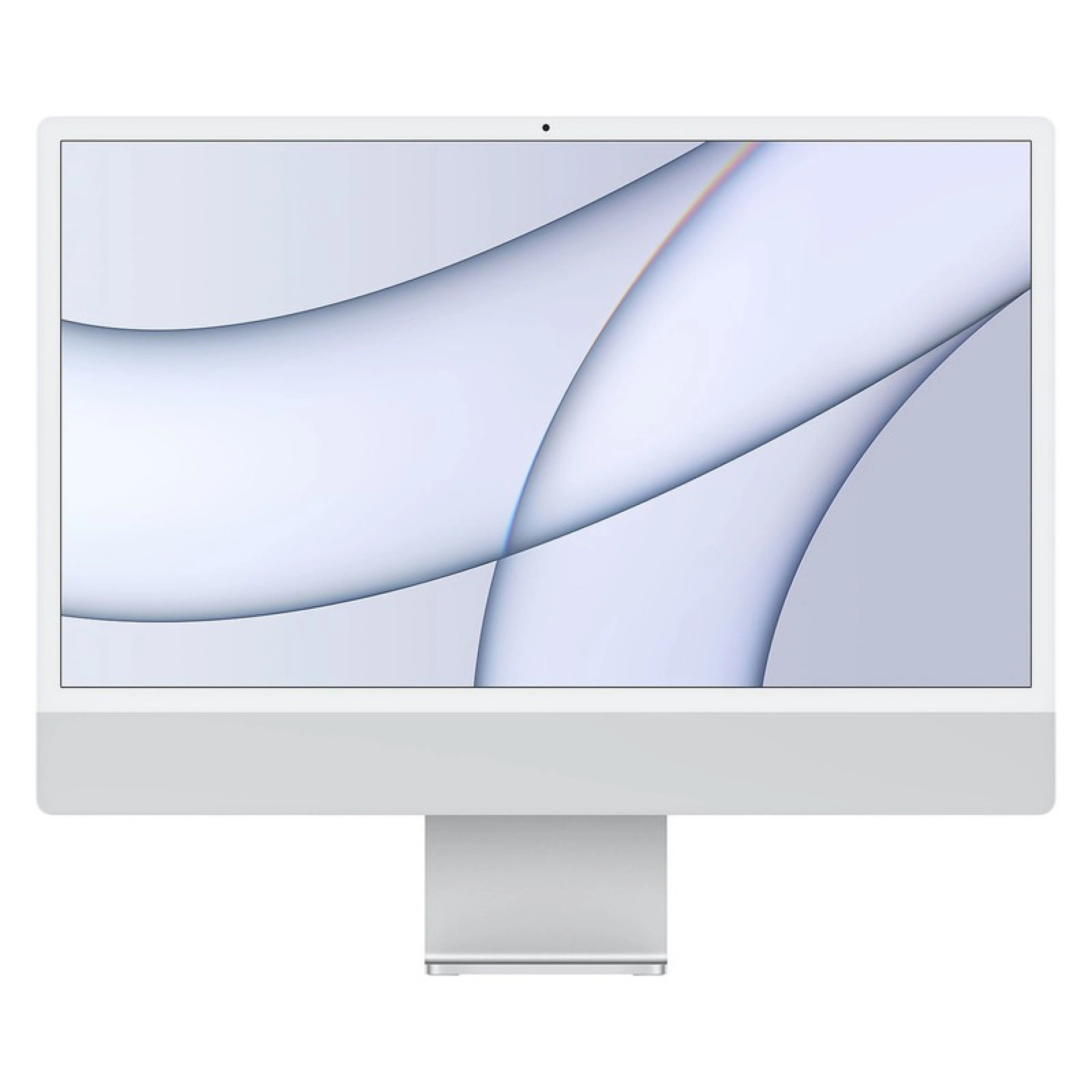 36 Months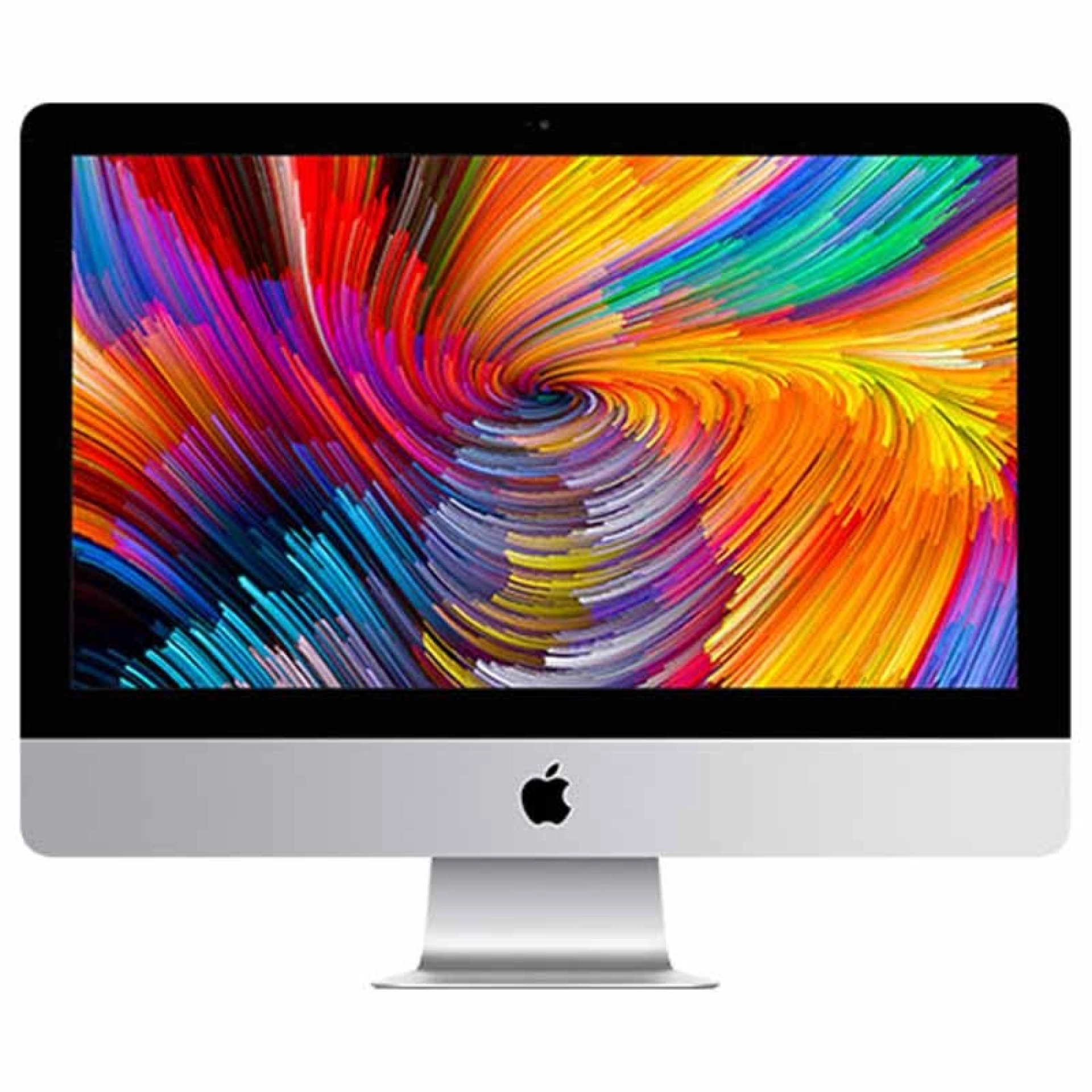
-
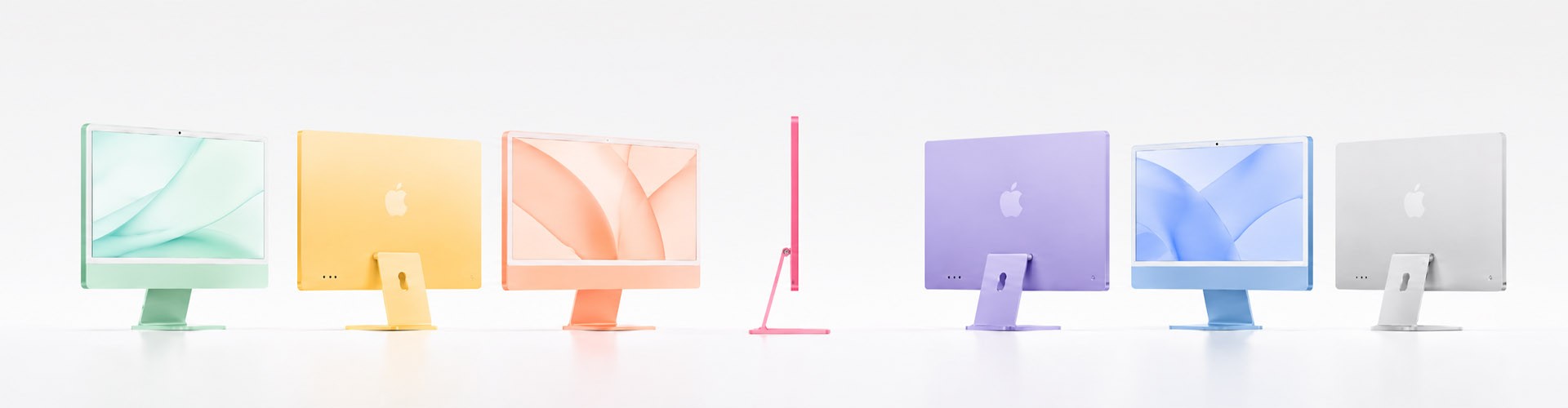
Find the Refurbished iMac you are looking for in the iServices Online Store. These are high-quality refurbished computers that come with a 3-year warranty.
Are you looking for a Refurbished iMac for your workspace? iServices has the solution! Find the right iMac for your needs in our Online Store. Whether you are setting up a home office or a study space for a student, our iMacs are ready to meet the challenges of their new users.
A Refurbished iMac is an all-in-one desktop computer that undergoes a rigorous series of tests at iServices. The goal is to evaluate whether the PC delivers the high performance and quality required to re-enter the market.
These tests certify the quality of both hardware and software, while our team also handles the deep cleaning and repair of any component. Once the Refurbished iMac passes this process, it is put up for sale in like-new condition, backed by a 3-year warranty.
Buying a Refurbished iMac comes with many advantages. First and foremost is the peace of mind of a 3-year warranty following the extensive testing it undergoes at iServices. Everything is thoroughly inspected by us before being put up for sale.
Refurbished iMacs come at a much more affordable price compared to brand-new iMacs. However, they remain a premium-quality solution. Another major advantage is sustainability. By choosing refurbished, you help reduce electronic waste while saving money and natural resources.
An iMac graded as Excellent Condition represents the highest tier of quality. These are virtually like-new devices with no visible signs of wear, offering customers a premium experience.
An Apple computer graded as Very Good Condition features excellent quality with potentially minor, minimal signs of previous use. These devices deliver reliable performance at a more affordable price point.
An iMac graded as Good Condition may show more visible signs of wear and tear, but it still delivers solid performance and serves as a highly economical choice for those looking for a well-functioning computer.
The origin of your Refurbished iMac is everything. At iServices, we rely on trusted suppliers, and our technical team ensures the performance evaluation of the various components of our iMacs, as well as checking software efficiency, so that no detail ever slips through.
Furthermore, from an aesthetic standpoint, iServices always works with devices that display minimal to non-existent signs of use, as we believe that along with flawless performance, our Refurbished devices must also look great.
Depending on how you plan to use your new Refurbished iMac, you should always consider that the more recent the model, the more powerful the machine will be. Therefore, if you intend to carry out work that involves heavy multitasking and more complex software, you should look into a model released in recent years.
However, if your Refurbished Apple iMac is intended for basic everyday tasks like word processing and other standard Office tools, an older model will be more than up to the challenge!
If you need to format your iMac, you should carefully follow these steps:
Recovery Mode
Formatting the Drive and Reinstalling macOS
After macOS is reinstalled, follow the setup assistant instructions that appear on the screen. Complete the configuration, which includes connecting to the internet, signing in with your Apple ID, and restoring the backup you created.
The price of a Refurbished iMac depends on several factors: the specific model — whether it is an iMac 27", an iMac Pro, or an iMac 21.5” 2017 — but also on its release year, technical specifications, and the retailer.
At iServices, we offer a wide range of Refurbished products at highly accessible prices. Explore our Online Store and compare prices and models of Refurbished Apple iMacs to ensure you get the best deal possible.
At iServices, you can buy your Refurbished iMac either at one of our physical stores or directly through our online shop. Discover our full selection, which also extends to other refurbished Apple products such as the MacBook, iPhone, and Apple Watch.
Customers can return or exchange their Refurbished Apple iMac within 30 days of receiving the computer, provided that:
Accessorize your Refurbished iMac!

 Free delivery, expected tomorrow!