


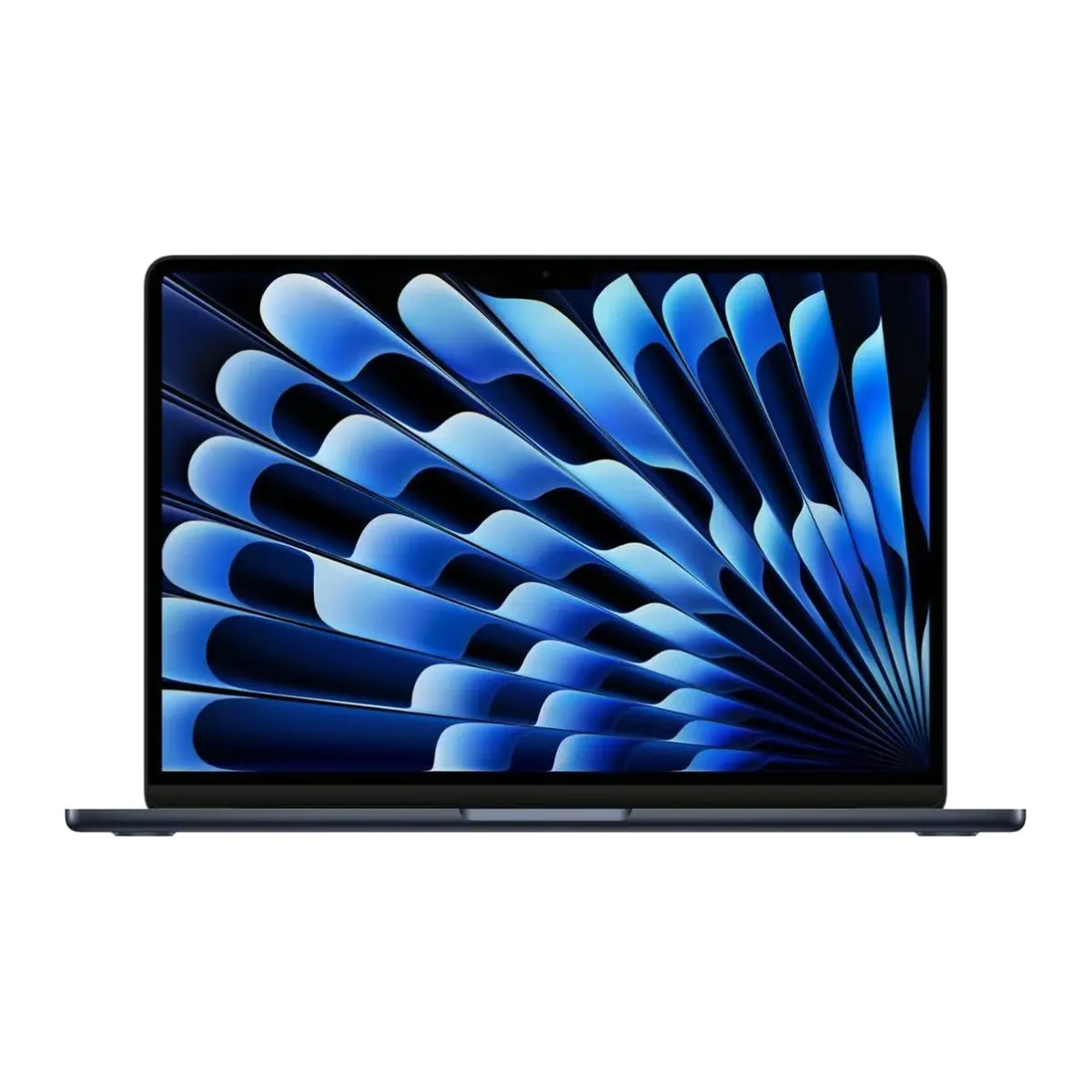
MacBook Air RefurbishedMacBook Air 13" 2024
-

Favourite Store

Filters
(4 Results)Stock
Condition
RAM
Storage
Processor
Price
Launch Year
Internal Memory
Screen Type
Screen Size
Processor
Bluetooth
Audio
Graphics Card
Camera
Headphone Jack
Thunderbolt
Memory Card Slot
HDMI Input
Charger Included
Warranty
Minimum Charging Power
Maximum Charging Power
USB PD Compatibility


-
 36 Months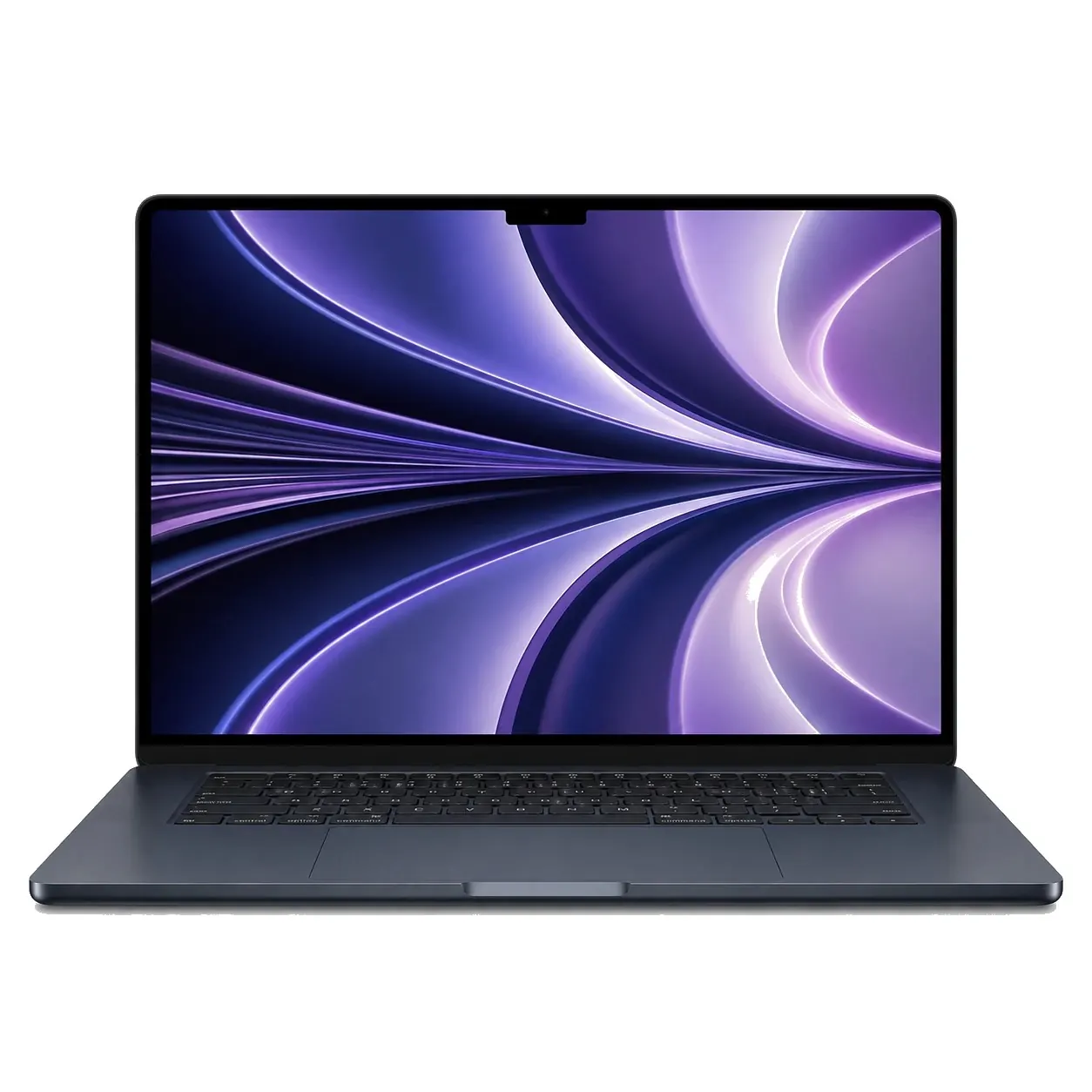
-
36 Months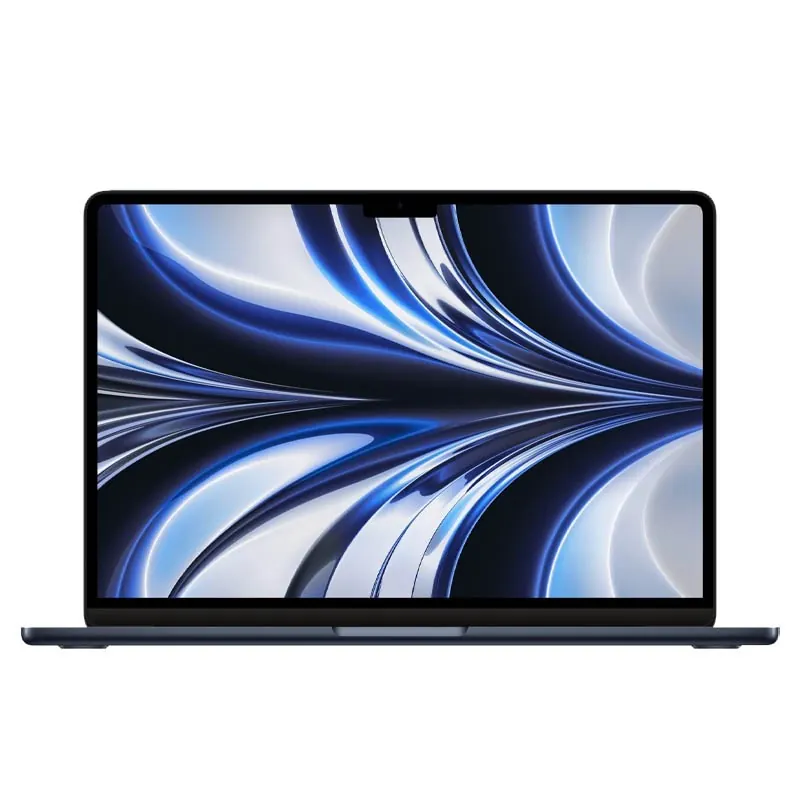 36 Months
From €525.24
 Free delivery, expected the day after tomorrow!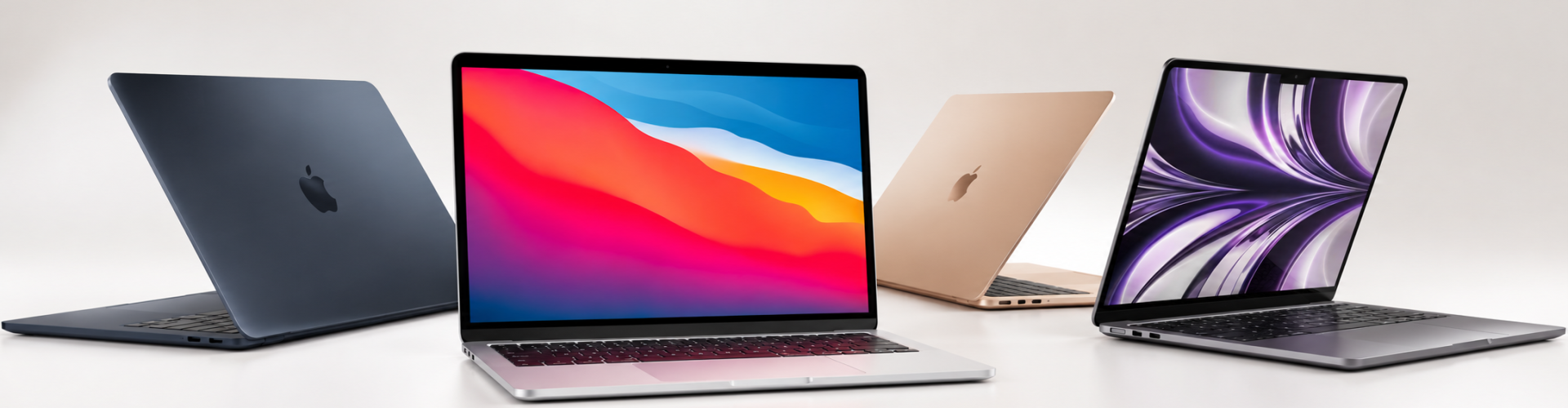
If you are looking for the perfect balance between mobility and efficiency, the Refurbished MacBook Air from iServices is the ultimate solution. Lightweight, powerful, versatile, and backed by a 3-Year Warranty, this Apple laptop is the ideal companion, for example, for students.
At iServices, all refurbished MacBooks undergo diagnostics covering dozens of quality parameters to ensure they reach your hands performing at 100%!
Purchasing a refurbished MacBook Air is an investment where sustainability, the environment, and your wallet all benefit. Every computer at iServices goes through rigorous evaluations to test its quality and performance before being made available for sale.
Choosing a MacBook Air isn't always easy, but if you are a university student, the MacBook Air 13" 2022 is an excellent choice for your studies. On the other hand, the MacBook Air 13" 2020 might be the best solution for professionals who need a reliable machine that is always ready for daily workloads.
Just like the MacBook Pro, the initial setup of the Air is highly intuitive. To begin:
Use the following shortcuts:
Performing backups is essential to protect your data and important information. On the MacBook Air, the entire process is simple and fast to execute. To do so, you should use Time Machine with an external hard drive, or enable iCloud to sync your documents, files, and photos seamlessly across all your Apple devices.
Buy your MacBook Air at iServices with a 3-year warranty at the most affordable price on the market. Take the opportunity to explore our range of MacBook accessories to enhance your user experience.
macOS, developed by Apple, is the operating system used on the MacBook Air. The specific version installed will depend on both the model and its release year.
The process of uninstalling a program on a MacBook Air is simple and intuitive. To do so, drag the item from the "Applications" folder to the "Trash". After doing this, empty the Trash to permanently remove the application from your system.
The main differences between a MacBook Air and a MacBook Pro lie in their performance capabilities, battery life, and the intended purpose of the Apple laptop.
The MacBook Air is a lighter, thinner, and more portable model, perfect for standard daily tasks such as working with documents, writing emails, browsing the web, and consuming videos or other multimedia content. Its long battery life and silent, fanless operation are also major highlights.
In contrast, the MacBook Pro is a more robust machine designed for demanding users who need a high-performance computer for resource-intensive tasks like video editing, graphic design, professional photography, or coding. With this Apple computer, you can count on powerful processors, such as the MacBook Pro M2, MacBook Pro M3, and beyond. It also features crucial elements like expanded RAM options, active cooling systems, and professional-grade displays. In short:
Since the RAM on the MacBook Air is soldered directly onto the computer's motherboard, it cannot be upgraded after purchase. To optimize performance, you can clean up system files, close applications running in the background, or ensure you select a model configured with more RAM at the time of purchase.
Follow these steps to perform a factory restore on your MacBook Air: Restart the computer and hold down the Command (⌘) + R keys until the Apple logo appears. Next, select the "Disk Utility" option to erase your drive. Afterward, choose the "Reinstall macOS" option to complete the factory system restore. Always ensure you have a fresh backup before starting this process.
If your MacBook Air fan won't turn off, the cause might be overheating or a heavy process running in the background (note: newer MacBook Air models are fanless, but older Intel models use active cooling). To resolve this: close all applications, restart the system, and check if your operating system is up to date. If the problem persists, visit an iServices store so we can help you diagnose it properly.
Come to iServices, where you will find a lineup of MacBook Air models at the most accessible prices on the market, all backed by a 3-year warranty.
