


 36 Months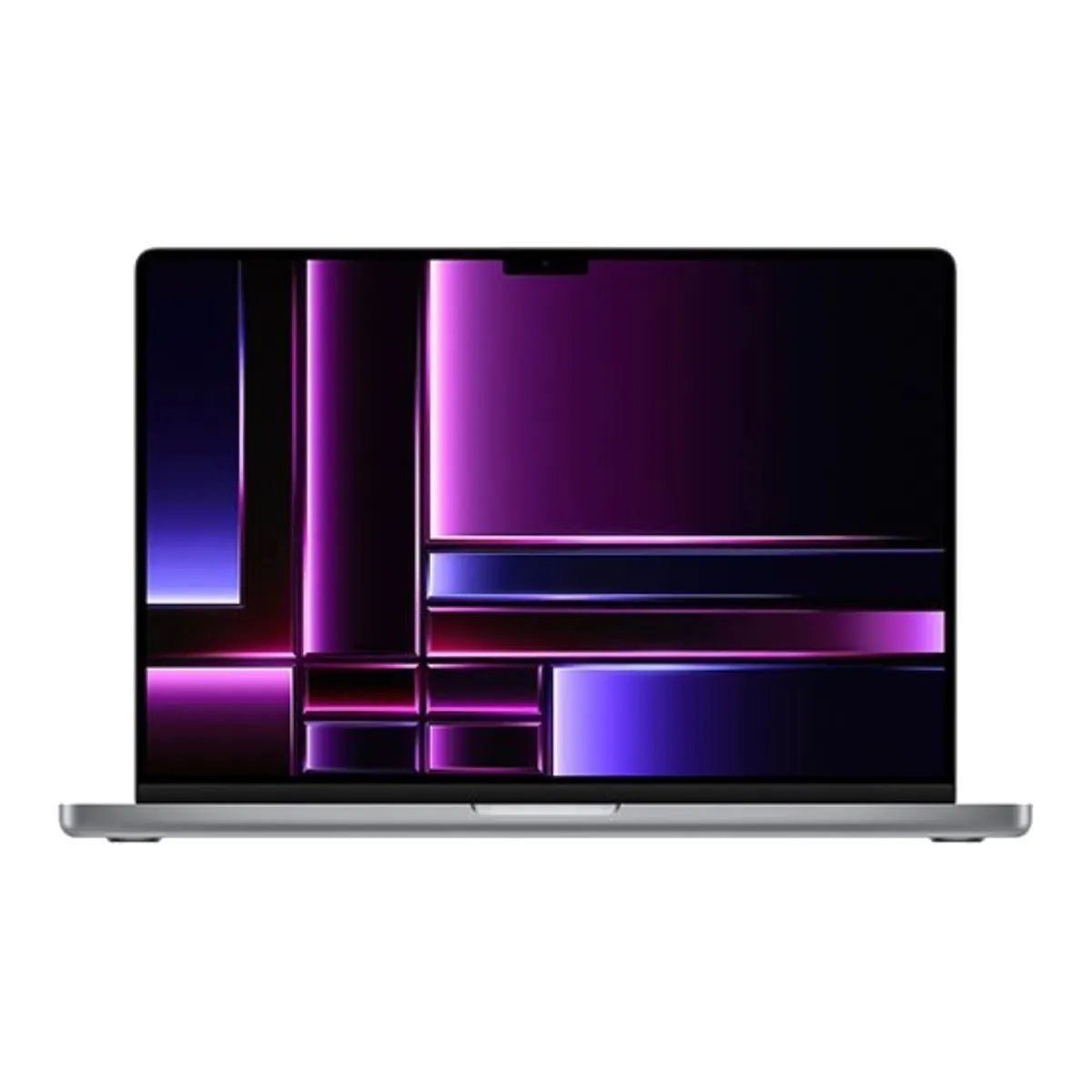
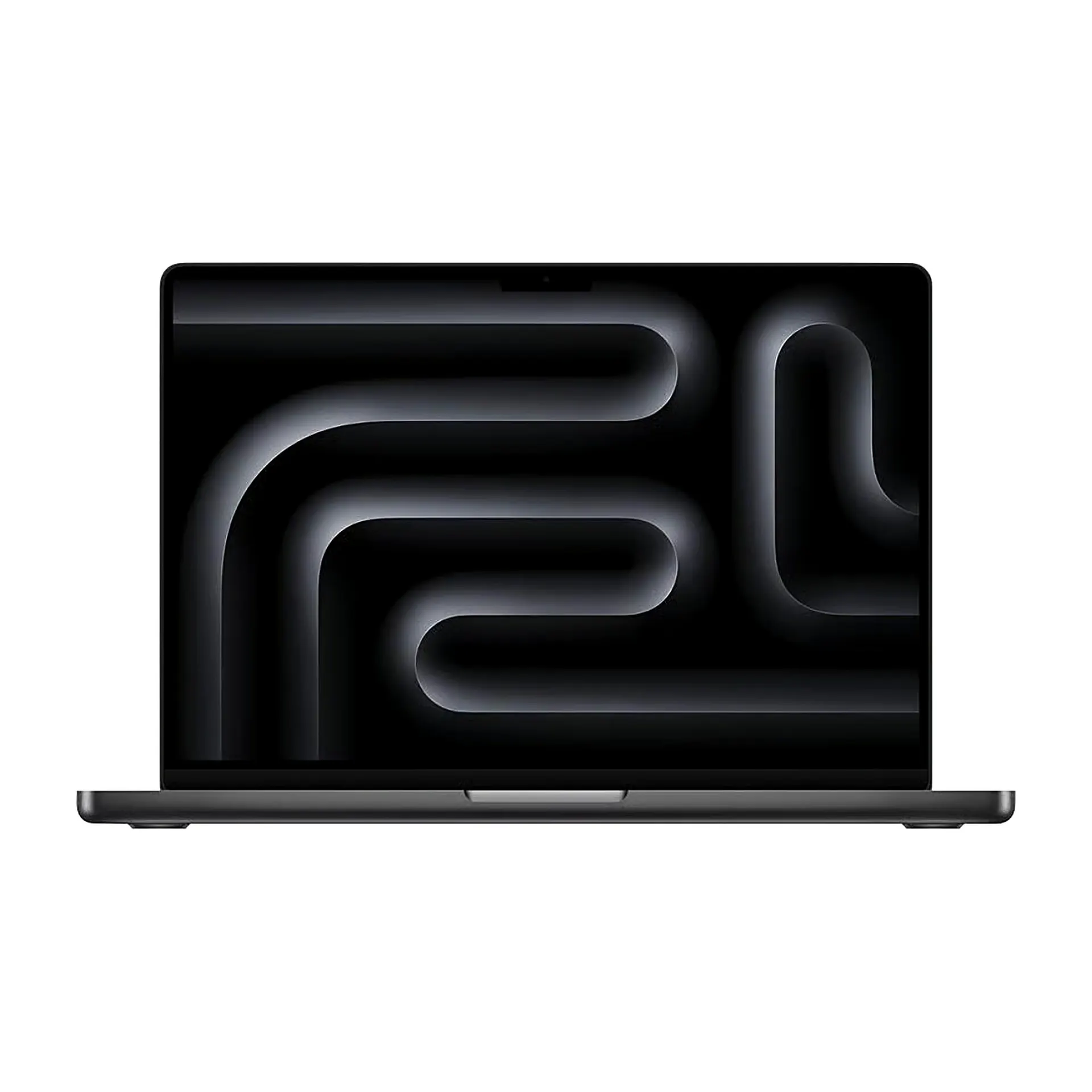
MacBook Pro RefurbishedMacBook Pro 16" 2023
-

Favourite Store

Filters
(8 Results)Stock
Condition
RAM
Storage
Processor
Price
Launch Year
Screen Type
Screen Size
Processor
Bluetooth
Audio
Graphics Card
Camera
Headphone Jack
Thunderbolt
Memory Card Slot
HDMI Input
Charger Included
Warranty
Minimum Charging Power
Maximum Charging Power
USB PD Compatibility

 36 Months
-
-
36 Months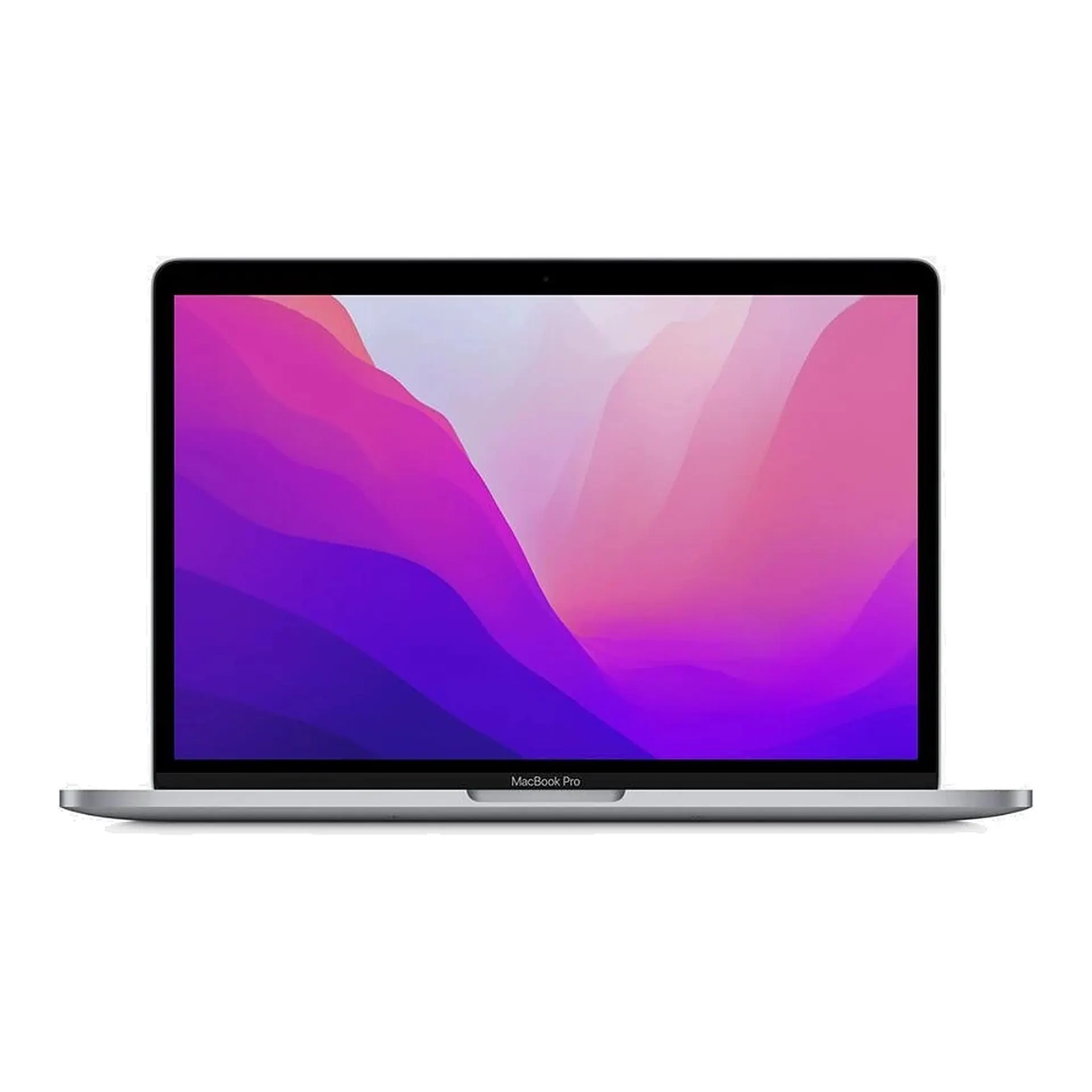
-
36 Months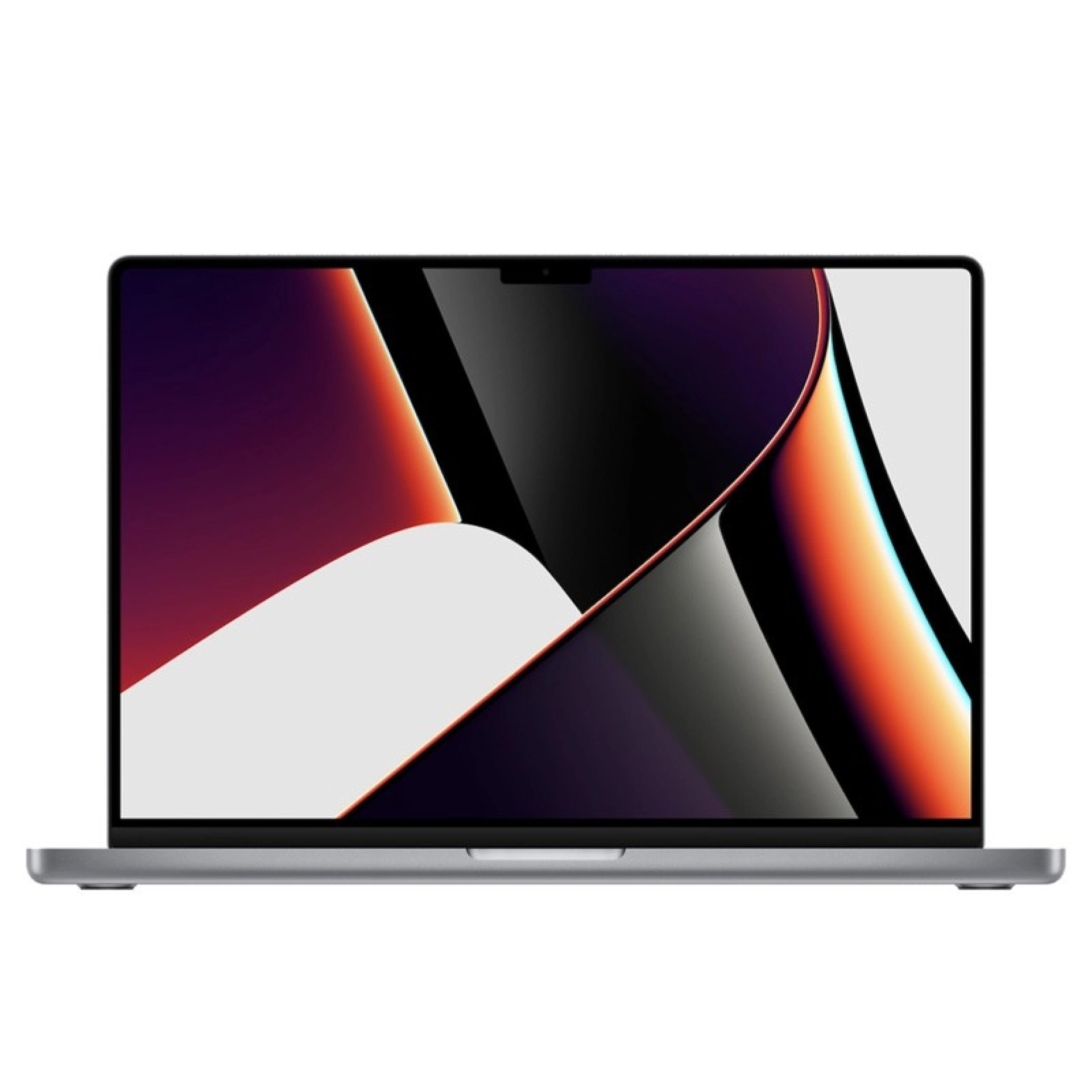
€1,594.11
 Free delivery, expected the day after tomorrow! 36 Months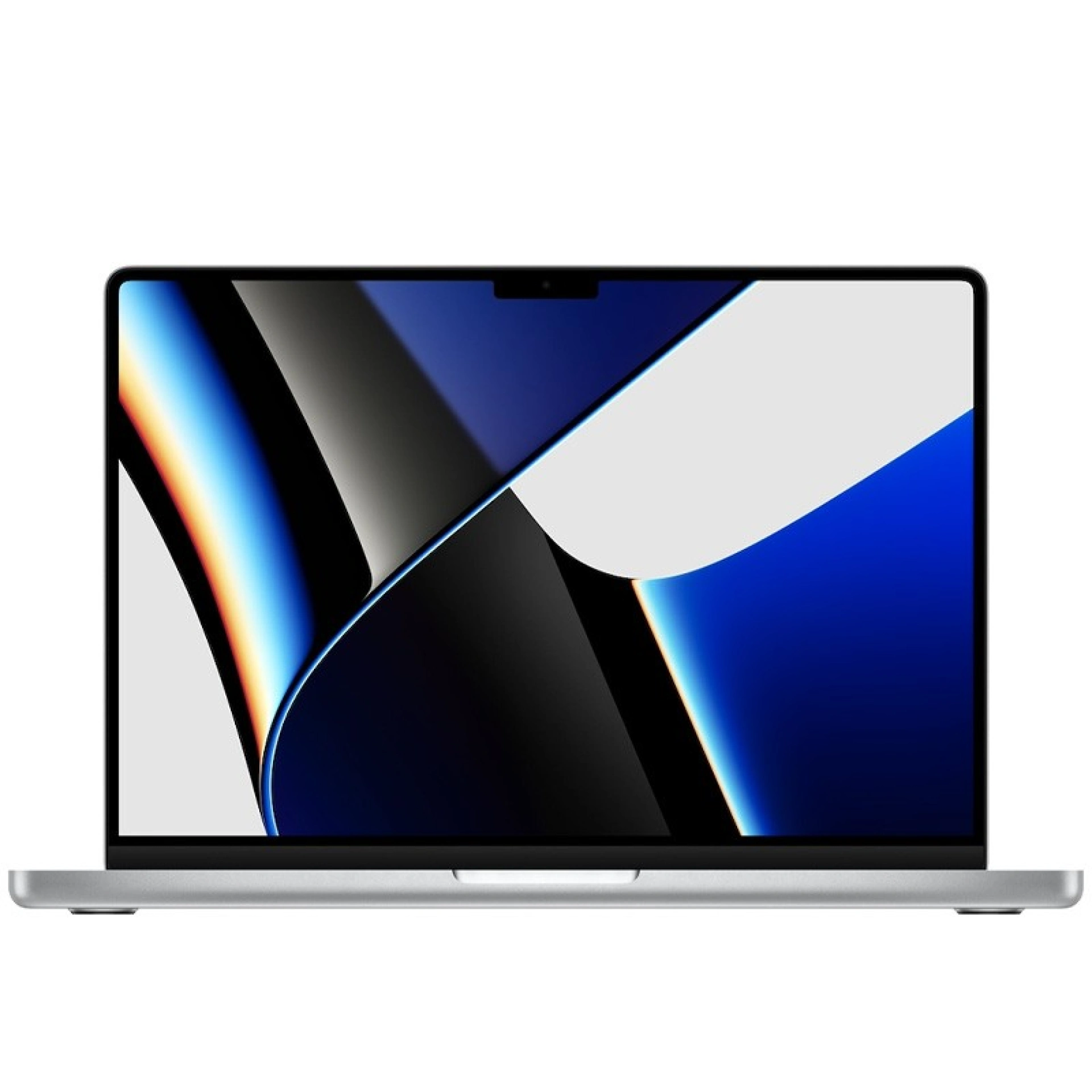
From €896.89
Free delivery, expected the day after tomorrow! 36 Months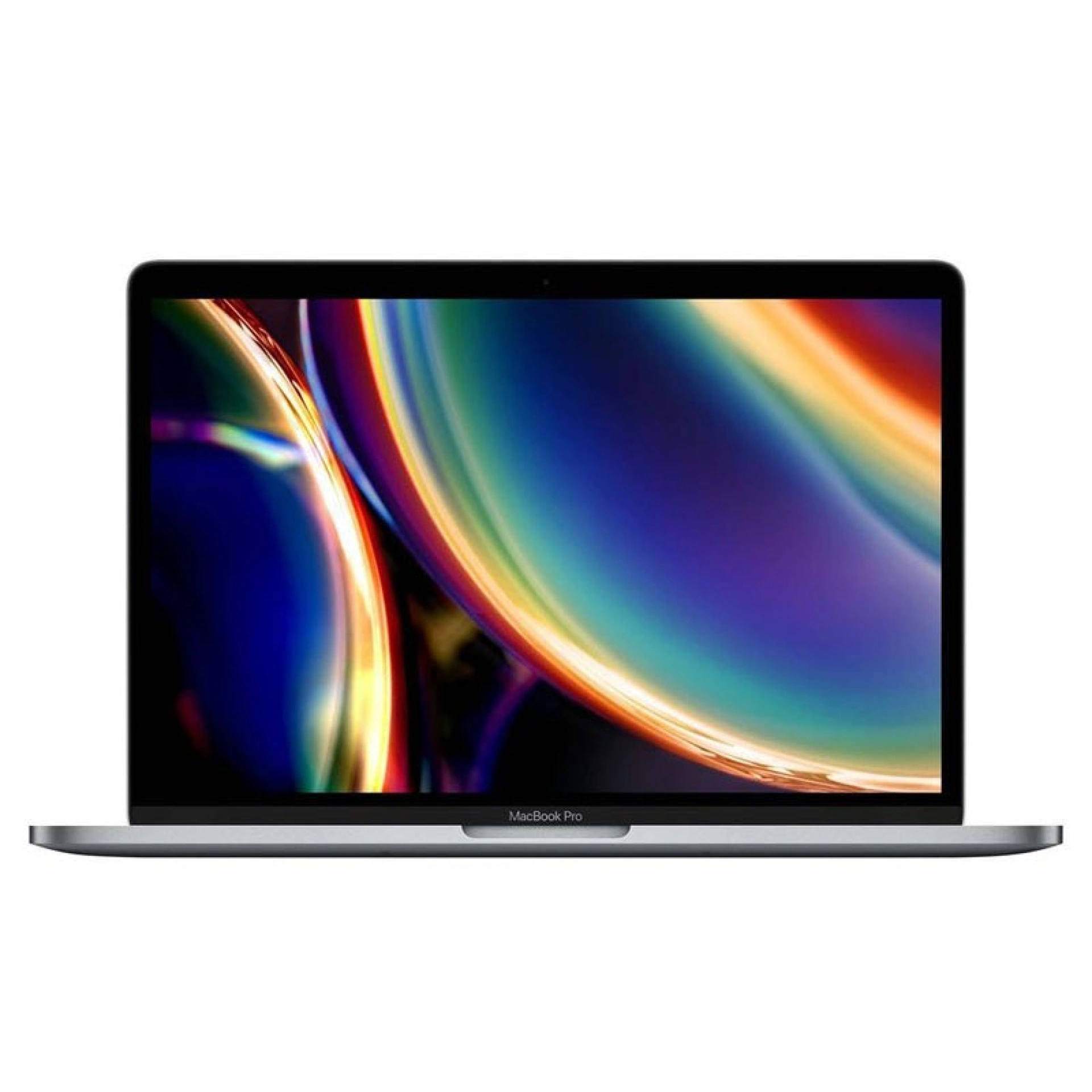 36 Months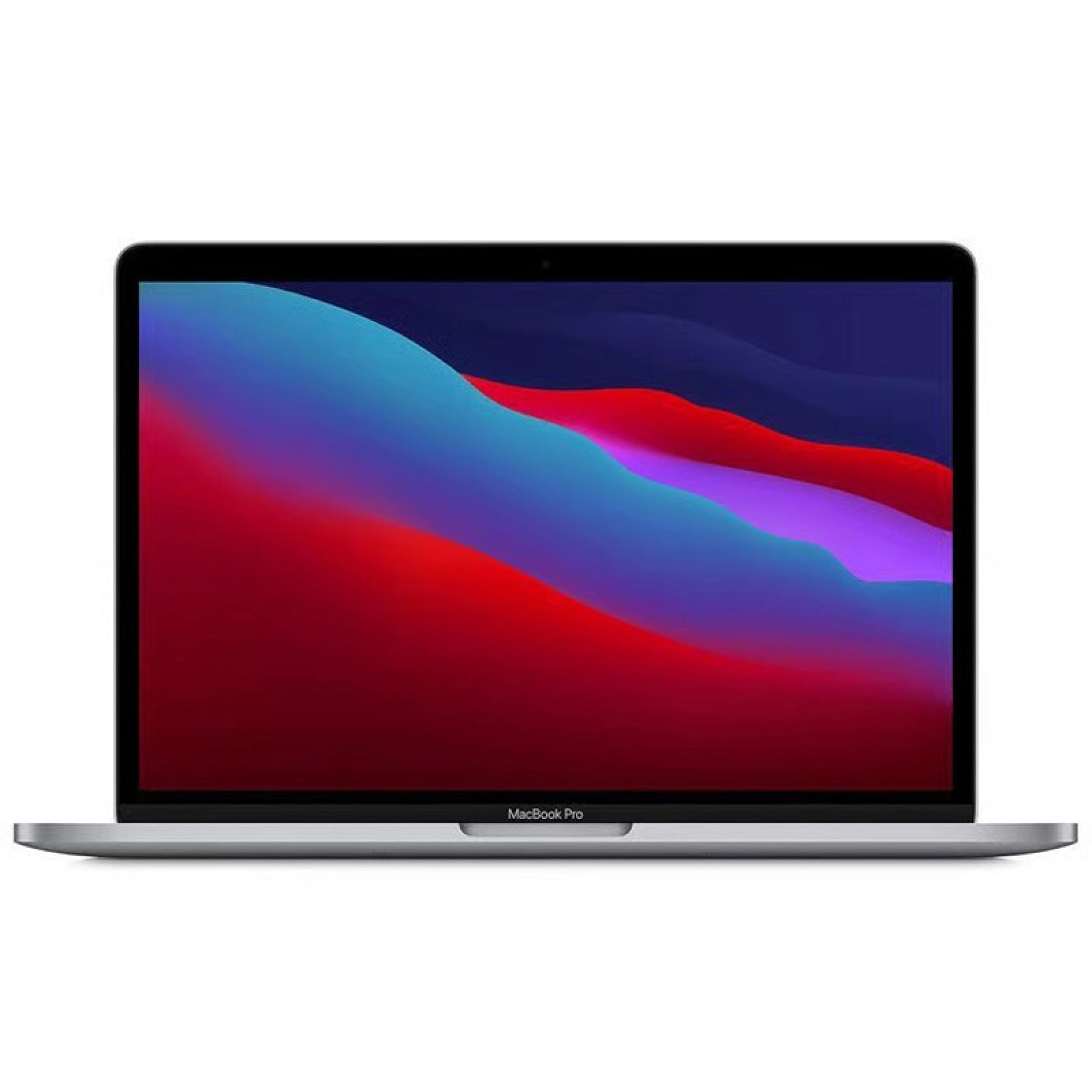
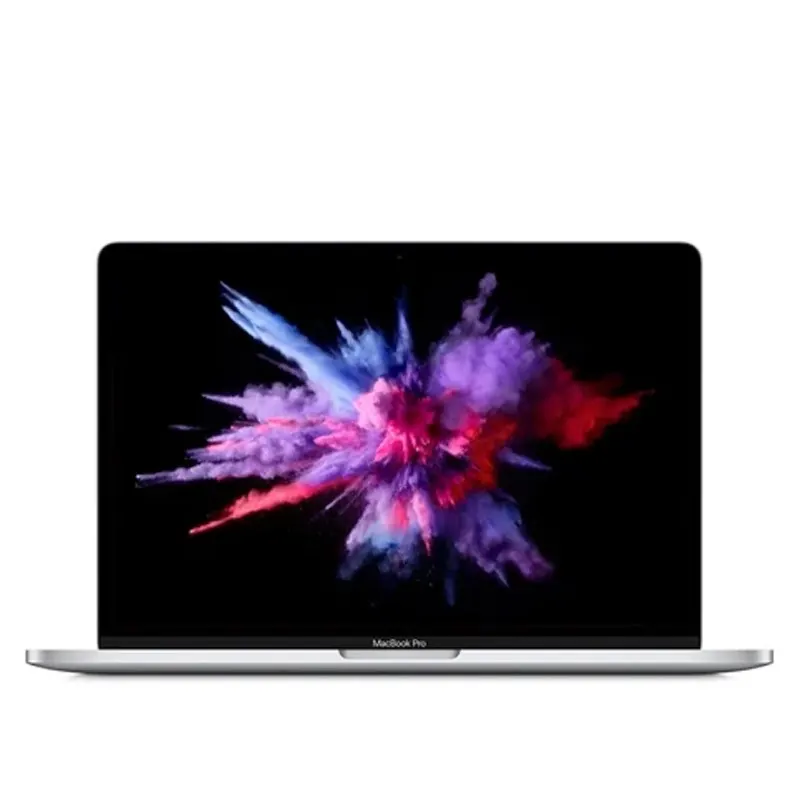
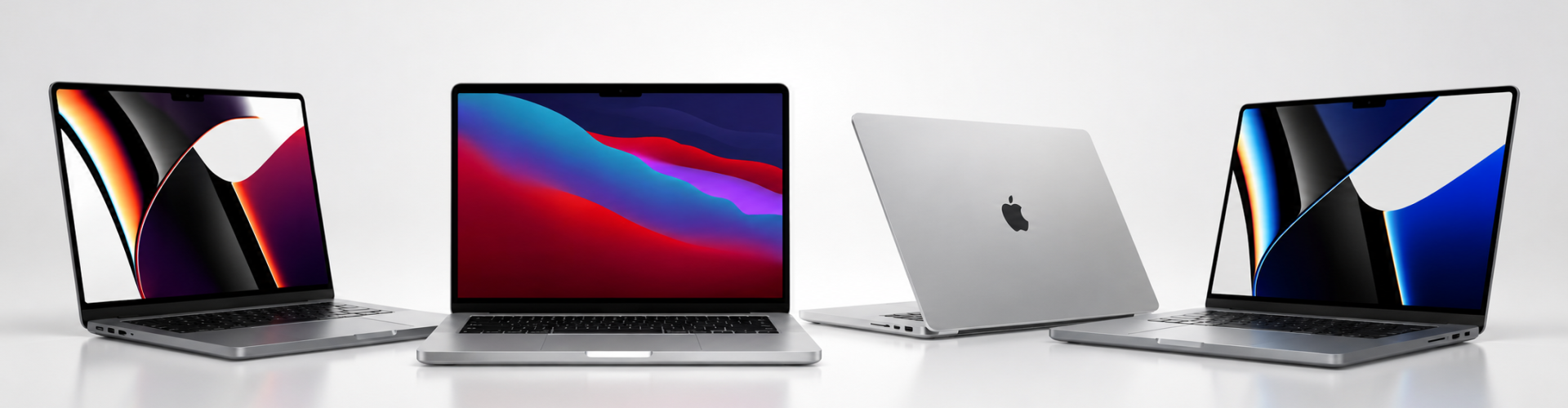
The carefully curated selection of Refurbished MacBook Pros from iServices with a 3-Year Warranty. In our online store, you will find a variety of models from what is Apple's most premium lineup of portable computers.
At iServices, all refurbished MacBooks undergo diagnostics covering dozens of quality parameters to ensure they reach your hands delivering peak performance! Your next workstation laptop is right here.
By purchasing a refurbished MacBook Pro, you are opting for a conscious, environmentally friendly, and highly economical choice.
When buying a MacBook Pro, you should consider what its primary use will be. For graphic designers, video editors, and programmers, there is the MacBook Pro 13" 2020. Students, on the other hand, can count on the solid performance of the MacBook Pro 16" 2021.
Setting up a MacBook Pro for the first time is very simple and fast:
There are several ways to take a screenshot on a MacBook Pro, for example:
To perform regular backups and protect your data, you will need to use Time Machine—a built-in tool in Apple computers. To do so, follow these steps:
Keep in mind that you can also use iCloud to save all your documents, photos, and contacts.
Formatting a MacBook Pro is a straightforward process, though it requires some attention to detail. First of all, it is necessary to have an updated backup on Time Machine or another storage service.
Follow these steps to format a MacBook Pro:
This entire process will delete all files and restore the MacBook Pro to its original factory settings.
On most recent MacBook Pro models, the RAM is soldered directly onto the motherboard. This means there is no option to upgrade the physical memory after purchasing the laptop. Therefore, at the time of purchase, it is vital to choose the right configuration for your actual needs.
However, there are still ways to optimize performance and "free up space" on your MacBook Pro:
If you genuinely require greater performance, the alternative would be investing in a MacBook Pro configured with more RAM and storage capacity from the start.
The main differences between a MacBook Air and a MacBook Pro lie in their performance capabilities, battery life, and the intended purpose of the Apple laptop.
The MacBook Air is a lighter, thinner, and more portable model, perfect for standard daily tasks such as working with documents, writing emails, browsing the web, and consuming videos or other multimedia content. Its long battery life and silent, fanless operation are also major highlights.
In contrast, the MacBook Pro is a more robust machine designed for demanding users who need a high-performance computer for resource-intensive tasks like video editing, graphic design, professional photography, or coding. With this Apple computer, you can count on powerful processors, such as the MacBook Pro M2, MacBook Pro M3, and beyond. It also features crucial elements like expanded RAM options, active cooling systems, and professional-grade displays. In short:
Keeping your MacBook Pro clean is essential to ensure proper operation and extend the laptop's lifespan. However, cleaning the device must be done carefully to avoid damaging components. Follow these steps for an effective and safe cleaning routine:
Regularly cleaning your device helps prolong the lifespan of the MacBook Pro, maintaining both its proper functionality and pristine appearance.
The price of a MacBook Pro varies depending on the specific model, its release year, and its hardware specifications—such as the processor, RAM capacity, and storage size.
At iServices, you will find a wide range of Refurbished MacBook Pros at affordable prices, all backed by a 3-year warranty.
