

Favourite Store




Filters
(9 Results)Stock
Color
Model
Language
Price
Launch Year
Color
Connectivity
Material




Peripherals
Discover the best computer peripherals
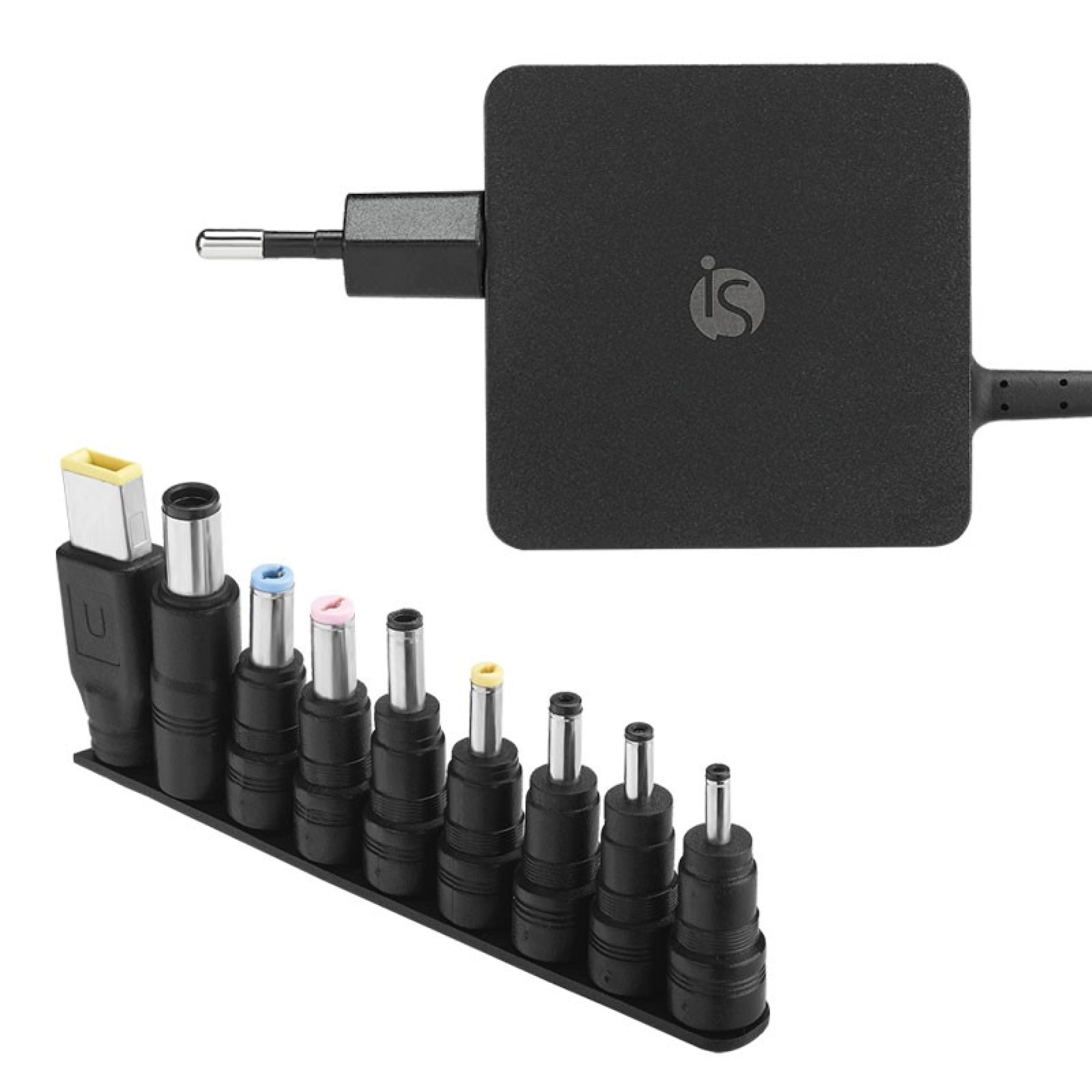
Looking for peripherals for your computer? At iServices you can elevate your productivity and comfort with various accessories created to provide the best user experience. Therefore, we have gathered products that are characterized by enormous ergonomics, functionality and a modern design that combines with any style.
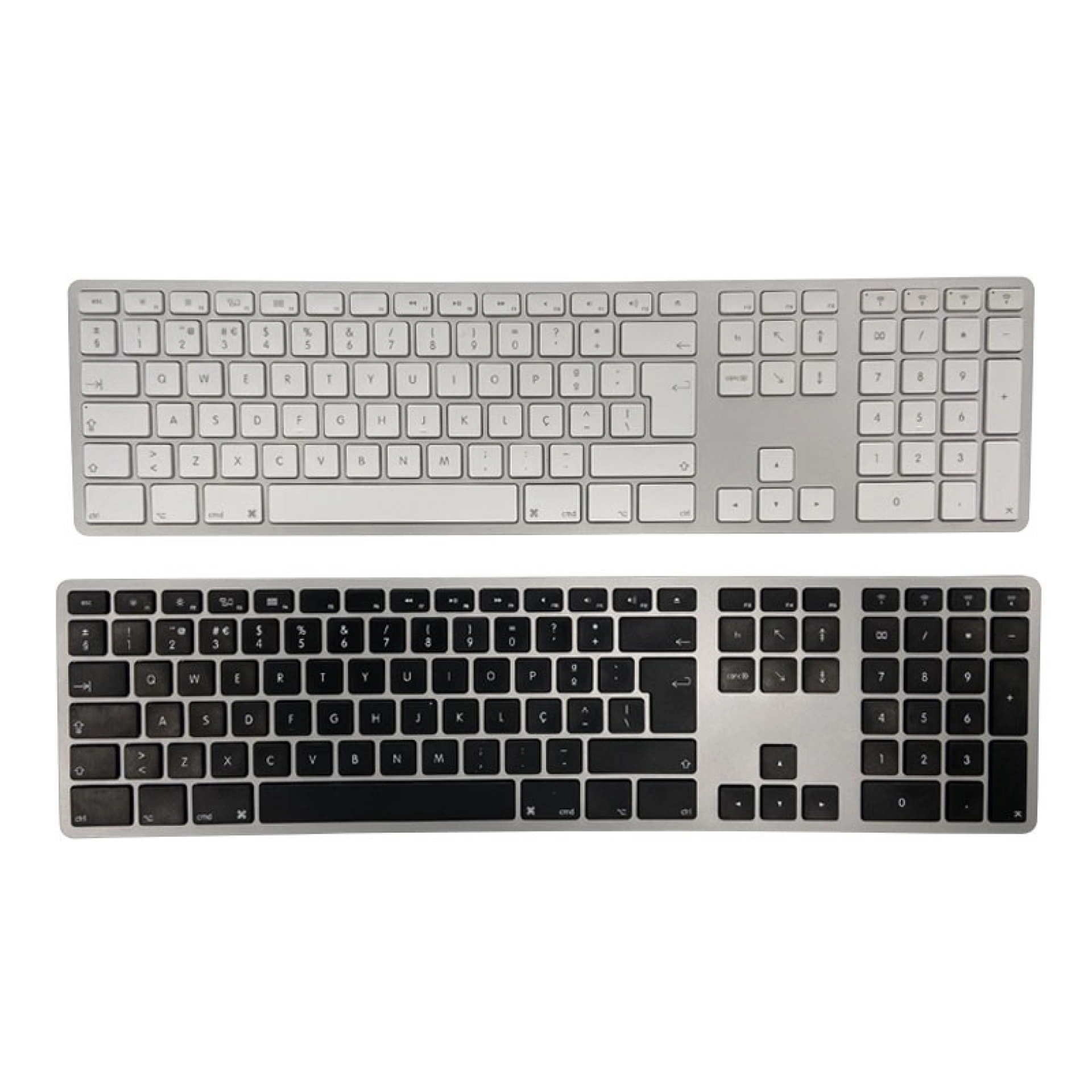
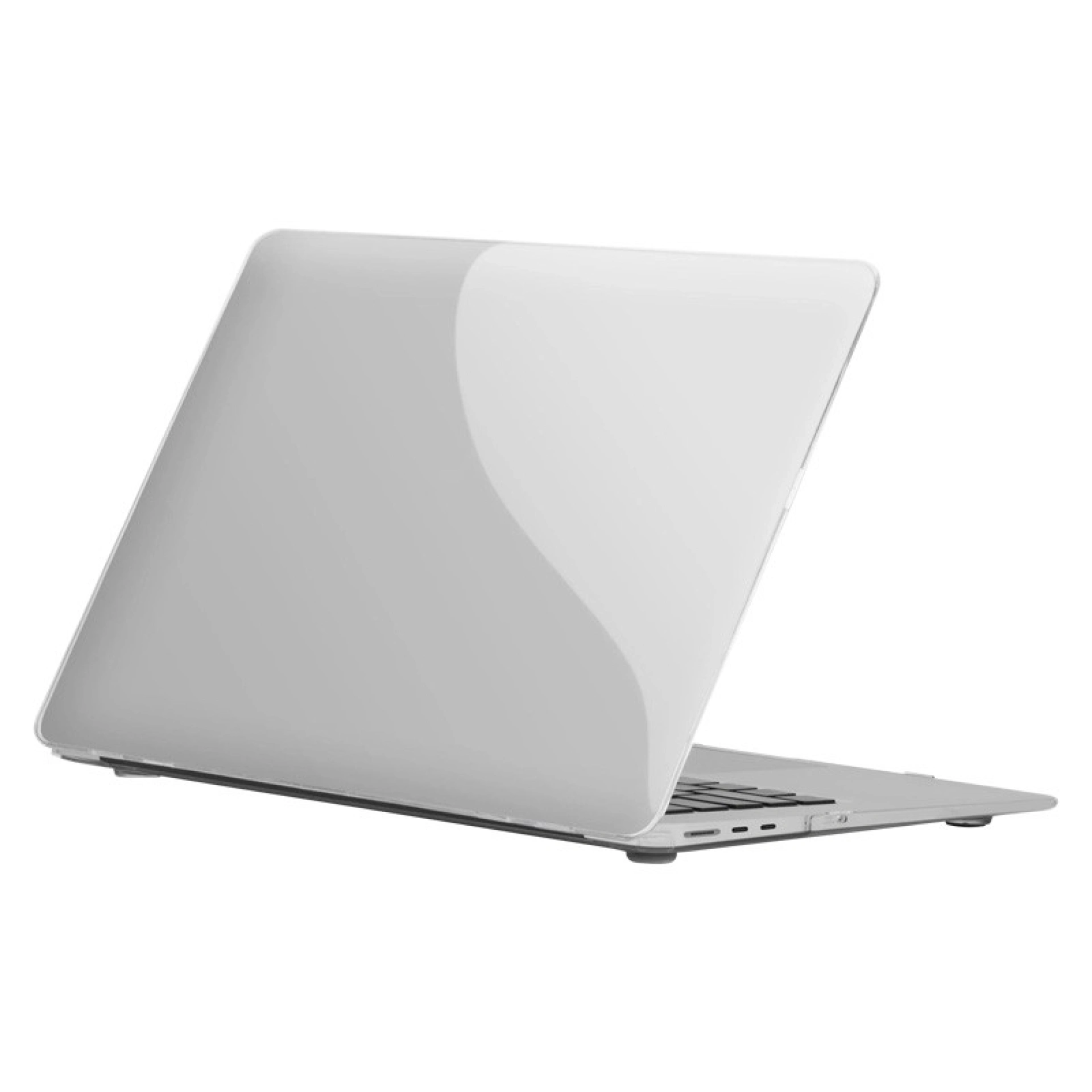
At iServices you will find everything from wireless mice to ergonomic keyboards, not to mention adjustable stands and cases that provide security for your Macbook.
Quality peripherals for your setup
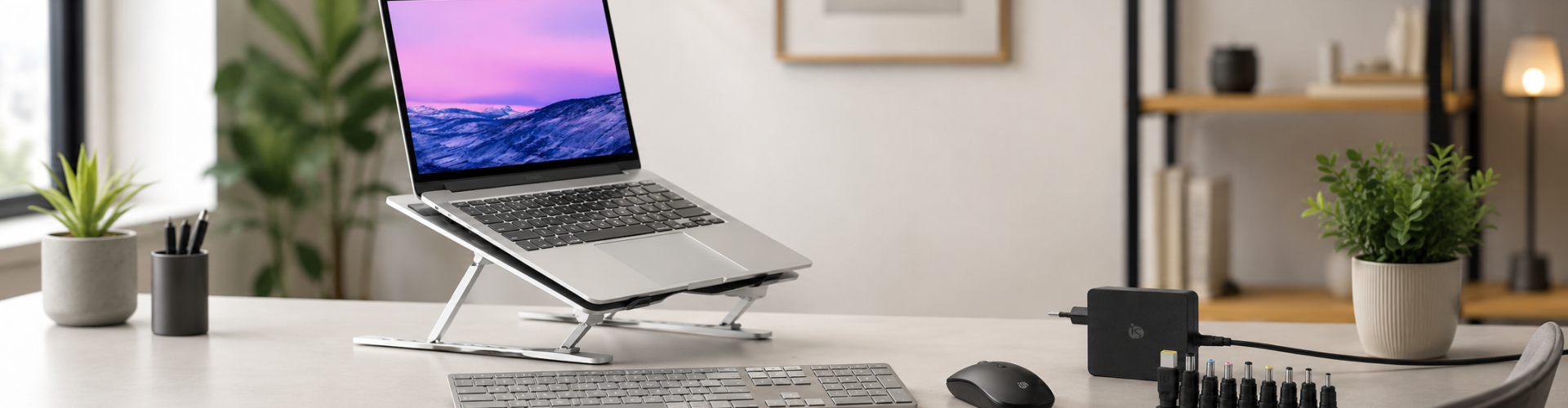
The right peripheral makes all the difference in your performance. In this way, with iServices peripherals you can transform any space into an authentic work office. Take the opportunity to explore options such as:
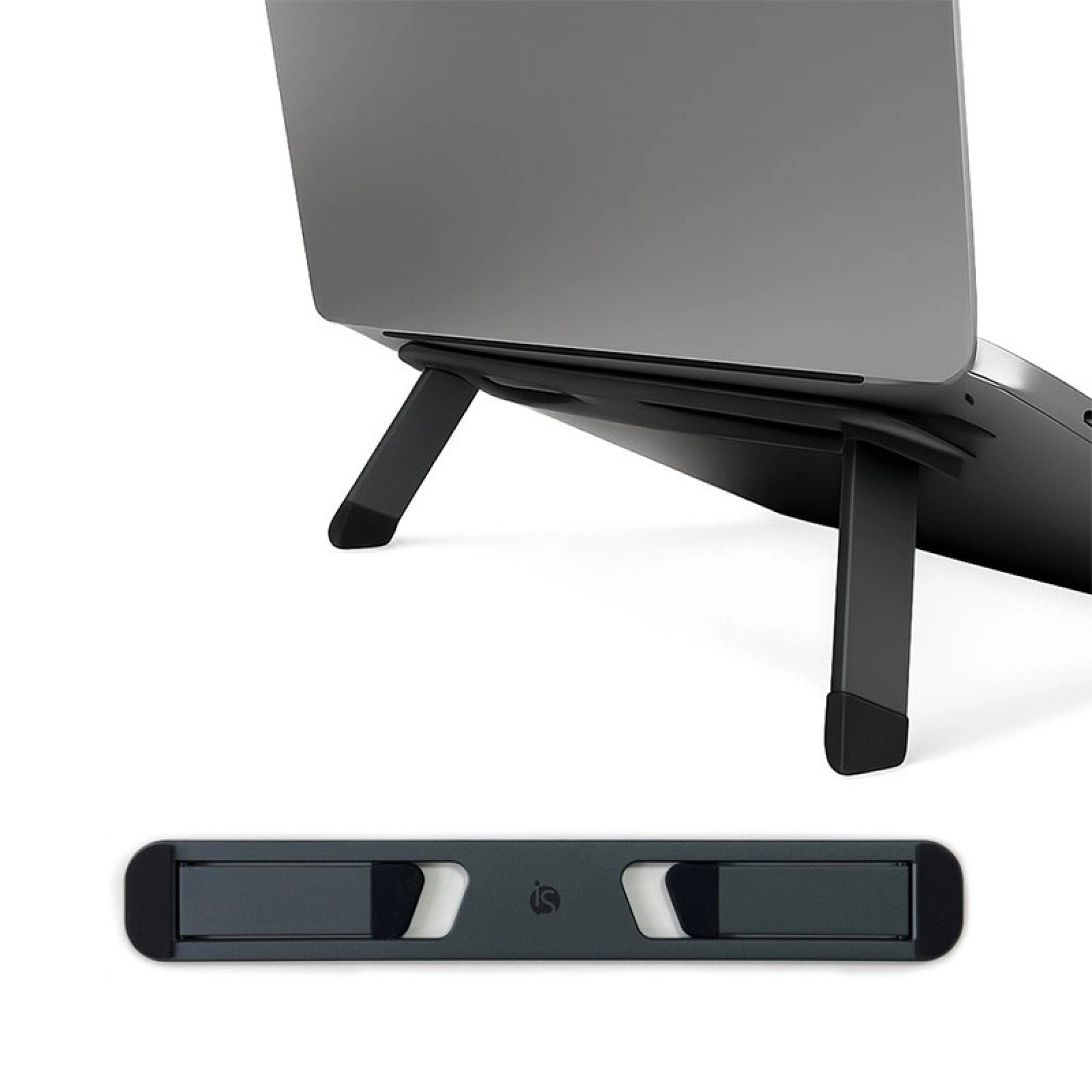
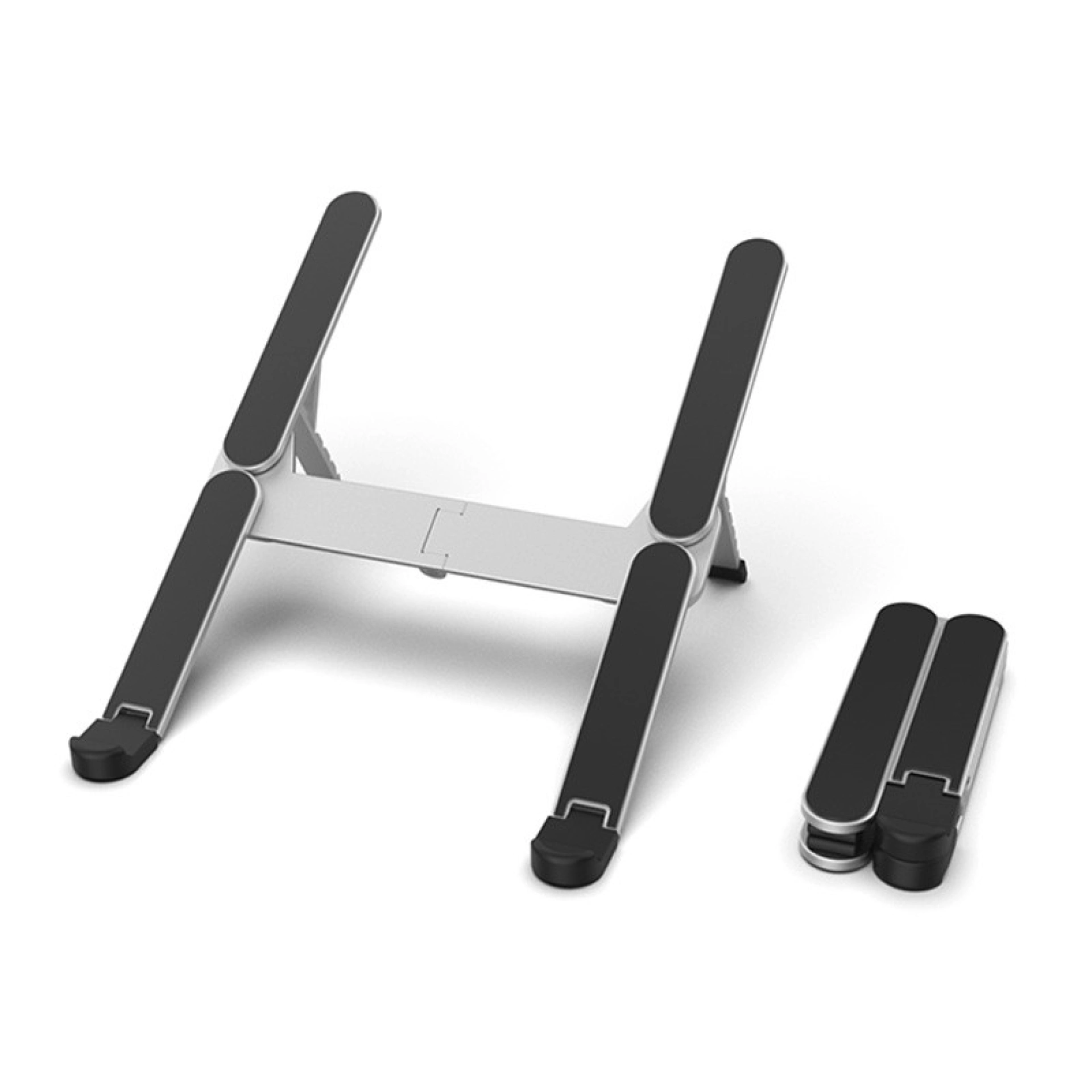
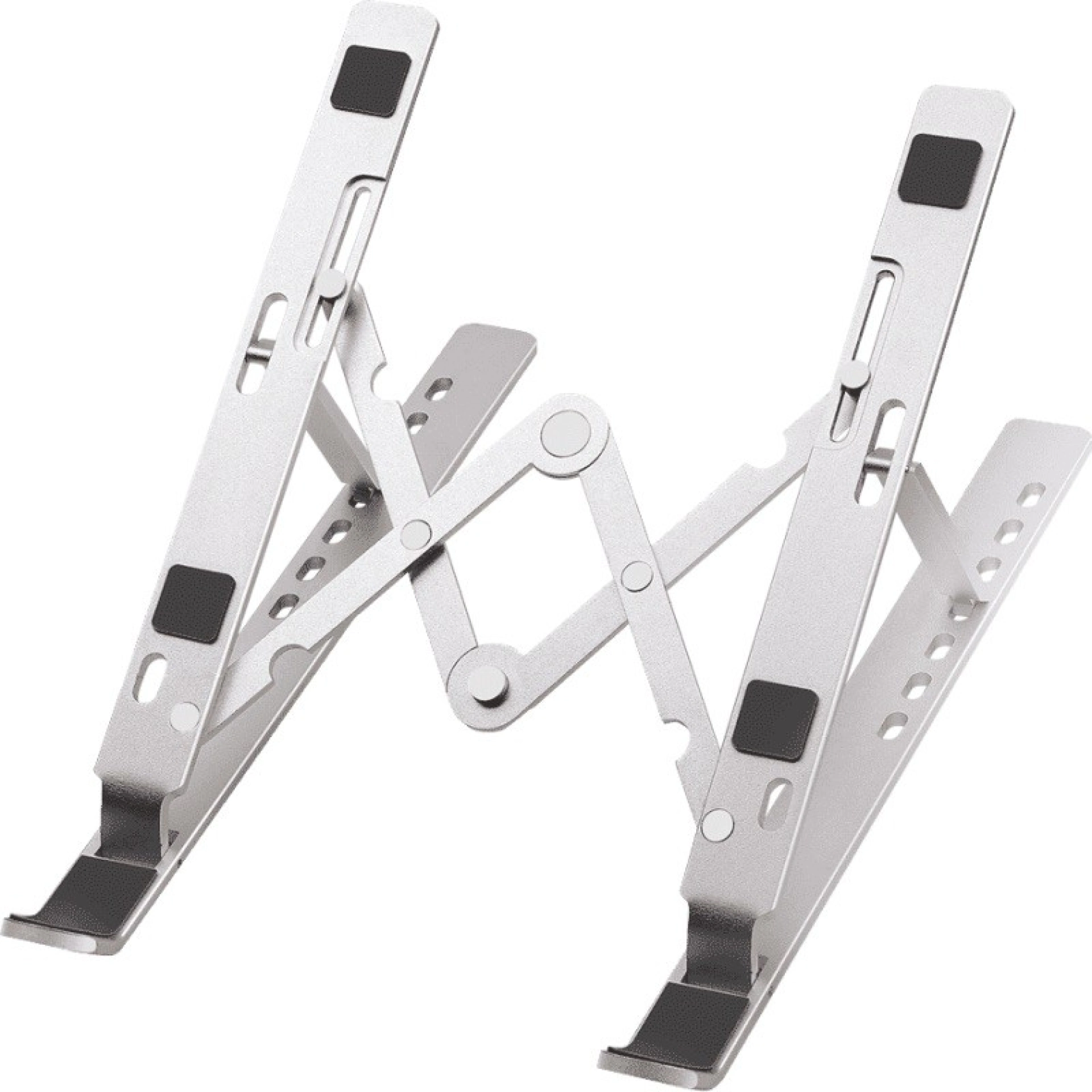
- - Stands for computers and tablets
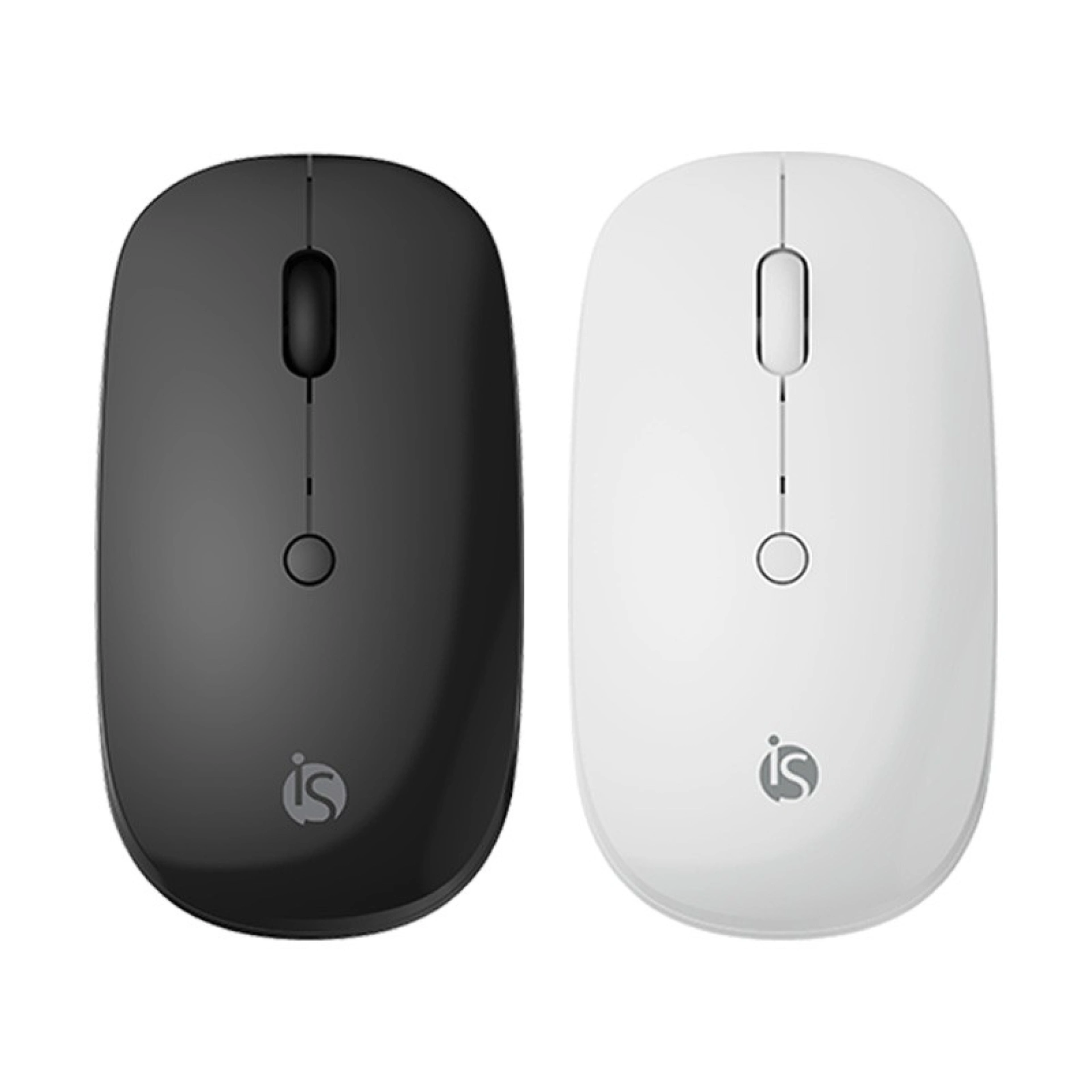
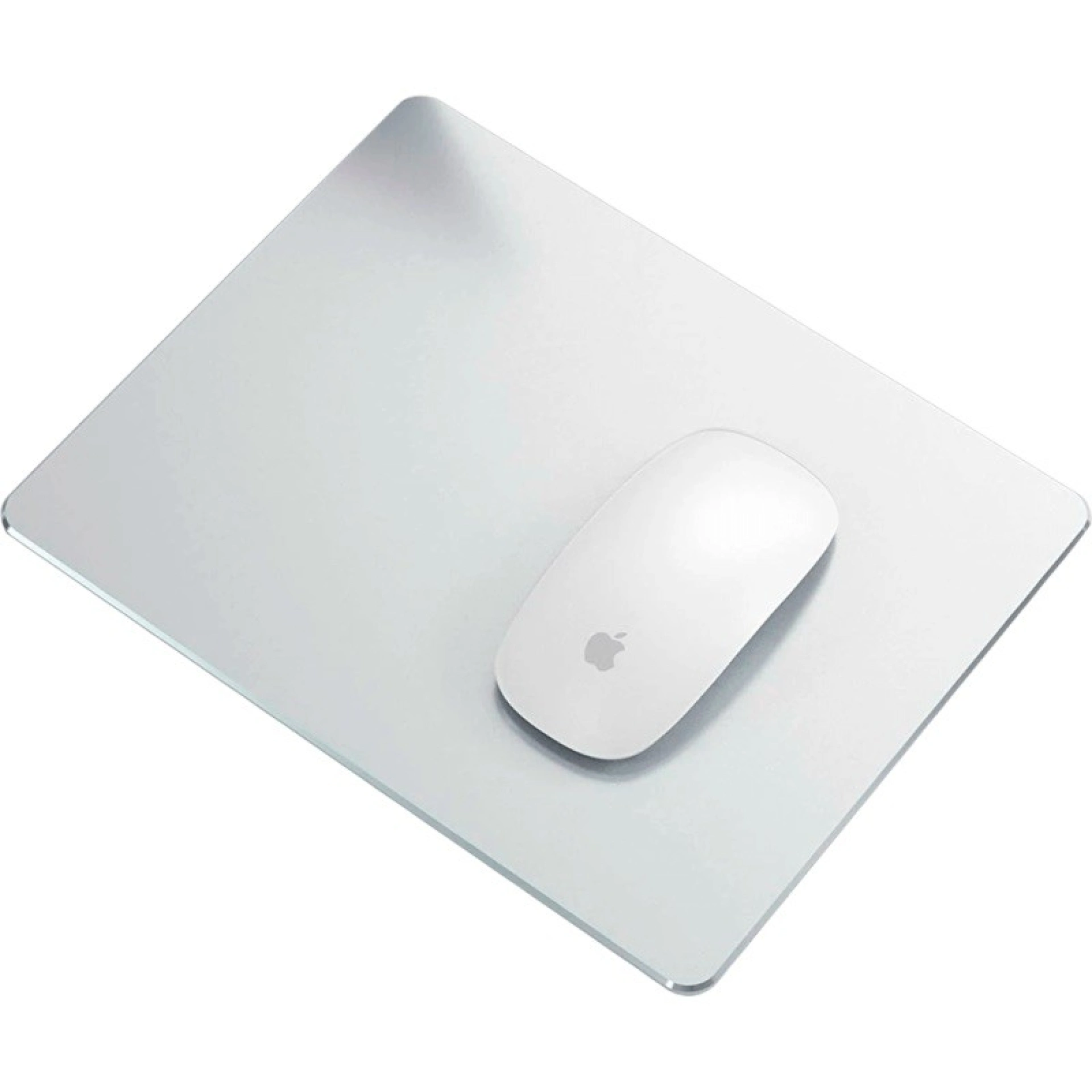
- - Wireless mouse
- - Wireless keyboard
Comfort and ergonomics every day
iServices peripherals were created to prevent you from experiencing pain or fatigue after long periods of use. We believe that our stands for MacBook or tablets or an iPad are a valuable help to obtain the best posture and freedom of movement.
If you are looking for quality peripherals for your computer or laptop, you have come to the right place. Explore our selection and discover practical solutions that make a difference in your day-to-day life.
What are peripherals?
A peripheral is an accessory that aims to increase and improve the capabilities and functionalities of a computer or tablet.
This external equipment can be referred to as input devices such as a wireless mouse, or output devices such as printers. There are also devices that have both of these dynamics.
How do peripherals connect to a computer?
Peripheral devices can be connected to a computer via wired connections that include USB, HDMI, DVI, ethernet or serial ports. There are also wireless connections that include Bluetooth, Wi-Fi and even infrared.
To connect a peripheral to a laptop, the equipment must be connected to the appropriate port for the purpose or connected wirelessly. We remind you that after connecting a peripheral, it is sometimes necessary to install software or drivers to ensure that the peripheral works in the best way.
Whether at home, at work or traveling, explore the potential of iServices peripherals that are the perfect solution for whatever your need.
