







5 signs that your computer needs repair
Nowadays, the computer is one of the essential tools for working, studying, communicating, and even for relaxation. That is why it is important not to ignore minor errors, slowness, or strange performance when they occur.
And why? Because there are problems that can be solved with just a simple update or by cleaning up files. However, there are other problems that indicate it is time to seek specialized technical assistance to resolve the issue.
Know five signs to look out for
Slow computer
If your computer takes longer than usual to start up, open programs, or perform simple tasks, that is a sign that there may be a software problem, a lack of storage space, or a defect in an internal component. If the problem persists after a restart, it deserves a detailed analysis.
Computer gets very hot
It is normal for a computer to get warm while performing demanding tasks. However, if you notice that the temperature is very high, even during a normal session, there may be dust accumulation, problems with the cooling system, or a faulty fan.
Overheating can reduce performance and damage other components in the long run.
Shuts down or restarts on its own
A computer that shuts down unexpectedly or restarts for no apparent reason may be suffering from problems with the battery, power supply, RAM, or the operating system. If this happens often, it is wise not to wait to get a detailed diagnosis from a specialist.
Battery with low autonomy
In laptops, the battery has a natural tendency to lose capacity over time. If you used to be able to work for several hours without charging and now you have to be constantly plugged into an outlet to perform your tasks, then it is time to check the condition of the battery and possibly replace it.
Unexpected noises or errors
If you hear sounds other than normal, such as noisy fans, frequent error messages, frozen screens, or problems recognizing disks and external devices, these are indications of hardware problems. Ignoring these signals can lead to a more complex repair.
When should you seek technical assistance for the computer?
The sooner you identify the cause of the problem with your computer, the greater the chance you have of extending the lifespan of the equipment.
If your computer shows any of the mentioned symptoms, at iServices you will find a technical team specialized in the repair of computers of various brands, with a warranty. This is a way to avoid having to buy or replace new equipment.
 36 Months
 36 Months
€226.33
 Free delivery, expected the day after tomorrow!

€1,379.00
- Free delivery, expected the day after tomorrow!



 36 Months

€229.95
- Free delivery, expected the day after tomorrow!

Other Articles
See more
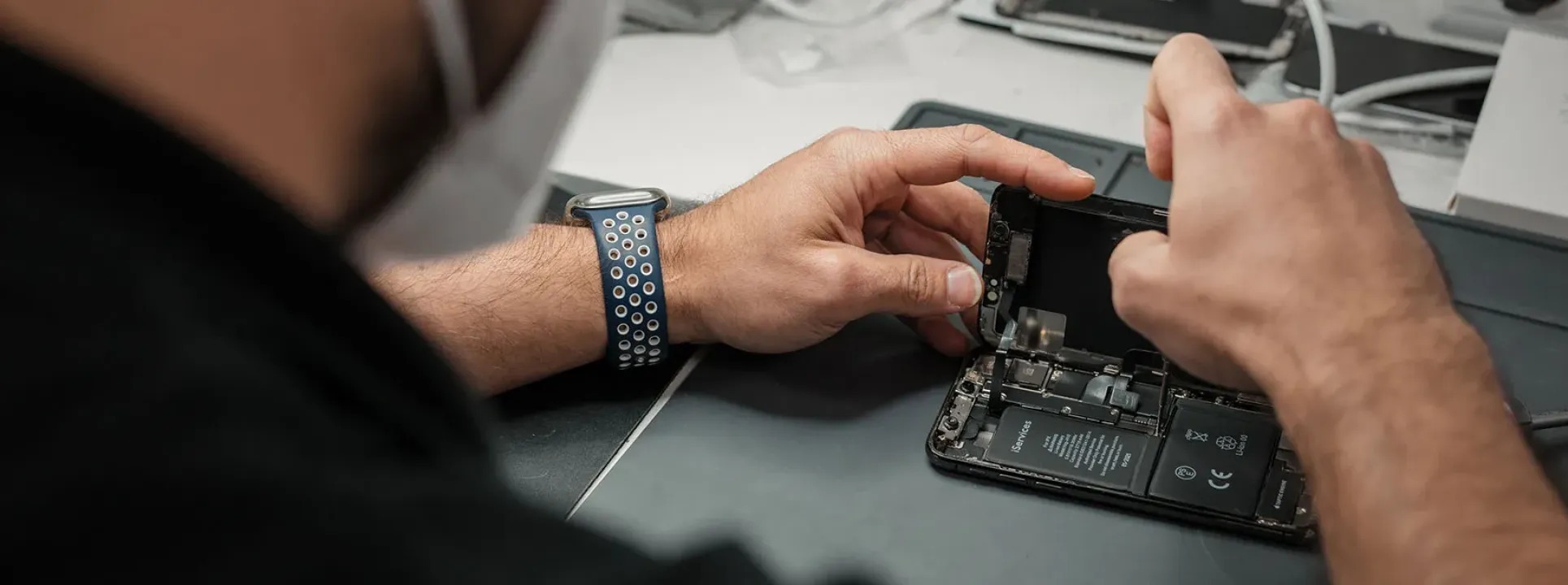
How are cell phone repairs carried out at iServices?
Discover how cell phone repairs are carried out at iServices. Repairs on the spot, we carry out a free diagnosis and provide a 2-year iSerivces warranty.
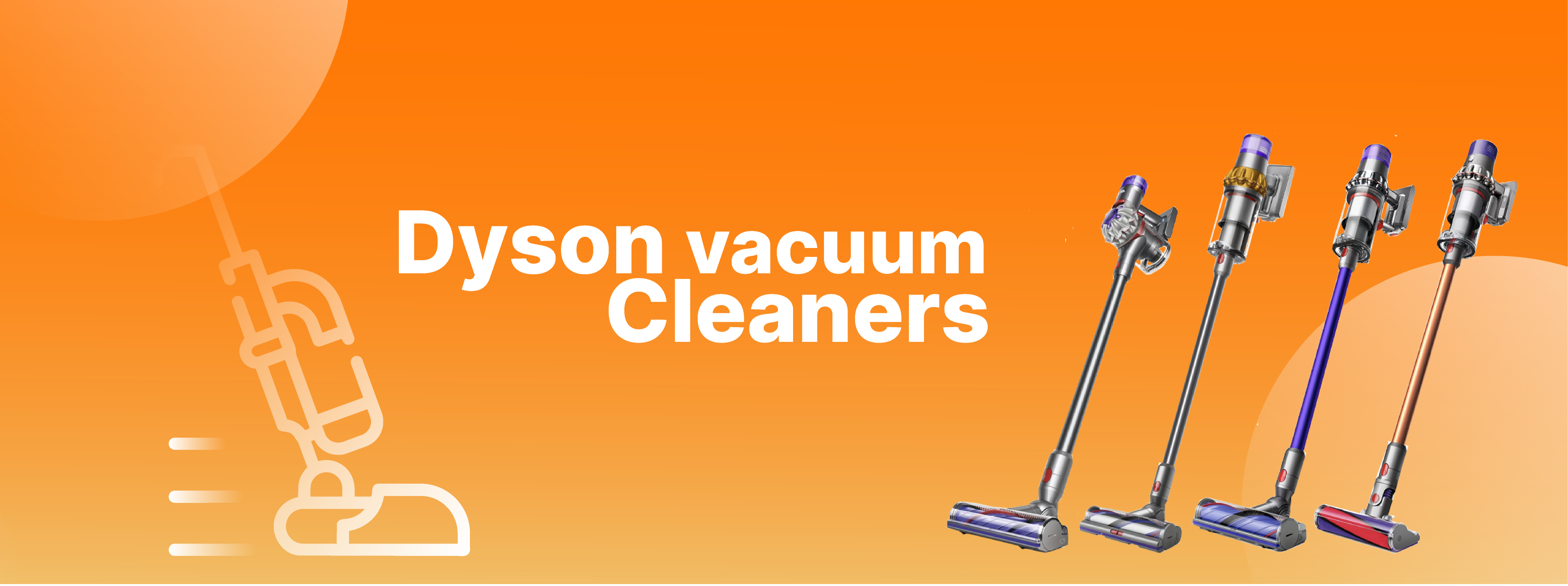
Agora a iServices faz a reparação dos aspiradores Dyson
É uma novidade para 2026. A partir de agora a iServices faz a reparação dos aspiradores Dyson em 30 minutos e com garantia. Sabe mais detalhes.
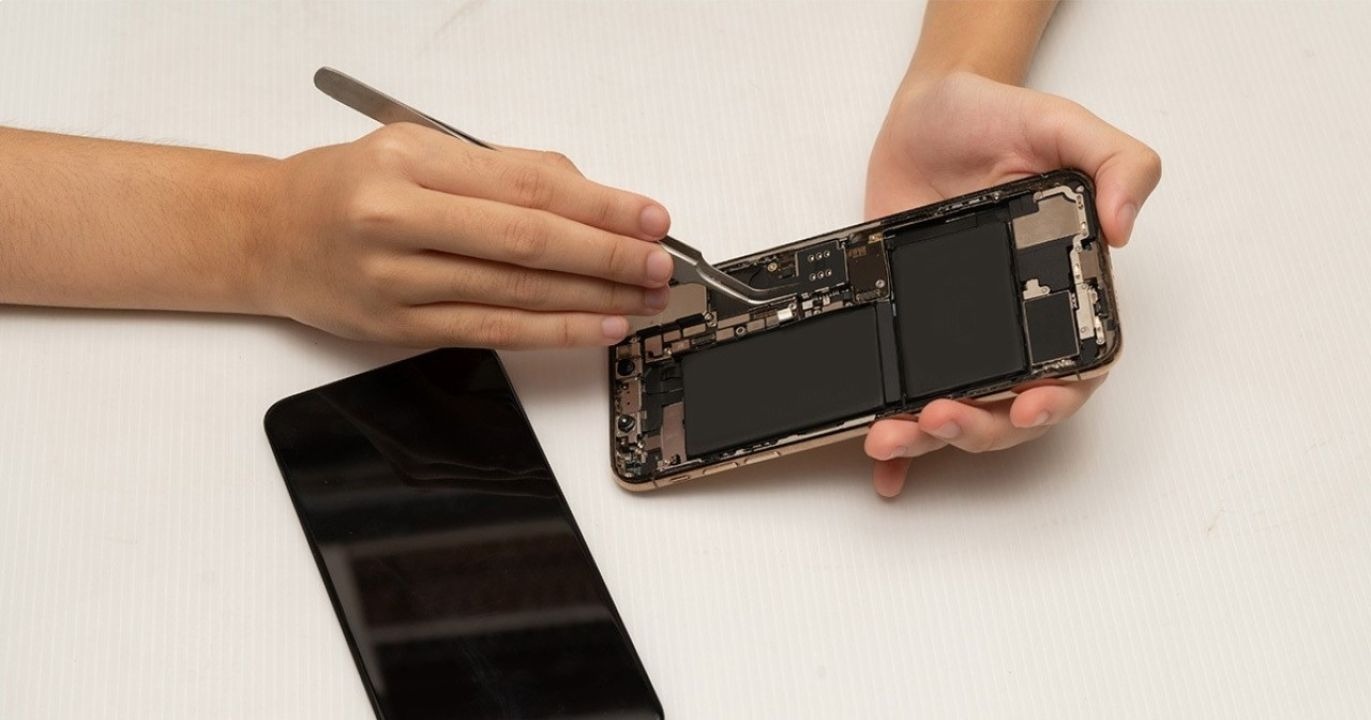
New rules for repair of equipment!
The new European Union directive for the repair of devices such as smartphones, computers, smartwatches or tablets came into effect on July 30, 2024.