





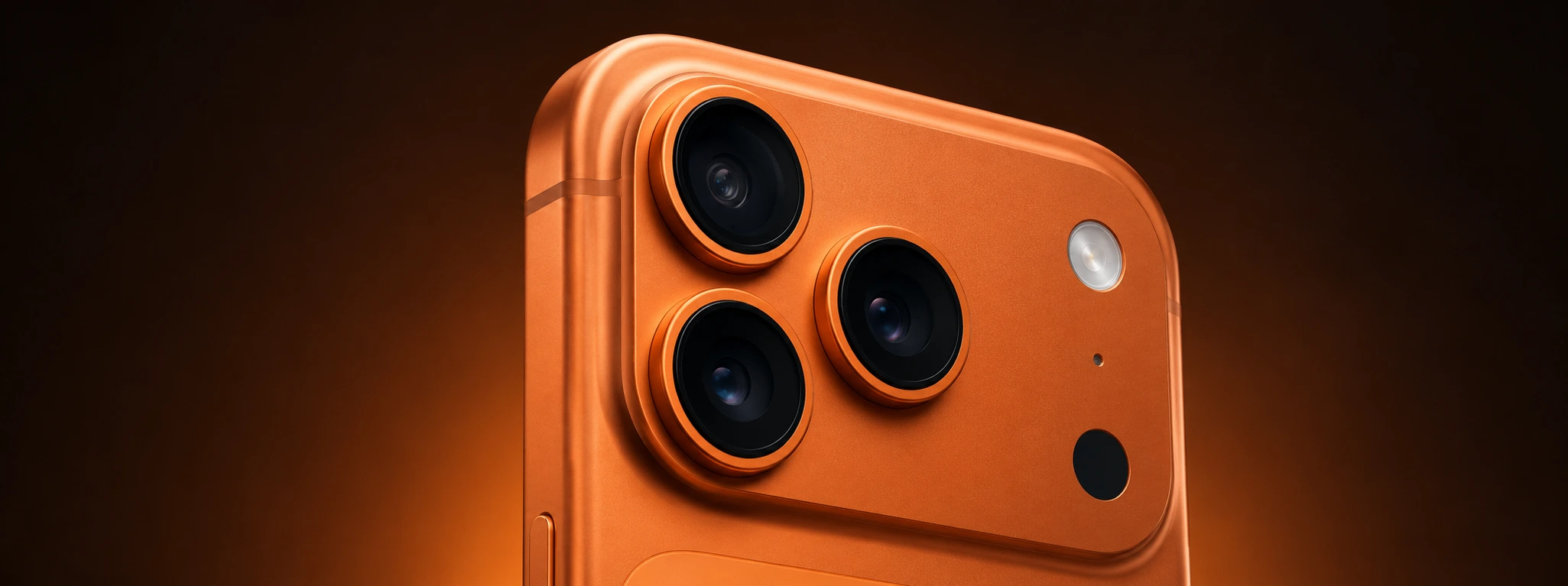




iPhone camera freezes when recording video: causes and solutions
Recording videos with an iPhone is an essential feature for many users, whether for capturing personal or professional moments. However, it's frustrating when the iPhone camera freezes during recording, causing glitches, stoppages, or even loss of the video. This problem can affect various models, from the iPhone X to the latest iPhone 17 Pro Max, and can have diverse origins, at both software and hardware levels.
At iServices, we understand the importance of quickly resolving this issue so you can go back to using your iPhone without problems. In this article, we will analyze the main reasons why the iPhone camera freezes when recording video, present a table with recommended solutions, and explain step-by-step how to proceed. If you prefer, our team of specialized technicians is ready to help at any of our stores.
Causes that make the iPhone camera freeze
Insufficient storage problems
One of the most common reasons for the iPhone camera to freeze during recording is insufficient space in the device's storage. When storage is nearly full, the iPhone may have difficulty saving video files, especially in high quality or high resolution.
iOS software failures
Incomplete updates, temporary operating system failures, or bugs in iOS versions can cause instability in the camera application. This can result in freezing and interruptions during video recording.
Overheating issues
Recording video, especially in 4K or with additional features like cinema mode, demands a lot from the processor and camera, which can lead to iPhone overheating. Excessive heating causes the system to limit performance and lead to freezing or automatic app shutdowns.
Camera hardware defects
In more severe cases, the camera may exhibit physical problems, such as sensor failures, loose connectors, or damage caused by drops or humidity. These defects prevent correct operation during video recording, leading to constant failures.
Table of Solutions
| Cause | Recommended Solution | Complexity |
|---|---|---|
| Insufficient storage | Free up space by deleting unused files or apps | Low |
| iOS software failures | Update iOS to the latest version or restart device | Medium |
| Overheating issues | Reduce recording time and avoid hot environments | Low |
| Camera hardware defects | Diagnosis and technical repair by iServices professionals | High |
Step-by-Step Solutions
Free up space on iPhone storage
- Go to Settings > General > iPhone Storage.
- Check which apps take up the most space.
- Delete videos, photos, or apps you don't use.
- Consider transferring content to iCloud or another external storage service.
Update iOS and restart the device
- Go to Settings > General > Software Update.
- If an update is available, download and install it.
- After the update, restart your iPhone to apply the changes.
- Test the camera app to see if the problem persists.
Avoid overheating during recordings
- Record videos in locations with controlled and cool ambient temperature.
- Avoid using the iPhone for long periods of continuous recording.
- Disable additional features that may increase processor strain, such as cinema mode.
- Take breaks between recordings to allow the device to cool down.
Hardware diagnosis and repair at iServices
- Visit one of the iServices stores for a free diagnosis.
- Our specialized technicians will assess the camera's condition and identify possible damage.
- If necessary, we perform camera replacement or repair with original parts.
- The service comes with a warranty and technical assistance for complete peace of mind.
Why does my iPhone camera freeze only when I record video?
Video recording demands more system resources than taking photos, especially at high resolutions. If storage is full, the iPhone overheats, or the software has glitches, the camera can freeze during this specific task.
How to tell if the problem is hardware or software related?
If the iPhone experiences constant freezing even after updates, restarts, and storage cleaning, it's likely a hardware issue. Our team can perform a detailed diagnosis to confirm.
Can I repair my iPhone camera at any store?
Not all stores have specialized technicians or original iPhone parts. At iServices, we have certified technicians and quality parts, ensuring correct repair and warranty maintenance.
How long does iPhone camera repair take?
At iServices, most repairs are carried out on the same day, utilizing express deliveries for parts. The time may vary depending on the model and availability, but we guarantee speed and efficiency.
Need Professional Help? iServices Is Here for You
If your iPhone camera freezes when recording video and you cannot resolve it with the solutions above, do not hesitate to contact iServices. Visit one of our stores, where we offer free diagnosis, quick repairs, and warranty on all services performed. Our specialized technicians are prepared to handle any problem, from the iPhone X to the iPhone 17 Pro Max.
Visit our website to find the nearest store or schedule technical assistance. Choose iServices to restore your iPhone's perfect camera functionality and record videos without interruptions!
Recommended Products
View all

 36 Months
 36 Months

€19.95
36 Months




Other Articles
See more
What we already know about the iPhone 17
The launch of the iPhone 17 is just around the corner. At iServices you will find all the information and news about Apple's new Smartphone.

Dirty iPhone Earpiece: How to Clean It Safely?
Learn how to clean your iPhone earpiece safely and effectively. Expert solutions for iPhone models at iServices.

iPhone with new battery now at iServices
Buy a refurbished iPhone now at iServices and receive a 100% new battery with a 2-year warranty. Take advantage of this opportunity now!
