





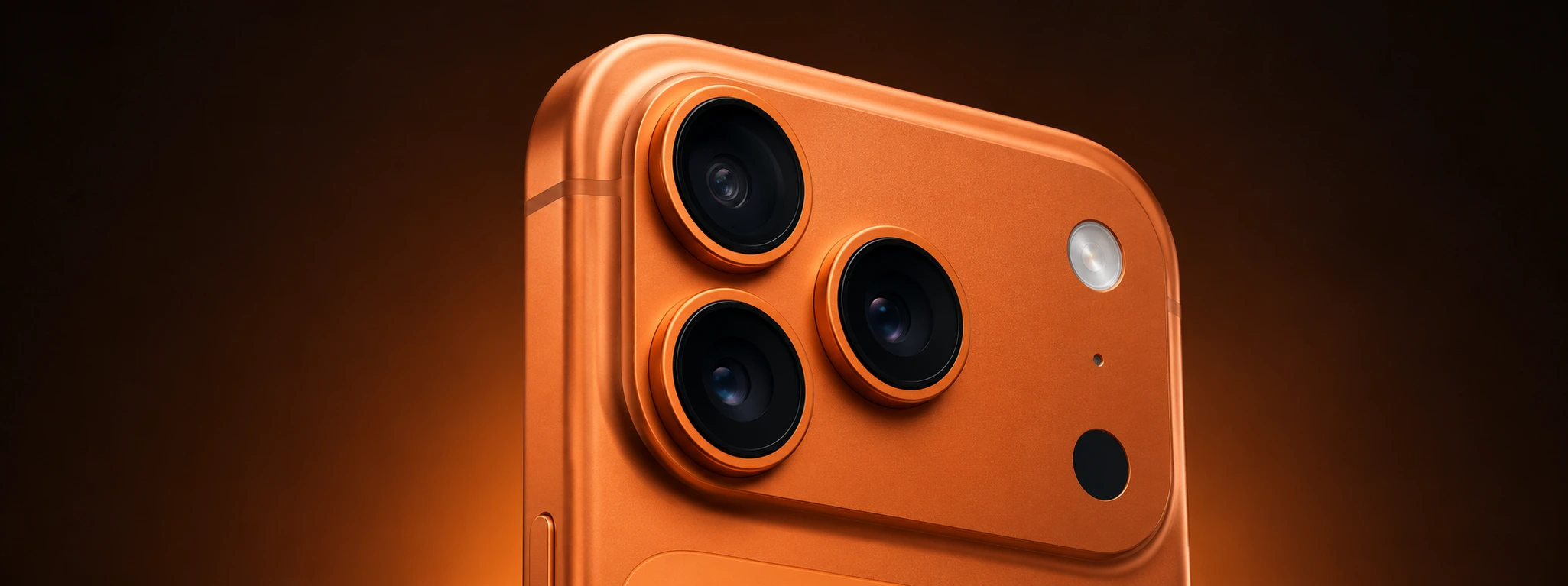




Non-genuine camera error on iPhone: How to identify and resolve
The "non-genuine camera" error on the iPhone is a message that many users have been receiving, especially on models ranging from the iPhone X to the latest iPhone 17 Pro Max. This notification indicates that the iPhone's system has detected a camera that does not match Apple's original components, which may affect features and photo quality.
At iServices, we understand the frustration that this error can cause. This problem can arise after a camera replacement, an unauthorized technical intervention, or even due to software glitches. It is essential to understand the causes of this error to ensure a safe and effective repair while preserving the phone's functionality.
In this article, we explain in detail the common causes of the non-genuine camera error, present practical solutions, and indicate when you should seek specialized technical assistance from iServices.
Why does the non-genuine camera error occur on the iPhone?
Camera Replacement with an Unauthorized Part
One of the most frequent causes for the non-genuine camera error is replacing the original part with a third-party or generic camera. Apple implements mechanisms that verify the authenticity of the installed components, and if the camera is not recognized as genuine, the system alerts the user.
Communication Failure between Camera and Logic Board
Sometimes, the error may result from a connection failure between the camera and the iPhone's logic board, caused by problems with the connector or physical damage to the cable connecting the components. This failure may prevent the phone from recognizing the part, even if it is original.
Software and Firmware Updates
iOS updates may include security improvements and stricter component checks. After an update, the system may begin to identify cameras that previously did not generate alerts, especially if the part was replaced outside of official Apple channels.
Damage or Defects in the Original Camera
Finally, the error may arise due to defects in the original camera itself, caused by drops, exposure to moisture, or other physical damage. In these cases, the phone may interpret the problem as a non-genuine camera, even though the part is original.
Solutions Table
| Cause | Recommended Solution | Complexity |
|---|---|---|
| Replacement with an unauthorized part | Replacement with a genuine iServices camera | High |
| Communication failure between components | Verification and reseating of the connector/cable | Medium |
| Software update | Restore or update iOS via iTunes | Low |
| Damage to the original camera | Camera replacement at iServices | High |
| Temporary software issues | Restart the iPhone | Very low |
Step-by-Step Solutions
Restart the iPhone
- Press and hold the side button and one of the volume buttons until the slide to power off appears.
- Turn off the phone and wait 30 seconds.
- Turn the iPhone back on by pressing the side button until the Apple logo appears.
- Check if the error message has disappeared.
Restore or Update iOS via iTunes
- Connect the iPhone to the computer with the original cable.
- Open iTunes (or Finder on macOS Catalina and later).
- Select your device and choose "Update" to install the latest version of iOS without erasing data.
- If the problem persists, opt for "Restore" to reinstall iOS completely (we recommend backing up beforehand).
- After the update or restore, check if the error remains.
Verification and Reseating of the Connector or Cable
- Go to an iServices store for technical diagnosis.
- Our technicians will open the iPhone and check the status of the camera connector and related cables.
- If there is damage, we will replace the components with original ones.
- We will test the camera's operation to ensure the error has disappeared.
Replacement with a Genuine iServices Camera
- If the installed camera is not genuine, we recommend replacing it with a certified original component.
- At iServices, we use official parts to ensure compatibility and quality.
- After the replacement, the non-genuine camera error will be eliminated, and the iPhone will work normally.
- We guarantee the repair with a warranty and complete technical assistance.
Why does my iPhone show the non-genuine camera error after a repair?
This error appears when the iPhone's system detects a part that is not an original Apple component, usually after a replacement done outside of authorized channels or with generic components. Apple implements this measure to ensure the quality and safety of the device.
Can I ignore the non-genuine camera error on my iPhone?
Although it is possible to continue using the phone, the error may limit camera features, such as image stabilization or the use of the flash. Furthermore, the warranty may be affected if the problem results from unauthorized parts.
How do I know if my iPhone camera is genuine?
The best way to ensure the camera is genuine is to perform the replacement at a certified store, such as iServices, which uses original components and offers a warranty. You can also check the status of the device with specialized technical diagnosis.
How long does the camera repair take at iServices?
At iServices, we offer express deliveries, and many repairs are completed on the same day, depending on part availability. We have several stores to facilitate quick and reliable access to our services.
Need Professional Help? iServices Is Here for You
If you are facing the non-genuine camera error on your iPhone, do not hesitate to visit one of our iServices stores located across the country. Our specialized technicians ensure a rigorous diagnosis and effective solutions, ensuring your phone works like new again.
At iServices, we use only genuine parts and offer a warranty on all repairs, so you can have complete confidence in the service provided. Additionally, we offer express repairs so you don't go too long without your device.
For more information or to schedule a visit, check our website and find out how we can help resolve the non-genuine camera error on your iPhone with maximum quality and speed.
Recommended Products
View all

 36 Months
 36 Months

€19.95
36 Months




Other Articles
See more
Cracked iPhone camera glass: Causes and Solutions
Discover how to fix a broken camera lens on your iPhone, what the most common causes are, and what the best solutions are with warranty and support from iServices, the experts in repairs.
Does a refurbished iPhone have a warranty?
Does a refurbished iPhone have a warranty? iServices offers a 3-year warranty. Discover how it works, what is included, and how to buy safely.
iPhone with Humidity in the Cameras: Causes and Solutions
Learn how to solve the humidity problem in iPhone cameras with effective solutions and specialized iServices assistance.
