





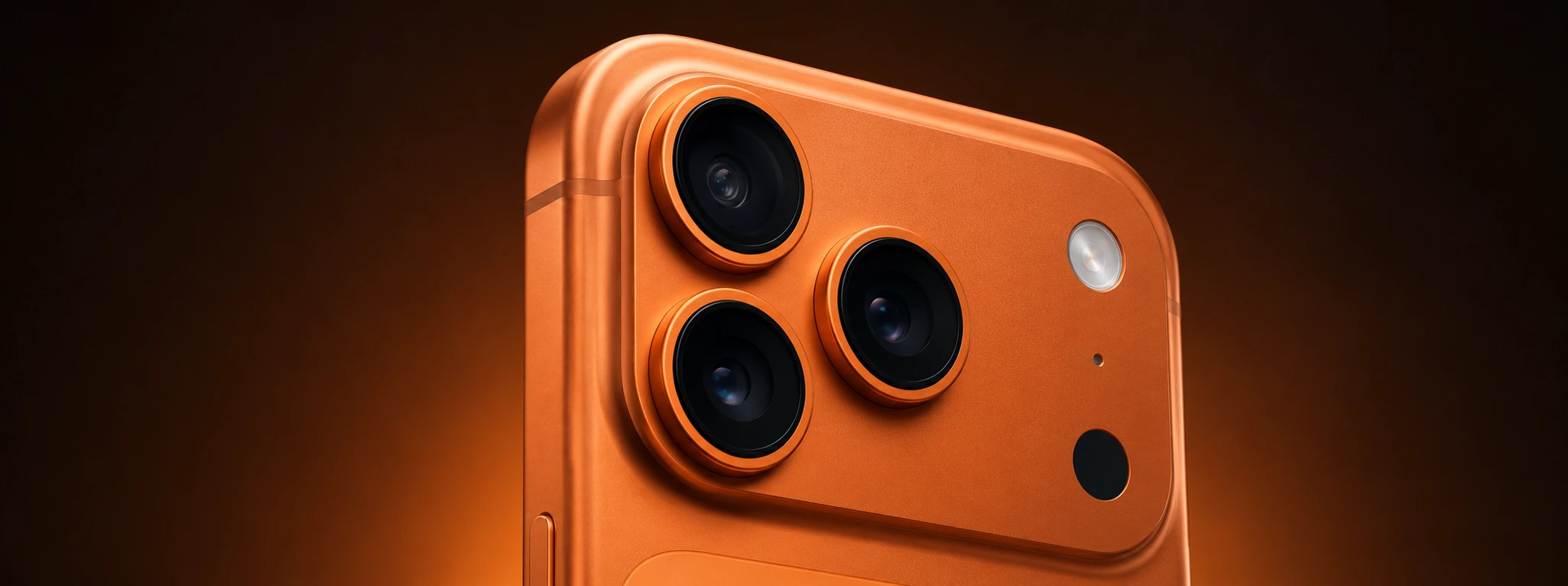




iPhone Portrait Mode Not Working: How to fix it
Portrait mode is a highly appreciated feature on iPhones, from the iPhone X to the latest iPhone 17 Pro Max, allowing you to capture photos with a depth effect that highlights the subject in focus and blurs the background. However, it can happen that portrait mode stops working correctly, which can be frustrating for users who rely on this feature to obtain professional-quality images.
If your iPhone's portrait mode is not working, this article will guide you through the most common causes of this problem and effective solutions to resolve it. At iServices, we understand the importance of having your phone working perfectly, and that is why we have put together this complete guide so that you can go back to taking your photos in portrait mode without any difficulty.
Portrait mode on iPhone not working, why?
Software Problems or Incomplete Update
One of the most frequent causes for portrait mode not working is a problem with the iPhone's software. If the operating system is not updated or if there is some temporary bug, the camera may not work correctly.
Dirt or Damage to the Camera
Portrait mode depends on the quality of the phone's camera and depth sensors. Dirt, scratches, or physical damage to the screen or lens can prevent portrait mode from working.
Incorrect Camera Settings
Sometimes, portrait mode is not activated or the user may be trying to use the mode in unsuitable conditions for this effect, such as in low-light environments, which limits the camera's performance.
Internal Hardware Problems
In more serious cases, there may be a problem with the camera hardware, such as failures in the depth sensors or the camera unit, which prevent portrait mode from working correctly.
Solution Table
| Cause | Recommended Solution | Complexity |
|---|---|---|
| Software Problems | Update iOS and restart the phone | Low |
| Dirt or Camera Damage | Clean the lens carefully | Low |
| Incorrect Settings | Check settings and lighting conditions | Low |
| Internal Hardware Problems | Diagnosis and repair at an iServices store | High |
Step-by-Step Solutions
Update iOS and Restart the Phone
- Go to Settings > General > Software Update.
- Check if an update is available and, if so, install it.
- After the update, restart the iPhone to ensure the changes are applied.
- Test portrait mode again.
Clean the Lens Carefully
- Use a clean, dry microfiber cloth.
- Gently wipe the rear camera lens to remove dust, smudges, or fingerprints.
- Avoid using abrasive cleaners or liquids that could damage the lens.
- Test portrait mode in a well-lit area.
Check Settings and Lighting Conditions
- Open the Camera app and select Portrait mode.
- Ensure the mode is enabled and that the object is at an appropriate distance (generally between 0.5 and 2 meters).
- Avoid environments with low light or very complex backgrounds, as they can affect the depth effect.
- If the mode remains unavailable, try closing and reopening the app.
Diagnosis and Repair at an iServices Store
- If the previous solutions do not work, there may be a hardware problem.
- Head to one of our iServices stores for a detailed diagnosis.
- Specialized technicians will evaluate the condition of your iPhone and proceed with the necessary repair, ensuring service quality.
- We offer a warranty on all repairs, express delivery, and technical support nationwide.
Why does portrait mode not appear on my iPhone?
Portrait mode is only available on models from the iPhone 7 Plus onwards, and depending on the model, it may not be available for the front camera. Additionally, if the iPhone software is outdated or if the Camera app has an error, portrait mode may not appear. Ensure your device is compatible and has the latest version of iOS installed.
Can portrait mode not work in low-light conditions?
Yes, portrait mode uses sensors and algorithms that rely on good lighting to create the depth effect. In low-light conditions, the mode may not be available or the photo quality may be lower, with the blur effect being less defined.
How do I know if the problem is hardware and not software?
If you have already tried updating the operating system, restarting the phone, and cleaning the lens, but portrait mode still does not work, it is likely that there is a hardware problem. A professional diagnosis at an iServices store can identify if there is damage to the sensors or the camera that justifies a repair.
Can I use portrait mode with any camera app?
Portrait mode is a feature integrated into Apple's Camera app and may not be available in third-party apps, or it may work differently. For the best results, we recommend using the native iPhone Camera app.
Do you need professional help? iServices is here for you
At iServices, we understand the importance of portrait mode for iPhone users who want to capture unique moments with superior quality. If your iPhone's portrait mode is not working, do not hesitate to visit one of our stores for a quick and free diagnosis. Our specialized technicians are ready to identify and resolve any problem, whether it be software or hardware related.
We offer a warranty on all repairs, express deliveries for those who cannot wait, and technical assistance. For more information, book your visit now or check out our services at iservices.pt. Count on us to restore all the functionality and quality your iPhone deserves.
Recommended Products
View all

 36 Months
 36 Months

€19.95
36 Months




Other Articles
See more
iPhone Error 4013: Causes and How to Fix It
Learn how to fix iPhone Error 4013 with effective solutions and expert technical support at iServices, the leader in mobile repairs.
iPhone Speaker Not Working: Causes and Effective Solutions
Is your iPhone sound failing? Discover common causes and how to fix speaker issues on models from iPhone X to 17 Pro Max at iServices.
iPhone rear camera won't focus: saiba como resolver
iPhone rear camera not focusing? Discover the causes and solutions for iPhone X to iPhone 17 Pro Max models with iServices, a specialist in repairs.
