









The iPhone only charges when it is turned off: causes and solutions
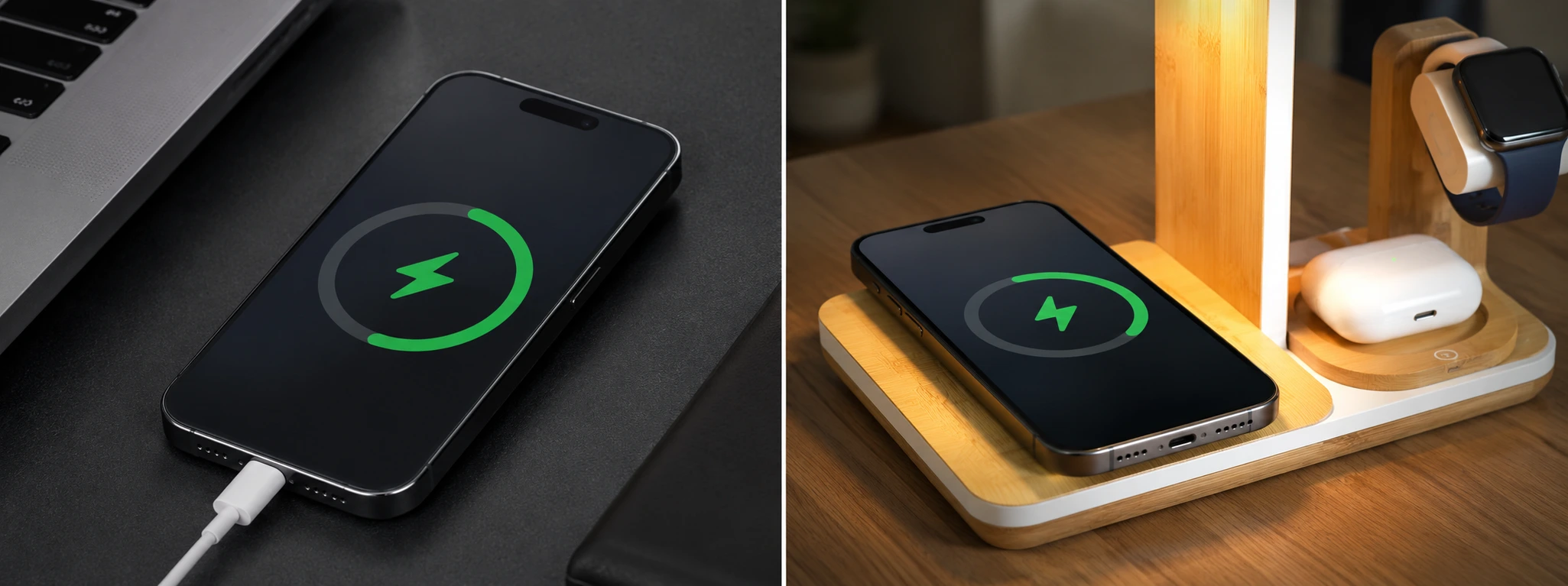
If your iPhone only charges when it is turned off, know that you are not alone. This is a common problem that can affect models from the iPhone X to the latest iPhone 17 Pro Max. Although it is frustrating, there are several possible causes and solutions you can try before resorting to professional technical support.
At iServices stores, we regularly receive phones with this problem. Understanding the origins of the defect facilitates quick and effective resolution, ensuring that your iPhone returns to charging normally, even when it is turned on and being used.
Why does the iPhone only charge when it is turned off?
Battery with Advanced Wear
Over time, the iPhone battery loses capacity and may exhibit erratic behavior, such as charging only when the device is turned off. Battery degradation is natural, but it can be accelerated by extreme temperatures, improper charging, or intensive use.
Problems with the Charging Cable or Adapter
Damaged or low-quality cables and adapters can prevent the iPhone from charging normally when it is turned on. Often, cables with internally broken wires or adapters that do not provide the correct voltage cause this type of failure.
Software or Firmware Failure
The iOS operating system can suffer from bugs or inconsistencies that affect the charging process, especially after updates or the installation of applications that interfere with system operation. In these cases, the iPhone may charge only when turned off.
Problems with the Lightning Port
The port where you connect the charging cable can accumulate dirt, dust, or suffer physical damage, preventing a good connection. This problem can cause intermittent contact, making it possible to charge only when the iPhone is turned off.
Solution Table
| Cause | Recommended Solution | Complexity |
|---|---|---|
| Battery with wear | Battery replacement at iServices | High |
| Damaged cable or adapter | Test with original cable and adapter | Low |
| Software failure | iOS update or restore via iTunes | Medium |
| Dirty/damaged Lightning port | Professional cleaning or port repair | Medium to High |
Step-by-Step Solutions
Battery Replacement at iServices
- Go to one of our iServices stores.
- Request a full diagnostic of your iPhone battery.
- If the battery is degraded, our specialized technicians will replace it with original parts.
- The new battery will ensure stable charging, even with the device turned on.
Test with Original Cable and Adapter
- Use only Apple-certified cables and adapters.
- Try charging the iPhone with another cable and adapter that you know are functional.
- If charging works normally, purchase new original accessories to avoid future problems.
iOS Update or Restore via iTunes
- Connect the iPhone to a computer with iTunes installed.
- Check if there is any software update available and install it.
- If the problem persists, perform a full system restore, remembering to back up your data beforehand.
- After the process, test the charging with the iPhone turned on.
Professional Cleaning or Repair of the Lightning Port
- Visit an iServices store for an inspection of the Lightning port.
- Our technicians will carefully clean it to remove dirt or debris.
- If the port is damaged, it will be replaced with original components.
- Test the charging to confirm the resolution of the problem.
Why does my iPhone only charge when it is turned off?
This behavior can be due to a degraded battery, problems with the cable or adapter, software failures, or dirt/damage in the charging port. The iPhone may not properly manage power when turned on, limiting charging only to the off state.
How can I tell if my iPhone battery is degraded?
On your iPhone, you can check the battery health in "Settings" > "Battery" > "Battery Health". If the maximum capacity is significantly reduced or if a message about degraded performance appears, it is a sign that the battery needs to be replaced.
Can I clean the Lightning port at home?
We recommend not attempting to clean the Lightning port yourself, as you may damage the internal contacts. Cleaning should be done by qualified iServices technicians, who use appropriate tools to ensure the safety of the device.
Does restoring the iPhone erase my data?
Yes, restoring erases all data on the device. Therefore, it is essential to make a backup before starting the process so as not to lose important information. You can use iCloud or iTunes to create backups.
Do You Need Professional Help? iServices Is Here for You
If your iPhone only charges when it is turned off, do not hesitate to visit one of our iServices stores. Our specialized technicians perform accurate diagnostics and offer quick solutions, with a guarantee and security.
At iServices, we know the importance of your phone in your daily life, which is why we provide express delivery and excellent technical assistance. Visit our website to find the nearest store or to schedule a service. We are ready to restore your best experience with your iPhone, with confidence and guaranteed quality.
Recommended Products
View all

 36 Months
 36 Months

€19.95
36 Months




Other Articles
See more
iPhone won't turn on: causes and solutions
Find out why your iPhone won't turn on and discover effective solutions to fix this problem with iServices for all models.
Green Lines on the iPhone Screen: Causes and Solutions
Learn how to fix green lines on the iPhone screen, from iPhone X to iPhone 17 Pro Max, with practical solutions and assistance from iServices.
iPhone restarts due to battery issue: causes and solutions
Discover why your iPhone restarts on its own due to battery problems and discover how iServices can help with fast and guaranteed solutions.
