


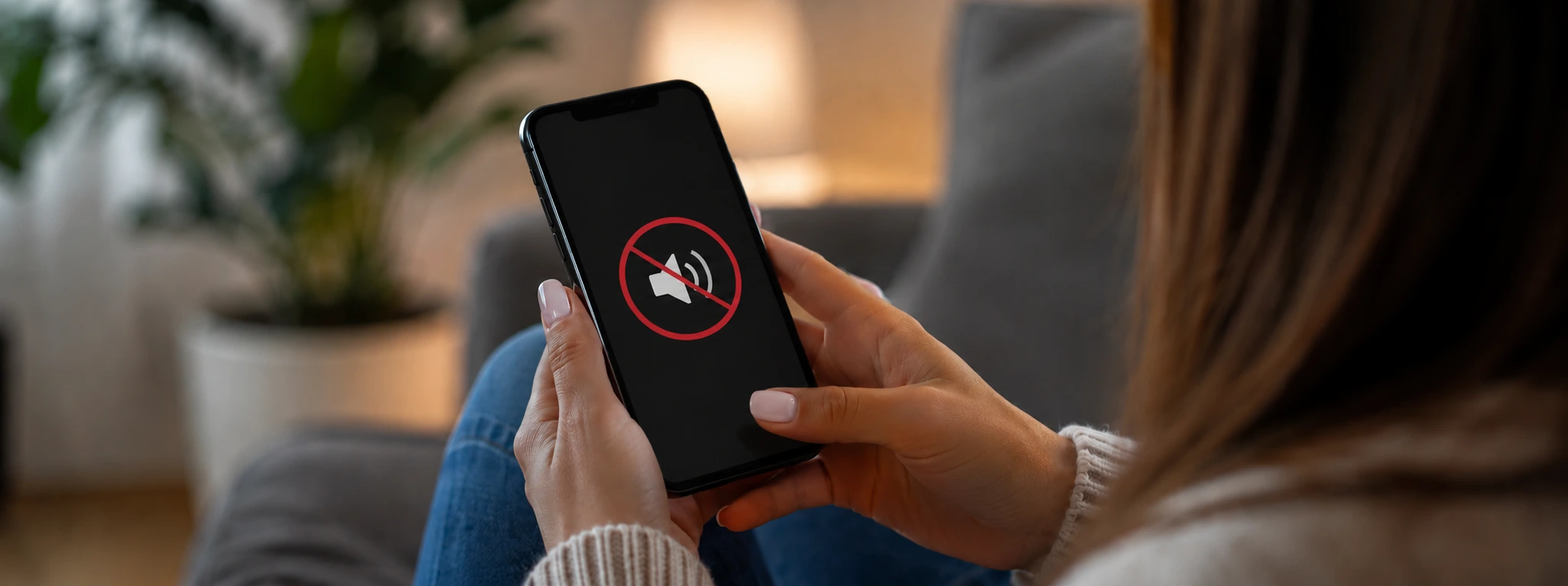




iPhone microphone not working? Repair guide
If your iPhone microphone is no longer working during calls, you know how annoying that can be. From the iPhone X to the latest models like the iPhone 17 Pro Max, this problem can affect any user and impact call quality. At iServices, we understand how important a properly working microphone is to stay in touch with the people who matter most.
This article aims to help identify the most common causes why the iPhone microphone does not work during calls and to provide practical solutions. In addition, we explain when it is advisable to seek specialized technical assistance so that your device can return to perfect condition.
Causes why the iPhone microphone does not work during calls
Obstruction or dirt in the microphone
Due to daily use, the iPhone microphone can accumulate dust, dirt, or debris that blocks the sound. This interferes with voice recording, which prevents the person on the other end from hearing you during the call.
Software problems or incorrect settings
iOS updates or conflicting apps can disable the microphone for calls. Sometimes specific settings, such as the use of Bluetooth accessories or microphone permissions, affect the component's operation.
Hardware defect in the microphone
Physical damage, such as drops or exposure to liquids, can damage the iPhone's internal microphone. This type of problem requires a technical assessment to confirm whether replacement of the part is necessary.
Interference from accessories or apps
The use of cases, screen protectors, or accessories that cover the microphone, as well as some apps that have access to the microphone in the background, can prevent it from working properly during calls.
Table of solutions
| Cause | Recommended solution | Complexity |
|---|---|---|
| Obstruction or dirt in the microphone | Gently clean the microphone | Low |
| Software problems | Restart iPhone and update iOS | Low |
| Incorrect settings | Check permissions and disable Bluetooth | Medium |
| Hardware defect | Diagnosis and technical repair at iServices | High |
| Interference from accessories | Remove cases/screen protectors and close apps | Low to medium |
Step-by-step solutions
Gently clean the microphone
- Identify the location of the microphone on your iPhone (usually at the bottom near the charging port).
- Use a very soft brush or a wooden toothpick to gently remove any accumulated dirt or dust.
- Avoid using metal objects or liquids that could damage internal components.
Restart iPhone and update iOS
- Press and hold the side button and one of the volume buttons until the power-off slider appears.
- Turn off the device and wait a few seconds.
- Turn the iPhone back on.
- Go to Settings > General > Software Update and update iOS to the most recent version available.
Check permissions and disable Bluetooth
- Go to Settings > Privacy > Microphone and confirm that apps have permission to use the microphone.
- Turn off Bluetooth in Settings > Bluetooth to ensure audio is not being routed to external accessories.
- Test the microphone during a call to check if the problem persists.
Diagnosis and technical repair at iServices
- Visit one of our iServices stores for a professional diagnosis.
- Our specialized technicians will assess the status of the microphone and present the best solution.
- We offer a warranty on all repairs and provide express service for added convenience.
Remove cases/screen protectors and close apps
- Remove any cases or screen protectors that might be blocking the microphone.
- Close any background apps that might be using the microphone.
- Perform a test call to confirm if the problem is resolved.
Why does my iPhone microphone only not work during calls?
This may be due to specific system settings during calls, interference from Bluetooth accessories, or software problems that only affect operation during phone calls, and not during recordings or other apps.
How can I test if my iPhone microphone is working correctly?
You can use the Voice Memos app to record a message and play it back. If the recording is clear, the microphone is working and the problem may be related to calls or software.
Can cleaning the microphone damage the iPhone?
If performed carefully and with the correct tools, cleaning does not cause damage. Avoid using liquids or metal objects that could introduce moisture or cause a short circuit.
How long does a microphone repair take at iServices?
Repairs are usually quick, with many cases resolved on the same day. We offer express service and a warranty to ensure your satisfaction.
Do you need professional help? iServices is here for you
If your iPhone microphone still does not work during calls after trying the recommended solutions, do not hesitate to seek professional help. At iServices, our technicians are prepared to provide a full diagnosis and perform the necessary repair.
We offer a warranty on all repairs, express service for greater speed, and dedicated technical assistance so you can enjoy your iPhone without limits again. Visit our website at iservices.pt to find the nearest store and schedule an appointment.
At iServices, we work to ensure your phone is always in top condition, with the quality and trust you deserve. Count on us to solve any problem with your iPhone, from the iPhone X to the iPhone 17 Pro Max.

 Gratis levering, verwacht overmorgen!



 36 Months
 36 Months
 36 Months
Other Articles
See more
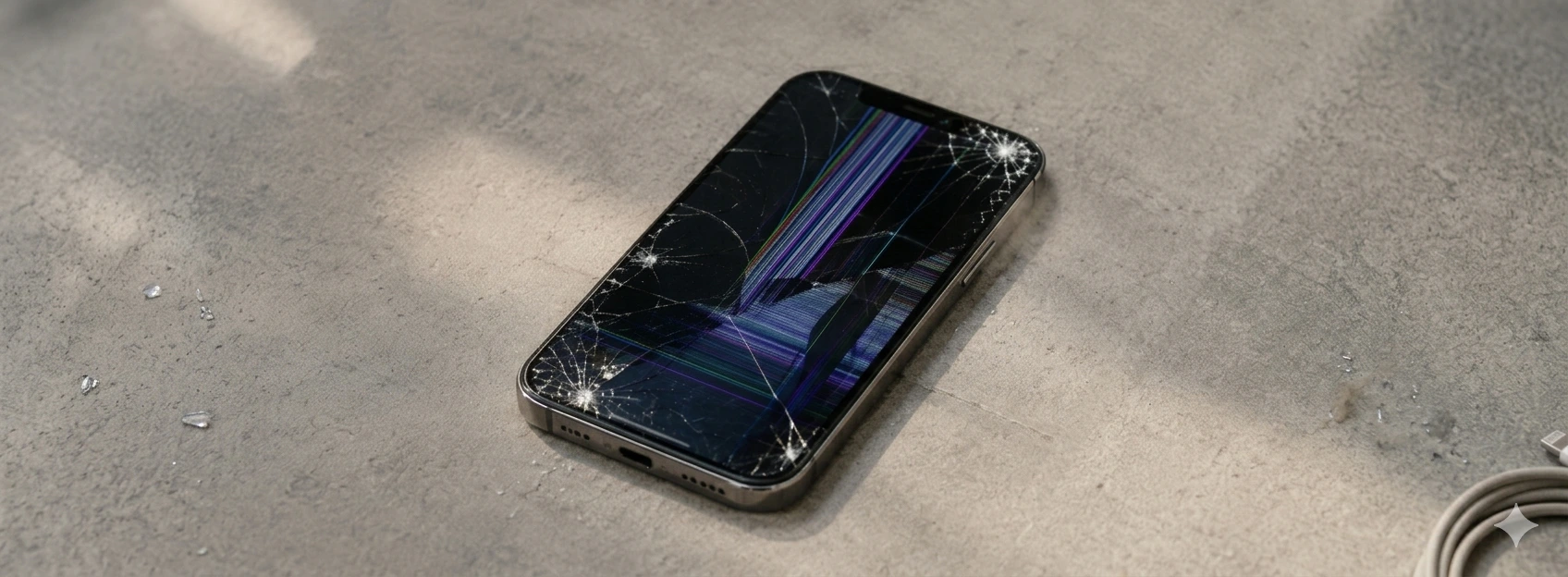
iPhone Screen Detached: Causes and Solutions
Learn how to solve the problem of the detached iPhone screen with effective solutions and specialized technical assistance from iServices.
Como fazer o reset ao iPhone? Vê este tutorial
Queres fazer o reset ao teu iPhone? Backup? Aprende a restaurar o teu iPhone às configurações de fábrica com este tutorial/guia da iServices.
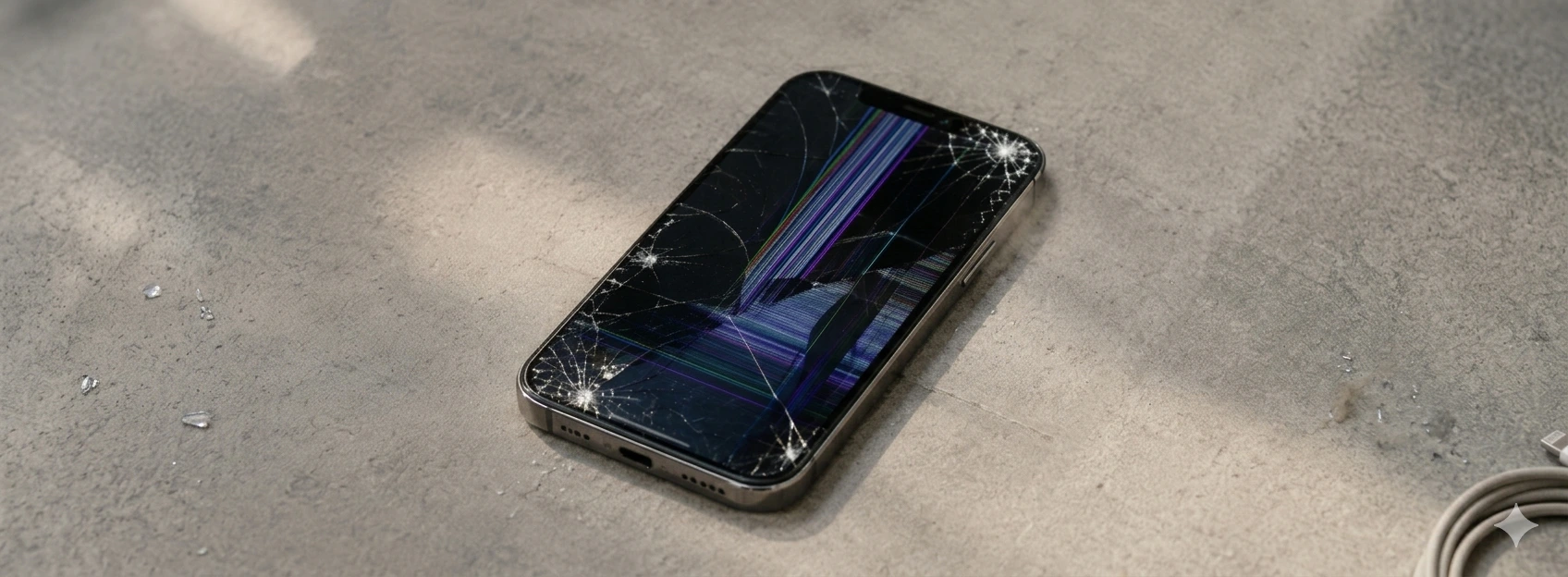
iPhone Screen Unresponsive to Touch: Causes and Solutions
Learn what to do when the iPhone screen doesn't respond to touch. Diagnostics and solutions for iPhone X models up to iPhone 17 Pro Max at iServices.
