





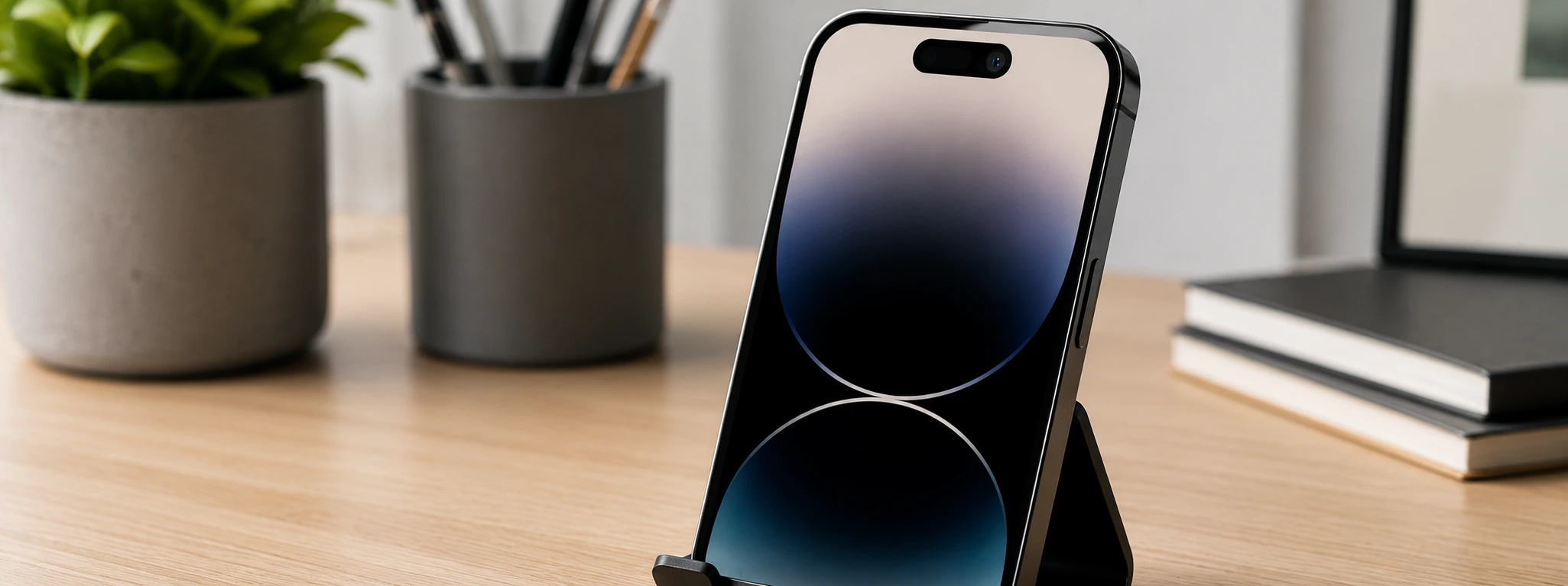




Front Camera Microphone Not Working: Causes and Solutions
If your iPhone's front camera microphone isn't working and recorded videos have no sound, know that this is a common problem that can affect several models, from the iPhone X to the latest iPhone 17 Pro Max. At iServices, mobile phone repair specialists, we daily help users solve this situation, ensuring audio quality in their videos.
This problem can be caused by simple issues, such as misconfigured settings, to more complex hardware failures. Identifying the source of the problem is fundamental to applying the correct solution and avoiding unnecessary expenses. In this article, we explain the main causes, how you can solve the problem, and when you should seek specialized assistance.
Causes why your iPhone's front camera microphone doesn't work
Obstruction or Dirt in the Front Camera Microphone
The microphone may be partially or totally obstructed by dirt, dust, or residue accumulated in the microphone hole located near the front camera. This obstruction prevents correct sound capture during video recording.
Privacy Settings or Camera Permissions
In some cases, the iOS operating system settings may restrict the Camera app's access to the microphone. If the app does not have permissions to use the microphone, audio will not be captured during recording.
Software Problems or iOS Bugs
Incorrect updates, bugs, or conflicts in the operating system can cause temporary failures in the front camera microphone's operation. This can affect not only video recording, but also video calls and other applications that use the front microphone.
Defect or Damage to the Front Camera Microphone
If the phone has suffered drops, liquid exposure, or impact, the microphone may be physically damaged. This situation requires a technical evaluation to verify the need for component replacement.
Solutions Table
| Cause | Recommended Solution | Complexity |
|---|---|---|
| Microphone Obstruction or Dirt | Carefully clean the microphone hole | Low |
| Privacy Settings | Check and adjust Camera app permissions | Low |
| Software Problems | Restart phone / Update iOS | Medium |
| Microphone Defect or Damage | Microphone replacement at a technical assistance center | High |
| Conflict with Third-Party Applications | Uninstall or update problematic applications | Medium |
Step-by-Step Solutions
Clean the Front Camera Microphone Hole
- Turn off your phone to avoid damage.
- Use a soft brush or an anti-static brush to remove dust particles.
- You can also carefully use compressed air to clean the hole.
- Turn on your phone and test video recording to check if the sound has been restored.
Check and Adjust Camera App Permissions
- Go to Settings on your iPhone.
- Select Privacy & Security.
- Tap Microphone.
- Check if the Camera app has access enabled.
- If it's not enabled, turn on the permission and test recording again.
Restart Phone and Update iOS
- Press and hold the side button until the "slide to power off" slider appears.
- Turn off the device and wait a few seconds.
- Turn the phone back on.
- To update, go to Settings > General > Software Update.
- Install the available update, if any.
- Test recording after the update.
Microphone Replacement at iServices
- If the previous solutions do not work, the microphone may be damaged.
- Visit your nearest iServices store for a free diagnosis.
- Our specialized technicians will assess the problem and provide a quote.
- If authorized, we will proceed with the microphone replacement using original parts.
- We guarantee technical assistance and warranty on the repair.
Uninstall or Update Third-Party Applications
- Identify applications that use the microphone, especially video apps. Update these applications through the App Store.
- If the problem persists, temporarily uninstall suspicious applications.
- Test video recording to confirm if the problem is resolved.
Why isn't my iPhone's front camera microphone capturing sound in videos?
This can happen due to physical obstructions, incorrect permission settings, software problems, or microphone damage. Each case has a specific solution, which can range from cleaning, setting adjustments, or technical repair.
How can I check if the front camera microphone is working correctly?
You can test the microphone by recording a video with the front camera and checking if sound is present. You can also use the Voice Memos app and select the front microphone in video calls to confirm its operation.
Can an iOS update solve problems with the front camera microphone?
Yes. iOS updates often fix bugs that affect hardware, including the microphone. Keeping the operating system updated is a good practice to ensure optimized performance.
How long does microphone repair take at iServices?
At iServices, most repairs are done on the same day, with express deliveries available. The exact time depends on the initial assessment, but we guarantee speed and quality in all interventions.
Need Professional Help? iServices Is Here for You
If you've faced problems with your phone's front camera microphone and simple solutions haven't worked, iServices is your best option. With several stores spread across the country, we offer free diagnosis, specialized technical assistance, and warranty on all repairs.
Trust our technicians to restore sound to your videos with quality and speed. In addition, we offer express deliveries for repairs and reliable refurbished parts. Visit iservices.pt to find the nearest store and schedule your appointment with us. At iServices, we are always ready to help restore full functionality to your phone.
Recommended Products
View all

 36 Months
 36 Months

€19.95
36 Months




Other Articles
See more
iPhone Screen with Burn-in (Image Retention): How to fix
Learn how to identify and solve the burn-in problem on the iPhone screen, from iPhone X to iPhone 17 Pro Max, with iServices solutions and assistance.

iPhone turns off by itself: causes and solutions
Is your iPhone turning off by itself? Discover common causes and effective solutions. Rely on iServices for expert technical support.
iPhone GPS Not Working? Causes and Solutions
Is your iPhone GPS not working or inaccurate? Discover the causes and solutions for iPhone models from the iPhone X to the iPhone 17 Pro Max at iServices.
