


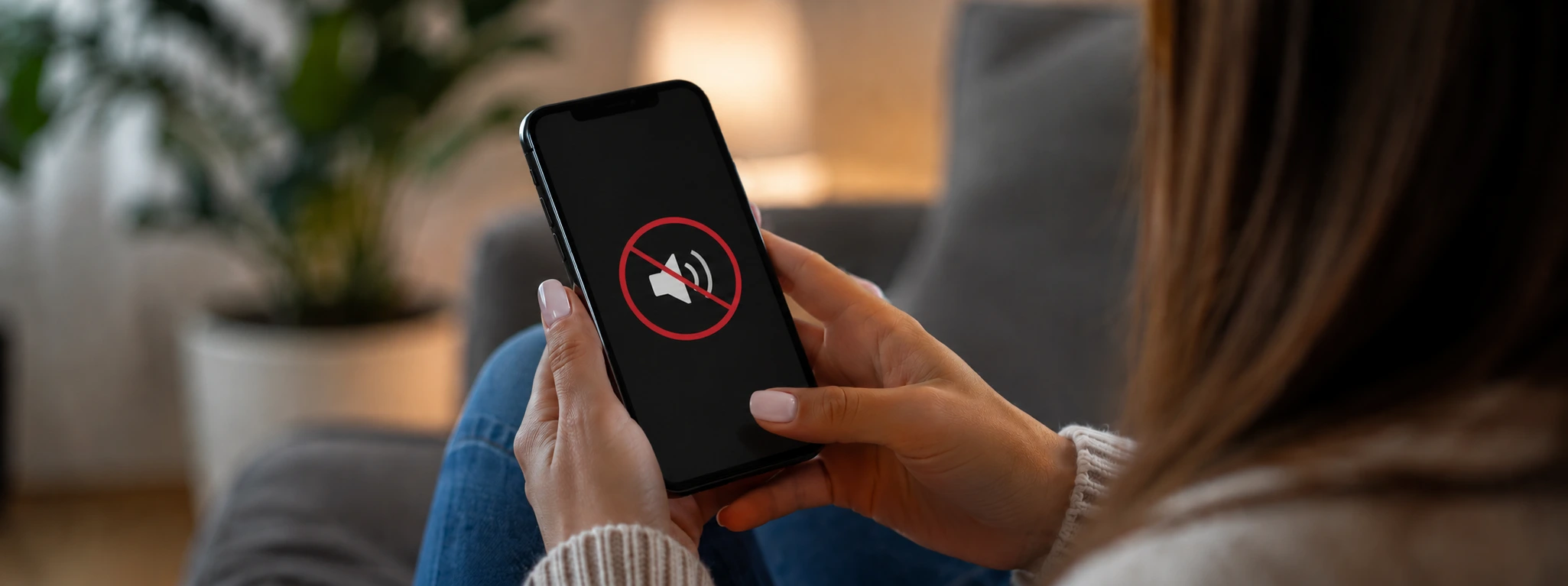




iPhone Speaker Not Working: Causes and Effective Solutions
If your iPhone speaker stops working, you know how frustrating that can be. This problem affects both users with older models, such as the iPhone X, and the latest models like the iPhone 17 Pro Max. Sound is an essential feature for calls, music, videos, and notifications, so it is important to quickly find the cause and the right solution to ensure your phone works perfectly again.
At iServices, specialists in phone repairs, we understand the importance of an accurate diagnosis and an effective solution. In this article, we explain the main causes that may be at the root of a malfunctioning iPhone speaker, present a practical table with solutions, and provide step-by-step instructions so that you can try to solve the problem yourself at home. If you need professional help, know that iServices is present throughout the country to support you with qualified technical assistance.
Causes why the iPhone speaker is not working
Obstruction or dirt in the speaker
The iPhone speaker can collect dust, dirt, or grit that blocks the sound output. This problem is common in phones that are used daily, especially if they are not cleaned regularly. Dirt can significantly reduce sound quality or even cause the speaker to stop working altogether.
Software problems or incorrect settings
Sometimes the problem is not with the hardware, but with the iPhone's software. Faulty updates, incorrect sound settings, or accidentally turning on silent mode can prevent the speaker from working correctly. There may also be a conflict with applications that manage audio.
Physical damage to the speaker
Speakers can be damaged by drops, bumps, or exposure to liquids. This type of physical damage is one of the most common causes of a poorly working speaker and may require replacement of the part.
Internal hardware problems
In addition to the speaker itself, other internal components of the iPhone, such as the audio connector or the motherboard, can have defects that affect the sound. These problems are more complex to diagnose and repair and require professional intervention.
Table with solutions
| Cause | Recommended solution | Complexity |
|---|---|---|
| Obstruction or dirt | Carefully clean the speaker | Low |
| Software problems | Restart the iPhone and update iOS | Low |
| Incorrect settings | Check volume, silent mode, and audio settings | Low |
| Physical damage to the speaker | Speaker replacement by iServices technicians | High |
| Internal hardware problems | Diagnosis and specialized repair at iServices | Very high |
Step-by-step solutions
Carefully clean the speaker
- Turn off the iPhone to avoid electrical damage.
- Use a soft brush or an anti-static brush to remove dirt from the speaker grille.
- You can use a small amount of compressed air to loosen particles, but avoid using sharp objects.
- Turn the phone back on and test the sound.
Restart the iPhone and update iOS
- Press and hold the side button and one of the volume buttons until the power off slider appears.
- Turn off the device and wait 30 seconds.
- Turn the iPhone back on.
- Go to Settings > General > Software Update to check if there are pending updates.
- Install the available updates and test the speaker.
Check volume, silent mode, and audio settings
- Ensure the side switch is not in silent mode.
- Increase the volume with the side buttons.
- Go to Settings > Sounds & Haptics and adjust the volume for ringtones and notifications.
- Check if the application you are using is not muted.
Speaker replacement by iServices technicians
- Visit an iServices store for a free diagnosis.
- Our technicians will confirm the damage and recommend replacing the speaker.
- The repair is carried out with original parts, guaranteeing quality and durability.
- We offer warranty and express deliveries for greater convenience.
Diagnosis and specialized repair at iServices
- If you suspect more complex internal problems, bring your iPhone in for a detailed assessment.
- Our technical team uses advanced equipment to identify and repair defects in the motherboard or other components.
- You will receive a transparent price quote and can choose to have it repaired with us with a full warranty.
Why does my iPhone speaker only work with headphones?
This may indicate that the iPhone is stuck in headphone mode, a common problem when the device does not recognize that the headphones have been disconnected. You can try cleaning the headphone jack carefully or restarting the iPhone. If the problem persists, technical assistance is recommended.
How do I know if the speaker problem is hardware or software related?
You can perform a simple test: play a sound and switch between silent mode and normal volume. If you still hear no sound after restarting the iPhone and updating iOS, it is likely a hardware problem. If not, it could be a software or settings issue.
What should I do if the iPhone speaker is silent after an iOS update?
First, restart the iPhone to clear temporary errors. If the problem persists, check for a new update that fixes bugs. As a last resort, you can restore factory settings after making a backup. If nothing works, seek professional help.
Can I safely clean the iPhone speaker at home?
Yes, as long as you use suitable tools, such as soft brushes, and avoid liquids or sharp objects that could damage the component. If you are not comfortable doing so, iServices can perform a safe professional cleaning.
Do you need professional help? iServices is here for you
If your iPhone speaker is not working and simple solutions have not solved the problem, do not hesitate to visit one of our stores. Our specialized technicians perform accurate diagnoses and offer fast repairs with a quality guarantee. At iServices, we guarantee personalized service, express deliveries, and effective technical assistance for all models. Count on us to make your phone offer crystal-clear sound and the best possible experience again.

 Gratis levering, verwacht dinsdag!



 36 Months
 36 Months
 36 Months
Other Articles
See more
iPhone microphone not working after water damage: causes and solutions
iPhone microphone not working after falling in water? Discover causes, solutions and how iServices can help repair your mobile phone quickly.
Does a refurbished iPhone have a warranty?
Does a refurbished iPhone have a warranty? iServices offers a 3-year warranty. Discover how it works, what is included, and how to buy safely.
iPhone loses Wi-Fi connection: causes and solutions
Discover how to solve the problem when the iPhone constantly disconnects from the Wi-Fi, with effective solutions for iPhone models.
