







iPhone full? Free up space without deleting what is important
Are you constantly getting the "iPhone storage almost full" notification? And is your iPhone slow, are you unable to install new apps, or can you no longer take photos? Then it is time to free up space.
The good news is that in most cases, you don't have to delete important files, as there are several ways to regain storage space and improve the device's performance.
See what is taking up the most space
The first step is to understand what is consuming your iPhone's memory. To do this, go to Settings > General > iPhone Storage.
Here you will find a list of all the apps taking up the most space, as well as recommendations from Apple on how to best optimize your storage.
Remove apps you no longer use
It is very common to accumulate apps on your smartphone that you don't use. If this is the case for you and you have apps you haven't used in months, you can remove them to free up a lot of space.
If you want to keep the data, the iPhone allows you to 'offload' the app, which removes the app without losing its associated information.
Delete unnecessary photos and videos
Photos and videos are often the biggest culprits when it comes to a lack of space. Take a few minutes to delete duplicate photos, old screenshots, unnecessary videos, and blurry or repeated images.
Also, don't forget to empty the "Recently Deleted" folder, otherwise the space will not be released immediately.
Use iCloud to store files
iCloud provides storage for photos, videos, and documents, a method that ensures you gain space on your iPhone without losing your content.
Tip: by enabling the "Optimize iPhone Storage" option, the phone keeps lighter versions of the photos, while the original files are only downloaded when needed.
Clear out conversations and attachments from messaging apps
Conversations in WhatsApp and other messaging apps accumulate thousands of photos, videos, and documents. Regularly check all your attachments and delete the ones you no longer need.
Clear cache
Some apps store temporary files that take up space over time. Think of social media, streaming platforms, and even the browser.
In certain cases, the best way to remove these accumulated files is to delete and reinstall the app.
Update your iPhone
The latest versions of iOS include various improvements in performance and storage optimization. Keeping the system up to date helps ensure stability and security.
Is freeing up space no longer enough?
If your storage is constantly full, it may be a sign that it is time to consider a device with a larger capacity.
If you use your iPhone to record videos, take photos, or install many apps, taking advantage of models with more storage space can be a good solution.
Is it worth switching iPhones?
If your iPhone is already a few years old and has low storage capacity, this might be a good time for an upgrade. At iServices, you will find a large selection of refurbished iPhones with a 3-year warranty, at an affordable price, available in different storage capacities, colors, and even conditions.
You can also sell your old iPhone and use iServices' trade-in program to purchase an iPhone at iServices. As you can see, there are several solutions for those who need more storage space on the iPhone, and iServices is also an excellent solution for your needs.
 Gratis levering, verwacht dinsdag!


 36 Months
 36 Months
 36 Months

Other Articles
See more
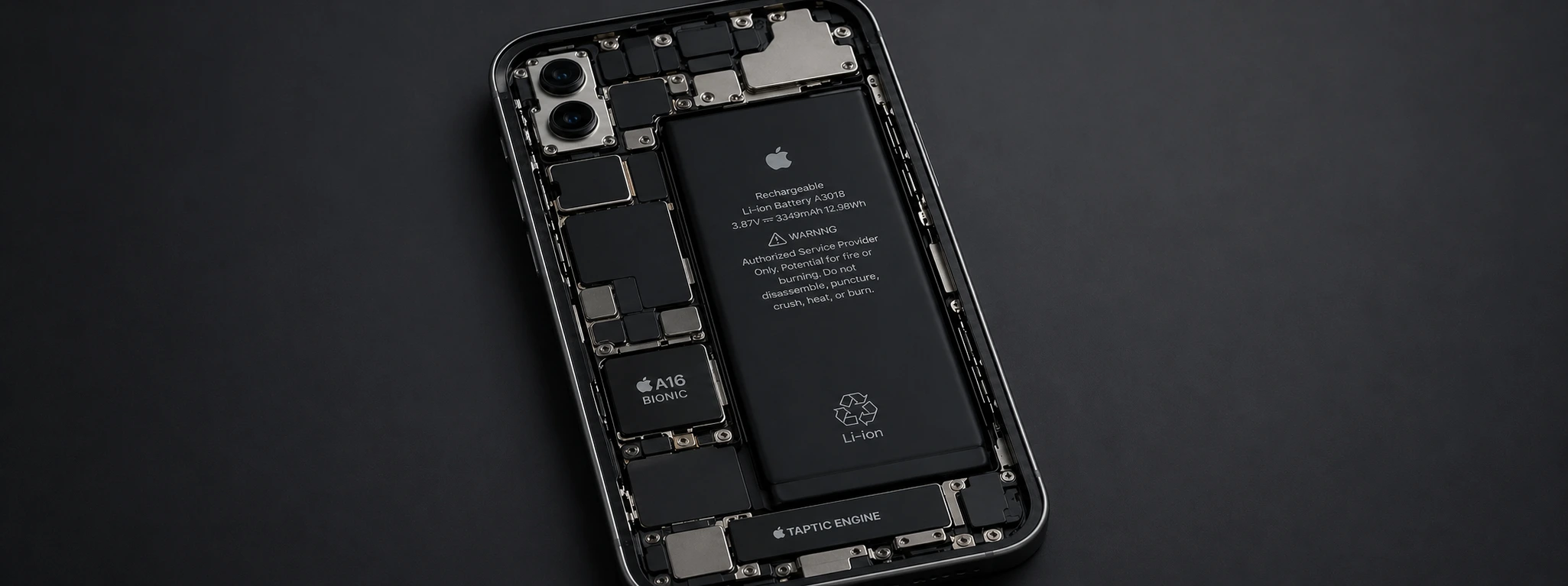
Non-Genuine Battery Message on iPhone: Causes and Solutions
Non-original battery message on iPhone? Discover the causes, solutions, and how iServices can help with diagnosis and guaranteed repair.

iPhone Air 2: Discover the new features of Apple's latest model
The iPhone Air 2 is coming and with potential major innovations in the battery, a second camera on the back and various features that could surprise.
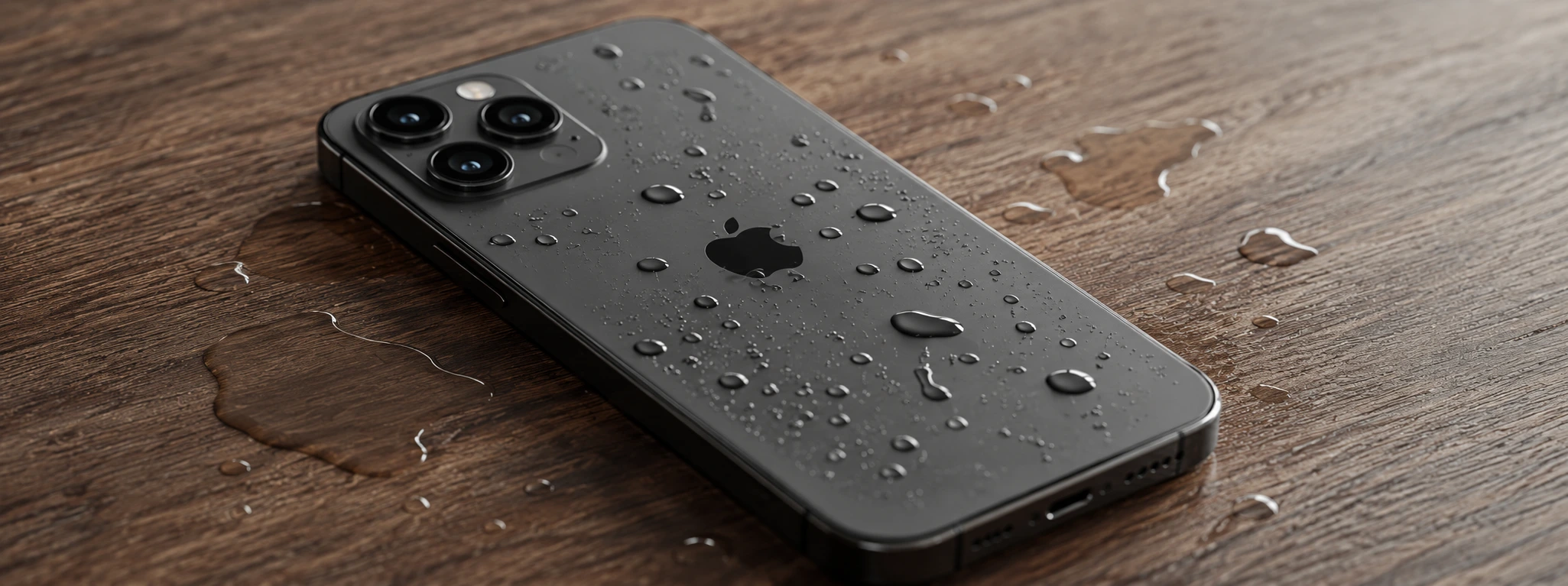
iPhone Sensors Affected by Humidity: Causes and Solutions
Learn how humidity affects iPhone sensors and discover effective solutions for iPhone X to iPhone 17 Pro Max models at iServices.
