





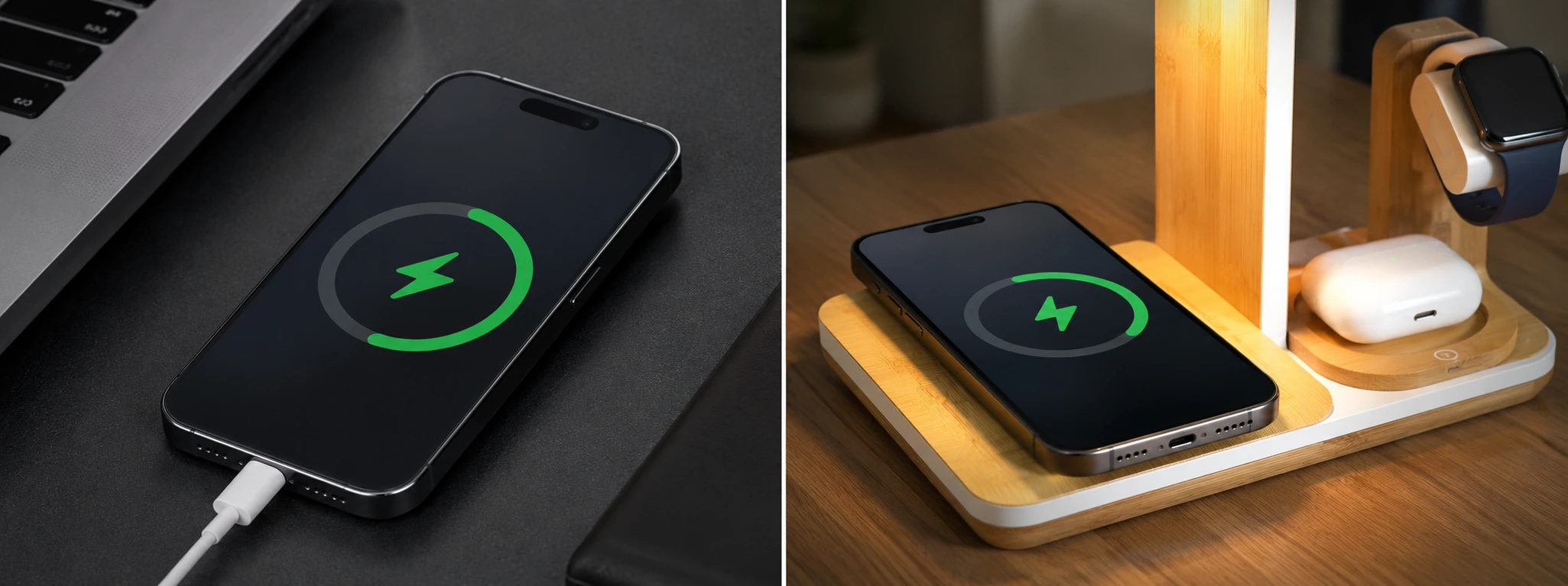




Dirty iPhone charging port: how to clean it
The charging port is one of the most important parts of your iPhone, whether it is a model from the iPhone X to the latest iPhone 17 Pro Max. With daily use, it is common for the charging port to accumulate dust, lint, and other debris that can impair the charger's function and even damage the phone. At iServices, we know that a dirty charging port is a frequent cause of charging problems, and that is why we want to help you resolve this situation in a simple and safe way.
Cleaning your iPhone's charging port not only improves charging efficiency but can also avoid more complex and expensive repairs. In this article, we explain the main causes for dirt in this area, present a table with recommended solutions, and detail the step-by-step process so you can easily take care of your phone at home. If you prefer, our team is available to help you at any iServices store.
What makes the iPhone charging port dirty?
Accumulation of dust and lint
The charging port is exposed to the external environment and, over time, accumulates small particles of dust and lint from pockets, bags, or tables where you place your phone. These residues can prevent a proper connection between the cable and the iPhone, making charging difficult.
Moisture and liquid dirt
Exposure to moisture, sweat, or other liquids can cause oxidation and dirt in the charging port. Even small drops can compromise the port, creating corrosion points that affect the operation and safety of the charge.
Use of non-original cables and chargers
Frequent use of accessories not certified by Apple can damage the charging port due to improper fit or low-quality materials. This can generate additional dirt and premature wear on the port.
Physical damage and deformations
Impacts or incorrect insertion of the cable can cause deformations in the charging port, accumulating dirt in hard-to-reach areas. This damage can prevent the charger from connecting correctly, even if the port is clean.
Solution Table
| Cause | Recommended Solution | Complexity |
|---|---|---|
| Accumulation of dust and lint | Cleaning with compressed air and a soft brush | Low |
| Moisture and liquid dirt | Immediate drying and cleaning with isopropyl alcohol | Medium |
| Use of non-original cables | Replace with official accessories and preventive cleaning | Low |
| Physical damage and deformations | Technical evaluation and possible port replacement | High |
Step-by-Step Solutions
Cleaning with compressed air and a soft brush
- Turn off the iPhone before starting the cleaning.
- Use a can of compressed air to carefully blow inside the charging port, removing dust and lint.
- With a soft-bristled brush, gently remove visible residues, avoiding damage to internal contacts.
- Check if the port is clean and free of obstructions before turning the phone back on.
Drying and cleaning with isopropyl alcohol
- If moisture has entered the charging port, turn off the iPhone immediately.
- Use a dry, lint-free cloth to absorb as much visible liquid as possible.
- Apply a small amount of isopropyl alcohol (at least 90%) to a soft brush or cotton swab.
- Carefully clean the port, avoiding excess liquid and ensuring the alcohol evaporates completely before turning the phone on.
Replacing non-original cables and chargers
- Identify whether the cable or charger is official Apple or MFi certified.
- If it is not, purchase original or certified accessories to avoid future damage.
- Take the opportunity to clean the charging port by following the previous steps, preventing the accumulation of dirt.
Technical evaluation and port replacement
- If you observe physical deformations or if the port still does not work after cleaning, seek specialized technical assistance.
- At iServices, our technicians perform a complete diagnostic and, if necessary, replace the charging port with original parts.
- We guarantee a fast service with a warranty, so you can go back to using your iPhone with complete confidence.
How do I know if my iPhone's charging port is dirty?
If your iPhone is slow to charge, does not recognize the cable, or shows intermittent charging, it could be a sign of dirt in the port. Use a flashlight to check if there are any visible residues inside the opening.
Can I use metal objects to clean the charging port?
We do not recommend the use of metal objects, as they can damage the port's internal contacts, causing permanent problems. Always use a soft brush or compressed air to avoid risks.
How often should I clean my iPhone's charging port?
Ideally, you should check and clean the port every 2-3 months, especially if you use your phone in environments with a lot of dust or lint. Preventive maintenance helps avoid charging issues.
Can cleaning the charging port void the iPhone warranty?
As long as it is done carefully, using safe methods such as compressed air and a soft brush, cleaning does not void the warranty. However, damage caused by improper methods may not be covered.
Need Professional Help? iServices Is Here for You
At iServices, we have a specialized team ready to help with any problem related to your iPhone's charging port, from the iPhone X to the iPhone 17 Pro Max. In our stores, we provide reliable, fast, and guaranteed technical assistance.
If you suspect that cleaning your phone's charging port is not enough, visit one of our stores for a free diagnostic. We offer express deliveries and guarantee an effective repair so you can go back to enjoying your iPhone without worries. We are always with you to take care of your phone.
Recommended Products
View all

 36 Months
 36 Months

€19.95
36 Months




Other Articles
See more
iPhone Asks for a Passcode I Don't Remember: What to Do?
Forgot your iPhone passcode? Discover how to regain access to your device quickly with tips from iServices.

Face ID says 'Move iPhone a little lower': How to fix it
Learn how to fix the 'Face ID says Move iPhone a little lower' error on iPhones from X to 17 Pro Max with iServices expert help.
Your phone not charging? 5 steps to try and fix it
Your phone not charging? Don't panic! It might be a loose connection or accumulated dust. Follow our suggestions before seeking professional help.
