





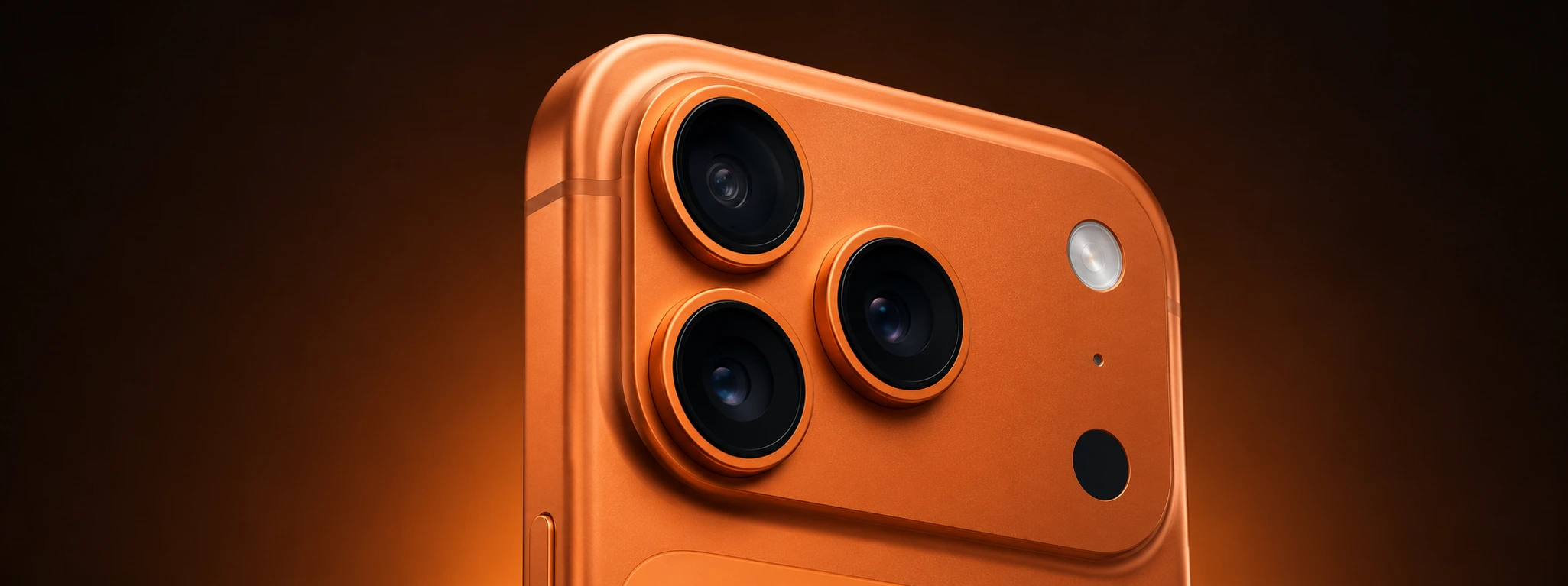




iPhone Camera Black When Opening the App: Causes and Solutions
If when opening the camera app on your iPhone, from the iPhone X to the latest iPhone 17 Pro Max, the screen goes completely black, this situation can be quite frustrating, especially when you need to take a photo or record a video quickly. This problem can arise for various reasons, from software glitches to physical hardware damage. At iServices, with our vast experience in mobile phone repair, we help identify and resolve these issues with a guarantee and speed.
This article explains the most common causes for the iPhone camera to show a black screen when opening the app, as well as offers practical and detailed solutions so you can try to resolve the problem before resorting to technical support. If the problem persists, our team is ready to help at any of our stores.
What causes the iPhone Camera to go black when opening the app?
Temporary Software Glitch
Sometimes, the camera app may show a black screen due to a temporary error in the iPhone software. This problem can occur after iOS operating system updates or due to conflicts with other applications.
Camera App Permissions
If the camera app does not have the necessary permissions to access the camera hardware, it may result in a black screen when trying to start capturing images or videos.
Problems with the Front or Rear Camera
In some cases, the problem may be related to the camera module, whether it is the front or rear camera, which may have suffered physical damage or manufacturing defects, especially in older models or after drops.
Hardware Defects or Loose Connectors
The black screen can also be caused by internal defects, such as loose connectors between the motherboard and the camera module, or failures in the camera sensor itself, which require specialized technical intervention.
Solutions Table
| Cause | Recommended Solution | Complexity |
|---|---|---|
| Temporary Software Glitch | Restart the iPhone | Low |
| App Permissions | Check and adjust permissions | Low |
| Camera Problems | Test front/rear camera and restart app | Medium |
| Hardware Defects | Diagnosis and repair at an iServices store | High |
| Loose Connectors or Damage | Replacement of the camera module | High |
Step-by-Step Solutions
Restart the iPhone
- Press and hold the side button and one of the volume buttons until the slide to power off appears.
- Turn off the iPhone.
- Wait a few seconds and turn the phone back on.
- Open the camera app to check if the problem persists.
Check and Adjust Camera App Permissions
- Open the "Settings" app on your iPhone.
- Scroll down until you find the "Camera" app.
- Tap on "Camera" and ensure the permission to use the camera is enabled.
- If it was disabled, enable it and reopen the camera app.
Test Front and Rear Camera
- Open the camera app.
- Tap the icon to switch between the front and rear camera.
- Check if the black screen occurs on both cameras or just one of them.
- If the problem is with only one camera, close the app and restart the iPhone.
- If the problem persists, it may indicate a hardware issue.
Diagnosis and Repair at iServices
- If the previous solutions do not work, contact iServices or visit one of our stores in Portugal.
- Our technicians will perform a complete diagnosis of your iPhone.
- If a defect in the camera module or connectors is identified, we will carry out the necessary repair or replacement.
- We offer a guarantee on all repairs and express delivery for greater convenience.
Why does my iPhone camera go black when opening the app?
This problem can occur due to temporary system glitches, incorrect permissions, problems with the camera module, or even physical damage to the phone. It is important to check the simple solutions first before moving on to repairs.
How can I check if the problem is with the front or rear camera?
In the camera app, you can switch between the front and rear cameras by tapping the corresponding icon. If only one of them shows the black screen, the problem is likely with the hardware of that specific camera.
Can I fix the black camera screen problem myself?
Yes, often restarting the iPhone or adjusting app permissions resolves the problem. However, if these actions do not work, it is advisable to seek technical assistance to avoid further damage.
How long does an iPhone camera repair take at iServices?
At iServices, we offer express delivery and, in most cases, the repair can be completed on the same day or within a very short period, depending on the complexity of the problem and the availability of parts.
Need Professional Help? iServices Is Here for You
If your iPhone camera continues to show a black screen even after trying the suggested solutions, do not hesitate to visit one of our iServices stores. Our team of specialized technicians is prepared to diagnose and repair hardware and software problems with speed and professionalism.
At iServices, we guarantee all repairs, ensure express delivery so you can return to using your phone as quickly as possible, and offer full technical assistance nationwide. Visit our website at iservices.pt to find the nearest store and schedule your diagnosis. Trust iServices to keep your iPhone running in perfect condition at all times.
Recommended Products
View all

 36 Months
 36 Months

€19.95
36 Months




Other Articles
See more
iOS 27, the new iPhone operating system, is coming
The WWDC 26 conference takes place between June 8th and 12th, where iOS 27 will be announced - the new iPhone operating system. Find out what's new.

Sabes ver o estado da saúde da bateria do iPhone e Android?
Sabes como verificar o estado da bateria do iPhone ou do Android? No blog da iServices vais aprender como podes ver a saúde da bateria do teu telemóvel.
