






iPhone GPS Not Working? Causes and Solutions
The iPhone GPS is an essential feature for many users, whether it is for navigation, sports apps, or real-time location tracking. However, it is common to encounter problems with the iPhone GPS not working correctly or displaying an inaccurate location. These issues can affect everything from older models like the iPhone X to the latest ones like the iPhone 17 Pro Max, compromising the user experience.
At iServices, we know that an unresponsive GPS can cause significant inconvenience. That is why we have listed the main causes for GPS malfunction on the iPhone and explain how you can solve the problem easily and safely. If you wish, you can visit one of our 76 stores in Portugal to have your phone diagnosed and repaired with a warranty and professional technical support.
Causes why GPS does not work on the iPhone
Network connection issues
The iPhone GPS depends not only on satellite signals but also on the connection to the mobile network or Wi-Fi to improve location accuracy. If the phone has no signal, an unstable connection, or if Airplane Mode is enabled, the GPS may stop working correctly or lose accuracy.
Location settings disabled or incorrectly configured
Another common reason why GPS on the iPhone does not work is that access to location data is disabled for the app you are using or for the system in general. In addition, a problem in the system settings, such as an incorrect date and time, can affect GPS synchronization.
Hardware issues with the iPhone
The iPhone's GPS module can be damaged by drops, moisture, or natural wear and tear. Models such as the iPhone X, iPhone 11, or even the iPhone 16 Pro Max can exhibit hardware issues that hinder the proper functioning of the GPS, leading to inaccurate readings or total failure.
External interferences and software issues
Magnetic interference, metal cases, or background apps that affect the system can also cause GPS problems. Additionally, bugs in iOS or outdated applications can compromise GPS performance.
Solution table
| Cause | Recommended solution | Complexity |
|---|---|---|
| Unstable network connection | Check and restore Wi-Fi/4G/5G connection | Low |
| Incorrect location settings | Enable location and correct date and time | Low |
| Hardware issues with GPS | Diagnosis and repair in an iServices store | High |
| External interferences | Remove metal cases and keep away from magnetic sources | Medium |
| Bug in iOS system or apps | Update iOS and applications | Medium |
Step-by-step solutions
Checking and restoring Wi-Fi or mobile data connection
- Open iPhone Settings.
- Select "Wi-Fi" and ensure you are connected to a stable network.
- If you are using mobile data, check under "Mobile Service" to see if the network is active.
- Toggle Airplane Mode off and on to reset connections.
- Test the GPS in a maps app.
Enabling location and correcting date and time
- Go to "Settings" > "Privacy & Security" > "Location Services".
- Enable Location Services.
- Check if the app in question has permission to access the location.
- Under "Settings" > "General" > "Date & Time", go to "Set Automatically".
- Restart the iPhone and test the GPS.
Hardware diagnosis and repair at iServices
- Visit one of our stores or contact us via the website.
- Our specialized technicians will perform a full diagnosis of the GPS module.
- If necessary, we will carry out the replacement or repair with original parts.
- We guarantee technical support and a warranty on all repairs.
Removing metal cases and preventing interference
- Remove any metal protective case.
- Keep the iPhone away from magnetic sources, such as speakers or other electronic devices.
- Test the GPS again to see if there is improvement.
Updating iOS and applications
- Go to "Settings" > "General" > "Software Update".
- Install the latest version of iOS available for your model.
- Open the App Store and update all applications, especially those that use GPS.
- Restart the iPhone and check the GPS functionality.
Why is my iPhone GPS inaccurate?
The GPS may be inaccurate due to network problems, external interference, incorrect settings, or hardware faults. Accuracy depends on the combination of the satellite signal and mobile data or Wi-Fi data, so any glitch can affect the location.
How do I know if the GPS problem is hardware or software related?
You can try basic software solutions, such as restarting the iPhone, enabling location services, and updating iOS. If the problem persists, especially after a drop or exposure to liquids, it is likely a hardware issue requiring professional diagnosis.
My iPhone GPS does not work in all apps, what to do?
Check if location permissions for each app are enabled under "Settings" > "Privacy & Security" > "Location Services". Some apps may have restrictions or require additional configuration to access the GPS.
How long does an iPhone GPS repair take at iServices?
At iServices, we offer express service and fast technical support. The diagnosis is immediate, and depending on the problem, the repair can be carried out the same day or within a few business days. All repairs come with a warranty, ensuring quality and trust.
Do you need professional help? iServices is here for you
If your iPhone GPS still does not work or shows an inaccurate location after applying the indicated solutions, do not hesitate to seek professional help at iServices. We have several stores where our specialized technicians perform accurate diagnoses and effective repairs.
At iServices, we guarantee the quality of service with original parts and dedicated technical support, as well as express delivery so that you can enjoy your iPhone without worries again. We are ready to solve any problem with your phone quickly and professionally.

 Gratis levering, verwacht dinsdag!



 36 Months
 36 Months
 36 Months
Other Articles
See more
iPhone loses Wi-Fi connection: causes and solutions
Discover how to solve the problem when the iPhone constantly disconnects from the Wi-Fi, with effective solutions for iPhone models.
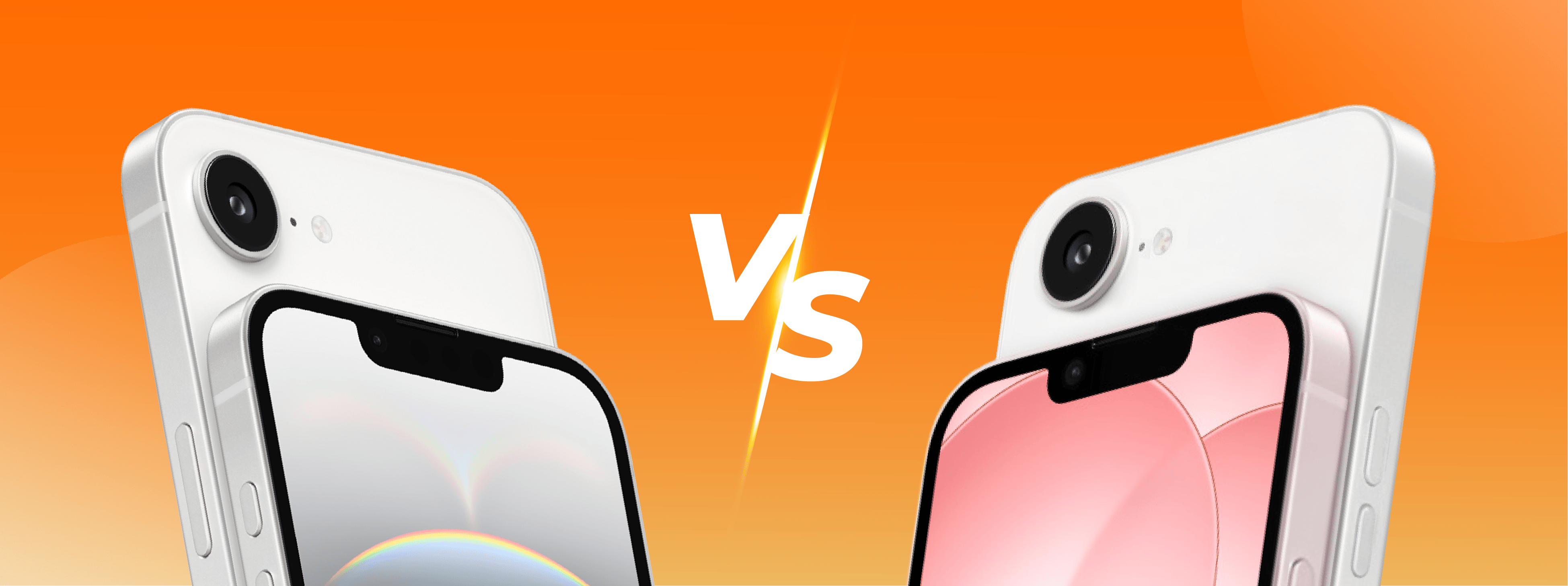
iPhone 16e vs iPhone 17e, which is the best?
iPhone 16e or iPhone 17e, see the differences in design, screen, camera, battery, performance, and which model is worth buying in 2026.
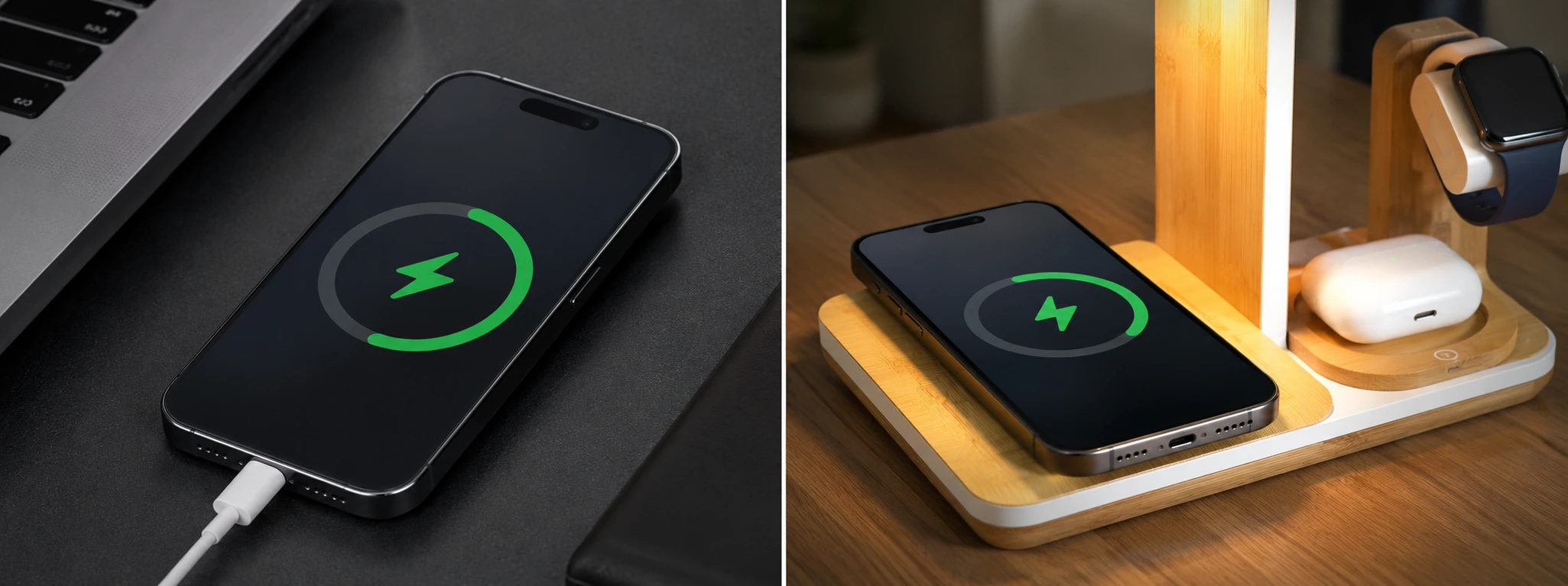
Dirty iPhone charging port: how to clean it
Discover how to clean your iPhone charging port to prevent problems. Tips for models from the iPhone X to the iPhone 16 Pro Max, with effective and safe solutions.
