





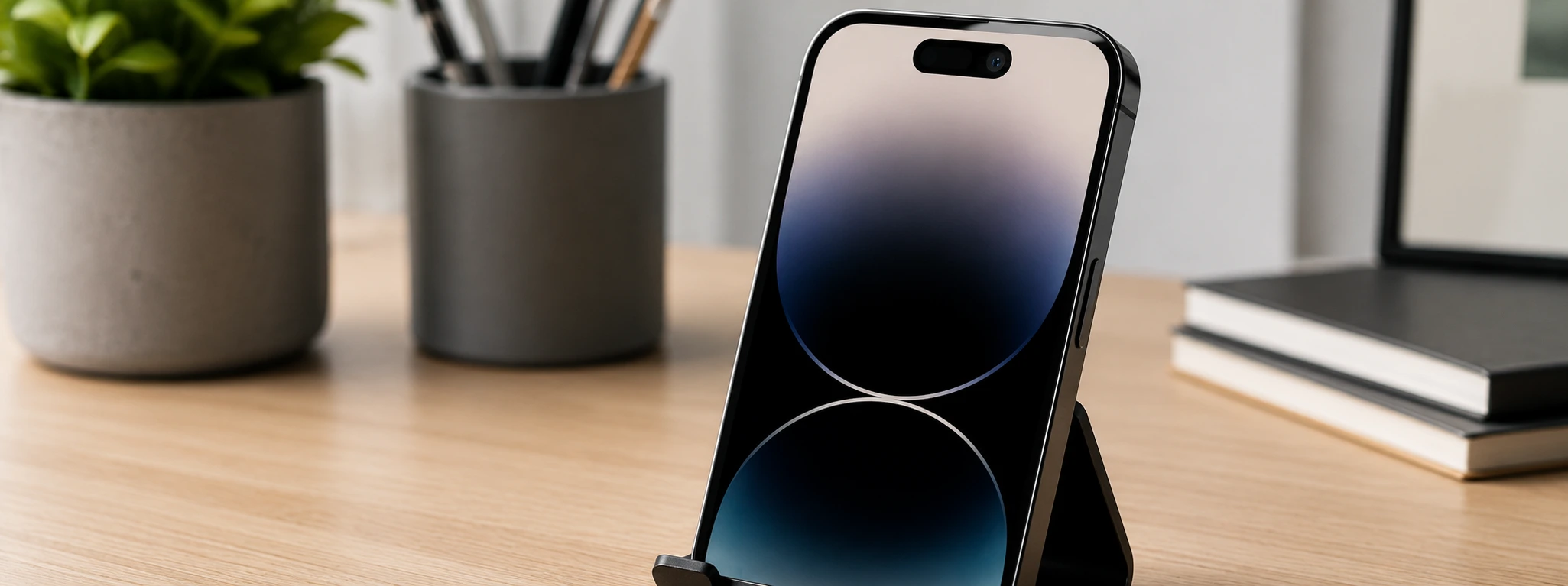




iPhone front camera with inverted image: causes and solutions
The iPhone's front camera is an indispensable tool for video calls, selfies, and facial recognition applications. However, some users face the problem of an inverted image in the front camera, which can cause confusion and affect the quality of photos and videos. This problem is common across various models, from the iPhone X to the most recent iPhone 17 Pro Max.
At iServices, we understand how frustrating this situation can be for users. That's why we've compiled in this article the main causes of this problem, recommended solutions, and useful tips so you can resolve the situation quickly. We are here to help, offering specialized technical assistance and a warranty on all repairs.
Causes of the iPhone Front Camera Showing an Inverted Image
Incorrect settings in the Camera app
One of the most common causes of the inverted image on the iPhone's front camera lies in the internal settings of the Camera app. iOS allows, in some models, for the image to be mirrored or not, and an incorrect setting can result in an image that appears inverted.
Bug in the iOS operating system
Sometimes, iOS updates can introduce bugs that affect the front camera's operation, including image inversion. These temporary errors can be resolved with system updates or device restarts.
Hardware problem in the front camera
If the front camera is damaged, whether by a fall, moisture, or impact, it can present malfunctions such as image inversion. This type of problem is more complex and requires specialized technical diagnosis to confirm the origin of the defect.
Third-party applications with poor compatibility
Some applications that use the front camera may have problems in how they process the image, incorrectly inverting it. This occurs due to incompatibilities between the application and the iPhone's hardware or operating system.
Solutions Table
| Cause | Recommended Solution | Complexity |
|---|---|---|
| Incorrect settings | Adjust the Camera app settings | Low |
| iOS Bug | Update iOS and restart iPhone | Low |
| Hardware problem | Diagnosis and camera replacement | High |
| Third-party apps | Update or reinstall the app | Medium |
Step-by-Step Solutions
Adjusting the Camera app settings
- Open the Camera app on your iPhone.
- Go to "Settings" within the app (gear icon).
- Look for the option "Mirror Front Camera" or similar.
- Enable or disable this option to test which setting shows the image correctly.
- Close and reopen the app to check if the problem has been resolved.
Update iOS and restart iPhone
- Access "Settings" on your iPhone.
- Select "General" and then "Software Update."
- If an update is available, download and install it.
- After the update, restart the iPhone by pressing and holding the side button and sliding to power off.
- Turn the device back on and test the front camera.
Diagnosis and replacement of the front camera
- Visit your nearest iServices store for a professional diagnosis.
- Our technicians will check the front camera's hardware status.
- If necessary, we will proceed with replacing the part with original components.
- We offer a warranty on repairs to ensure your peace of mind.
Update or reinstall problematic apps
- Identify which app is causing the camera problem.
- Access the App Store and check for available updates for the app.
- Update the app to the most recent version.
- If the problem persists, uninstall the app and reinstall it.
- Test the front camera to confirm if the image is correct.
Why does my iPhone's front camera appear inverted?
The camera may show an inverted image due to incorrect iOS settings, system bugs, hardware failures, or app incompatibilities. Usually, adjusting the settings or updating the system resolves the problem.
How to fix the inverted image on the iPhone's front camera?
You can start by checking the Camera app settings, updating iOS, and restarting the device. If the problem persists, a professional technical diagnosis may be necessary to evaluate the hardware.
Is replacing the front camera a definitive solution for inverted images?
Yes, if the problem is related to a physical failure in the camera, replacing the part by our specialized iServices technicians will definitively resolve the issue.
Can I use third-party apps without the risk of inverted images?
Most applications work correctly, but some may cause image inversion. Always update apps and iOS to avoid compatibility problems.
Need Professional Help? iServices Is Here for You
If your iPhone's front camera shows an inverted image and you can't resolve it with our tips, visit one of the 76 iServices stores across Portugal. At iServices, we have specialized technicians who perform precise diagnostics and fast repairs with a warranty. We also offer express deliveries and technical assistance nationwide so that your mobile always functions perfectly.
Trust iServices to take care of your iPhone, whether it's an iPhone X, iPhone 11, iPhone 14, or iPhone 17 Pro Max model. Consult more information and book your assistance on the official website iservices.pt. We are ready to help restore the best experience to your device.
Recommended Products
View all
 36 Months
 36 Months

€19.95
36 Months



Other Articles
See more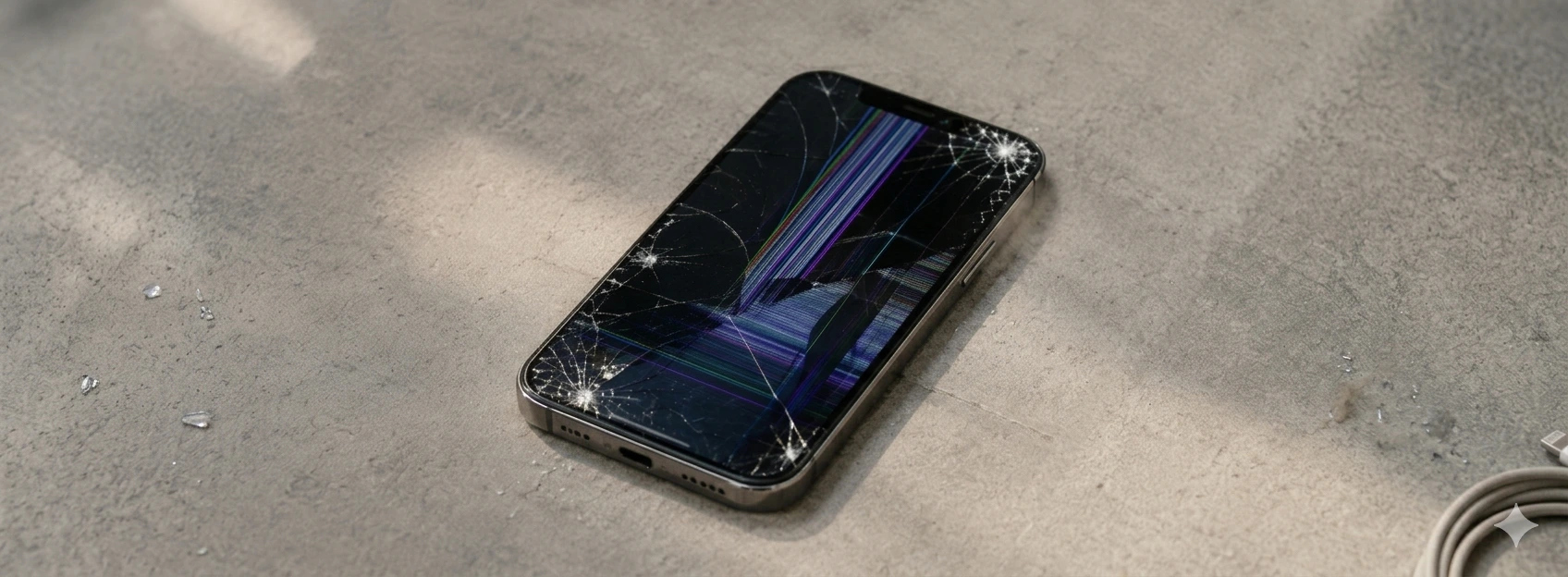
iPhone glass scratched: how to fix
Learn how to fix scratched iPhone glass with effective solutions. Professional repairs for models from iPhone X to iPhone 17 Pro Max at iServices.
The iPhone only charges when it is turned off: causes and solutions
Does your iPhone only charge when it is turned off? Discover the causes and solutions for this common problem on iPhone models from the iPhone X to the iPhone 17 Pro Max at iServices.
iPhone does not recognize SIM card: causes and solutions
Find out what to do when your iPhone doesn't recognize the SIM card. Effective solutions for all iPhone models. Diagnosis at iServices.
