


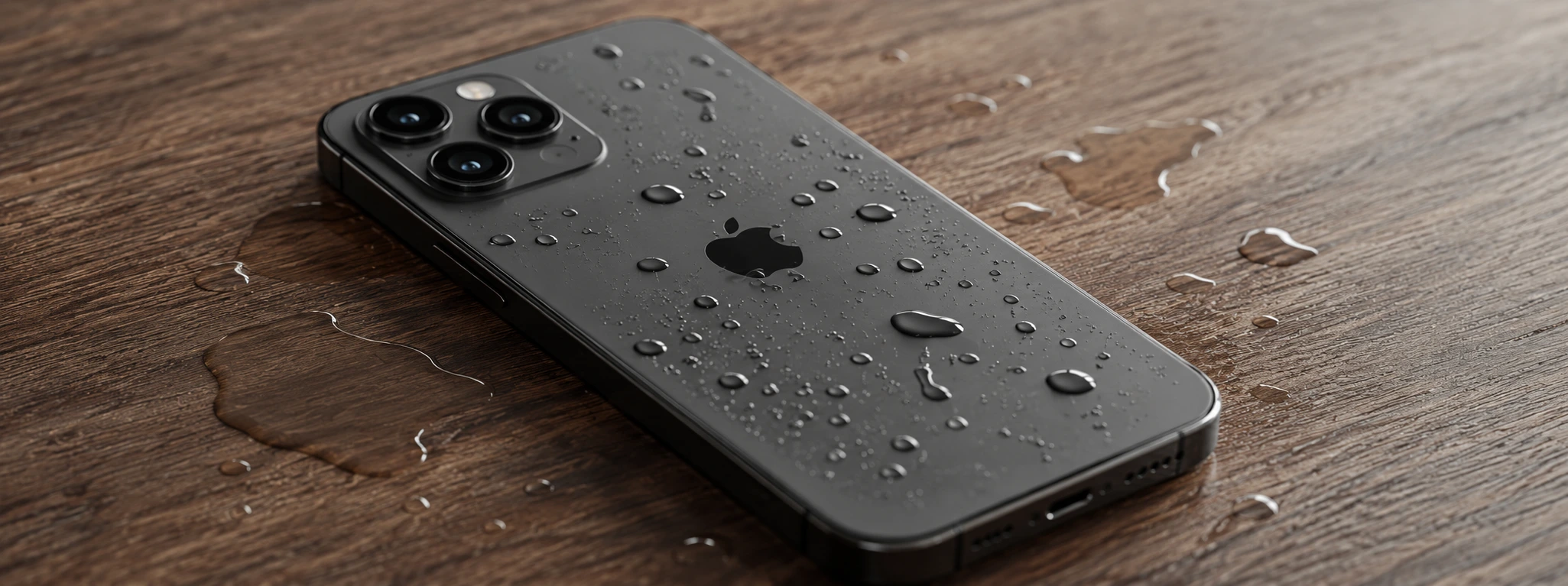




iPhone with Internal Corrosion due to Liquid Damage: Causes and Solutions
Internal corrosion due to liquid damage is one of the most common and delicate problems that can affect an iPhone, from the iPhone X to the latest models like the iPhone 17 Pro Max. When the phone comes into contact with liquids, even for a brief moment, moisture can cause oxidation of the internal circuits, which jeopardizes the device's functionality and its lifespan.
At iServices, we understand the frustration that these types of defects cause users. That is why we offer careful analysis and specialized solutions to repair your iPhone, ensuring it works like new again. In this article, we explain the main causes of internal corrosion due to liquid damage, present a table with recommended solutions, and describe step-by-step how we proceed to solve this problem.
Causes of internal iPhone corrosion
Ingress of liquids into the phone
Direct contact with water, beverages, or other liquids is the most frequent cause of internal corrosion. Although the iPhone is water-resistant to a certain extent, prolonged exposure or complete submersion can lead to moisture getting into internal components.
Defective seals and gaskets
Over time, the seals that protect the inside of the iPhone can deteriorate, especially in older models like the iPhone X and iPhone 11. This defect allows for the gradual infiltration of liquids, which accelerates the corrosion process.
Use in environments with high humidity
Environments with high relative humidity, such as coastal areas or closed and damp spaces, can contribute to the accumulation of condensation inside the phone, leading to corrosion even without direct contact with liquids.
Indirect liquid accidents
Accidental spills, exposure to heavy rain, or excessive sweating during physical exertion may not seem serious, but they are enough to cause internal liquid damage, especially if the phone is not dried immediately.
Table of solutions
| Cause | Recommended solution | Complexity |
|---|---|---|
| Ingress of liquids | Disassembly, ultrasonic cleaning, and replacement of damaged parts | High |
| Defective seals | Replacement of internal seals and gaskets | Medium |
| Environments with high humidity | Controlled drying and application of moisture repellent | Low |
| Indirect liquid accidents | Full diagnosis and preventive cleaning | Medium |
Step-by-step solutions
Disassembly, ultrasonic cleaning, and replacement of damaged parts
- We switch off the iPhone immediately to prevent short circuits.
- We proceed to the careful disassembly of the device and separate the screen and other parts.
- We perform an ultrasonic cleaning to remove traces of corrosion and moisture.
- We inspect all components and replace parts that show irreparable damage.
- We reassemble the iPhone and test it to ensure full functionality.
Replacement of internal seals and gaskets
- We assess the state of the phone's original seals.
- We carefully remove the damaged seals so as not to jeopardize other components.
- We install new, high-quality seals specifically for each model, including the latest iPhone 15, 16, 17 Pro Max.
- We test the phone's water resistance to ensure protection against future infiltration.
Controlled drying and application of moisture repellent
- We place the iPhone in an environment with controlled temperature and humidity for gradual drying.
- We apply a moisture-repellent product that is safe for electronic components.
- We monitor the phone during the process to prevent further damage.
- We perform functionality tests before returning the device to the user.
Full diagnosis and preventive cleaning
- We perform a detailed diagnosis to identify any hidden damage.
- We proceed to internal cleaning to eliminate residues and prevent future corrosion.
- We inform the user about precautionary measures to avoid new incidents.
- We guarantee technical assistance and a warranty on all repairs performed.
How can I know if my iPhone has internal corrosion from liquids?
The most common signs are screen issues, battery problems, unexpected shutdowns, and defects in audio or buttons. At iServices, we perform a full diagnosis to confirm the presence of internal corrosion and indicate the best solution.
Does the iPhone have a warranty for liquid damage?
Apple's official warranty does not cover damage caused by liquids, but at iServices, we offer a warranty on repairs performed by us, which guarantees the quality and safety of the service provided.
Can I use my iPhone normally after it has become wet?
We recommend switching off the device immediately and seeking professional help at iServices. Continuing to use the phone can worsen the corrosion and cause irreparable damage.
How long does the repair of internal corrosion take for an iPhone?
The time varies depending on the severity of the damage and the iPhone model, but repairs are usually completed within a few days. iServices offers express deliveries so that you have your phone working again quickly.
Do you need professional help? iServices is here for you
If your iPhone has suffered liquid damage and you suspect internal corrosion, do not hesitate to visit one of our stores. At iServices, we have a team of specialized technicians who perform rigorous diagnostics and precise interventions to restore your phone to the best possible condition.
We offer a warranty on all repairs, express delivery, and dedicated technical assistance, so that you always receive the necessary support. You can also contact us or schedule your service via our official website, iservices.pt. Trust iServices to take care of your iPhone with the quality and professionalism you deserve.

 Gratis levering, verwacht dinsdag!



 36 Months
 36 Months
 36 Months
Other Articles
See more

Does your iPhone get very hot? iServices has the solution!
Does your iPhone get very hot or get hot and won't turn on? Does it need repair? Find out here how to resolve it or if you need to take your iPhone to our stores.

Maintaining a Refurbished Item: Essential Tips and Care
Learn the best tips to have with a refurbished product. These are precautions that aim to extend the lifespan of this equipment.
iPhone Stuck on Apple Logo (Bootloop): How to Fix It
Learn how to fix your iPhone when it gets stuck on the Apple logo (bootloop) with effective solutions and professional support from iServices.
