


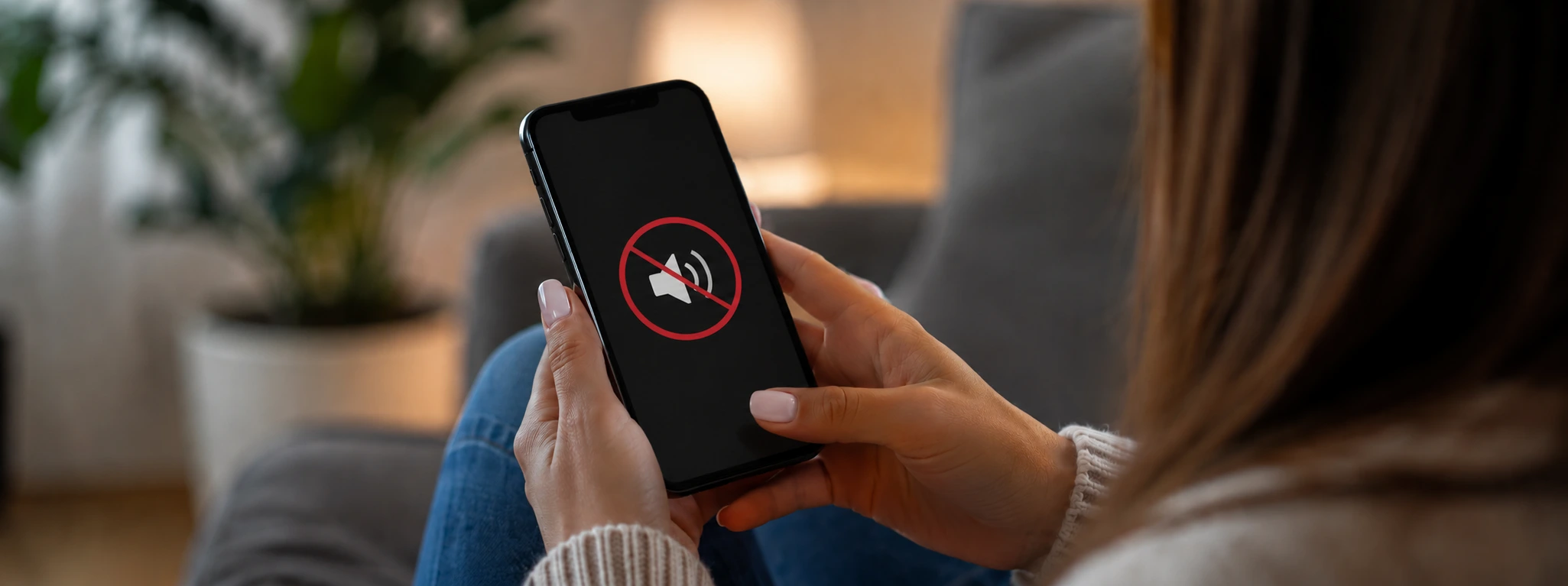




iPhone sound cutting out during music? How to fix it
Playing music on the iPhone is one of the most used features by our customers, from iPhone X models to the very latest iPhone 17 Pro Max. However, it is common for some users to experience sound issues, such as stuttering, interruptions, or distortions during playback. These malfunctions can affect the overall experience and are a cause for concern for those who value the audio quality of their device.
At iServices, we understand the importance of perfect sound and we are ready to help resolve these situations. In this article, we analyze the most common causes for iPhone sound stuttering during music playback, present practical solutions, and indicate when you should consult our specialized technicians for a safe and effective repair.
Causes of stuttering sound on iPhone during music playback
Software or operating system issues
An incomplete update or an iOS bug can cause sound issues during music playback. Apps that are not updated or show compatibility issues can also disrupt audio performance.
Clogged or dirty ports and speakers
The accumulation of dust, dirt, or small particles in the audio ports or speakers can lead to distorted or interrupted sound, compromising playback quality.
iPhone hardware defects
Internal components such as the speaker, the audio jack, or the chip responsible for sound can be damaged by drops, exposure to liquids, or natural wear and tear, leading to frequent sound malfunctions.
Issues with audio settings or accessories
Incorrect configurations, such as volume being too low, silent mode enabled, or connection to incompatible Bluetooth devices, can lead to stuttering or interruptions in music playback.
Solution table
| Cause | Recommended solution | Complexity |
|---|---|---|
| Software issues | Update iOS and restart the iPhone | Low |
| Dirty ports and speakers | Carefully clean ports and speakers | Low to medium |
| Hardware defects | Diagnosis and repair at the iServices store | High |
| Incorrect audio settings | Adjust settings and check accessories | Low |
| Outdated apps | Update or reinstall apps | Low |
Step-by-step solutions
Update iOS and restart the iPhone
- Go to Settings > General > Software Update.
- Check if an update is available and install it.
- After updating, restart the iPhone by holding down the side button until the power-off slider appears.
- Turn the device back on and test music playback.
Carefully clean ports and speakers
- Turn off the iPhone to prevent electrical damage.
- Use a soft brush or a brush specifically designed for electronics to carefully clean the speakers and the Lightning connector.
- Avoid applying liquids directly. If necessary, use a slightly damp cloth.
- Turn on the iPhone and test the sound.
Diagnosis and repair at the iServices store
- Visit one of our stores.
- Our technicians perform a full diagnosis of your iPhone's hardware.
- If necessary, we will proceed to replace or repair the parts with a warranty.
- Express services available for more convenience.
Adjust settings and check accessories
- Check if the volume is at maximum and silent mode is disabled.
- Go to Settings > Bluetooth and ensure you are connected to the correct device.
- Disconnect Bluetooth accessories and test the sound directly on the iPhone.
- Restart the music app or reinstall it if necessary.
Update or reinstall apps
- Open the App Store and check for updates for the music app you are using.
- Update the relevant apps.
- If the problem persists, delete the app and reinstall it.
- Test playback again.
Why does my iPhone sound stutter only during music playback?
This problem can stem from multiple causes, including software errors, issues with specific apps, faulty speakers, or interference from Bluetooth accessories. It is important to identify whether the problem occurs in all apps or only in some, to determine the correct source.
How can I clean my iPhone speakers without causing damage?
We recommend turning off the device and using a soft brush or a small brush to remove dust and dirt. Never use sharp objects or liquids directly on the ports. When in doubt, iServices technicians can perform the cleaning professionally for you.
What should I do if the sound still stutters after updating iOS?
If the problem persists, there may be a hardware issue. We recommend taking your iPhone to an iServices store for a specialized diagnosis and repair so that your device functions perfectly again.
Can I use Bluetooth accessories to improve iPhone sound?
Yes, high-quality Bluetooth accessories can improve the sound experience, but it is essential to check if they are compatible and updated. An incorrect connection or damaged accessories can cause sound disturbances during playback.
Need professional help? iServices is here for you
If your iPhone sound stutters during music playback and simple solutions do not work, at iServices we have the ideal solution for you. In our stores, we offer professional, fast, and reliable service with a warranty, so you can enjoy your device without worries again.
Visit us in one of our stores for a free diagnosis. Our specialized technicians guarantee high-quality technical support, with express services for extra convenience. Trust iServices to keep your iPhone as good as new.

 Gratis levering, verwacht overmorgen!



 36 Months
 36 Months
 36 Months
Other Articles
See more
Bent or Warped iPhone Chassis: Causes and Solutions
Learn how to identify and fix a bent or warped iPhone chassis, from the iPhone X to the iPhone 17 Pro Max, with professional solutions at iServices.
Swollen iPhone Battery: Dangers and Solutions
Discover how to identify and solve the problem of a swollen iPhone battery, from the iPhone X through the iPhone 17 Pro Max, with safe and professional solutions at iServices.
Os 5 melhores acessórios para o iPhone
Conhece o guia completo da iServices para os melhores acessórios para iPhone. São produtos que potenciam as capacidades do teu Smartphone Apple.
