






iPhone has no service? Here is how to fix it
If your iPhone has no signal and displays the "No service" message, you know how frustrating this can be, especially when you rely on your phone for daily communication. This problem can affect models from the iPhone X to the latest iPhone 17 Pro Max, regardless of the operating system you are using. At iServices, we understand the importance of an always-connected iPhone and will help you identify the causes and solutions for this problem.
The lack of signal can have several reasons, ranging from simple things like temporary software glitches to more complex problems with the hardware or the carrier. This article describes the main causes and provides practical solutions so that you can use your iPhone normally again as quickly as possible.
Causes why the iPhone has no signal
Problem with the SIM card
A poorly inserted, damaged, or defective SIM card can prevent the iPhone from connecting to the mobile network, resulting in the "No service" message. This is common with any model, from the iPhone X to the iPhone 16 Pro Max, and can occur after a drop or swapping the card.
Software problems
Incomplete updates, errors in the operating system, or incorrect settings can cause malfunctions in detecting the network. iOS, even in the latest versions, can contain bugs that block access to the network.
Interference or lack of coverage
If you are in an area with weak coverage or interference, the iPhone may not be able to connect to the mobile network. This can happen in buildings or remote areas.
Defect in the hardware of the iPhone
Internal components such as the antenna or network modules may be damaged, especially after drops or exposure to liquids. In these cases, the "No service" message may persist even after multiple attempts to resolve the problem.
Solution table
| Cause | Recommended solution | Complexity |
|---|---|---|
| Problem with the SIM card | Remove, clean, and reinsert the SIM card | Low |
| Software problems | Update iOS and restart the iPhone | Low |
| Interference or coverage | Change location and toggle Airplane mode on/off | Low |
| Hardware defect | Diagnosis and specialized repair | High |
| Network settings | Reset network settings | Medium |
Step-by-step solutions
Removing, cleaning, and reinserting the SIM card
- Turn off your iPhone.
- Use the eject tool to carefully remove the SIM card.
- Clean the card gently with a soft, dry cloth to remove dust or dirt.
- Insert the SIM card back into the corresponding slot and ensure it is secure.
- Turn on the iPhone and check if the network is detected.
Updating iOS and restarting the iPhone
- Connect the iPhone to a stable Wi-Fi network.
- Go to "Settings" > "General" > "Software Update".
- If an update is available, tap "Download and Install".
- After the update, restart the iPhone to apply the changes.
- Check if the "No service" message has disappeared.
Changing location and toggling Airplane mode on/off
- Move to an area with better mobile coverage, preferably outside.
- Swipe up (or down, depending on the model) on the iPhone to open the Control Center.
- Turn on Airplane mode for a few seconds.
- Turn off Airplane mode and wait for the iPhone to reconnect to the network.
- Confirm if the network is operational.
Diagnosis and specialized repair
If the previous solutions do not work, the problem may be in the hardware.
- Visit an iServices store for a full diagnosis.
- Our specialized technicians will identify the defective component (antenna, network module, etc.).
- We perform the necessary repair or replacement with a warranty.
- We test the iPhone to ensure the problem is resolved.
Resetting network settings
- Go to "Settings" > "General" > "Transfer or Reset iPhone" > "Reset".
- Tap "Reset Network Settings".
- Confirm the procedure by entering the iPhone's passcode.
- The iPhone will restart and the network settings will be restored to factory defaults.
- Enter the Wi-Fi credentials again and check the mobile connection.
Why does my iPhone say "No service" despite having a SIM card?
This can be due to a poorly inserted or damaged SIM card, or software problems on the iPhone. It can also be caused by a lack of coverage in the area where you are or by hardware failures of the phone.
How do I know if the problem lies with my iPhone or the carrier?
Try placing the SIM card in another phone. If the problem persists, it is likely with the carrier or the SIM card. If it works in another device, the cause lies with your iPhone and you should seek technical assistance.
Can I repair my iPhone with network problems at home?
Some solutions, such as restarting the iPhone, reinserting the SIM card, or updating the operating system, are simple and can be done at home. However, hardware problems require professional diagnosis and repair.
How long does the repair of network problems take at iServices?
At iServices, we offer express service and fast technical assistance. The repair time depends on the diagnosis, but in many cases, the repair is ready on the same day, getting your iPhone functioning normally again as quickly as possible.
Do you need professional help? iServices is here for you
If your iPhone continues to display the "No service" message despite your attempts to fix it, at iServices, we have a team of specialized technicians ready to help you. We guarantee a reliable, fast repair service with a warranty.
Visit one of our stores for a full diagnosis and certified repair. We offer express service and dedicated technical assistance so that your iPhone, from the iPhone X models to the iPhone 17 Pro Max, is operational again without delay. Check all information and the locations of our stores on iservices.pt and trust iServices to take care of your phone.

 Gratis levering, verwacht dinsdag!



 36 Months
 36 Months
 36 Months
Other Articles
See more
iPhone Power Button Very Sensitive: Causes and Solutions
Learn how to solve the very sensitive iPhone Power button problem on models from iPhone X to iPhone 17 Pro Max with solutions and iServices warranty.
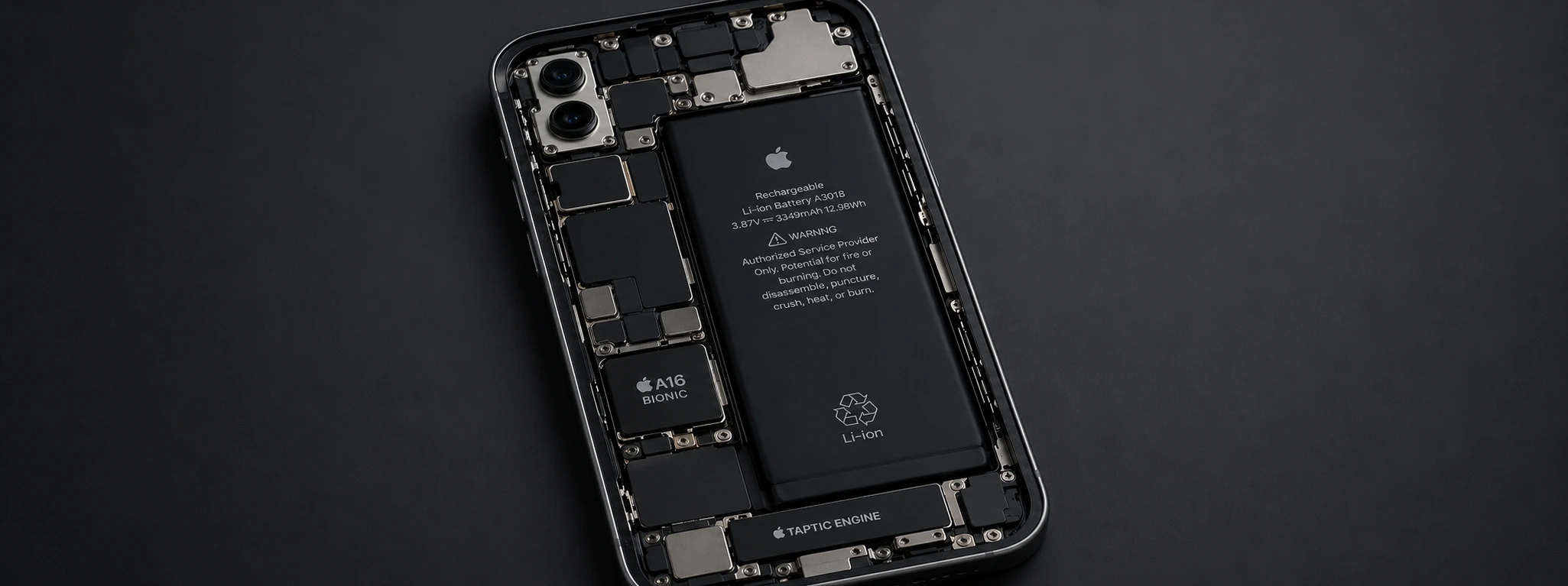
iPhone overheats and drains battery: causes and solutions
Discover why your iPhone gets very warm and quickly drains battery, and find effective solutions to improve your device's performance.
iPhone with Humidity in the Cameras: Causes and Solutions
Learn how to solve the humidity problem in iPhone cameras with effective solutions and specialized iServices assistance.
