





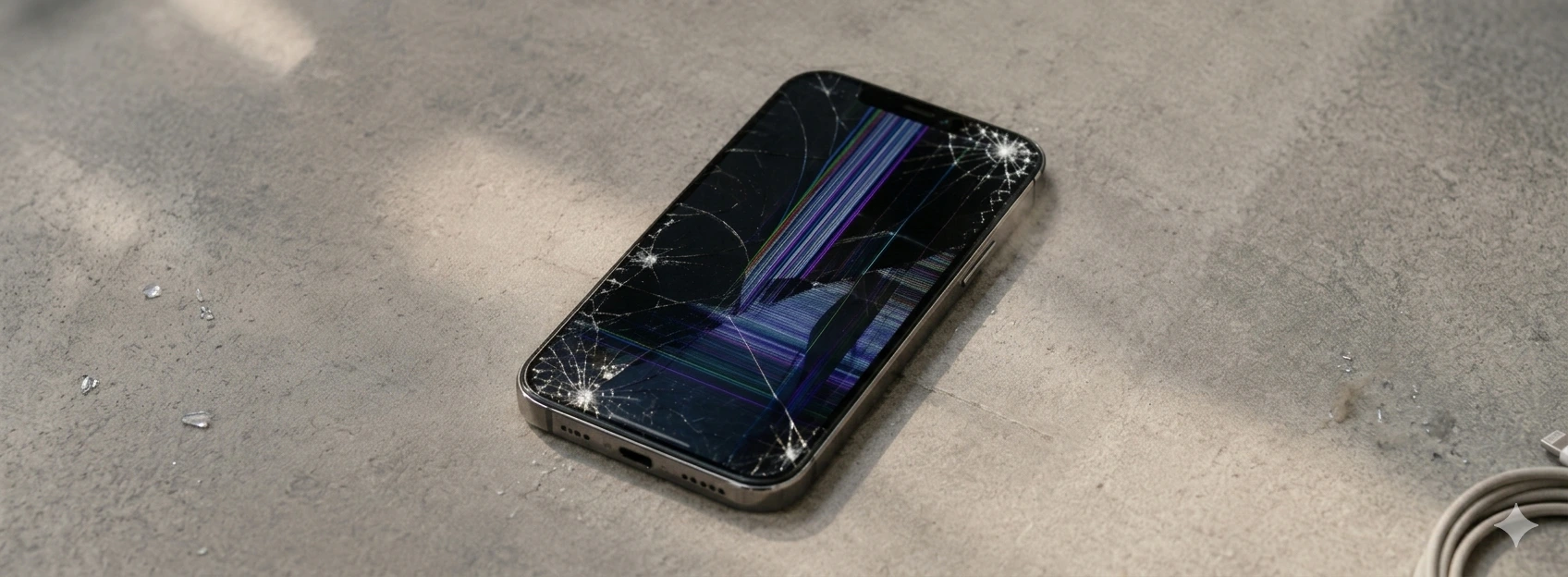




iPhone Ghost Screen: How to Fix Accidental Touches
The phenomenon of the iPhone ghost touch screen, where the screen reacts to touches not made by the user, is a frequent problem that can affect various models, from the iPhone X to the latest iPhone 17 Pro Max. This situation, in addition to being frustrating, can compromise the normal use of the phone and lead to unwanted errors. At iServices, we understand the importance of a functional and responsive screen, so we have gathered the main causes and effective solutions for this problem.
If you have been experiencing accidental touches on your iPhone screen, it is essential to identify the root of the problem to apply the correct solution. Whether your iPhone has suffered drops, liquid contact, or is facing a software problem, we have the answers you are looking for. This article explains in detail the causes of ghost touch and how you can resolve this situation, keeping your phone in the best condition.
Causes of iPhone Ghost Touch
Defect in the Screen Touch Sensor
The iPhone screen uses advanced tactile sensors that interpret user touches. If any of these sensors are damaged, either by impact or wear, the phone may interpret non-existent touches, causing the ghost effect.
Software Problems and Bugs
Some versions of the iOS operating system may present errors that affect the screen's touch response. Poorly installed updates or poorly optimized applications can also cause this failure, resulting in accidental touches.
Accessory and Temperature Interference
Low-quality screen protectors, ill-fitting cases, or even excessive heat can interfere with the screen's sensitivity. These factors can cause the screen to react without a physical touch, creating the ghost effect.
Humidity and Water Damage
Exposure to humidity or liquids can cause short circuits in the screen component, leading to erratic touch response. Even with water resistance, iPhones can suffer internal damage that affects screen functionality.
Table of Solutions
| Cause | Recommended Solution | Complexity |
|---|---|---|
| Defect in touch sensor | Screen replacement or technical repair | High |
| Software problems and bugs | iOS update or reinstallation | Medium |
| Accessory interference | Remove screen protector/case, adjust or replace | Low |
| Humidity and water damage | Professional drying and in-store diagnosis | High |
| Incorrect settings | Adjust touch and accessibility settings | Low |
Step-by-Step Solutions
Screen Replacement or Technical Repair
- 1. Take your iPhone to an iServices store for professional diagnosis.
- 2. Our technicians will check the condition of the touch sensor and screen.
- 3. If necessary, we will proceed with the screen replacement with an original one.
- 4. We test the phone to ensure the problem is resolved.
- 5. We offer a warranty for the repair performed.
iOS Update or Reinstallation
- 1. Back up your data to iCloud or your computer.
- 2. Go to Settings > General > Software Update and check for available updates.
- 3. Install the latest version of iOS to fix potential bugs.
- 4. If the problem persists, consider restoring the iPhone to factory settings via iTunes or Finder.
- 5. Restore your data after reinstallation.
Remove Screen Protector or Case and Adjust Accessories
- 1. Remove the screen protector and observe if the problem persists.
- 2. Remove the phone case to check if it is causing interference.
- 3. Use certified quality accessories for iPhone.
- 4. If necessary, replace the screen protector with a better quality one suitable for your iPhone model.
Professional Drying and In-Store Diagnosis
- 1. If your iPhone has come into contact with liquids, turn it off immediately.
- 2. Go to an iServices store for a specialized diagnosis.
- 3. Our technicians will perform professional drying and damage assessment.
- 4. We will provide specific repair solutions for the humidity problem.
- 5. Receive your iPhone with the screen working correctly and with a warranty.
Adjust Touch and Accessibility Settings
- 1. Go to Settings > Accessibility > Touch.
- 2. Adjust touch sensitivity, reducing the possibility of ghost touches.
- 3. Enable or disable features like AssistiveTouch to test the screen's response.
- 4. Restart the phone to apply the changes.
- 5. Check if the problem has been resolved before resorting to other solutions.
Why does my iPhone screen register touches I don't make?
The screen may be registering ghost touches due to damaged sensors, software problems, accessory interference, or humidity damage. Each of these causes alters how the screen interprets tactile commands, resulting in accidental touches.
How can I tell if the problem is with the screen or the software?
You can try restarting your phone and updating iOS to the latest version. If the problem persists, try removing cases and screen protectors. If ghost touches continue, the problem is likely hardware, requiring professional diagnosis.
Is it safe to use the iPhone with the screen registering ghost touches?
It is not recommended, as erratic screen operation can lead to involuntary commands that impair the user experience and can cause errors in applications or accidental calls.
How long does screen repair for accidental touches take at iServices?
At iServices, we offer express deliveries, and most screen repairs are completed on the same day, depending on parts availability and iPhone model. You can consult your nearest store to schedule diagnosis and repair.
Need Professional Help? iServices Is Here for You
If your iPhone screen is reacting with ghost touches and you cannot solve the problem at home, iServices is your best option. With several stores across Europe, we guarantee specialized technical assistance and quick solutions for your phone. Our qualified team uses only original parts to ensure maximum quality and durability.
Visit one of our stores for a free diagnosis and discover how we can help restore your iPhone's perfect functionality. We offer a warranty on all repairs, express deliveries for your convenience, and continuous support so you can use your phone again without worries. Check all information and book your visit at iservices.pt. At iServices, we are always available to take care of your iPhone with professionalism and trust.
Recommended Products
View all
 36 Months
 36 Months

€19.95
36 Months



Other Articles
See more
iPhone has no service? Here is how to fix it
Learn how to fix iPhone "No Service" issues with practical steps covering models from iPhone X to the latest iPhone 17 Pro Max.
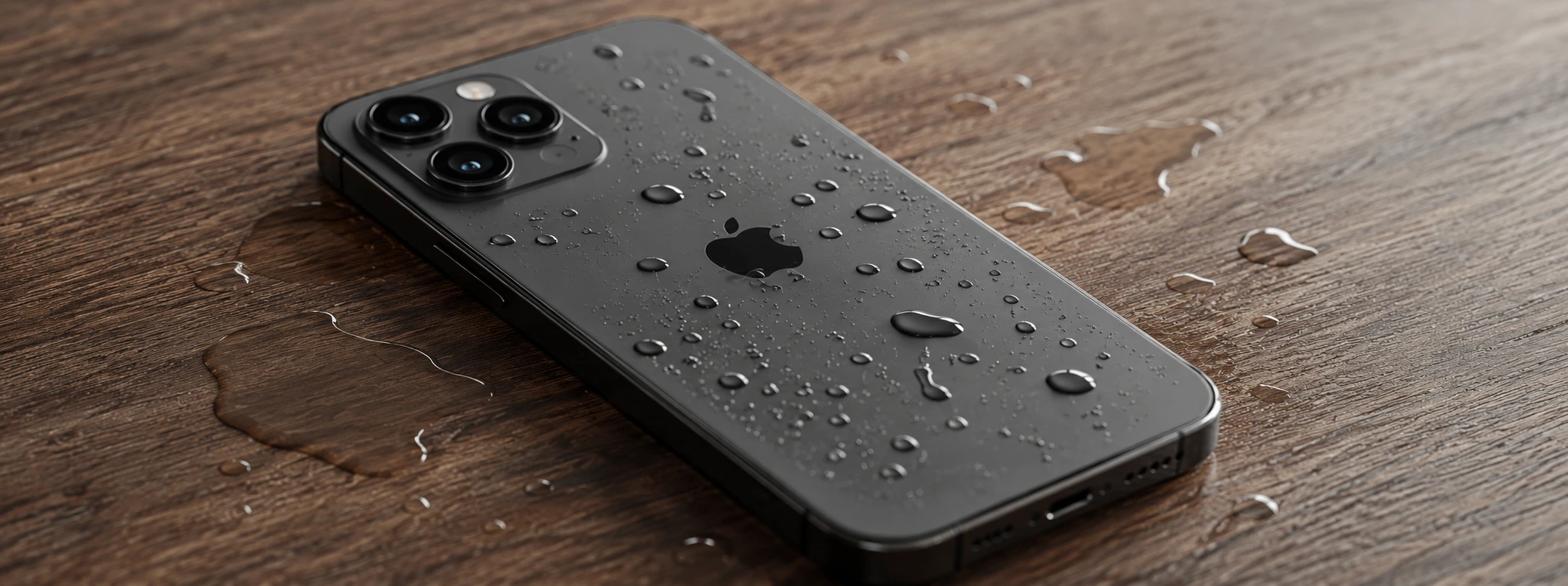
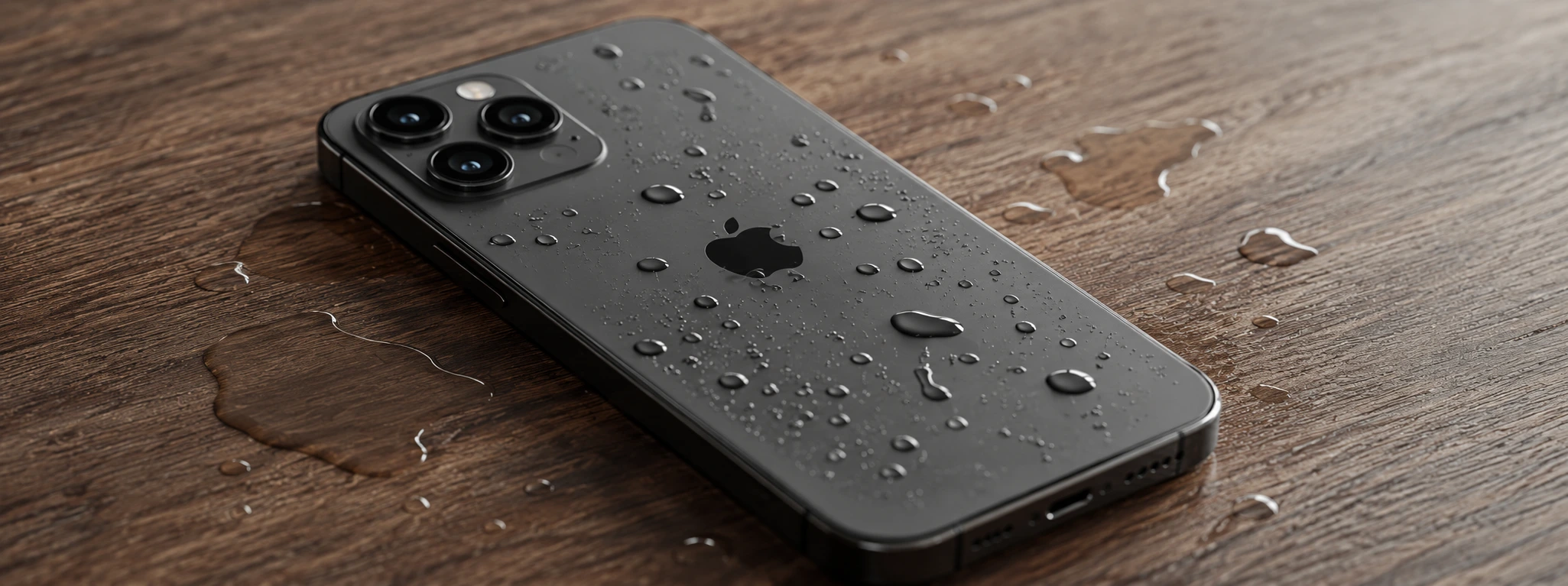
Water in the iPhone charging port: How to identify and fix
Learn how to identify and resolve issues caused by water in your iPhone's charging port with helpful tips and expert support.
Complete guide: iPhone back cover replacement
iPhone back glass replacement with specialized assistance from iServices. Repair your iPhone X to iPhone 17 Pro Max with warranty and express delivery.
