





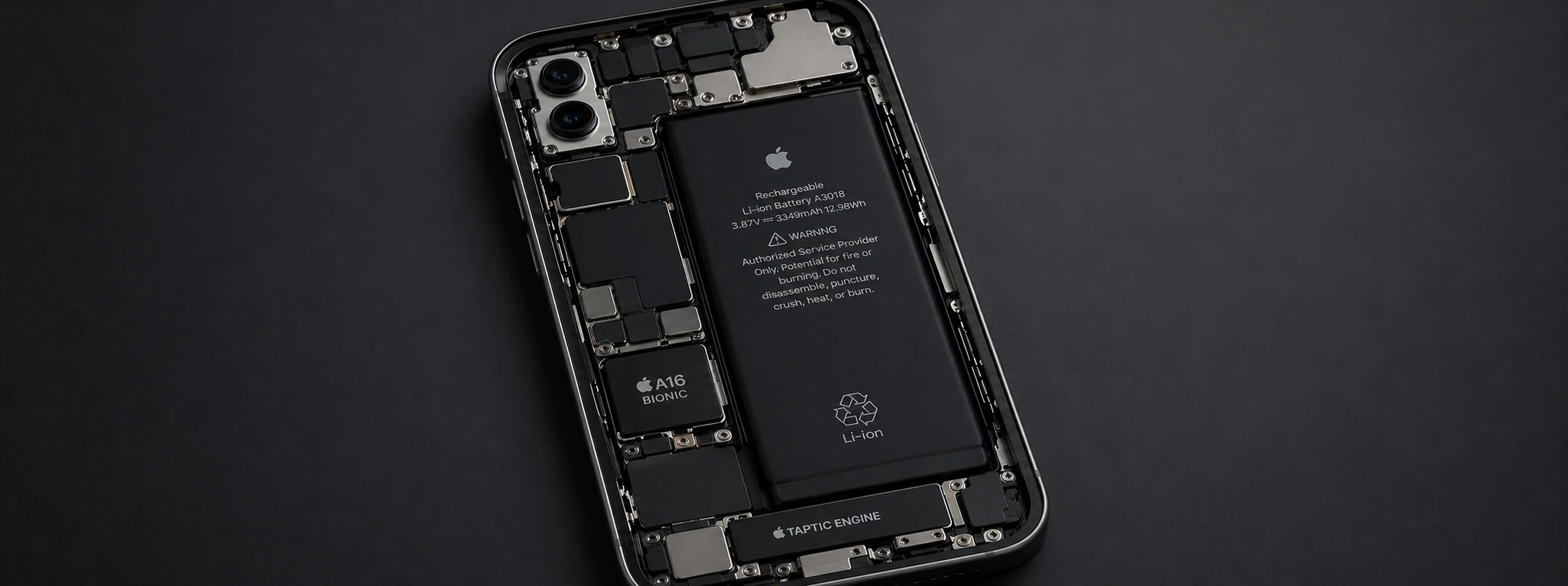




iPhone battery drains very quickly: Causes and Effective Solutions
If you've noticed that your iPhone battery is draining very quickly, you're not alone. From the iPhone X to the latest models like the iPhone 17 Pro Max, this problem can affect any user. The phone's battery life is essential for daily life, whether for work, leisure, or communication, and a battery that doesn't last long can become a source of constant frustration.
At iServices, we understand that a battery with limited autonomy negatively impacts the user experience. That's why we've gathered the main causes of this problem and the best solutions, so you can quickly fix it and continue to use your iPhone optimally. Read on to discover how to optimize battery life and when to seek specialized technical assistance.
Causes of a fast-draining iPhone battery
Intensive background app usage
Many apps continue to consume energy even when not open on the screen, due to background refresh and constant notifications. This continuous consumption can quickly drain the battery, especially on models like the iPhone 12, iPhone 13, and iPhone 16 Pro Max, which support multiple advanced features.
Screen settings and excessive brightness
The screen is one of the biggest energy consumers on the iPhone. High brightness, an excessively long screen lock time, or the use of the Always-On Display mode on the latest models contribute to rapid battery drain.
Battery or hardware issues
Over time, the iPhone battery loses capacity due to natural wear and tear. If your iPhone is an older model, such as the iPhone X or iPhone 11, the battery may already show significant degradation, which reduces autonomy and can cause sudden shutdowns.
Outdated iOS version
Outdated operating systems can contain bugs that affect battery management. Apple regularly releases updates to optimize energy performance, so not updating iOS can be a cause of the problem.
Table of solutions
| Cause | Recommended Solution | Complexity |
|---|---|---|
| Intensive app usage | Disable Background App Refresh | Low |
| Screen and brightness settings | Reduce brightness and activate auto mode | Low |
| Battery or hardware issues | Battery replacement by qualified technicians | High |
| Outdated iOS version | Update to the latest iOS version | Medium |
| Location settings | Adjust app permissions for location | Medium |
Step-by-step solutions
Disable Background App Refresh
- 1. Open Settings on your iPhone.
- 2. Select General.
- 3. Tap Background App Refresh.
- 4. Disable the option for all apps or only for those that consume the most battery.
- 5. Restart the phone to apply the changes.
Reduce brightness and activate auto-brightness
- 1. Go to Settings > Display & Brightness.
- 2. Manually adjust the brightness to a lower level.
- 3. Activate Auto-Brightness so the iPhone adapts to ambient light.
- 4. Shorten the auto-lock time in Settings > Display & Brightness > Auto-Lock.
Battery replacement
- 1. Make an appointment at one of the nearest iServices stores.
- 2. Our specialized technicians will diagnose the battery status.
- 3. If replacement is necessary, we use genuine batteries with warranty.
- 4 The repair will be carried out quickly to minimize your time without a phone.
Update iOS to the latest version
- 1. Go to Settings > General > Software Update.
- 2. Check if a new version is available.
- 3. Download and install the update, ensuring the iPhone is connected to a power source.
- 4. After the update, check if the battery problem persists.
Adjust location permissions
- 1. Go to Settings > Privacy > Location Services.
- 2. Check which apps have constant access to location.
- 3. Adjust to "While Using the App" or deactivate for apps that do not need it.
- 4. This helps reduce unnecessary battery consumption.
Why is my iPhone battery draining so fast after the latest update?
iOS updates include optimizations but can initially consume more power due to content indexing and system adjustments. This extra consumption should normalize after a few hours or days. If it persists, it may be necessary to check the settings or seek technical assistance.
How can I check my iPhone's battery health?
You can check the battery health in Settings > Battery > Battery Health & Charging. This will indicate the maximum capacity and if the battery needs to be replaced to ensure optimal performance.
Is Low Power Mode effective in extending battery life?
Yes, Low Power Mode temporarily reduces some functionalities, such as background app refresh and visual effects, thereby extending autonomy. It is recommended to activate it when the battery is low or when you need the phone for longer.
Can I have my iPhone battery replaced at an unauthorized center?
While possible, we strongly recommend having the replacement done at iServices, where we guarantee genuine parts, certified technicians, and a warranty on the repair. Unauthorized replacements can damage the phone or invalidate warranties.
Need professional help? iServices is here for you
If your iPhone battery is draining very quickly and the home solutions don't help, iServices is your best option. With several stores spread across the country, we offer specialized technical assistance, fast service, and a warranty on all repairs. Our technicians are prepared to quickly and safely diagnose and replace your iPhone's battery, regardless of the model, from the iPhone X to the iPhone 17 Pro Max.
Visit one of our stores or consult the website iservices.pt to book your appointment. At iServices, we guarantee excellent service so you can optimally enjoy your phone again. Count on us to take care of your iPhone as it deserves!
Recommended Products
View all
 36 Months
 36 Months
 36 Months





Other Articles
See more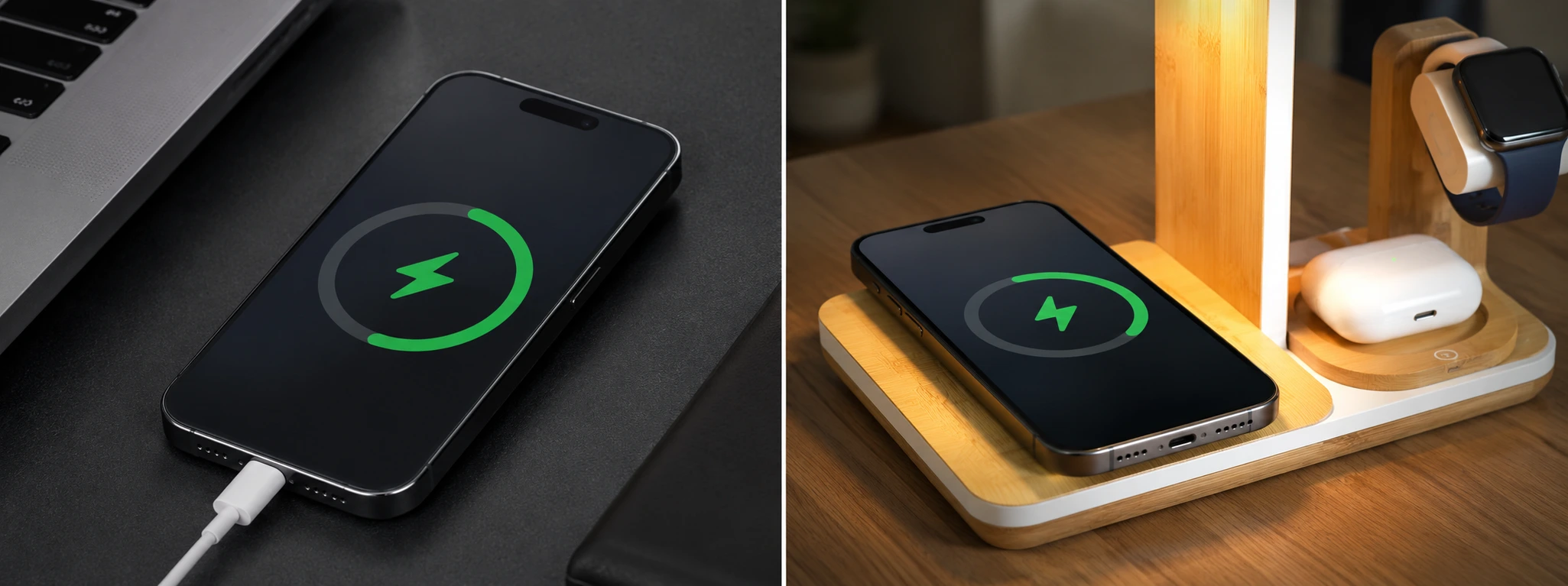
The iPhone only charges when it is turned off: causes and solutions
Does your iPhone only charge when it is turned off? Discover the causes and solutions for this common problem on iPhone models from the iPhone X to the iPhone 17 Pro Max at iServices.
Como fazer o reset ao iPhone? Vê este tutorial
Queres fazer o reset ao teu iPhone? Backup? Aprende a restaurar o teu iPhone às configurações de fábrica com este tutorial/guia da iServices.
iPhone displays 'Accessory not supported' when charging: causes and solutions
Does your iPhone say 'Accessory not supported' while charging? Discover the causes, solutions and how iServices can help with guaranteed technical support.
