


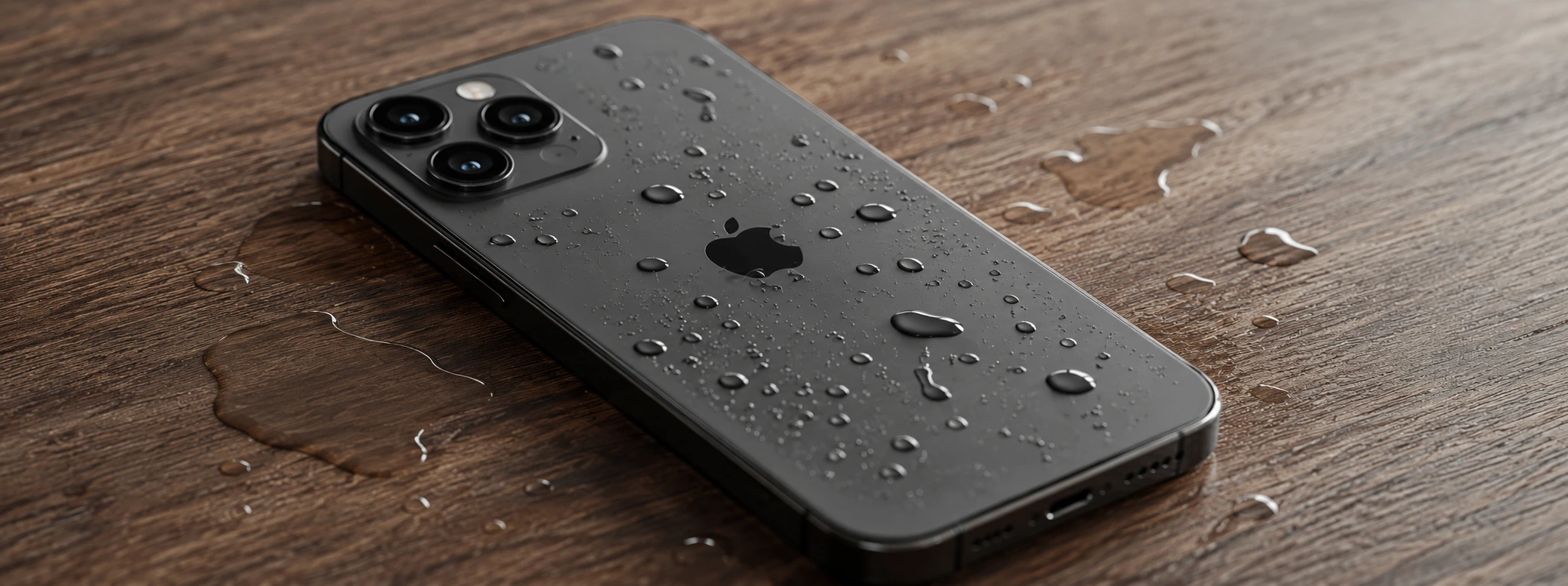




iPhone dropped in water: what you should do immediately to prevent damage
If your iPhone has fallen into water, speed and the right actions can make the difference in saving the device. From the iPhone X to the latest models, such as the iPhone 17 Pro Max, these devices have different levels of water resistance, but no device is completely resistant to liquid damage. At iServices, we know how worrying it is when a phone comes into contact with water, which is why we have gathered essential advice to act effectively and minimize the damage.
Regardless of your iPhone model, exposure to water can cause serious defects, from a malfunctioning screen to damage to the battery or motherboard. Therefore, it is essential that you follow the recommended steps to try to save your device before seeking professional help. Read on to learn more about the most common causes of defects after contact with water, immediate solutions, and when to call in our specialized technicians.
How can water get into the iPhone?
Water intake in the iPhone
Despite the progress in water resistance since the iPhone X, prolonged exposure or deep submersion can cause water to get into the internal components, causing short circuits and corrosion.
Damage to the screen and touch sensor
Moisture can affect the operation of the screen, leading to touch problems, spots, or even the partial darkening of the image, especially if the liquid remains under the glass.
Battery and internal circuit failures
Water can damage battery contacts or other electronic components, leading to charging problems, unexpected shutdowns, or the phone failing completely.
Progressive corrosion of components
Even if the iPhone seems to work after contact with water, internal corrosion can continue to affect essential parts, leading to serious defects weeks or months later.
Solution Table
| Cause | Recommended solution | Complexity |
|---|---|---|
| Water intake in the iPhone | Switch off immediately and dry | Low |
| Damage to the screen and touch sensor | Professional cleaning and replacement | Medium |
| Battery and circuit failures | Technical diagnosis and repair | High |
| Progressive corrosion | Detailed inspection and maintenance | High |
| Residual internal moisture | Dry with specialized equipment | Medium |
Step-by-step solutions
Switch off immediately and dry the iPhone
- Remove the iPhone from the water as soon as possible.
- Switch off the device immediately to prevent a short circuit.
- If possible, remove the case or any accessories.
- Dry the outside with a soft, lint-free cloth and avoid abrupt movements.
- Do not use hair dryers or direct heat sources to prevent damage to the screen or battery.
Professional cleaning and replacement of screen and touch sensor
- Bring your iPhone to an iServices store for immediate assessment.
- Our technicians will disassemble and clean the internal components.
- If the screen or touch sensor is damaged, replacement with original parts will be suggested.
- After the repair, we perform strict tests to guarantee the full operation of the screen.
Technical diagnosis and repair of battery and circuits
- After assessment, we identify whether the battery or the circuits have been affected.
- We proceed to replace the battery or repair the damaged parts.
- We only use certified parts to maintain the quality and safety of the iPhone.
- We test the functioning of the phone under different conditions to ensure reliability.
Detailed inspection and maintenance against corrosion
- We recommend a full inspection to detect internal corrosion.
- We perform chemical cleaning and treatment of the affected areas to delay degradation.
- We provide advice to prevent future contact with liquids and offer preventive maintenance.
- We offer a guarantee on performed services for additional peace of mind for the user.
Drying with specialized equipment
- At iServices, we have professional drying and dehumidifying equipment.
- We apply techniques that remove residual moisture without damaging the components.
- This process increases the chance of full recovery of the device.
- After drying, we perform new tests to confirm the status of the phone.
My iPhone still works after it fell into water, should I have it repaired?
Yes, even if the phone seems to work normally, water can cause internal corrosion that only manifests months later. At iServices, we recommend a preventive diagnosis to prevent future defects.
Can I put my iPhone in rice to dry it?
Although this is a popular method, putting the iPhone in rice is not the best solution. Rice can leave residues and does not effectively remove internal moisture. It is ideal to seek professional help for safe drying.
My iPhone is water-resistant, can it still become defective?
Yes. Models from the iPhone X to the iPhone 16 Pro Max are water-resistant, but not completely waterproof, especially after wear and tear or structural damage. Prolonged submersion or submersion at greater depths can cause defects.
How long does the repair of an iPhone with water damage take?
The time varies depending on the severity of the damage. At iServices, we offer quick diagnoses and express deliveries for many cases, but complex repairs can take days. We guarantee transparency and quality in all interventions.
Do you need professional help? iServices is here for you
If your iPhone has fallen into water, do not risk homemade repairs that could worsen the problem. At iServices, we have a team of specialized technicians and advanced equipment to ensure the best technical support. In our stores, we perform a full diagnosis and offer effective solutions for every model, from the iPhone X to the iPhone 17 Pro Max.
We offer a guarantee on all repairs, express deliveries so you can use your phone again quickly, and technical support across the country. Visit the nearest iServices store or check our website to schedule your assistance. Trust the experience and quality of iServices to restore your iPhone safely and quickly.

 Gratis levering, verwacht dinsdag!



 36 Months
 36 Months
 36 Months
Other Articles
See more
Distorted or Crackling iPhone Sound: How to Fix It
Is your iPhone audio distorted or crackling? Discover the common causes and effective solutions for all iPhone models at iServices.
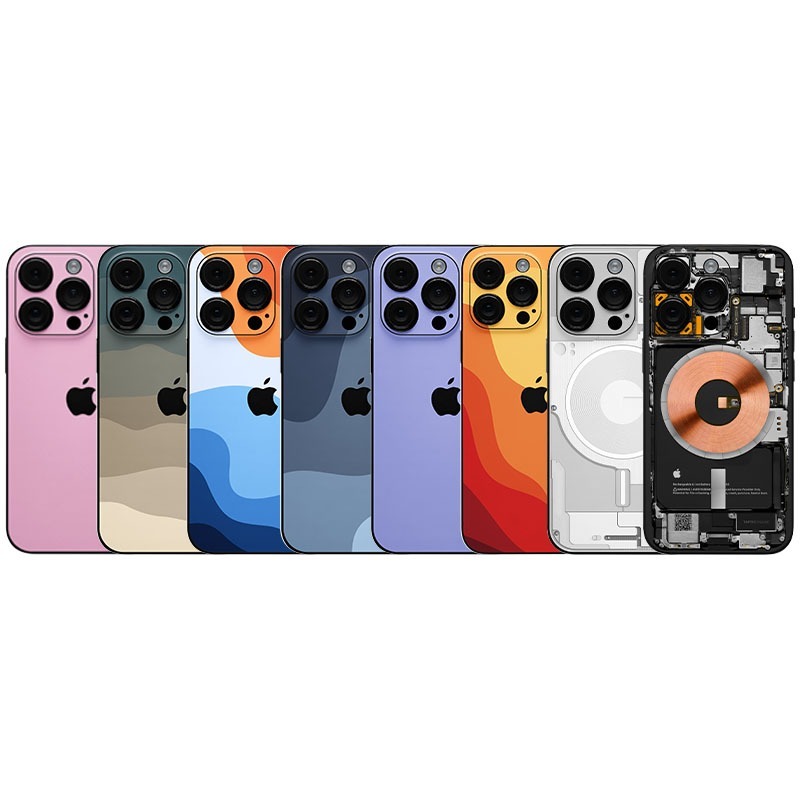
Do you already know iServices iPhone Skins?
A new way to customize your iPhone is the iPhone Skins available on iServices. Visit one of our stores to place your Apple Smartphone.
Does a refurbished iPhone have a warranty?
Does a refurbished iPhone have a warranty? iServices offers a 3-year warranty. Discover how it works, what is included, and how to buy safely.
