





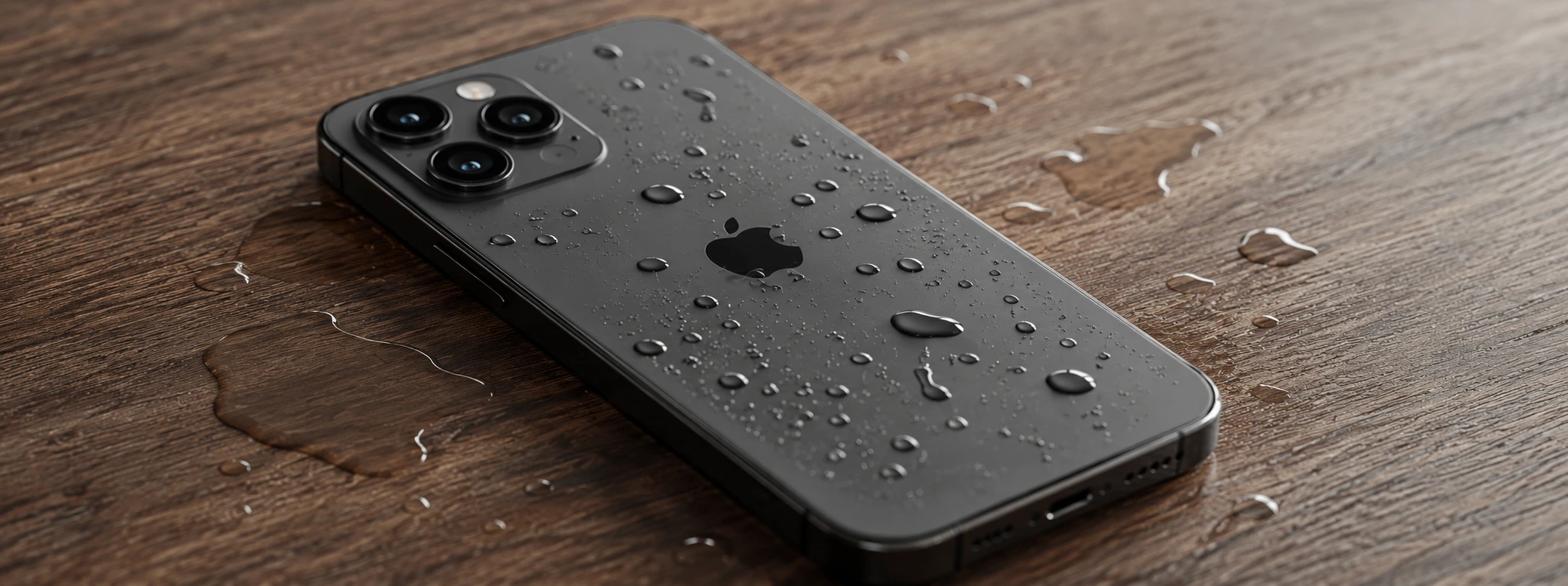




Water in the iPhone charging port: How to identify and fix
The iPhone charging port is one of the most vulnerable parts of the device, especially when it comes into contact with water. Models from the iPhone X to the latest iPhone 17 Pro Max have sensitive components that can suffer irreparable damage if moisture is not treated quickly and correctly. At iServices, we understand the urgency that this problem represents for users, which is why we have gathered the main causes and solutions to get your iPhone back to working perfectly.
Although many iPhone models feature some water resistance, entry through the charging port can compromise the phone's operation, affecting charging and data synchronization. Furthermore, the presence of water can cause corrosion and short circuits, harming the battery and other internal components. Knowing what to do from the first contact with water can avoid more serious damage and high expenses.
How to solve the problem of water in the iPhone charging port?
Direct Water Entry into the Charging Port
Direct exposure to liquids, whether from dropping it in water, heavy rain, or sweat, can allow water to enter the Lightning or USB-C port, depending on the model. This entry causes short circuits and blocks the normal flow of energy.
Accumulated Moisture Inside the Phone
Even if the iPhone is not submerged, environmental moisture can accumulate in the charging port, especially in humid environments or after exposure to steam. This moisture may not be visible, but it compromises functionality.
Use of Damaged Chargers or Cables
Chargers or cables with damage and oxidation can facilitate the entry of water or electrical faults in the phone's port, increasing the risk of malfunctions.
Dust and Residue Mixed with Liquids
The charging port can accumulate dust and dirt which, when mixed with water or moisture, form deposits that prevent the pins from making proper contact, hindering charging.
Solution Table
| Cause | Recommended Solution | Complexity |
|---|---|---|
| Direct water entry | Carefully dry and turn off the iPhone | Low |
| Accumulated moisture inside | Use a dehumidifier or silica gel | Low |
| Damaged chargers/cables | Replace with original accessories | Medium |
| Dust and residue in the port | Professional cleaning of the charging port | Medium |
| Internal water damage | Diagnostic and technical repair at iServices | High |
Step-by-Step Solutions
Carefully Dry and Turn Off the iPhone
- Turn off the iPhone immediately to prevent short circuits.
- Use a soft, dry cloth to remove as much water as possible from the charging port.
- Leave the iPhone in a dry, ventilated place, preferably tilted with the port facing down.
- Avoid using hair dryers or direct heat sources that could damage internal components.
Use a Dehumidifier or Silica Gel
- Place the iPhone in an airtight box with silica gel packets or near a dehumidifier.
- Keep the phone in this condition for at least 24 to 48 hours.
- Check if the moisture has disappeared before attempting to charge again.
Replace Damaged Chargers and Cables
- Inspect cables and chargers for signs of wear or oxidation.
- Always use certified and original Apple accessories to avoid incompatibilities.
- Immediately replace any suspicious cable or charger.
Professional Charging Port Cleaning
- Avoid inserting metallic or sharp objects into the port.
- Look for an iServices store for specialized cleaning with suitable tools.
- Professional cleaning removes dust, oxidation, and accumulated residue without causing damage.
Diagnostic and Technical Repair at iServices
- If the iPhone does not charge or shows errors after previous attempts, head to an iServices store.
- Our technicians perform a complete diagnostic and identify internal damage.
- We offer repair solutions, including replacement of the charging port or affected components.
- We guarantee assistance with a warranty and express deliveries nationwide.
What to do if the iPhone indicates "liquid detected in Lightning connector"?
This warning appears to protect the device from possible damage. It is best to turn off the iPhone, avoid charging, and carefully dry the port. Use silica gel or dehumidifiers to remove moisture. If the warning persists, consult iServices for evaluation.
Can water permanently damage the iPhone through the charging port?
Yes, water can cause corrosion and short circuits, affecting internal components like the battery or logic board. Therefore, it is crucial to act quickly and seek specialized technical assistance to avoid serious damage.
Can I use isopropyl alcohol to clean the charging port?
Isopropyl alcohol can be used in small quantities for cleaning, but it is important to be careful not to introduce excess liquid. The ideal is to resort to professional cleaning at iServices to avoid risks.
How long does it take to repair a problem caused by water in the charging port?
The time varies depending on the severity of the damage. Simple cleanings can be done in a few hours, but internal repairs can take a few days. At iServices, we offer express deliveries and a warranty so you can rest easy during the process.
Need Professional Help? iServices Is Here for You
If you suspect water has entered your iPhone's charging port, do not risk further damaging your device. At iServices, we have several stores with specialized technicians ready to diagnose and repair your phone quickly and safely. We offer warranties on repairs, express delivery services, and technical assistance across the country.
Trust iServices to keep your iPhone working in perfect condition, with the quality and professionalism that only an experienced team can guarantee. We are here to help you.
Recommended Products
View all

 36 Months
 36 Months

€19.95
36 Months




Other Articles
See more
iPhone won't charge past 80%: causes and effective solutions
Find out why your iPhone won't charge past 80% and discover effective solutions for models from iPhone X to iPhone 17 Pro Max with iServices.
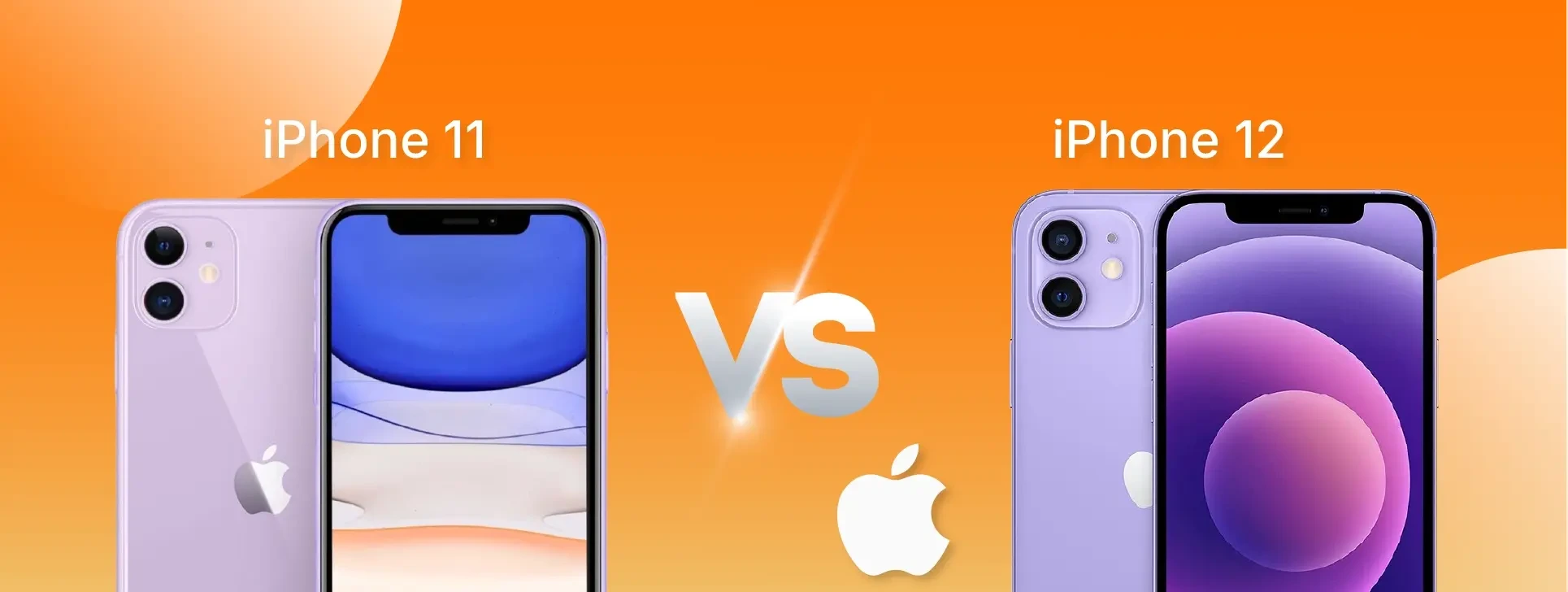
iPhone 11 vs iPhone 12: which one to buy in 2026?
Which smartphone should you choose in 2026: iPhone 11 or iPhone 12? Compare performance, camera, screen and price to make the best decision.
Apps crashing on iPhone: How to fix the problem
Are your apps crashing on your iPhone? Discover common causes and how to fix software or hardware issues with help from iServices.
