


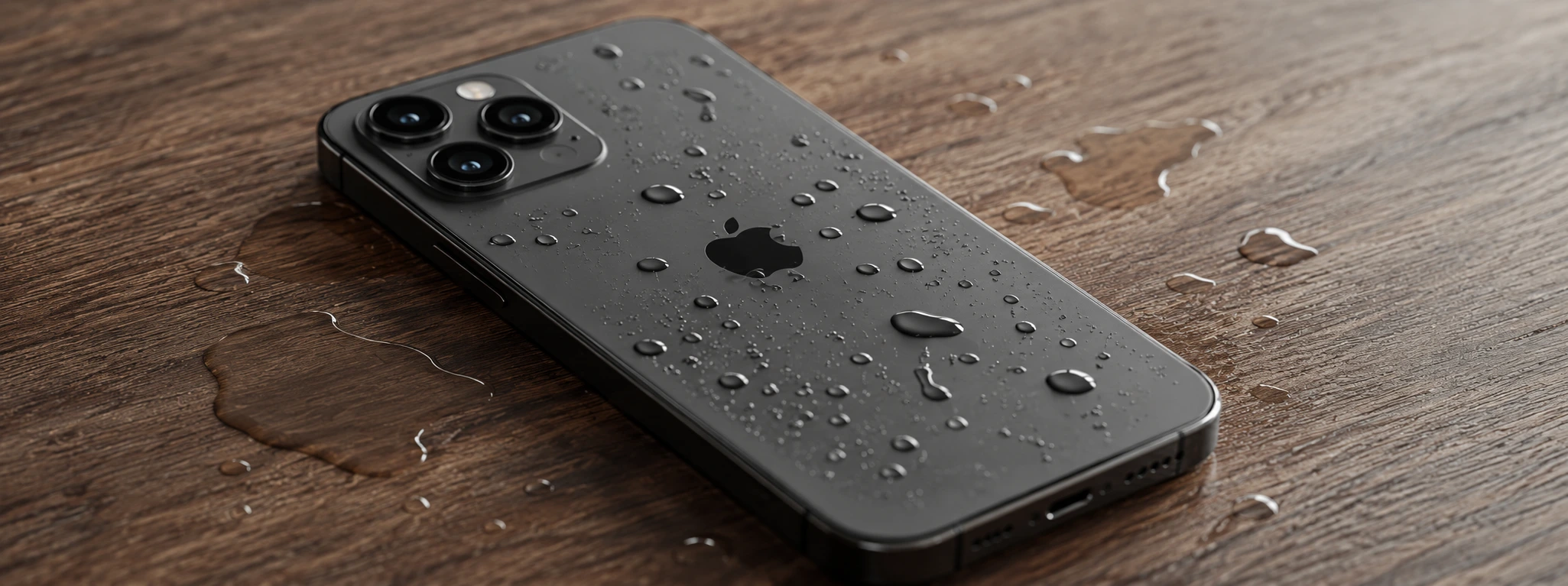




Complete guide: iPhone back cover replacement
The iPhone back glass is one of the most vulnerable parts of the device, especially in models from the iPhone X to the latest iPhone 17 Pro Max. Whether it is an accidental drop, a strong impact, or natural wear and tear, replacing the back cover may be necessary to keep your phone functional and looking flawless. At iServices, we understand the importance of a fast, safe, and quality-guaranteed repair, adapted to each model.
This article addresses the main causes that lead to the need to replace the iPhone back cover, presents practical solutions, and explains the repair process step by step. If you are looking for a professional service, continue reading to learn how iServices can help restore your phone with complete confidence.
Why change the iPhone back cover?
Accidental Drops and Impacts
The most frequent cause for replacing the back cover is dropping the phone on hard surfaces. The iPhone's back glass, although resistant, can break or crack, compromising the structure and internal protection of the device.
Wear and Visible Scratches
With daily use, it is natural for scratches, fissures, or small chips to appear on the back glass. These damages may not affect the phone's immediate functioning, but they impair the aesthetics and, in some cases, the resistance of the glass.
Manufacturing Defects or Material Fragility
Although rare, some models may show fragility in the back glass due to production defects. In these cases, replacement may be necessary even without evident drops or impacts.
Humidity and Dust Infiltration Issues
A damaged back cover can allow moisture and dust to enter the interior of the phone, causing damage to internal components such as the battery and the motherboard.
Solutions Table
| Cause | Recommended Solution | Complexity |
|---|---|---|
| Accidental Drops and Impacts | Full back cover replacement | Medium |
| Wear and Visible Scratches | Polishing or replacement | Low to Medium |
| Manufacturing Defects | Replacement at technical service | Medium |
| Humidity Issues | Urgent replacement and internal check | High |
| Extensive Cracks | Replacement with original component | Medium to High |
Step-by-Step Solutions
Full Back Cover Replacement (Drops and Impacts)
- Turn off the iPhone to prevent any short circuit.
- Use specific tools to remove the screws at the base of the phone.
- Heat the back to soften the glue that secures the glass.
- Carefully use suction cups and prying tools to separate the glass from the metal frame.
- Clean the old glue residue.
- Place the new back cover, applying high-quality glue.
- Press and leave the phone to rest to ensure perfect adhesion.
- Turn on the device and test all functionalities.
Polishing or Replacement for Visible Scratches
- Assess the severity of the scratches on the back cover.
- For superficial scratches, use a glass polishing kit.
- If the scratches are deep, opt for replacing the back cover.
- Follow the steps for full replacement to change the glass.
Replacement for Manufacturing Defects
- Take the phone to an iServices store for diagnosis.
- Once the manufacturing defect is confirmed, we proceed with the replacement using original components.
- We guarantee the repair with maximum quality and the iServices warranty.
Urgent Replacement for Humidity Issues
- Turn off the phone immediately.
- Head to an iServices store for an internal damage assessment.
- Proceed with an urgent back cover replacement to avoid further damage.
- Clean and dry the internal components.
How long does the iPhone back cover replacement take?
At iServices, back cover replacement is usually performed on the same day, with an average time between 60 to 90 minutes, depending on the model and the complexity of the damage.
Does the back cover replacement affect the iPhone's water resistance?
Yes, a poorly executed replacement can compromise the phone's sealing. Therefore, at iServices, we use specific glue and techniques that maintain water resistance, ensuring the protection of your device.
Can I replace my iPhone's back cover myself?
Although there are online tutorials, we do not recommend DIY replacement due to the risk of damaging internal components and losing the warranty. The intervention of our specialized technicians is the best guarantee of a safe and effective service.
Does iServices offer a warranty on back cover replacement?
Yes, all replacements performed at iServices stores include a warranty, ensuring the quality and durability of the repair, in addition to technical assistance throughout the country.
Need Professional Help? iServices Is Here for You
If your iPhone has suffered damage to the back cover, do not hesitate to visit one of the iServices stores. Our specialized technicians are prepared to perform a free diagnosis and offer the best solution, whether for iPhone X models or the latest iPhone 17 Pro Max.
At iServices, we guarantee original parts, certified quality repairs, express delivery, and technical assistance throughout the country. Visit our website iservices.pt to locate the nearest store and book your repair now. Restore the look and functionality of your iPhone with the confidence that only iServices can provide.

 Gratis levering, verwacht dinsdag!


 36 Months
 36 Months
 36 Months

Other Articles
See more

iPhone Asks for a Passcode I Don't Remember: What to Do?
Forgot your iPhone passcode? Discover how to regain access to your device quickly with tips from iServices.
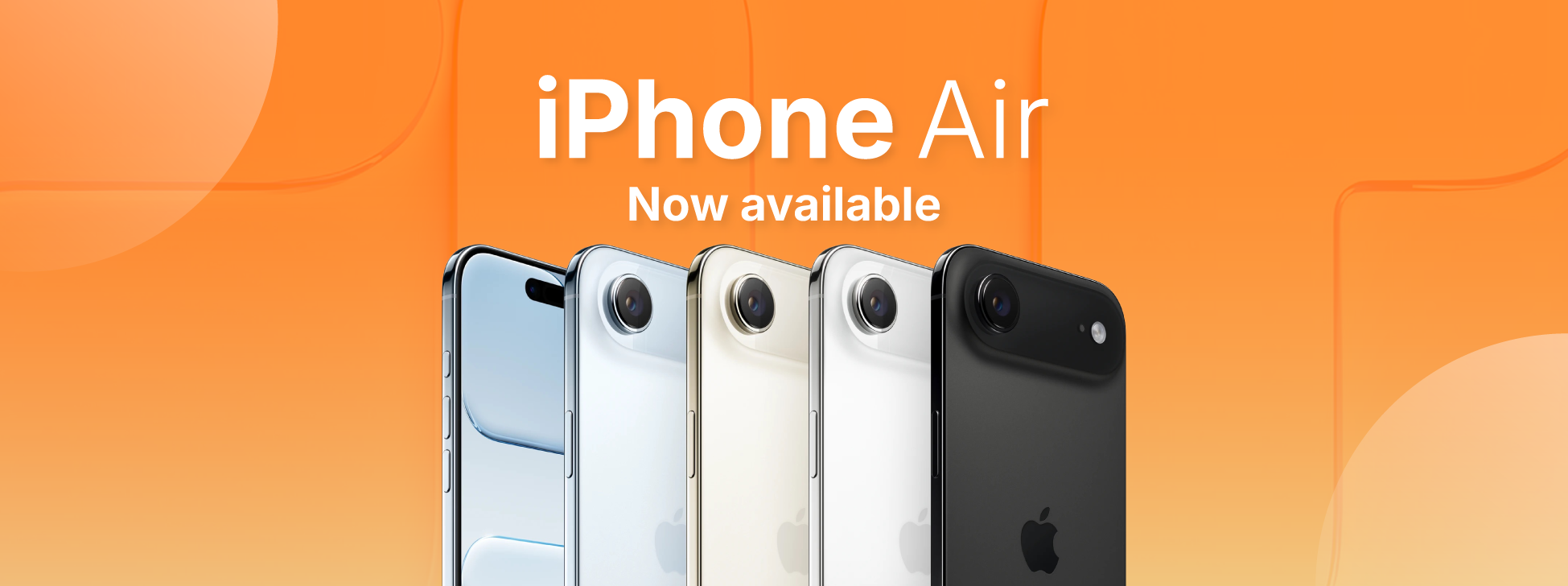
News: iPhone Air has arrived at iServices!
From now on you can buy the iPhone Air, or iPhone 17 Air as it is also known. Take advantage of the best price on the market and the 3-year warranty.

iPhone Error 4013: Causes and How to Fix It
Learn how to fix iPhone Error 4013 with effective solutions and expert technical support at iServices, the leader in mobile repairs.
