







iPhone Stuck on iCloud Activation Lock: Causes and Solutions
If your iPhone, from the iPhone X to the latest iPhone 17 Pro Max, is stuck on the activation screen due to an iCloud lock, you know how frustrating this situation can be. This security lock, implemented by Apple, is intended to protect the device against theft and unauthorized use, but it can also affect legitimate users who have forgotten their Apple account details or purchased a second-hand phone that is locked.
At iServices, we understand how important it is to regain access to your iPhone quickly and securely. In this article, we explain the most common causes of an activation screen lock, present practical solutions, and guide you step-by-step so you know what to do. If you need professional help, our team is ready to support you at any iServices store.
Causes of the iCloud activation lock
The iCloud lock is a security feature that links the iPhone to an Apple ID account. When activated, the phone remains stuck on the activation screen and can only be unlocked with the correct Apple account password. This prevents stolen or lost devices from being used by third parties.
Second-hand phone purchased with a lock
Many users buy second-hand iPhones without checking whether the iCloud lock has been removed by the previous owner. If the phone is still linked to the previous user's Apple ID, it is impossible to activate it without the correct login credentials.
Forgotten Apple ID details
Users who no longer remember their Apple ID or password may find their iPhone stuck on the activation screen, even if they are the rightful owner. Recovering the account can be complicated but is essential to unlocking the device.
Technical problems or synchronization errors with Apple servers
In rarer cases, the iPhone may display a lock on the activation screen due to technical errors, software problems, or communication issues with Apple's servers. These situations require deeper analysis and sometimes specialized technical intervention.
Table of solutions
| Cause | Recommended solution | Complexity |
|---|---|---|
| iCloud activation lock | Enter the correct Apple ID and password | Low |
| Second-hand phone purchased locked | Contact the previous owner for unlocking | Medium |
| Forgotten details | Recover Apple ID / password via Apple support | Medium |
| Technical software problems | Diagnosis and technical repair at iServices | High |
| Attempt at unauthorized unlocking | Specialized technical assistance at iServices | Very high |
Step-by-step solutions
Enter the correct Apple ID and password
- On the activation screen, enter the Apple ID and password linked to the phone.
- If you are having trouble remembering it, use the “Forgot password?” option to start the recovery process.
- Follow Apple's instructions to recover or reset the password.
- After correct authentication, the iPhone will be unlocked and can be configured normally.
Contact the previous owner for unlocking
- If you bought the iPhone second-hand, contact the seller so they can remove the device from their Apple account.
- The owner must go to iCloud.com, log in, and select “Find My iPhone”.
- In the “All Devices” menu, they must remove the locked iPhone.
- After removal, restart the iPhone to complete the activation without the lock.
Recover Apple ID or password
- Go to the official Apple website at iforgot.apple.com.
- Enter your Apple ID email address.
- Follow the verification process, which may include security questions or authentication on trusted devices.
- Create a new password and use it to unlock the iPhone on the activation screen.
Diagnosis and technical repair at iServices
- If the lock persists due to technical problems, visit an iServices store for a diagnosis.
- Our specialized technicians will analyze the software and hardware of your iPhone.
- We can carry out specialized repairs, updates, or fixes that comply with Apple's policies.
- We guarantee maximum security and confidentiality throughout the entire process.
Specialized technical assistance at iServices for advanced unlocking
- In cases where unlocking is not possible via conventional methods, iServices offers advanced technical solutions.
- These interventions are carried out by certified technicians, always within legal and technical frameworks.
- Contact us for a personalized quote and to learn more about the services available.
What exactly is the iCloud lock and why does the iPhone remain locked?
The iCloud lock, or activation lock, is an Apple security feature to protect devices in the event of theft or loss. When activated, the iPhone is linked to an Apple ID account, and this account is required to re-activate the phone, preventing unauthorized use.
Can I unlock an iPhone that is stuck on the activation screen without the original Apple ID?
Officially, unlocking is only possible with the credentials of the linked Apple account. Attempts to unlock without this information can be illegal and damage the device. The best option is to contact the original owner or use authorized services such as those from iServices.
What should I do if I have forgotten my Apple ID password?
You must use the official Apple account recovery service at iforgot.apple.com. The process includes identity verification and may take some time, but it is the secure way to regain access to your iPhone.
Can iServices help unlock my iPhone that is stuck on the activation screen?
Yes. iServices has specialized technicians who perform diagnoses and provide legal, effective solutions to unlock your iPhone, always in compliance with Apple's policies and applicable law.
Do you need professional help? iServices is here for you
If you have an iPhone stuck on the activation screen and you cannot proceed, do not hesitate to visit one of our stores. Our team of specialized technicians is ready to perform a detailed diagnosis and present the best solution for your case, whether it concerns models from the iPhone X, iPhone 11, iPhone 12, iPhone 13, iPhone 14, iPhone 15, or the new iPhone 17 Pro Max.
At iServices, we offer a warranty on all repairs, express deliveries for extra convenience, and professional technical assistance throughout the country. For more information or to book an appointment, visit our official website at iservices.pt. Count on us to regain access to your phone quickly, securely, and effectively.

 Gratis levering, verwacht dinsdag!



 36 Months
 36 Months
 36 Months
Other Articles
See more
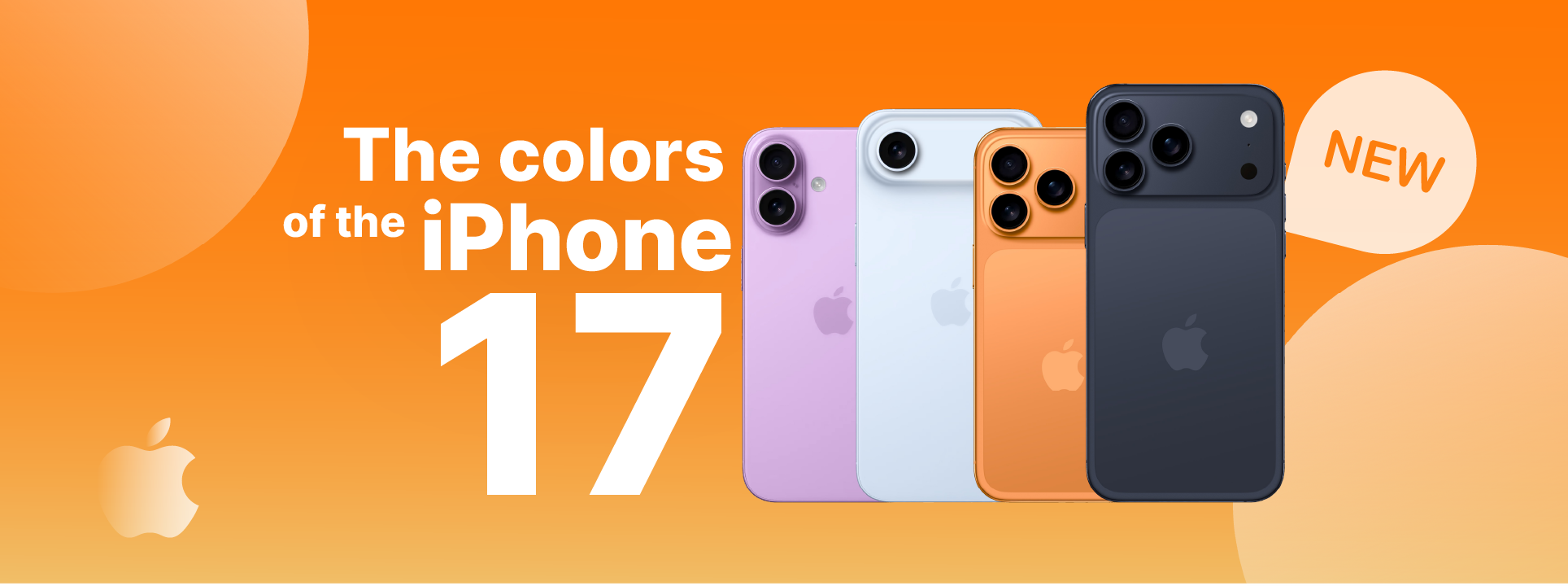
As Cores do iPhone 17: Guia Completo de todos os Modelos
Conhece todas as cores que vão estar disponíveis no lançamento do iPhone 17, mas também dos modelos 17 Pro, 17 Pro Max e iPhone 17 Air.
iPhone Action Button is not working: Causes and Solutions
iPhone action button not working? Discover the common causes and effective solutions for models from the iPhone X to the iPhone 17 Pro Max at iServices.
iPhone turns on silent mode by itself: causes and solutions
Discover why your iPhone turns on silent mode by itself and how to solve this common problem on models from iPhone X to iPhone 17 Pro Max.
