





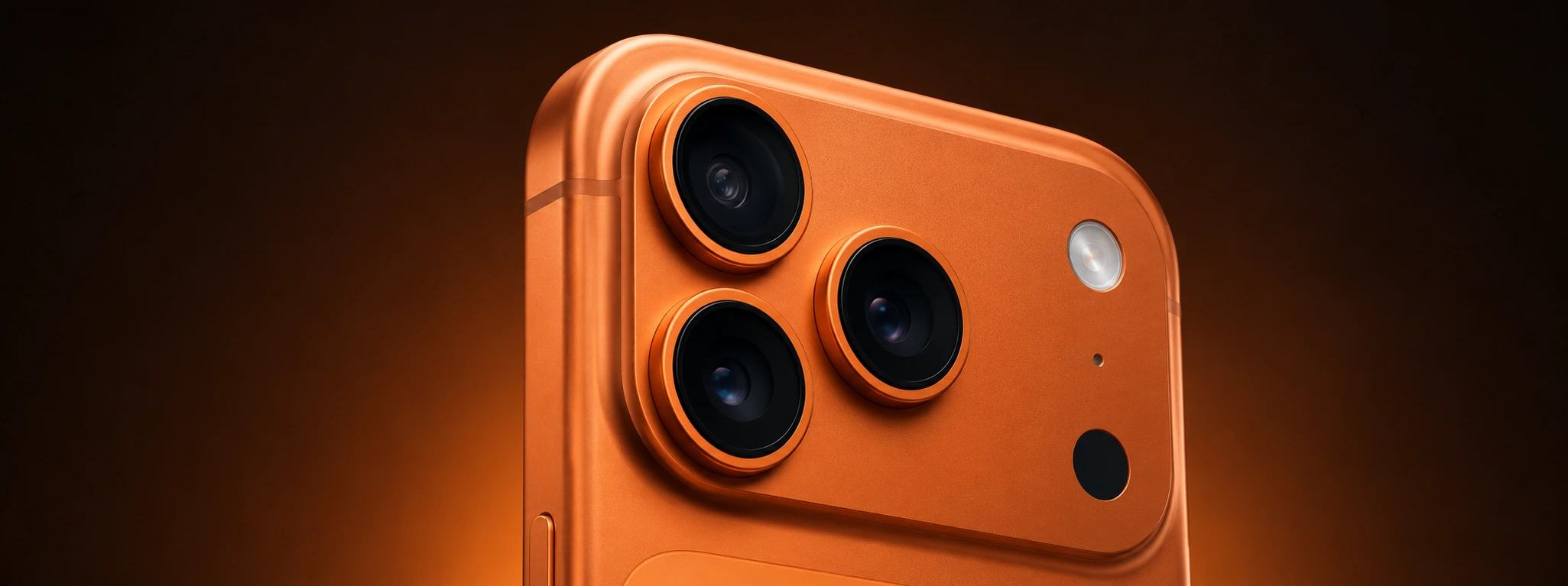




iPhone rear camera won't focus: saiba como resolver
If your iPhone's rear camera, whether it is a model from the iPhone X to the latest iPhone 17 Pro Max, is not focusing correctly, you are likely facing an issue that most users may encounter at some point. This situation compromises the quality of your photos and videos, making the experience less satisfactory.
At iServices, we understand the importance of capturing moments with sharpness and quality, which is why we have prepared this article to help you understand the most common causes of this problem and the recommended solutions. From simple software issues to hardware failures, we explain what might be causing the focus failure and how you can proceed to get back to taking perfect photos on your iPhone.
Causes of iPhone Camera Not Focusing
Dirt or obstruction on the camera lens
Often, the most common reason for the rear camera not focusing is the presence of dirt, dust, or fingerprints on the lens. This obstruction interferes with the sensor's ability to focus correctly, resulting in blurry images.
Software issues or temporary glitches
The iOS operating system can occasionally exhibit glitches that affect camera functionality, including autofocus. A temporary error or an app that is interfering may cause this problem.
Physical damage to the camera or focusing module
Drops, impacts, or exposure to liquids can cause internal damage to the camera module, affecting the focusing mechanism. This type of problem is more common in iPhones that have already suffered accidents.
Rear camera hardware defect
In more severe cases, the sensor hardware or the focus motor itself may be defective due to wear, manufacturing, or other internal issues, requiring specialized repair.
Table of Solutions
| Cause | Recommended Solution | Complexity |
|---|---|---|
| Dirt on the lens | Careful cleaning of the lens with a suitable cloth | Low |
| Software issues | Restart the iPhone or update iOS | Low |
| Physical damage to the camera module | Professional diagnosis and possible replacement | High |
| Camera hardware defect | Specialized technical repair at iServices | High |
Step-by-Step Solutions
Careful cleaning of the lens with a suitable cloth
- Turn off your iPhone to avoid any damage.
- Use a clean, dry microfiber cloth, suitable for lenses.
- Gently wipe the rear camera lens, removing dust particles, fingerprints, or dirt.
- After cleaning, turn on the iPhone and check if the focus has returned to normal.
Restart the iPhone or update iOS
- Press and hold the side button until the power-off slider appears.
- Turn off the device and wait about 30 seconds.
- Turn the iPhone back on and test the camera.
- If the problem persists, go to Settings > General > Software Update and install the latest version of iOS available.
Professional diagnosis and possible replacement
- If the focus continues to fail, schedule a visit to an iServices store.
- Our technicians will perform a full diagnostic of the camera module.
- If necessary, we will replace the damaged component with original parts.
Specialized technical repair at iServices
- In cases of hardware defects, only a specialized repair can solve the problem.
- iServices has certified technicians to repair or replace the rear camera.
- We guarantee express delivery and technical assistance across the country.
Why is my iPhone rear camera not focusing automatically?
The lack of autofocus can be caused by dirt on the lens, software issues, or physical damage to the camera module. It is important to check if the lens is clean and if iOS is up to date before considering a repair.
Can I clean the iPhone rear camera lens at home?
Yes, it is safe to clean your iPhone lens with a clean, dry microfiber cloth. Avoid using chemicals or abrasive cloths that may damage the lens.
What should I do if the focus problem occurred after dropping the phone?
If the camera does not focus after a drop, it is likely that internal damage has occurred. We recommend that you immediately visit an iServices store for diagnosis and repair.
How long does the rear camera repair take at iServices?
At iServices, we offer express service, and most rear camera repairs are completed on the same day, ensuring speed and quality in service.
Need Professional Help? iServices Is Here for You
If your iPhone's rear camera is not focusing and simple solutions have not solved the problem, do not hesitate to visit one of our stores. Our specialized technicians perform a detailed diagnosis and can carry out the necessary repair with original parts and a warranty included.
At iServices, we know that your phone is essential to your daily life, so we offer express service and technical assistance across the country, ensuring that you return to using your iPhone with all the functionality and quality you deserve. Visit the iservices.pt website to find the nearest store and book your appointment with us today.
Recommended Products
View all

 36 Months
 36 Months

€19.95
36 Months




Other Articles
See more
iPhone MagSafe not working: Oorzaken en Oplossingen
Discover why your iPhone's MagSafe is not working and how you can fix it with simple solutions or specialized technical support at iServices.
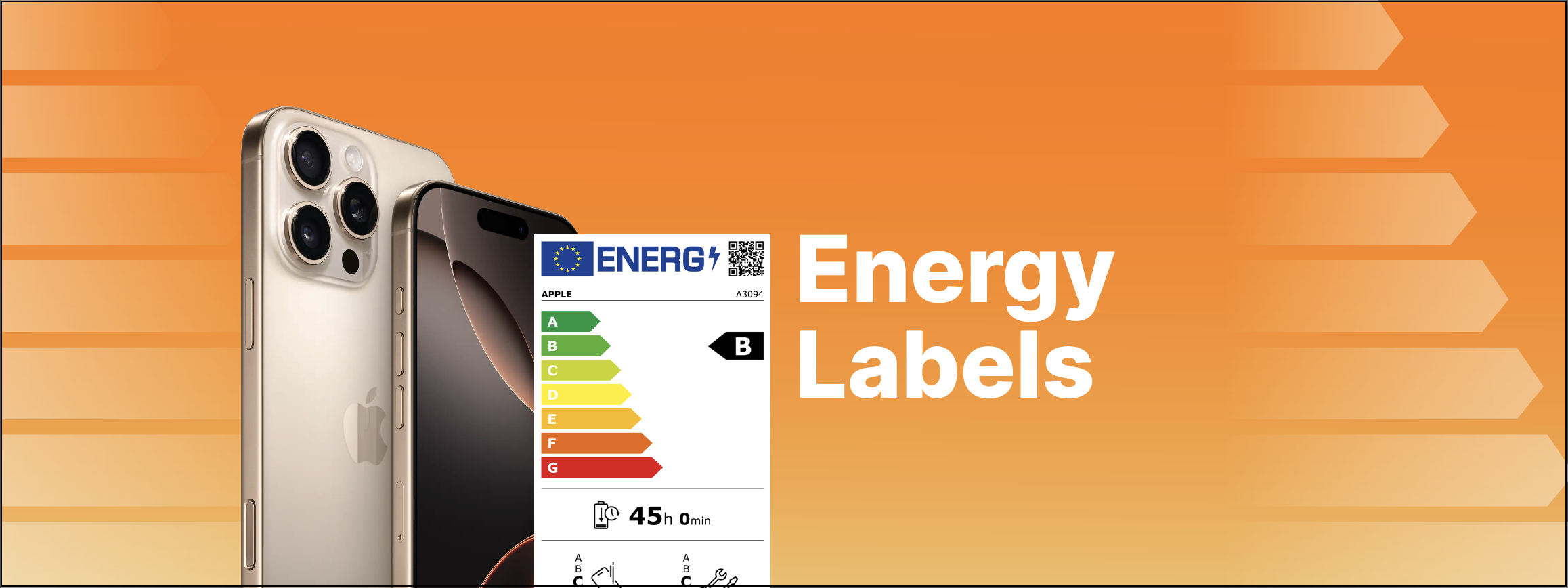
iServices com etiqueta energética nos Smartphones e Tablets
A nova regulamentação da União Europeia sobre etiquetas energéticas para Smartphones e Tablets já se encontra disponível na iServices.

iPhone turns off by itself: causes and solutions
Is your iPhone turning off by itself? Discover common causes and effective solutions. Rely on iServices for expert technical support.
