






iPhone Power Button Very Sensitive: Causes and Solutions
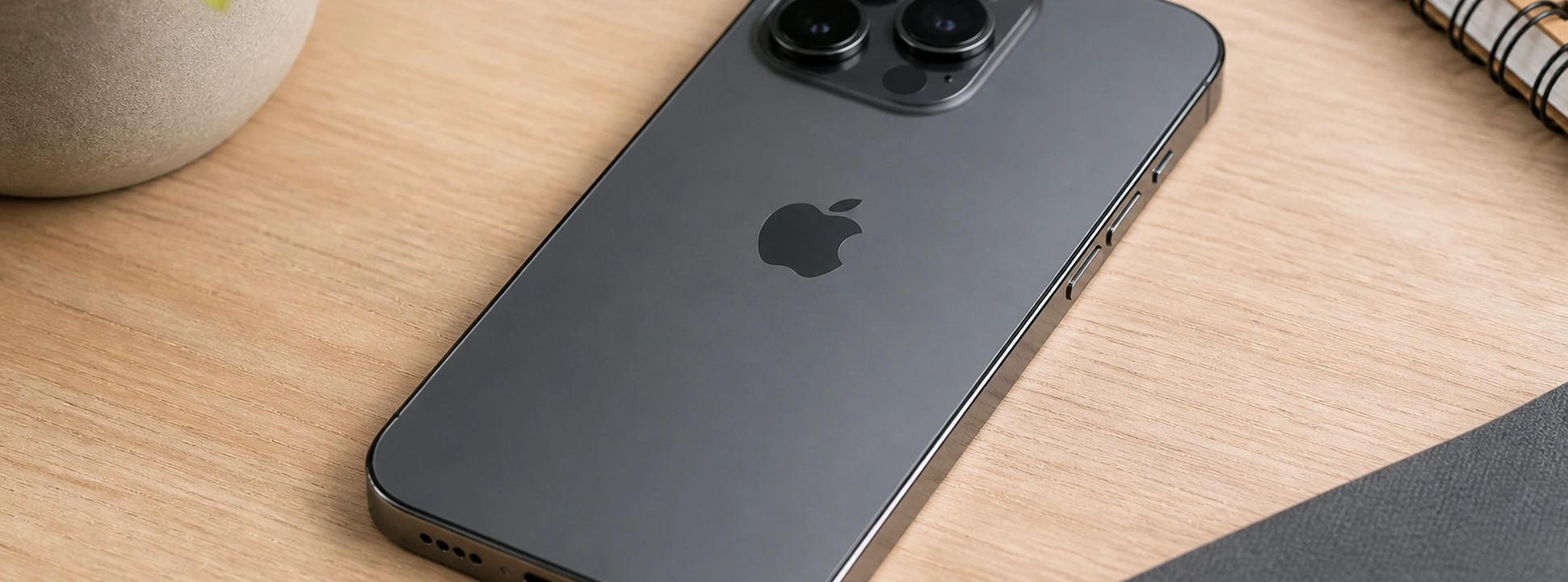
The iPhone's Power button is fundamental for controlling your device, from turning it on and off to accessing various features such as Siri or emergency mode. In more recent models, from iPhone X to iPhone 17 Pro Max, this button is even more sophisticated, requiring a precise response to ensure a smooth user experience. However, a common problem many users face is an overly sensitive Power button, which can cause involuntary actions or difficulty controlling the phone.
At iServices, phone repair specialists with several stores in Europe, we understand the frustration this problem can cause. In this article, we will explore the most common causes of this issue, present practical solutions, and indicate when you should seek professional technical assistance. If your iPhone's Power button reacts excessively or erratically, continue reading to resolve this situation safely.
Causes of the iPhone Power Button Malfunctioning
Accumulated Dirt and Dust on the Button
With daily use, the Power button can accumulate dust, hand grease, or other particles that interfere with its pressure and response. This type of dirt can make the button too sensitive or, conversely, hinder its correct functioning.
Software Problems and Settings
Sometimes, an apparent problem with the Power button may originate in the iPhone's software. Incorrect adjustments, bugs in iOS updates, or third-party applications can alter how the button responds or interacts with the system.
Defect or Wear of the Physical Button
The Power button is a mechanical part and, as such, is subject to natural wear and tear. In older models, or after falls and impacts, the internal mechanism can become damaged, causing hypersensitivity or failures.
Internal Problems Related to the Logic Board
In more severe cases, the problem may be related to the iPhone's logic board, where the Power button is connected. Internal hardware failures can cause erratic button responses, requiring specialized technical intervention.
Solutions Table
| Cause | Recommended Solution | Complexity |
|---|---|---|
| Accumulated dirt and dust | Careful cleaning of the Power button | Low |
| Software problems | iOS update and iPhone restart | Medium |
| Mechanical defect or wear | Power button replacement | High |
| Logic board problems | Diagnosis and repair at a technical assistance center | Very High |
Step-by-Step Solutions
Careful Cleaning of the Power Button
- 1. Turn off your iPhone to avoid any involuntary action.
- 2. Use a soft, dry cloth to clean the area around the button.
- 3. With a soft-bristle brush or compressed air, carefully remove accumulated dust.
- 4. Avoid using liquids that might enter the device.
- 5. Turn the iPhone back on and test the button.
iOS Update and Phone Restart
- 1. Check if the iPhone is updated to the latest iOS version in Settings > General > Software Update.
- 2. If an update is available, download and install it.
- 3. Restart the iPhone by pressing the Power button and a volume button until the slider appears, then slide to power off.
- 4. Turn it back on and test the button's functionality.
Power Button Replacement
- 1. Go to an iServices store for a professional diagnosis.
- 2. Our technicians will open the device and replace the Power button with an original part.
- 3. After replacement, the phone undergoes rigorous testing to ensure repair quality.
- 4. The service includes a warranty and can be performed with express delivery.
Diagnosis and Repair of the Logic Board
- 1. Present your iPhone at an iServices store for a detailed evaluation.
- 2. Our technicians will diagnose the logic board and identify faults associated with the Power button.
- 3. If necessary, we will repair or replace the affected parts.
- 4. This service is complex and performed with original parts, ensuring maximum performance.
Why is my iPhone's Power button acting erratically?
Erratic functioning can result from accumulated dirt, software problems, or button wear. It can also be a sign of a more serious hardware problem that requires technical analysis.
Can I clean my iPhone's Power button at home?
Yes, you can use a soft cloth and compressed air to remove dust, but you should avoid liquids and excessive pressure. If you don't feel comfortable, we recommend contacting iServices for professional cleaning.
How do I know if the problem is with the button or the software?
If the problem persists after restarting and updating iOS, it is likely a physical issue. Our team can perform a detailed diagnosis to identify the cause.
How long does Power button repair take at iServices?
Depending on complexity, button replacement can be done on the same day, with express delivery available. Logic board problems may take longer, but we always guarantee fast and efficient service.
Need Professional Help? iServices Is Here for You
If your iPhone's Power button is too sensitive or exhibits any other type of problem, do not hesitate to visit one of the iServices stores. Our specialized technicians are prepared to perform a complete diagnosis and offer the best solution, whether it's a simple cleaning, a software update, or a more complex hardware repair.
At iServices, we guarantee quality services with an included warranty, express delivery for greater convenience, and technical assistance nationwide. Consult all information and book your visit from our website. Trust us to restore your iPhone to its best performance, with the security and professionalism that only iServices can offer you.

 Gratis levering, verwacht dinsdag!



 36 Months
 36 Months
 36 Months
Other Articles
See more
iPhone 18 Pro red? A new rumor could change everything.
iPhone 18 Pro red? According to a new rumor, Apple may be opting for a daring color. Discover what is already known and what could change.

iPhone Very Slow After Update: How to Fix It?
Is your iPhone slow after an update? Discover causes and effective solutions for models from iPhone X to iPhone 16 at iServices.

iPhone front camera not working: causes and solutions
iPhone front camera not working? Learn the causes, step-by-step solutions, and how iServices can help with guaranteed technical assistance.
