





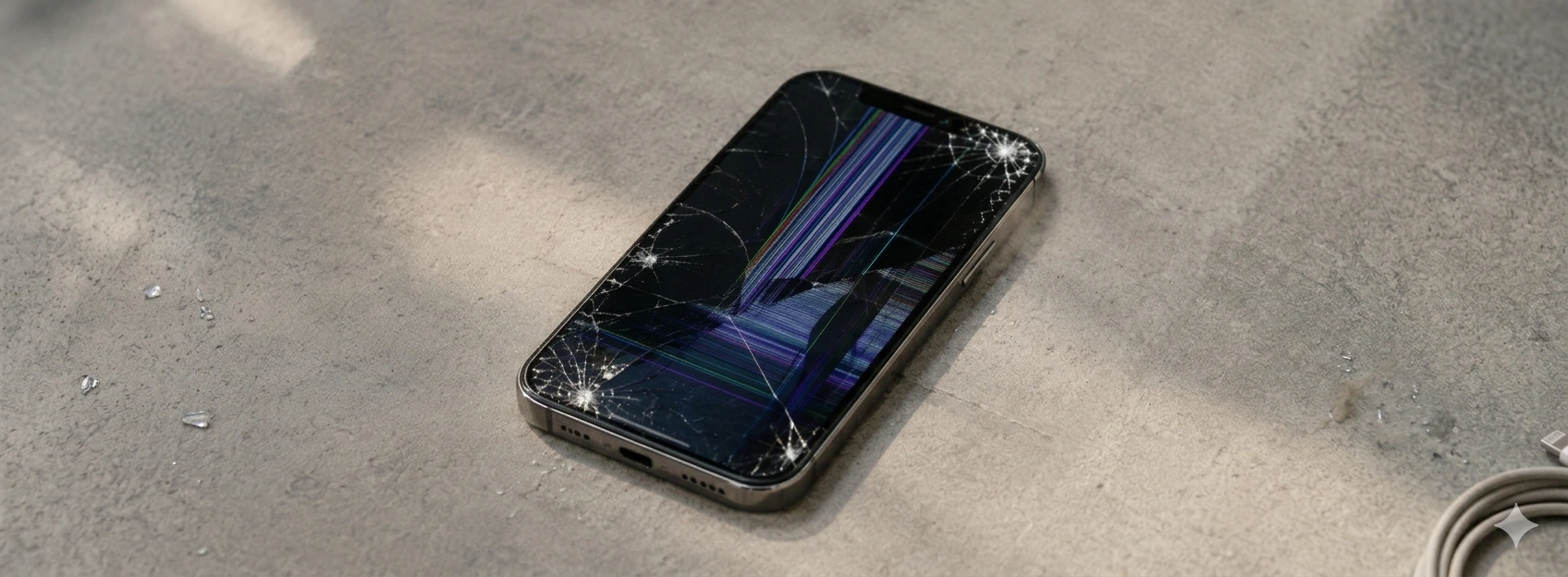




Green Lines on the iPhone Screen: Causes and Solutions
The green lines that appear on an iPhone screen are a problem that can affect several models, from the iPhone X to the latest iPhone 17 Pro Max. This visual defect can compromise the user experience, making reading, touching, and the phone's overall performance difficult. At iServices, we understand the frustration this problem causes and we are here to help resolve this issue quickly and effectively.
This article explains the main causes of green lines on the iPhone screen, presents a table with recommended solutions, and details step-by-step how you can proceed to restore the quality of your device. If you prefer, our specialized mobile phone repair technicians are available in our stores to provide professional technical assistance with warranty and express deliveries.
Causes of green lines on the iPhone screen
Problems with the Screen Flex Cable
The flex cable connects the screen to the iPhone's main circuit. A damaged, poorly connected, or worn flex cable can cause visible green lines due to failures in the transmission of visual signals.
Defective Graphics Chip (GPU)
The graphics chip is responsible for rendering images on the screen. If this component fails, especially in older models like the iPhone X or iPhone 11, green lines or other visual artifacts may appear.
Impact or Water Damage
Drops, impacts, or exposure to liquids can physically damage the screen or its internal components, such as the screen connector or the screen matrix itself, causing green lines.
Software Problems or Corrupted Updates
In some cases, errors in the iOS operating system or unsuccessful updates can cause screen anomalies, including green lines. Although less common, this cause is important to consider.
Solutions Table
| Cause | Recommended Solution | Complexity |
|---|---|---|
| Damaged flex cable | Replacement of the flex cable or connector | Medium |
| Defective graphics chip | Advanced diagnosis and possible hardware repair | High |
| Impact or water damage | Replacement of the screen or affected components | High |
| Software problems | iOS update or restore via iTunes | Low |
| Screen with internal defect | Complete screen replacement | Medium/High |
Step-by-Step Solutions
Flex Cable Replacement or Retightening
- 1. Turn off the iPhone and remove the SIM card.
- 2. Carefully open the phone's casing with appropriate tools.
- 3. Check the flex cable connected to the screen and the logic board.
- 4. Carefully retighten the connector to ensure good contact.
- 5. If the cable is damaged, replace it with an original one.
- 6. Close the phone and turn it on to test the screen.
Graphics Chip Diagnosis and Repair
- 1. Take the iPhone to an iServices store for diagnosis with specialized equipment.
- 2. If the graphics chip shows defects, advanced technical intervention will be necessary.
- 3. Our technicians will inform you about repair or replacement options.
Replacement of Screen or Damaged Components
- 1. If the problem is caused by impact or liquid, the screen may need to be replaced.
- 2. At iServices, we use original parts to guarantee quality.
- 3. Replacement is performed by our certified technicians.
- 4. We test the phone before delivery to ensure the problem has been resolved.
Software Update or Restore
- 1. Connect the iPhone to the computer and open iTunes.
- 2. Check for available iOS updates.
- 3. Perform the update or, if it fails, do a full system restore.
- 4. Restart the iPhone and check if the green lines have disappeared.
Why do green lines appear on my iPhone screen?
Green lines typically arise due to issues with the screen's flex cable, defects in the graphics chip, physical damage caused by drops or liquid, or software errors. Identifying the cause is crucial to applying the correct solution.
Can I repair green lines on my iPhone screen at home?
Some simple solutions, such as restarting the phone or updating iOS, can be done at home. However, most cases involve technical repairs, such as replacing the flex cable or the screen, which should be performed by professionals to avoid further damage.
How much does it cost to repair green lines on an iPhone screen?
The cost varies according to the cause of the problem and the iPhone model. Simple repairs, such as retightening the flex cable, are more economical. Replacing the screen or repairing the graphics chip implies a higher cost. At iServices, we offer free estimates and a warranty on repairs.
Does the warranty cover green lines on the iPhone screen?
If the problem is caused by a manufacturing defect and the iPhone is within the warranty period, the repair may be covered. However, impact or liquid damage is generally not covered. At iServices, we provide a warranty on repairs performed with us.
Need Professional Help? iServices Is Here for You
If your iPhone has green lines on the screen and you don't know how to fix it, visit an iServices store. Our specialized technicians provide free diagnostics and offer fast and effective solutions, with original parts and a warranty.
In addition, we offer express deliveries and technical assistance nationwide so you can get your phone back without delays. Visit iservices.pt and find the store nearest you. At iServices, we are dedicated to ensuring your iPhone works perfectly again.
Recommended Products
View all

 36 Months
 36 Months

€19.95
36 Months




Other Articles
See more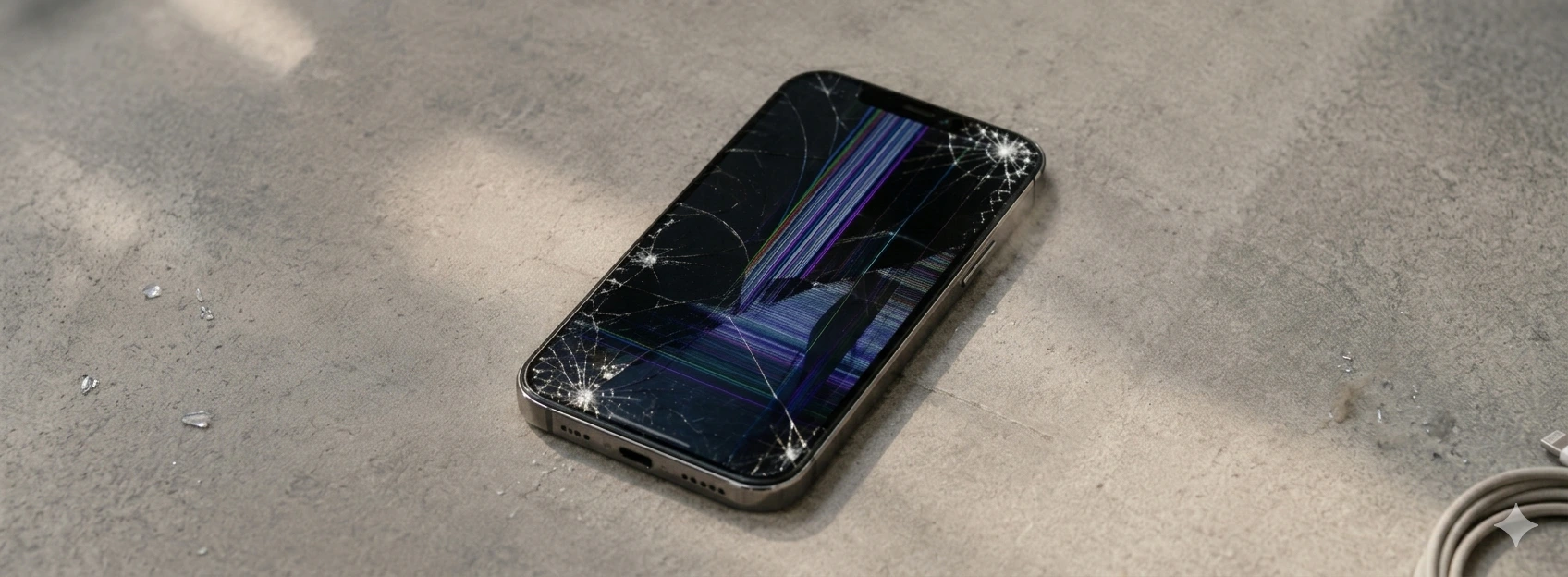
iPhone with a cracked screen: what to do?
iPhone with a cracked screen? Learn what to do, common causes, and effective solutions for models from iPhone X up to iPhone 17 Pro Max with iServices warranty.
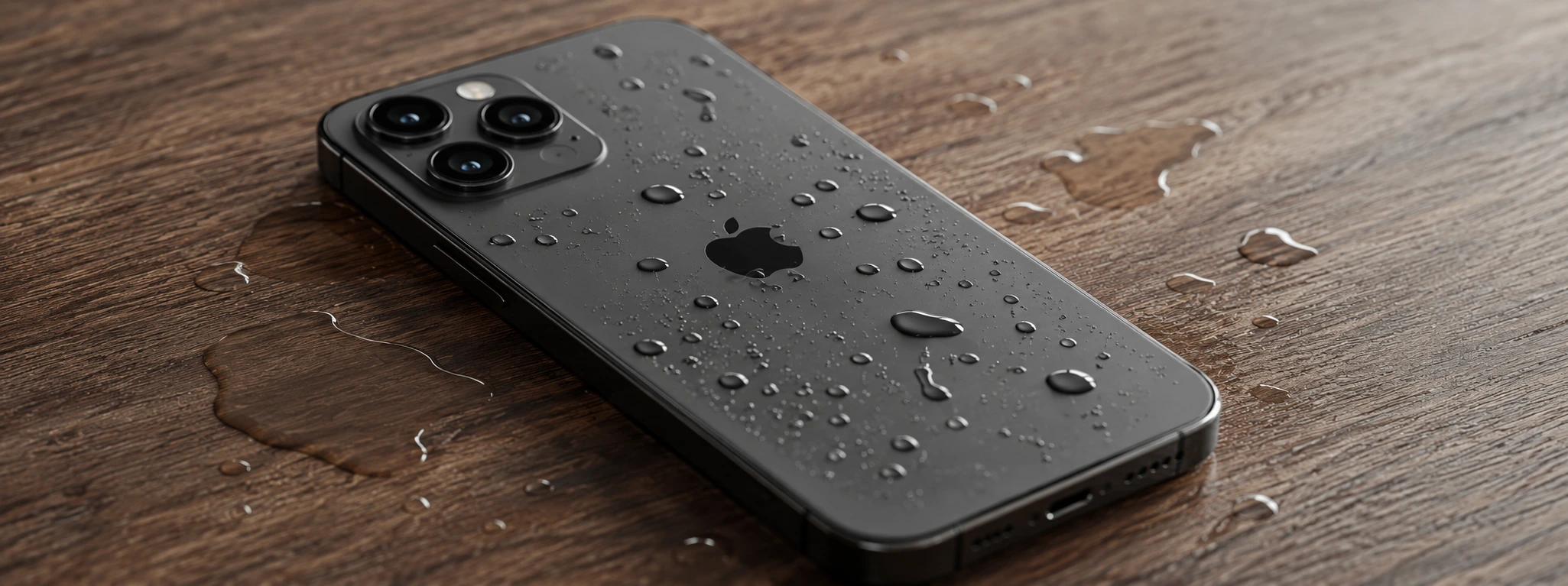
iPhone with Humidity in the Cameras: Causes and Solutions
Learn how to solve the humidity problem in iPhone cameras with effective solutions and specialized iServices assistance.
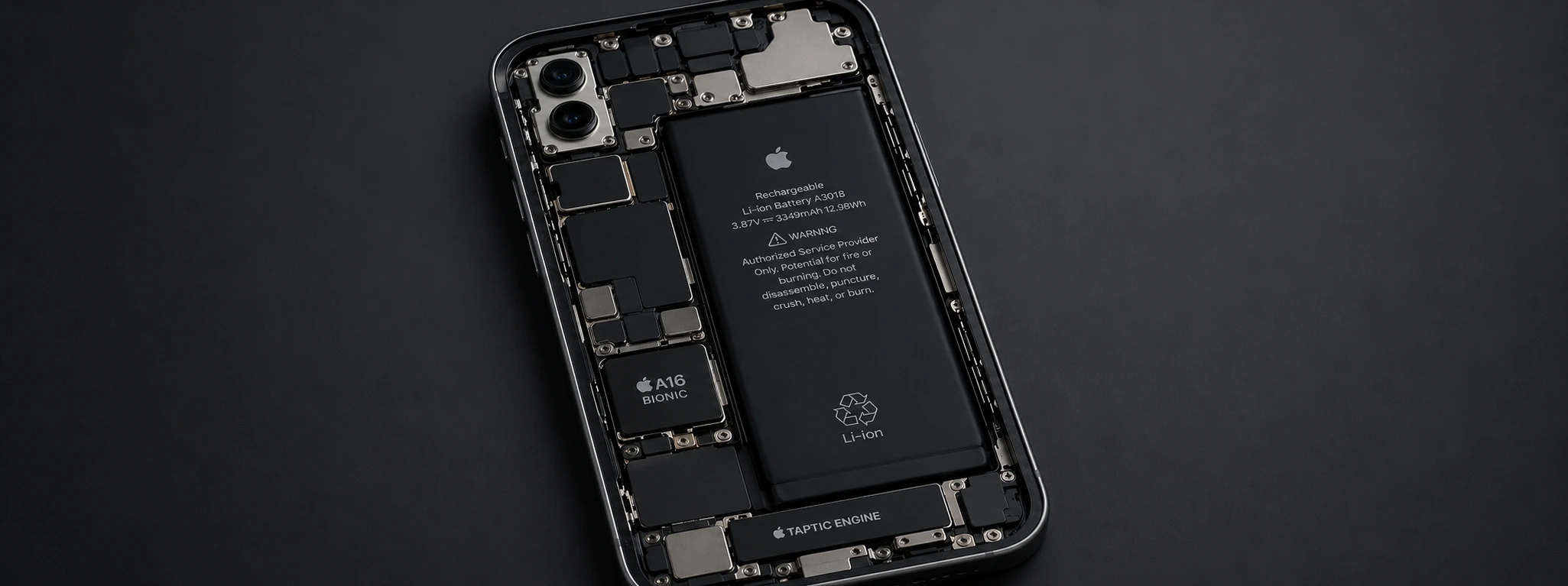
iPhone overheats and drains battery: causes and solutions
Discover why your iPhone gets very warm and quickly drains battery, and find effective solutions to improve your device's performance.
