


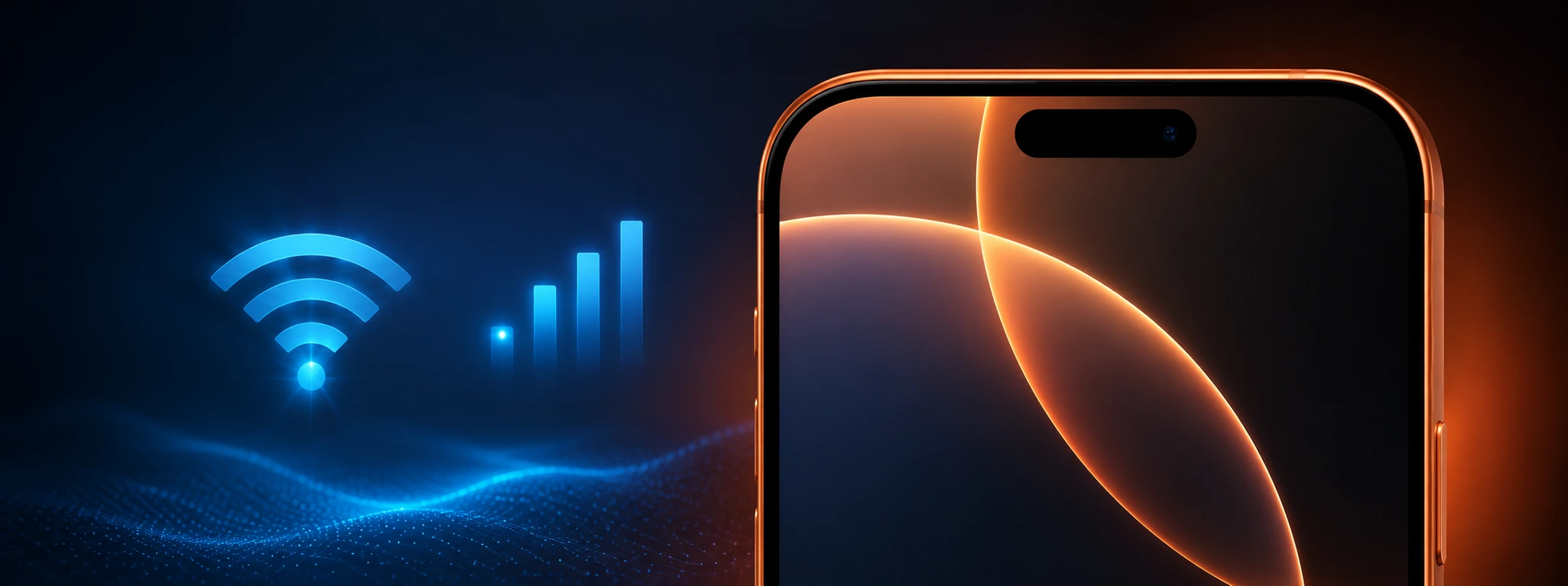




iPhone does not connect to 5G: how to fix
5G is the mobile network technology that is revolutionizing the way we use our phones, providing internet speeds far superior to 4G. For iPhone users, from the iPhone X to the latest iPhone 17 Pro Max, having access to 5G is a valuable asset that allows for a better experience in streaming, gaming, and browsing. However, it is common to encounter reports of iPhones not connecting to 5G, even in areas with adequate coverage.
This problem can have various origins, ranging from incorrect settings in the operating system to hardware issues or operator limitations. At iServices, experts in mobile phone repairs, we understand the importance of having your iPhone working with all its capabilities, namely access to 5G. In this article, we will explain the main causes for your iPhone not connecting to 5G and present practical solutions to resolve this situation.
What causes 5G not to connect on iPhone?
Incorrect Network Settings
Often, the reason why the iPhone does not connect to 5G is related to network settings. If the 5G option is not enabled or configured correctly in the phone settings, it will not automatically connect to the available 5G network.
Outdated Firmware or iOS
An outdated operating system can cause incompatibilities with 5G networks. Apple regularly releases iOS updates that improve 5G support and fix bugs that may prevent proper connection.
Issues with SIM Card or Carrier
The SIM card may not be configured to support 5G, or the data plan contracted may not include access to this technology. In addition, some carriers may have restrictions or temporary limitations on 5G coverage.
Hardware Failures in the Network Module
In more serious cases, the problem may be related to the iPhone's hardware, namely the module responsible for connecting to mobile networks. Damage from drops, moisture, or wear and tear can affect the phone's ability to connect to 5G.
Solutions Table
| Cause | Recommended Solution | Complexity |
|---|---|---|
| Incorrect Network Settings | Enable 5G in iPhone settings | Low |
| Outdated Firmware or iOS | Update iOS to the latest version | Low |
| SIM Card/Carrier Issues | Contact the carrier and replace the SIM card if necessary | Medium |
| Hardware Failures in the Network Module | Diagnosis and technical repair at an iServices store | High |
Step-by-Step Solutions
Enable 5G in iPhone Settings: Go to Settings on your iPhone. Tap Mobile Data or Cellular. Choose Mobile Data Options. Select Voice & Data. Ensure the 5G Auto or 5G On option is enabled. Restart your iPhone to apply the changes. Update iOS to the Latest Version: Connect your iPhone to a stable Wi-Fi network. Go to Settings > General > Software Update. If an update is available, tap Download and Install. Follow the on-screen instructions to complete the update. After the update, test the 5G connection. Contact the Carrier and Replace the SIM Card: Check if your data plan includes 5G access. Confirm with your carrier if the area you are in has 5G coverage. If necessary, request a 5G-compatible SIM card. Insert the new card into the iPhone and restart the device. Test the 5G connection again. Diagnosis and Technical Repair at an iServices Store: If the previous solutions do not work, there may be a hardware failure. Head to one of the 76 iServices stores in Portugal for a full diagnosis. Our specialized technicians will identify and repair the network module problem. We guarantee qualified technical assistance and a warranty on all repairs. You can also opt for express delivery for added convenience.
Why does my iPhone not find a 5G network even when I am in a covered area?
There are several possible reasons, including incorrect settings on the iPhone, lack of 5G support in the carrier plan, or even problems with the SIM card. It is important to confirm all variables, including whether the iPhone is configured to use 5G.
Does my iPhone X support 5G?
The iPhone X does not support 5G technology as it was released before the introduction of 5G networks on Apple devices. Only models from the iPhone 12 onwards have 5G-compatible hardware.
How do I know if I need a new SIM card to use 5G?
If your SIM card is old, it may not be compatible with 5G networks. Contact your carrier to check for compatibility and, if necessary, ask for the card to be replaced with an updated model.
Can I repair my iPhone with 5G problems at an iServices store?
Yes, at iServices we have technicians specialized in mobile phone repairs, including problems related to the network module and 5G. We offer a warranty, technical assistance, and express deliveries for your convenience.
Need Professional Help? iServices Is Here for You
If your iPhone does not connect to 5G and you have already tried the basic solutions, the best option is to seek a professional diagnosis, where our experienced technicians evaluate and resolve 5G connection problems on any model, from the iPhone X to the iPhone 17 Pro Max.
We offer a warranty on repairs and express deliveries so that you can quickly get back to fully enjoying your iPhone. Visit the iServices website to find the store closest to you or to schedule your appointment. Trust iServices to ensure your phone is always updated and working at maximum efficiency. We are waiting to help you!

 Gratis levering, verwacht overmorgen!



 36 Months
 36 Months
 36 Months
Other Articles
See more
iPhone Camera Blurry in All Photos: How to Fix
iPhone camera blurry in all photos? Discover the common causes and effective solutions for iPhone X to iPhone 17 Pro Max models at iServices.
iPhone front camera with inverted image: causes and solutions
iPhone front camera with reversed image? Discover causes, solutions and how iServices can help with specialized technical assistance.
Bent or Warped iPhone Chassis: Causes and Solutions
Learn how to identify and fix a bent or warped iPhone chassis, from the iPhone X to the iPhone 17 Pro Max, with professional solutions at iServices.
