





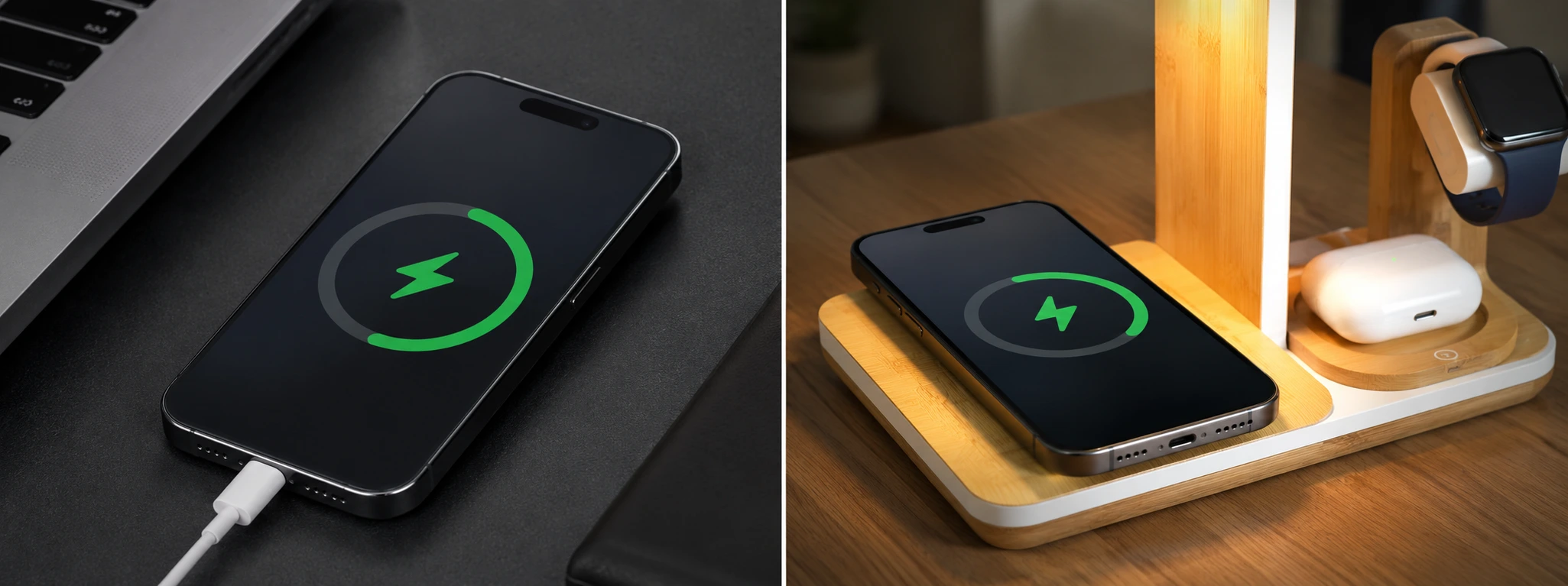




Wireless iPhone charging not working: causes and solutions
Wireless charging is an essential feature for many iPhone users, especially on models from the iPhone X to the latest iPhone 17 Pro Max. This technology offers a practical and fast way to charge the device without the hassle of cables, but it can encounter problems that cause a lot of inconvenience in daily life. If wireless charging on your iPhone is not working, you may be facing a common problem that affects many users.
At iServices, we understand how important it is that your phone is always ready for use. That is why we have listed the main causes that can prevent wireless charging and the most effective solutions to fix this problem. Read on to discover how to charge your iPhone wirelessly safely and efficiently again.
Causes why wireless charging on the iPhone is not working
Unsuitable case or screen protector
Many thick protective cases or screen protectors can block the transfer of energy during wireless charging. Metal cases or cases made of materials that interfere with the charger's magnetic field can be particularly problematic.
Problems with the wireless charger or charging cable
The wireless charger or the power cable may be damaged or not compatible with your iPhone. Furthermore, using non-certified chargers can lead to irregular charging or complete failure.
Dirt or dust on the charging area
The presence of dirt, dust, or residue between the iPhone and the charging station can prevent proper contact, causing the charging process to be interrupted.
Internal problems with the iPhone
Malfunctions in the internal hardware of the iPhone, such as damage to the wireless charging coil, can be the source of the problem. These defects require professional diagnosis and repair to ensure correct operation.
Table with solutions
| Cause | Recommended solution | Complexity |
|---|---|---|
| Unsuitable case or screen protector | Remove the case or replace it with a compatible one | Low |
| Problems with the charger or cable | Test with another certified charger or cable | Low |
| Dirt or dust on the charging area | Carefully clean the station and the iPhone | Low |
| Internal problems with the iPhone | Diagnosis and repair at an iServices store | High |
Step-by-step solutions
Remove the case or replace it with a compatible one
- Remove the protective case from your iPhone.
- Try charging the phone again without the case.
- If charging works, choose cases specifically suitable for wireless charging.
- Avoid metal or very thick cases that may block charging.
Test with another certified charger or cable
- Use a wireless charger that is certified by Apple or recommended for your model.
- Check that the power cable is in good condition and is original or certified.
- Try plugging the charger into a different power outlet to rule out power source issues.
- Test wireless charging with another compatible iPhone to validate the operation of the charger.
Carefully clean the station and the iPhone
- Unplug the charger from the power outlet.
- Use a clean, dry cloth to remove dust from the charging station.
- Check that there is no dirt on the back of the iPhone, especially in the area of the charging coil.
- After cleaning, plug the charger back in and try charging the phone.
Diagnosis and repair at an iServices store
- If the above solutions did not help, the problem may be internal.
- Go to one of our stores for a professional diagnosis.
- Our specialized technicians will assess the charging coil and other internal components.
- If necessary, we will carry out the repair with a warranty, using original parts.
- We offer express deliveries and technical support across the country for greater convenience.
Why is my iPhone charging very slowly wirelessly?
The speed of wireless charging can be affected by various reasons, including the use of non-certified chargers, thick protective cases, or interference in the magnetic field. Ensure you use original or certified chargers and remove cases that may block the process. It is also important that the iPhone is properly aligned with the charging station.
My iPhone gets hot during wireless charging. Is this normal?
A certain amount of heat is normal during wireless charging, but if the phone gets extremely hot, this could indicate a problem, such as a faulty charger or a hardware fault in the iPhone. Overheating can damage the device, so we recommend seeking specialized technical support at iServices if the problem persists.
Can I use any wireless charger for my iPhone?
No. It is essential to use wireless chargers that are compatible with the Qi standard and preferably certified by Apple. Low-quality chargers may not work correctly and could even damage the phone. At iServices, we always advise the use of certified accessories to ensure safety and efficiency.
What should I do if my iPhone does not charge wirelessly, even after trying all the solutions?
If your iPhone does not charge wirelessly after removing cases, cleaning the device, and testing with different chargers, it is likely an internal problem. In that case, go to an iServices store for a detailed diagnosis. Our technicians are trained to repair any defect and ensure that your iPhone charges wirelessly correctly again.
Do you need professional help? iServices is here for you
If wireless charging on your iPhone still does not work, do not hesitate to seek professional help. At iServices, we have an extensive network of 76 stores with specialized technicians who are ready to diagnose and repair your phone. We guarantee fast solutions, with express deliveries and high-quality technical support.
Visit an iServices store near you or our website to schedule your diagnosis. Trust iServices to keep your iPhone working perfectly, with a warranty and the trust of professionals who know how to handle your phone.
Recommended Products
View all

 36 Months
 36 Months

€19.95
36 Months




Other Articles
See more
iPhone 18: release date, models and new features
When will the iPhone 18 be released? Discover the release dates of the iPhone 18 Pro, 18 Pro Max and iPhone Duo and what we already know about the new Apple generation.
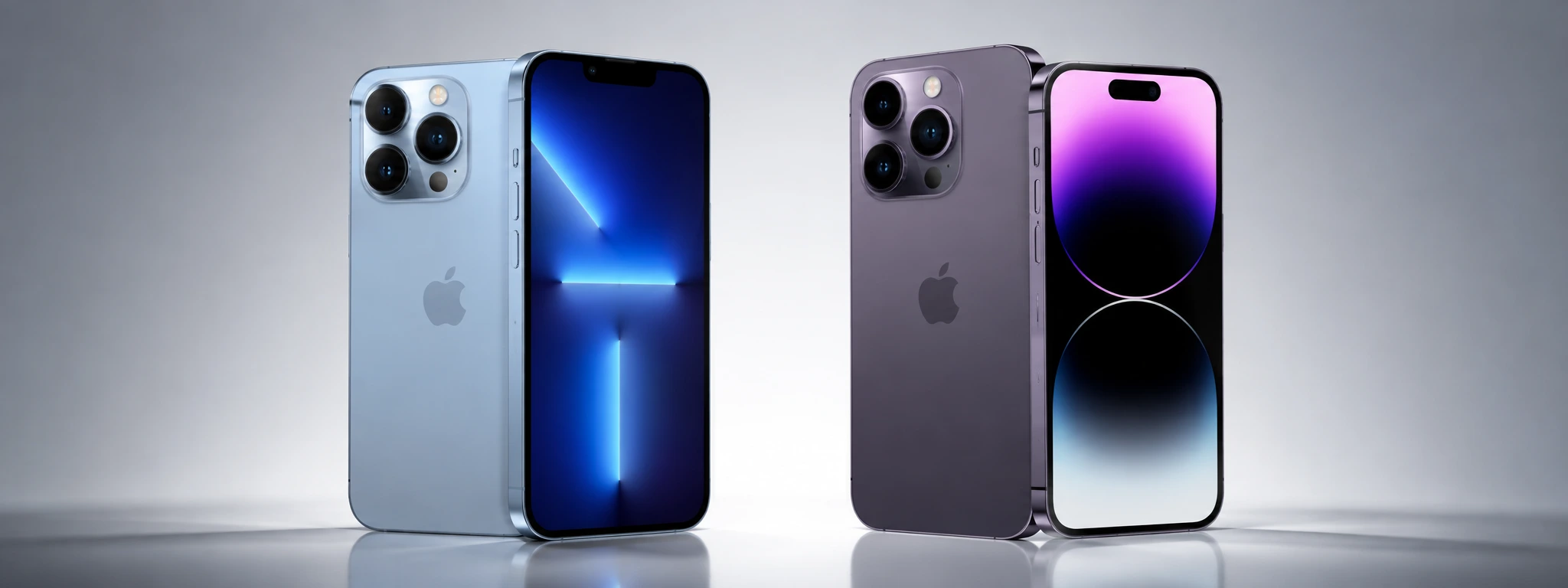
iPhone 13 Pro vs iPhone 14 Pro, which one should you buy?
Know the differences between the iPhone 13 Pro and the iPhone 14 Pro regarding cameras, performance, battery and other details, and know which one to buy in 2026.
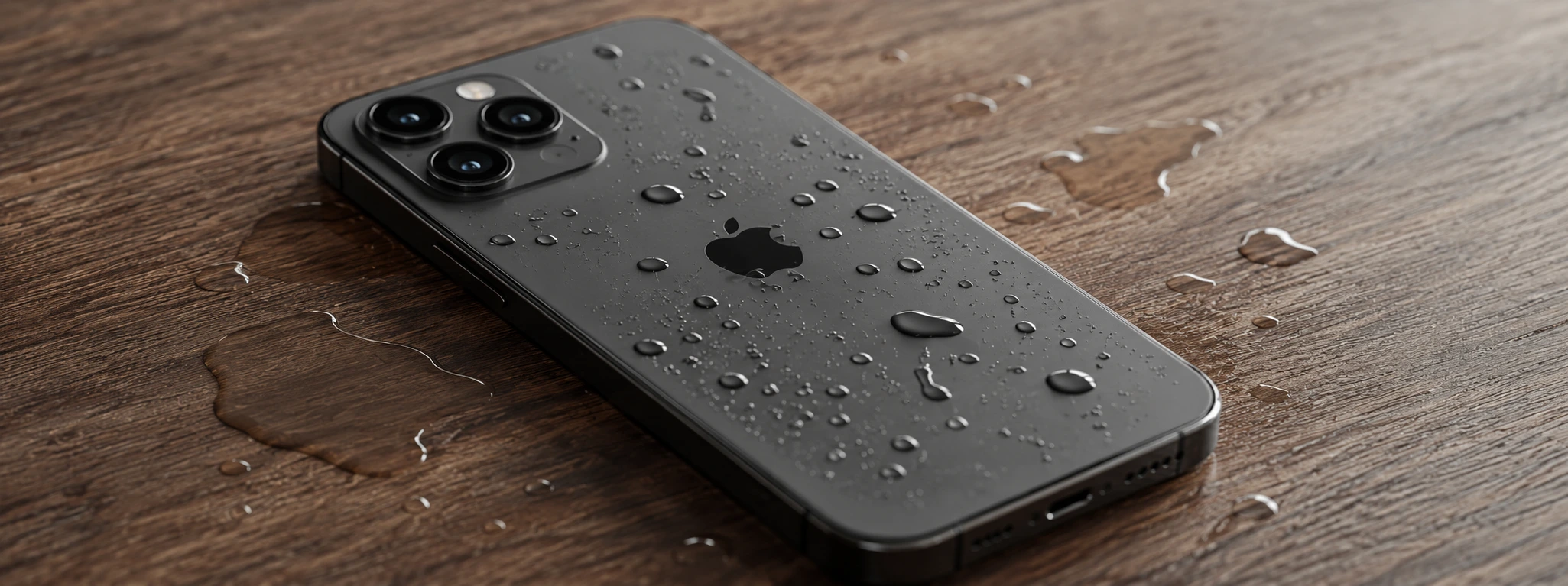
iPhone won't turn on after falling into water: causes and solutions
iPhone won't turn on after falling in water? Discover causes, solutions and specialized technical assistance at iServices with a warranty.
