


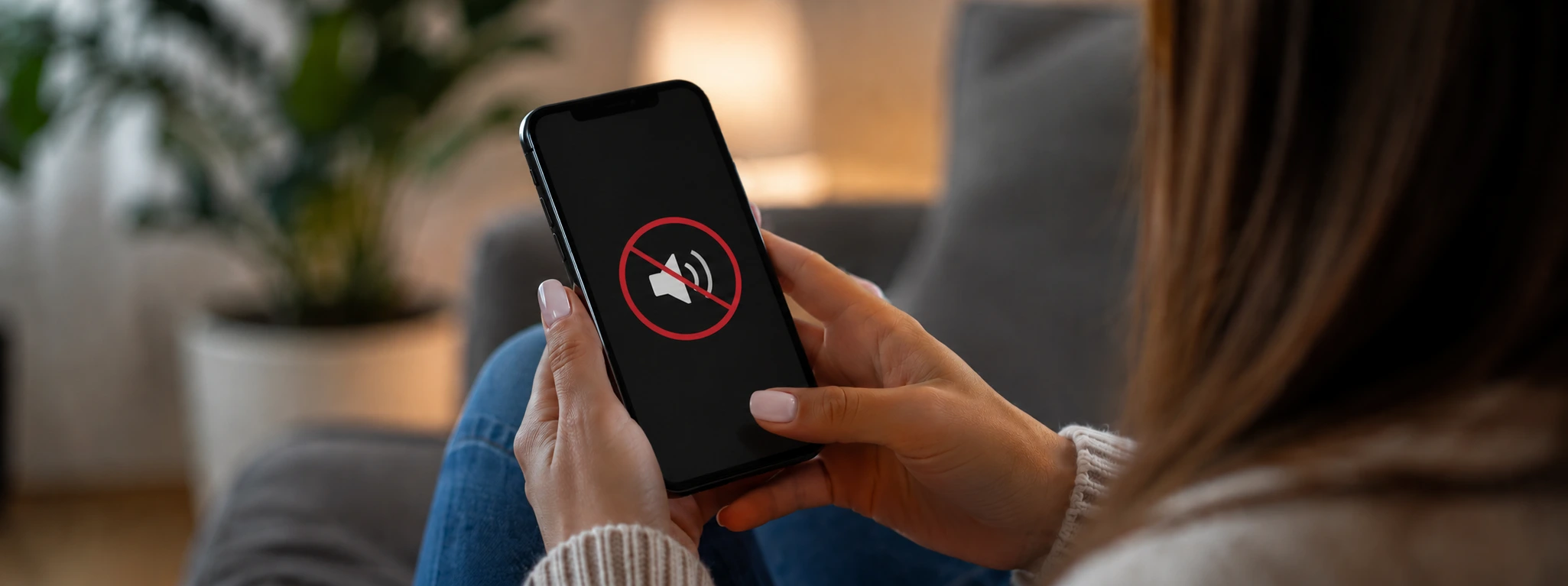




Distorted or Crackling iPhone Sound: How to Fix It
Is the sound on your iPhone distorted or crackling and you don't know what to do? This problem is common in models from the iPhone X to the latest iPhone 17 Pro Max and can significantly affect your user experience. Whether it's during phone calls, playing music, or watching videos, poor sound quality is annoying and can indicate anything from simple software glitches to physical issues with the screen or speakers.
At iServices, specialists in phone repairs, we understand the frustration of users when their iPhone's sound isn't at the expected level. That's why we have put together a complete guide that explains the most common causes of distorted or crackling sound on your iPhone, as well as practical solutions and when you should call in our qualified technicians.
Causes of distorted or crackling iPhone sound
Clogged or dirty speaker
Due to daily use, dust, dirt, or even small particles accumulate in the iPhone's speakers, which can block sound transmission. This causes distortion or crackling in the audio output, which can sound like the audio is cutting out or interfering.
Software problems or settings
A failed iOS update, incorrect audio settings, or bugs in apps can affect the iPhone's sound quality. These problems are often temporary but can persist and interfere with the correct reproduction of sound.
Physical damage from drops or contact with liquids
The impact of a drop or exposure to liquids can damage the internal components related to sound, such as the speaker or the audio module. This physical damage often results in sound distortion or even a complete loss of audio output.
Hardware issues with the screen or motherboard
In models such as the iPhone 16 Pro Max, more complex hardware faults can occur, particularly in the circuit that controls the audio on the motherboard or in the screen itself. These situations require specialized diagnostics and component replacement.
Table of solutions
| Cause | Recommended solution | Complexity |
|---|---|---|
| Clogged or dirty speaker | Careful cleaning of the speaker | Low |
| Software problems or settings | Update and restart iOS | Low to Medium |
| Physical damage from drops or liquids | Evaluation and replacement of the speaker | Medium to High |
| Hardware issues with the screen or motherboard | Specialized diagnostics and repair | High |
Step-by-step solutions
Careful cleaning of the speaker
- Turn off your iPhone to prevent accidental damage.
- Use a soft brush or compressed air to remove dirt from the speaker.
- Avoid using liquids directly on the speaker to prevent additional damage.
- Test the sound to check if the distortion has been resolved.
Update and restart iOS
- Check if your iPhone has the latest version of iOS via Settings > General > Software Update.
- If an update is available, download and install it.
- After the update, restart the device to apply the changes.
- Reset sound settings to default values via Settings > Sounds & Haptics.
- Test the sound again to confirm the problem is resolved.
Evaluation and replacement of the speaker
- If the sound is still distorted after cleaning and updating, schedule an evaluation with us.
- Our technicians will disassemble the iPhone and run tests on the speaker.
- In case of damage, we will proceed with replacement using an original part, which guarantees sound quality.
- Perform a final test to ensure the problem is solved before picking up the phone.
Specialized diagnostics and repair
- For more complex problems with the motherboard or screen, make an appointment at one of our stores.
- Our team will perform a detailed diagnosis with specialized equipment.
- We offer a clear quote for the repair or replacement of damaged parts.
- After the repair, we perform rigorous tests to guarantee perfect sound functionality.
Why is my iPhone sound still distorted after a restart?
Distorted sound can persist after a restart if the problem is physical, such as a damaged or dirty speaker, or if there is a deeper hardware issue. If a restart doesn't solve the problem, we recommend cleaning or a specialized technical assessment.
Can I clean my iPhone speaker at home without damaging it?
Yes, you can perform a simple cleaning with a soft brush or compressed air, but you must avoid using liquids and do not insert sharp objects to prevent irreparable damage.
What are the risks of continuing to use the iPhone with distorted sound?
Besides being annoying, long-term use with distorted sound can indicate damage that may worsen, potentially leading to more complex and expensive repairs. It is important to diagnose and resolve the problem quickly.
Does iServices offer a warranty after the iPhone sound repair?
Yes, all repairs performed by iServices come with a warranty, which guarantees the quality of the parts and the service provided.
Do you need professional help? iServices is here for you
If your iPhone sound remains distorted or crackling, don't hesitate to visit one of our stores. At iServices, we have a specialized team ready to diagnose and repair any problem, from older models like the iPhone X to the latest iPhone 17 Pro Max.
We offer a warranty on all repairs, express deliveries for extra speed, and dedicated technical assistance. For more information or to book an appointment, visit our website at iservices.pt and discover why we are the leader in phone repairs in Portugal. We are ready to restore the sound quality your iPhone deserves!

 Gratis levering, verwacht dinsdag!



 36 Months
 36 Months
 36 Months
Other Articles
See more
Apple rumor: iPhone 18 only in 2027?
Will Apple break with the tradition of releasing a new iPhone every year? Then we wonder: will the iPhone 18 not appear until 2027?

Maintaining a Refurbished Item: Essential Tips and Care
Learn the best tips to have with a refurbished product. These are precautions that aim to extend the lifespan of this equipment.
iPhone sound muffled after falling in water: causes and solutions
Muffled iPhone sound after water drop: causes, solutions and specialized technical assistance at iServices.
