





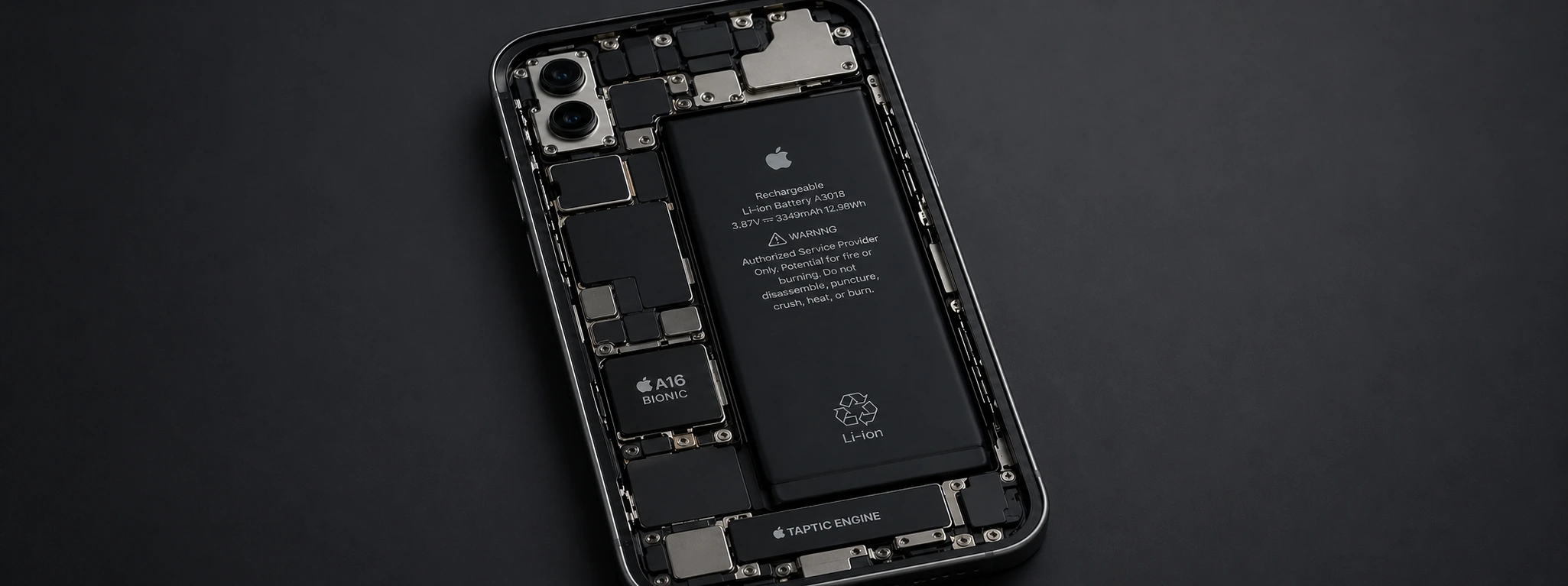




Tips to save battery on the iPhone
The battery life of the iPhone is one of the most common concerns among users, especially for those using recent models such as the iPhone X, iPhone 12, iPhone 14, or even the new iPhone 17 Pro Max. Despite technological evolution and improvements in screens and processors, efficient battery management remains essential to ensure the phone keeps up with daily demands without unexpectedly running out of power.
At iServices, we understand the importance of maximizing your iPhone's battery life, whether it's for work, leisure, or communication. In this article, we present the main causes that can drain your device's battery and share essential tips for saving battery, which helps extend usage between charges. If you are looking for simple and effective solutions, read on to learn the best practices for your iPhone.
How to Save iPhone Battery
Intensive Screen Use and High Brightness
The iPhone screen is one of the biggest energy consumers. Too high brightness or prolonged screen use, especially on models with OLED screens like the iPhone 12 and 16 Pro Max, can significantly reduce battery life.
Apps Running in the Background
Many apps continue to consume energy even when not actively being used. Running in the background can drain the battery, especially on older models like the iPhone X, which have a smaller battery capacity.
Software Updates and Background Processes
Updates to the iOS operating system or apps that require significant resources can temporarily increase energy consumption. Furthermore, automatic processes such as data synchronization, notifications, and location services can drain the battery throughout the day.
Worn or Defective Battery
Over time, the iPhone battery loses storage capacity and efficiency. A worn battery no longer holds a charge for as long as before, causing the phone to run out of power faster.
Table of Solutions
| Cause | Recommended Solution | Complexity |
|---|---|---|
| Intensive screen use and high brightness | Adjust brightness and enable auto-brightness mode | Low |
| Apps running in the background | Disable background app refresh and limit permissions | Medium |
| Updates and background processes | Update to the latest iOS version and configure notifications | Medium |
| Worn or defective battery | Battery replacement at an iServices store | High |
| Intensive use of location services | Limit location services to when needed | Low |
Step-by-step Solutions
Adjust brightness and enable auto-brightness mode
- 1. Open iPhone Settings.
- 2. Select "Display & Brightness".
- 3. Activate the "Auto-Brightness" option so that the iPhone automatically adjusts the brightness to ambient light.
- 4. Manually adjust the brightness to lower levels when indoors.
Disable apps in the background
- 1. Go to "Settings".
- 2. Select "General" and then "Background App Refresh".
- 3. Disable this option for all apps or individually select the apps that are allowed to refresh in the background.
- 4. Close unused apps to prevent unnecessary consumption.
Update iOS and manage notifications
- 1. Go to "Settings" > "General" > "Software Update".
- 2. Check if updates are available and install them.
- 3. In "Settings", select the "Notifications" option.
- 4. Disable notifications for non-essential apps to reduce battery consumption.
Battery replacement at iServices stores
- 1. Visit one of our iServices stores or schedule technical assistance via the website.
- 2. Our specialized technicians perform a complete battery diagnosis.
- 3. We replace the battery with original parts, guaranteeing your iPhone's performance and safety.
- 4. We offer warranty on the repair and express delivery for your convenience.
Limit location services
- 1. Go to "Settings" > "Privacy" > "Location Services".
- 2. Choose the apps that have access to location and set to "While Using the App" or "Never", depending on the need.
- 3. Completely disable location services if they are not essential.
How can I check my iPhone's battery health?
You can check the battery health in "Settings" > "Battery" > "Battery Health". Here, the iPhone indicates the maximum battery capacity and whether replacement is recommended. If performance has deteriorated, the iPhone may also activate "Low Power Mode".
Does Low Power Mode really help extend battery life?
Yes, "Low Power Mode" temporarily reduces consumption by disabling some features, such as background app refresh, visual effects, and automatic downloads. It is an effective solution to extend battery life when the battery is low.
Is it safe to charge the iPhone with unofficial chargers?
We always recommend using Apple-certified chargers to prevent damage to the battery or phone. Unofficial chargers can compromise the safety and efficiency of charging, affecting battery life.
How do I calibrate my iPhone's battery?
To calibrate the battery, discharge the iPhone until it automatically turns off. Then, charge it continuously to 100%. This process can help adjust the battery capacity measurement but does not improve the actual capacity.
Need professional help? iServices is here for you
If you have already tried these tips and are still experiencing issues with your iPhone's battery, iServices is ready to help. With several stores spread across the country, we offer complete diagnostics and specialized repair for all iPhone generations, from the iPhone X to the latest iPhone 17 Pro Max. Our technicians are highly qualified and use original parts to ensure the highest quality of service.
At iServices, we value your trust and offer warranty on all repairs, in addition to express delivery so you can use your iPhone again as soon as possible. Visit a store near you or schedule assistance via our website iservices.pt and discover how we can safely and professionally improve your phone's battery life.
Recommended Products
View all
 36 Months


 36 Months

€19.95
36 Months


Other Articles
See more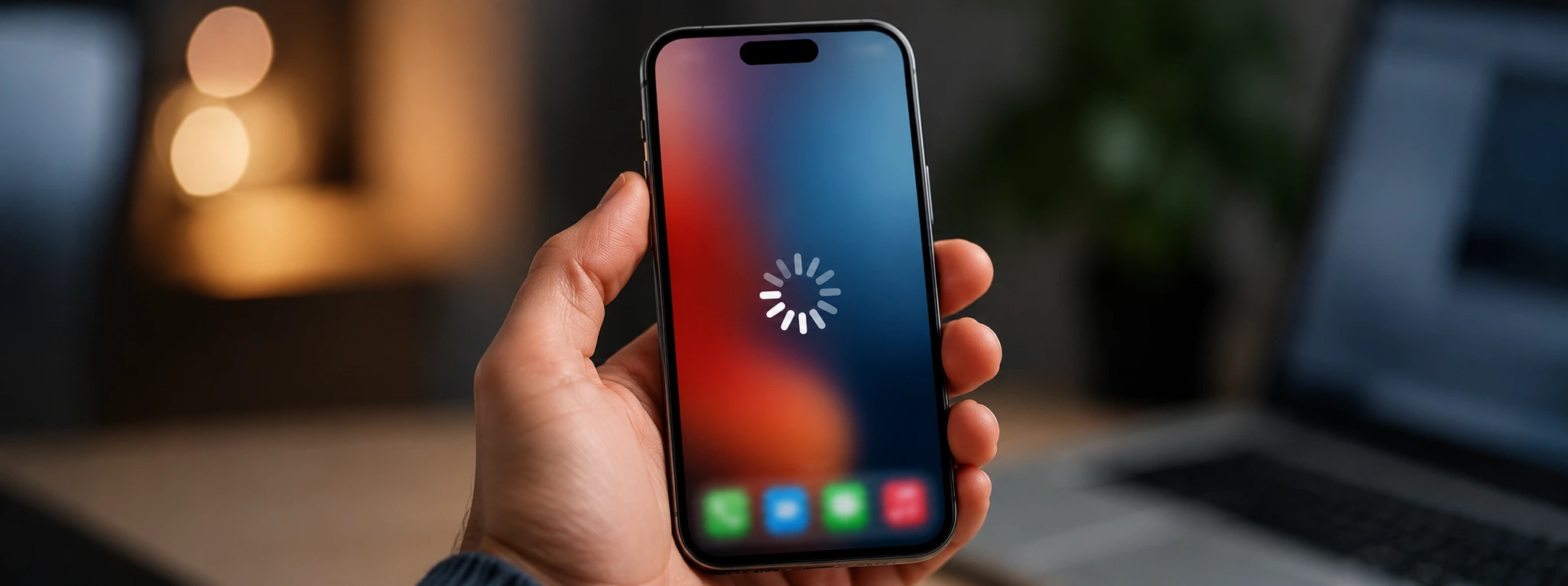
iPhone not backing up to iCloud: Causes and solutions
Learn how to fix issues when your iPhone won't back up to iCloud with practical tips for all iPhone models from iServices.
In 2026, discontinued iPhones are…
Apple will announce the discontinued iPhones in 2026, that is, Smartphones that will no longer be updated. Find out which ones with iServices.
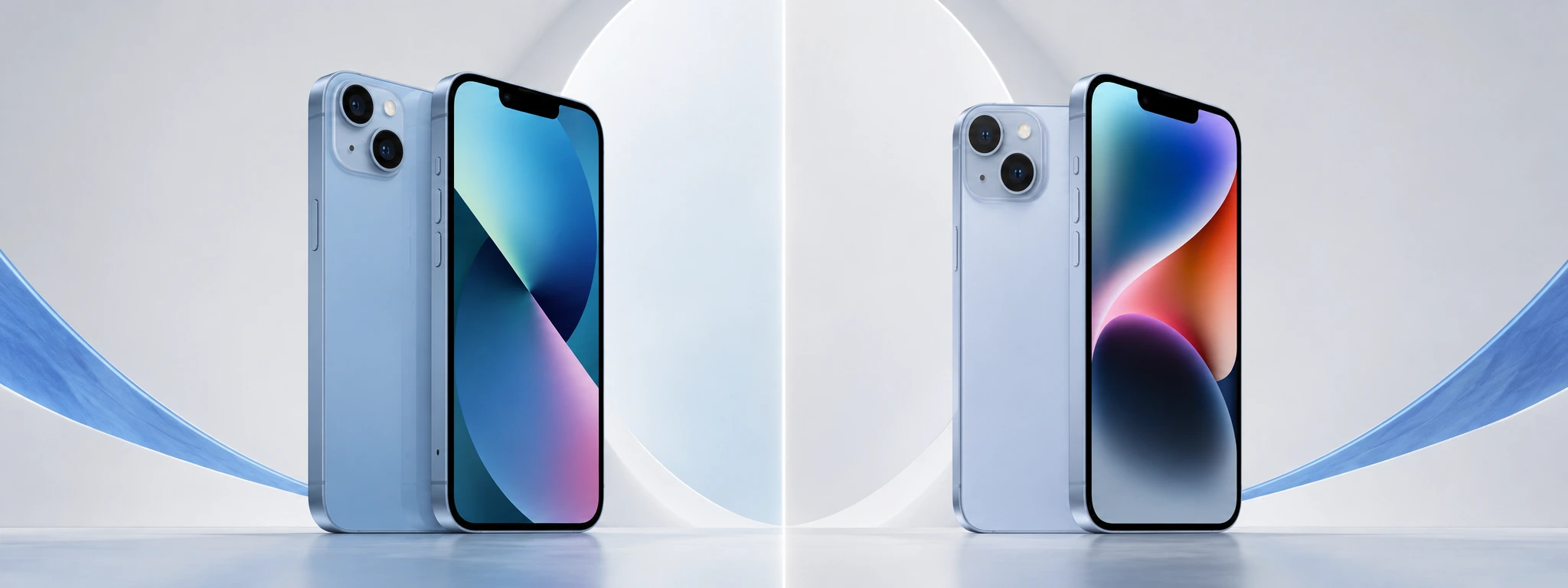
iPhone 13 vs iPhone 14: What is the best buy in 2026?
Compare the iPhone 13 and the iPhone 14 and discover the most important differences in cameras, battery, and performance to make your best iPhone purchase in 2026.
