


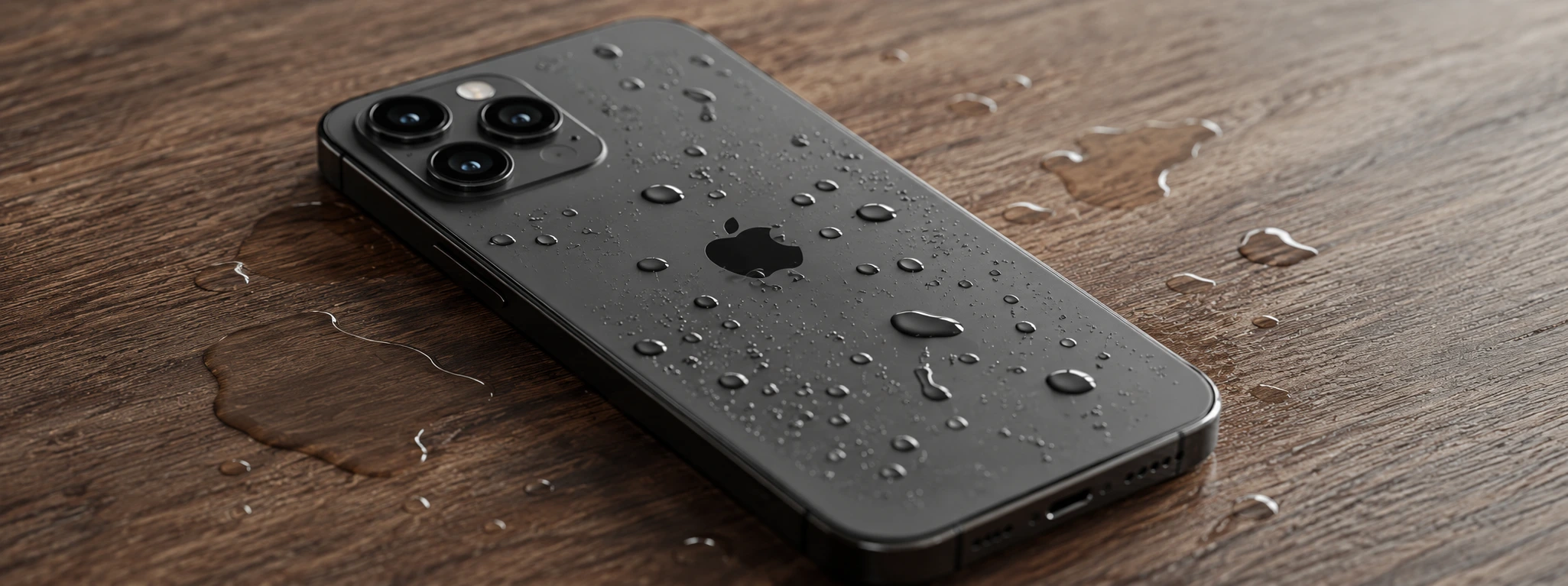




iPhone sound muffled after falling in water: causes and solutions
Muffled iPhone sound after falling into water is a common problem that can affect various models, from the iPhone X to the latest iPhone 17 Pro Max. Water is one of the greatest enemies of electronic components, and when it enters the phone, it can severely compromise audio quality, making it distorted, low, or even non-existent. At iServices, we understand the frustration this problem can cause and offer specialized technical solutions to restore the sound of your device.
If your iPhone has been submerged in water, it is essential to act quickly to avoid permanent damage. Additionally, knowing the causes of muffled sound and possible solutions can help minimize the effects before seeking professional assistance. In this article, we explain the most common causes, present a table of solutions, and detail the best practices for recovering sound quality, ensuring your iPhone functions optimally.
Causes that make iPhone sound muffled due to water
Water ingress into the speakers
The most frequent cause of muffled sound is water entering the iPhone's speakers. Moisture can get trapped in the small speaker grilles, blocking sound output and causing a muffled or distorted sensation.
Damage to the speaker membrane
When the phone falls into water, the internal speaker membrane can become damaged or oxidized. This membrane is responsible for vibrating and producing sound, and any damage can affect the quality of the emitted audio.
Corrosion of internal circuits
Water can cause corrosion in the electrical connections and circuits that control the iPhone's audio system. This can result in partial or total sound failure, including volume issues or muffled sound.
Blockage by residue or particles
In addition to water, residue or particles can get inside the phone after a fall, obstructing the sound outputs. Dust, sand, or small debris can aggravate the muffled audio problem.
Table of Solutions
| Cause | Recommended Solution | Complexity |
|---|---|---|
| Water ingress into the speakers | Carefully dry and use sound cleaning function | Low |
| Damage to the speaker membrane | Speaker replacement by specialized technicians | Medium |
| Corrosion of internal circuits | Diagnosis and cleaning of circuits, possible part replacement | High |
| Blockage by residue or particles | Professional internal cleaning of the phone | Medium |
| Associated software problems | Restart or restore the iPhone to check for software errors | Low |
Step-by-Step Solutions
Carefully dry and use sound cleaning function
- Immediately remove the iPhone from the water to prevent further absorption.
- Dry the exterior of the phone with a soft, lint-free cloth.
- Use the sound cleaning function available in some applications or set the volume to maximum to try and expel the water.
- Leave the iPhone turned off in a dry, airy place for a few hours.
Speaker replacement by specialized technicians
- Go to an iServices store with your iPhone.
- Our technicians perform a detailed diagnosis of the speaker.
- If necessary, we replace the original speaker with a new, certified part.
- We test the sound to ensure quality before handing over the device.
Diagnosis and cleaning of circuits, possible part replacement
- We carry out a complete diagnosis to identify the extent of the corrosion.
- We proceed to clean the internal circuits with specific products.
- If necessary, we replace damaged electronic components.
- We ensure the full functioning of the audio system.
Professional internal cleaning of the phone
- We open the iPhone in a controlled environment.
- We remove residue and particles that may be blocking the sound outputs.
- We perform a test to confirm the elimination of the muffling.
- We close the device ensuring its integrity.
Restart or restore the iPhone to check for software errors
- Restart your iPhone to see if the problem persists.
- If the sound remains muffled, back up your data.
- Restore your iPhone via iTunes or Finder on your computer.
- If the problem is software-related, a restore should fix the sound.
My iPhone sound is muffled only in the main speaker, what could it be?
Muffled sound only in the main speaker suggests that water ingress or residue is specifically blocking that output. It may also indicate damage or corrosion in the speaker. The best solution is a technical inspection for cleaning or replacement.
Can I dry my iPhone with a hair dryer to fix the muffled sound?
We do not recommend using hair dryers as the intense heat can damage internal components. Ideally, dry it gently with a cloth and leave the phone in a dry and ventilated place.
My iPhone has muffled sound even after falling into water and drying it, should I replace the speaker?
If after drying the iPhone the sound remains muffled, it is likely that the speaker has internal damage, so replacement is the most effective solution.
Can the muffled sound problem be caused by software glitches?
Yes, sometimes software errors or incorrect settings can cause audio problems. Restarting or restoring the iPhone can solve the problem if there is no physical damage.
Need Professional Help? iServices Is Here for You
At iServices, we have vast experience in repairing iPhones with sound problems after contact with water. Our specialized technicians perform complete diagnoses and guarantee repairs with original parts and warranty.
If your iPhone has muffled sound after falling into water, do not hesitate to visit one of our iServices stores for a free diagnosis. We offer express delivery and dedicated support so that your phone works like new again. See more information at iservices.pt and trust those who are leaders in mobile phone repairs.

 Gratis levering, verwacht dinsdag!



 36 Months
 36 Months
 36 Months
Other Articles
See more
Como fazer o reset ao iPhone? Vê este tutorial
Queres fazer o reset ao teu iPhone? Backup? Aprende a restaurar o teu iPhone às configurações de fábrica com este tutorial/guia da iServices.
iPhone 17, Apple announces the release date
It's official, Apple confirms the iPhone 17 release date. Find out the features, cameras, processor and all the new features.
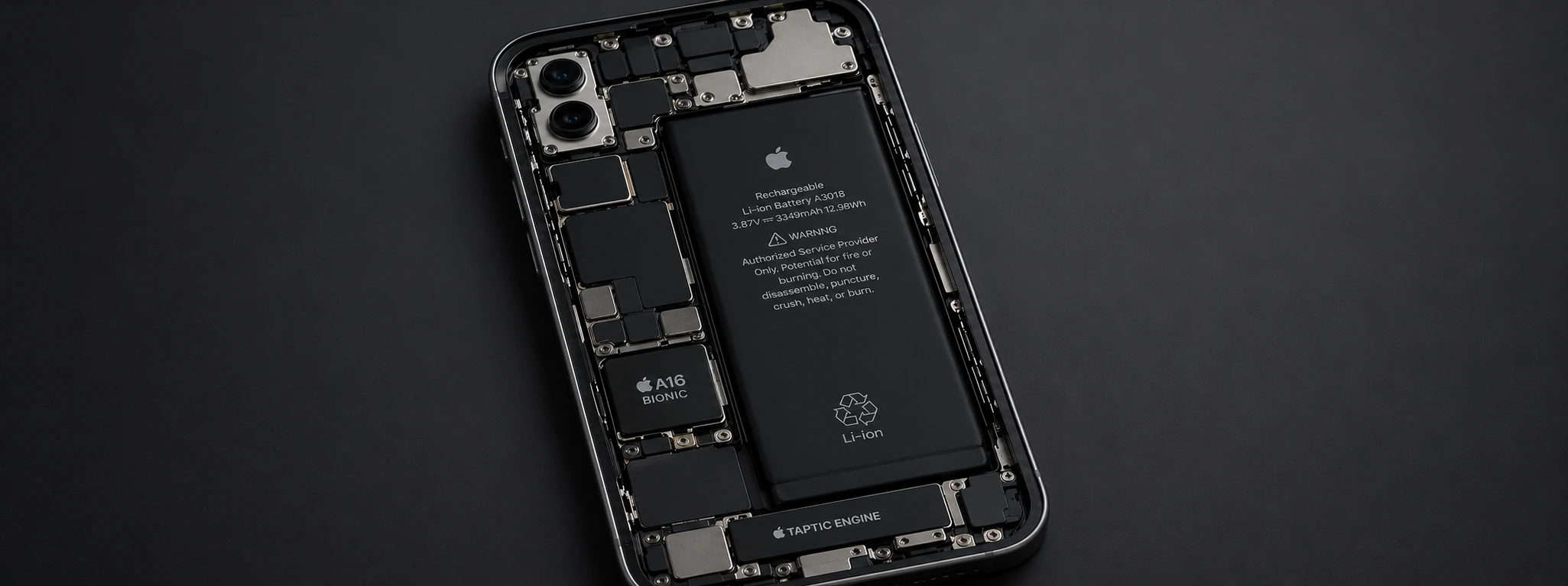
iPhone restarts due to battery issue: causes and solutions
Discover why your iPhone restarts on its own due to battery problems and discover how iServices can help with fast and guaranteed solutions.
