


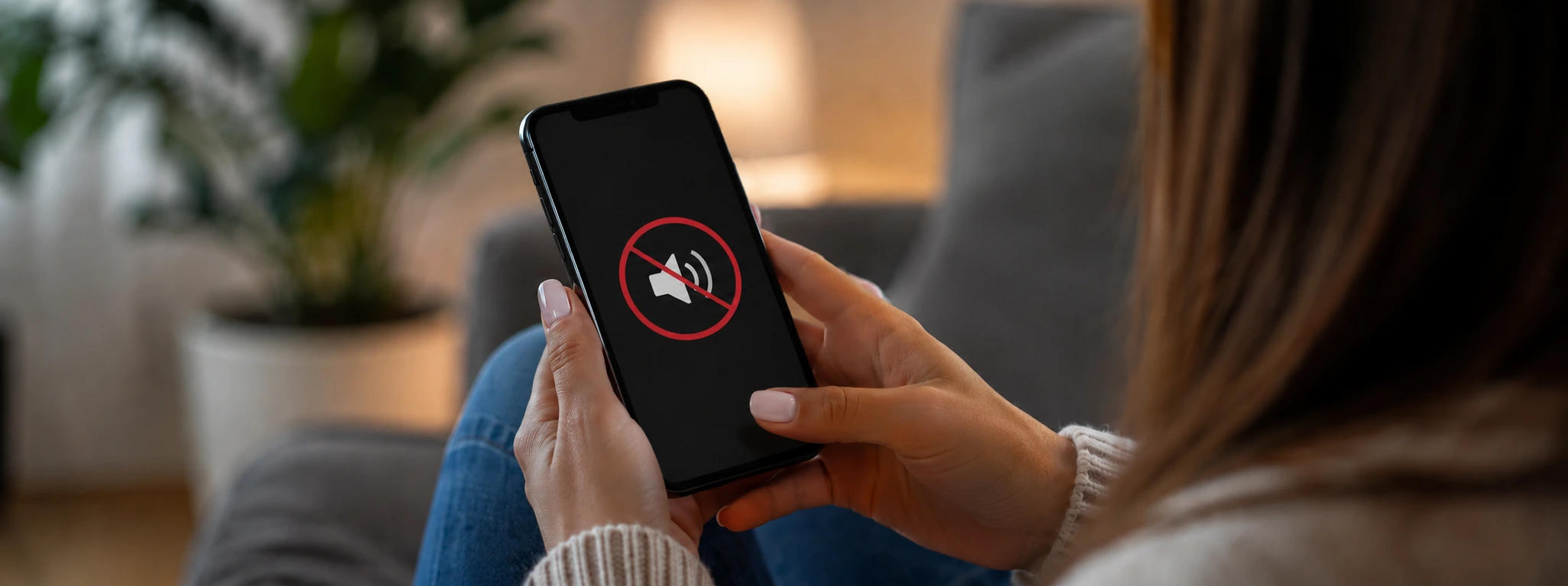




Dirty iPhone Earpiece: How to Clean It Safely?
The iPhone speaker is one of the essential components for ensuring call quality and the user's sound experience. With models ranging from the iPhone X to the latest iPhone 17 Pro Max, proper maintenance of the speaker is crucial to prevent sound issues, such as muffled audio or interruptions. Often, accumulated dirt can affect the speaker's operation, causing discomfort during calls or when listening to music.
At iServices, we understand that a clean speaker significantly improves the use of your phone, extends the device's lifespan, and ensures superior sound quality. That is why in this article we explain the main causes of dirt in the iPhone speaker and present a complete guide for cleaning it, with simple and effective solutions.
Causes of dirt in the iPhone speaker
Accumulation of dust and environmental particles
The iPhone is a portable device that is exposed daily to environments with dust, sand, and other microscopic particles. These particles can accumulate in the speaker, partially blocking the grilles and obstructing the passage of sound.
Residues of sweat and skin oils
During phone use, especially during long calls, sweat and natural oils from the skin can settle on the speaker. These moist residues adhere to the grilles and create a layer that hinders sound output.
Ingress of liquids or moisture
Accidents involving liquids, such as rain or beverages, can seep into the speaker, leading to the accumulation of moisture and dirt. This phenomenon can lead to more serious problems, such as corrosion of internal components.
Improper use and lack of regular cleaning
The lack of preventive cleaning and using the phone in dirty environments or with unclean hands contribute to the rapid accumulation of dirt in the speaker. Neglecting this maintenance can lead to permanent damage.
Table of solutions
| Cause | Recommended solution | Complexity |
|---|---|---|
| Accumulation of dust and particles | Cleaning with a soft brush and compressed air | Low |
| Residues of sweat and oil | Cleaning with a damp microfiber cloth | Low |
| Ingress of liquids or moisture | Drying and professional diagnosis | Medium to high |
| Lack of regular cleaning | Periodic preventive maintenance | Low |
| Stubborn dirt | Repair and replacement at the iServices store | High |
Step-by-step solutions
Cleaning with a soft brush and compressed air
- Turn off the iPhone to prevent short circuits.
- Use a soft-bristled brush, such as a clean interdental brush, to gently remove the dust accumulated in the speaker grilles.
- Gently blow with a can of compressed air to remove deeper particles.
- Avoid using sharp objects that could damage the speaker.
Cleaning with a damp microfiber cloth
- Lightly dampen a microfiber cloth with distilled water or a specific cleaning solution for electronics.
- Gently rub the speaker to remove oily residues and sweat.
- Let the phone dry completely before switching it back on.
- Repeat this process regularly to keep the speaker clean.
Drying and professional diagnosis
- Turn the phone off immediately if liquid has entered the speaker.
- Do not attempt to dry with direct heat, as this can damage the device.
- Visit an iServices store for a full diagnosis and professional cleaning.
- Our technicians use specialized equipment for drying and repair to prevent future damage.
Periodic preventive maintenance
- Establish a monthly routine for cleaning the speaker.
- Use the brush and microfiber cloth method to prevent dirt accumulation.
- Avoid using the phone with dirty hands or in very dusty environments.
Repair and replacement at the iServices store
- If the speaker continues to show problems after cleaning, replacement of the component may be necessary.
- Visit one of the iServices stores for a technical evaluation.
- Our certified technicians guarantee repairs with original parts and warranty.
- We offer express service and technical assistance nationwide for extra convenience.
How do I know if my iPhone speaker is dirty?
If you notice that the sound during calls is muffled or distorted, or if the volume seems lower than normal, it is likely that the speaker is dirty. Test with earphones to confirm if the problem lies with the device.
Can I use alcohol to clean the iPhone speaker?
We recommend not using alcohol directly on the grilles, as this can damage the internal components. Preferably use distilled water or specific solutions for electronics, applied to a soft cloth.
What should I do if the speaker doesn't work even after cleaning?
If the speaker continues to show defects after basic cleaning, we recommend visiting an iServices store for a professional diagnosis. Repair or replacement may be necessary.
How long does speaker cleaning take at an iServices store?
At iServices, cleaning and diagnosis are fast, often performed on the same day. Should a repair be necessary, we will inform you of the exact timeline, ensuring express service to minimize your inconvenience.
Do you need professional help? iServices is here for you
At iServices, we offer specialized technical assistance for all iPhone models, from the iPhone X to the iPhone 17 Pro Max. If your speaker is dirty or showing problems you cannot solve at home, our team is ready to help.
Visit us for a free diagnosis and take advantage of our services. With us, you have the guarantee of quality technical assistance and the trust that only iServices can provide. Check out all our solutions on our website and entrust your iPhone to the hands of experts.

 Gratis levering, verwacht overmorgen!



 36 Months
 36 Months
 36 Months
Other Articles
See more
How to Hard Reset iPhone: Complete Guide
Learn how to safely perform a hard reset on your iPhone, from iPhone X to iPhone 16/17, with this step-by-step guide from iServices.
Your phone not charging? 5 steps to try and fix it
Your phone not charging? Don't panic! It might be a loose connection or accumulated dust. Follow our suggestions before seeking professional help.
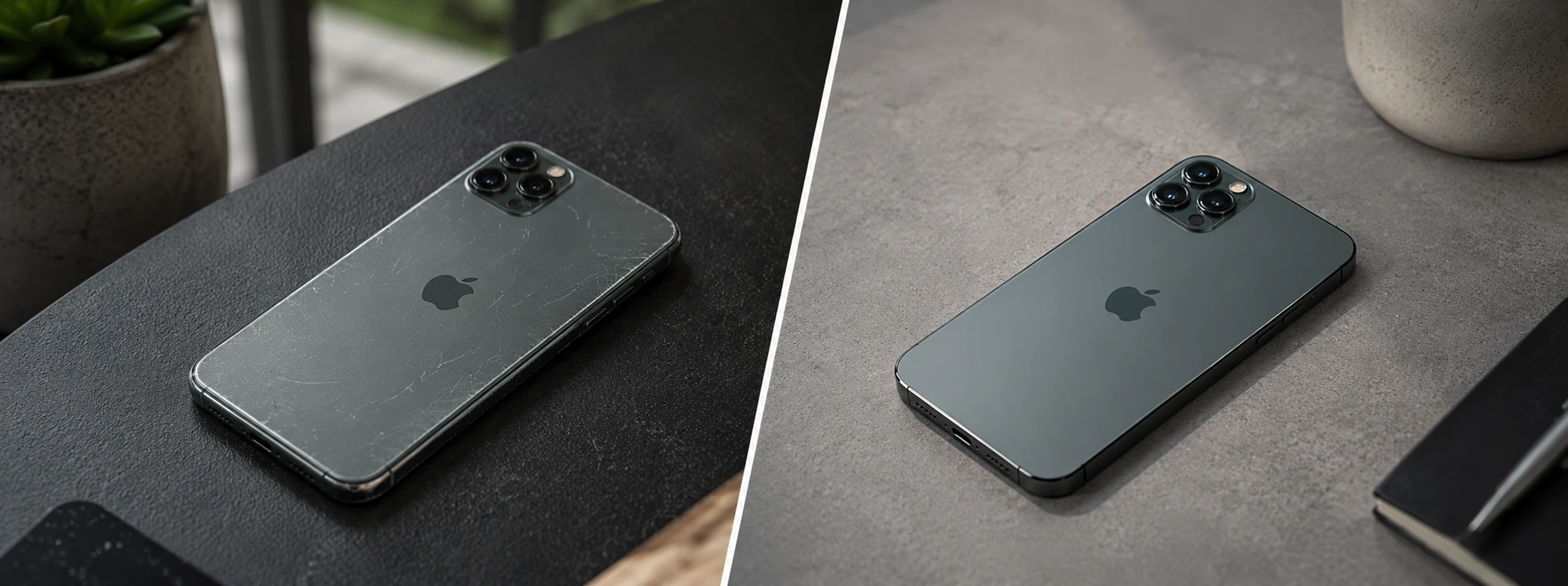
iPhone Refurbished vs. Used, what is the best option in 2026?
Refurbished iPhone vs. second-hand iPhone: discover the most important differences, the risks, the warranty, and which offers the best value for money in 2026.
