







iPhone turns off by itself: causes and solutions
It is frustrating when your iPhone turns off on its own, especially during a call, in the middle of an app, or while you are working. This problem affects various models, from the iPhone X to the latest iPhone 17 Pro Max, and can be related to software, hardware, or even battery issues. At iServices, we understand how important your phone is in daily life and we want to help you understand why this is happening and how you can solve it.
If your iPhone turns off unexpectedly, it may be a temporary problem that can be solved with simple steps, or a defect that requires technical intervention. The good news is that many of these problems can be easily fixed with the right guidance, so your iPhone works properly again.
iPhone turns off on its own - the causes
Battery or power problems
One of the most common causes for an iPhone that turns off by itself is related to the battery. Degraded batteries that have lost capacity or show internal defects can cause the phone to shut down abruptly to protect the hardware. This problem often occurs in models that have been in use for several years, such as the iPhone X or 11, but can happen with any version.
Software errors or incomplete updates
The iOS operating system is complex and sometimes updates can contain bugs or not be installed correctly, leading to malfunctions that cause sudden shutdowns. Incompatible or poorly optimized apps can also cause system instability, especially on older models that have not been updated to the latest version of iOS.
Internal hardware problems
In addition to the battery, other internal parts of the iPhone, such as the motherboard, can show defects that result in unexpected shutdowns. These malfunctions can arise from drops, exposure to liquids, or natural wear and tear. Identifying this cause requires a specialized diagnosis and may lead to the replacement of parts.
Overheating of the device
When the iPhone heats up excessively, the thermal management system shuts down the device to prevent permanent damage. This can happen during intensive gaming, prolonged use of heavy apps, or in very hot environments. Overheating can also be a symptom of problems with the battery or the processor.
Solution table
| Cause | Recommended solution | Complexity |
|---|---|---|
| Battery problems | Battery replacement | Medium |
| Software errors | Update or restore iOS via iTunes | Low |
| Hardware problems | Diagnosis and repair at iServices | High |
| Overheating | Avoid intensive use and cleaning of the system | Low to medium |
| Incompatible apps | Update or remove problematic apps | Low |
Step-by-step solutions
Battery replacement
- Visit an iServices store for a free diagnosis.
- If we confirm that the battery is worn out, we will proceed with replacement using original parts.
- We guarantee a quick replacement so you can use your iPhone again as soon as possible.
- The battery replacement comes with a warranty.
Update or restore iOS via iTunes
- Connect the iPhone to the computer on which iTunes is installed.
- Back up your data to prevent loss.
- Select the option to update iOS or, as a last resort, restore the system.
- Follow the instructions until the process is complete.
- Check if the problem persists after the update.
Diagnosis and repair at iServices
- Bring your iPhone to an iServices store.
- Our technicians will perform a full hardware diagnosis.
- We will provide a price quote before any intervention.
- We will proceed with the repair, which may involve replacing internal parts.
- We offer a warranty on all repairs.
Avoid intensive use and cleaning of the system
- Close apps you are not using to reduce the load on the processor.
- Avoid using the iPhone in high-temperature environments.
- Clean the phone regularly to prevent dust and dirt accumulation, which can affect heat dissipation.
- If necessary, ask for help at iServices to check the internal ventilation.
Update or remove problematic apps
- Regularly check for updates for your apps in the App Store.
- If an app causes shutdowns, try removing it and check if the problem disappears.
- Contact the app developers to report compatibility issues.
Why does my iPhone turn off on its own, even with a full battery?
Usually, this points to a software or hardware problem. It could be a glitch in the operating system, an app that is conflicting, or a battery that shows a charge but is worn out. We recommend updating iOS and, if the problem persists, seeking technical support for a diagnosis.
How do I know if my iPhone battery needs replacing?
In iOS, you can check the battery status via "Settings" > "Battery" > "Battery Health". If the maximum capacity is below 80% or if a message appears stating that the battery requires service, you should consider having it replaced to prevent unexpected shutdowns.
What should I do if my iPhone gets hot and turns off on its own?
It is important to stop using it, let the device cool down, and avoid warm environments. If the problem occurs frequently, overheating may indicate battery or hardware issues, so it should be evaluated by specialized technicians.
Can I fix the shutdown problem myself at home?
Yes, for simple cases such as updating iOS or closing problematic apps. However, if the problem persists, it is ideal to seek help at iServices, where we have specialized technicians and equipment for professional diagnosis and repair.
Do you need professional help? iServices is here for you
If your iPhone turns off on its own and simple solutions do not work, do not hesitate to visit one of our iServices stores. Our experienced technicians will perform a full diagnosis and provide customized solutions for your model, from the iPhone X to the iPhone 17 Pro Max. We guarantee fast repairs with original parts and a warranty for complete peace of mind.
In addition, we offer express deliveries and technical support throughout the country, so that your phone works like new again, without complications. At iServices, we are always ready to take care of your iPhone with professionalism and dedication.

 Gratis levering, verwacht dinsdag!



 36 Months
 36 Months
 36 Months
Other Articles
See more

Frozen iPhone screen: Oorzaken en Oplossingen
Learn how to fix a frozen iPhone screen with effective solutions for all models, with the help of iServices.
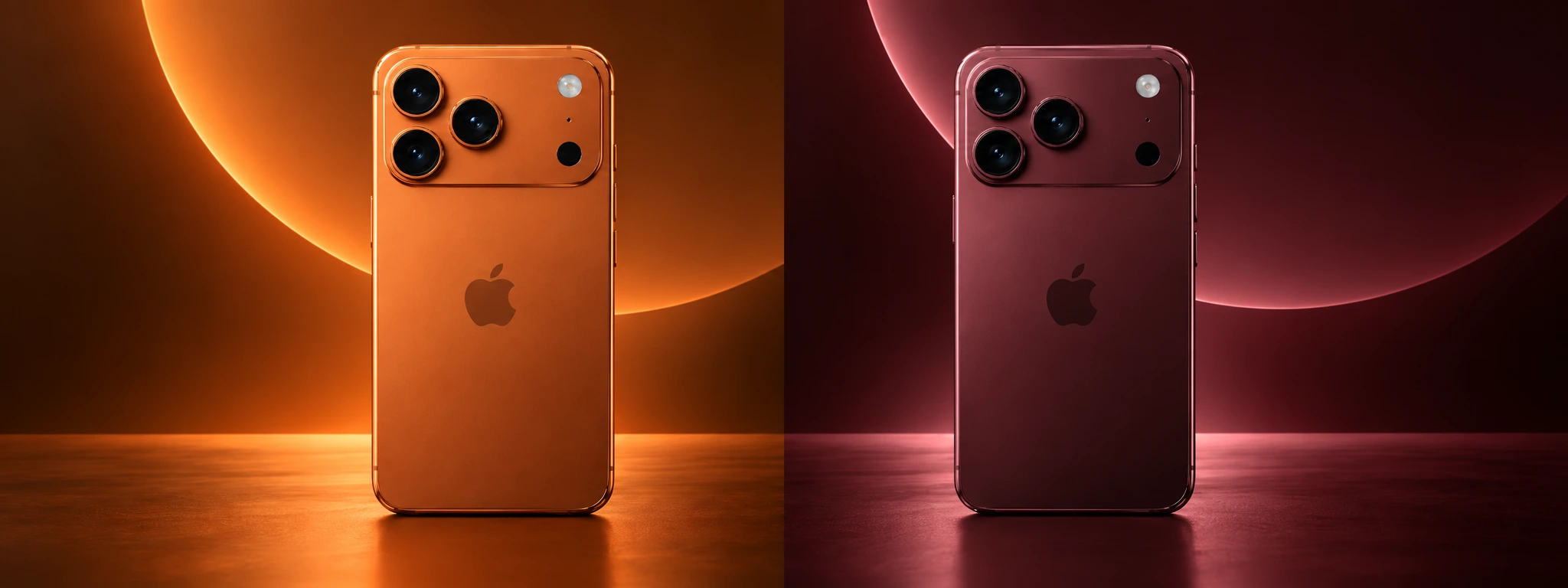
iPhone 17 Pro vs iPhone 18 Pro, which one to buy?
iPhone 17 Pro or iPhone 18 Pro? Discover the main differences in performance, cameras, battery and find out which one you should buy in 2026.

Maintaining a Refurbished Item: Essential Tips and Care
Learn the best tips to have with a refurbished product. These are precautions that aim to extend the lifespan of this equipment.
